Repository navigation
Extensions Shortcut
Press a shortcut for a menu of your extensions at the top right of the page. Choosing one opens it as clicking its toolbar button would, pinned or not.
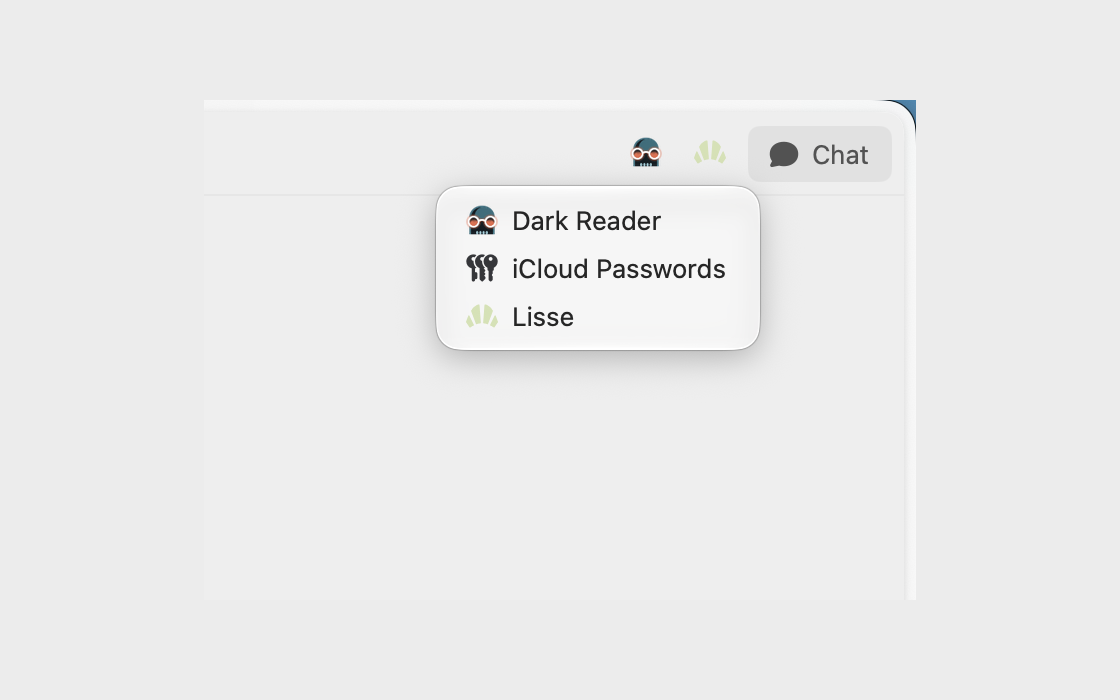
Open Dia → Settings → Patches and switch on Extensions Shortcut. Or run:
diatweaks enable extensionsShortcutIt's ⇧⌘X to begin with. Under the switch, click Shortcut and press the keys you want. It needs ⌘, ⌃ or ⌥, unless it's a function key. Press Delete to clear it, or Escape to keep the one you had.
Which extensions does it list?
Every extension that's on and has a toolbar button, whether or not it's pinned.