Repository navigation
Peek from Pinned Tabs
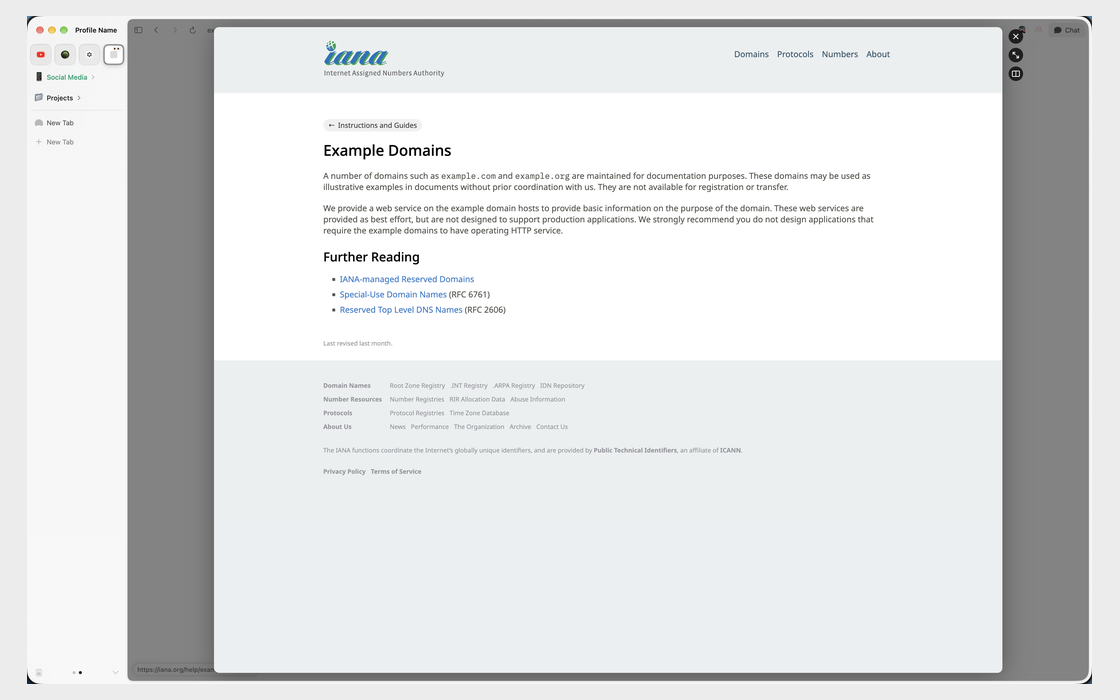
With Peek on Shift-Click on, a link that leaves a pinned tab's site opens in Peek, like Arc, instead of in a new tab. Links on the same site still open in the pinned tab.
Open Dia → Settings → Patches → Peek on Shift-Click and, under Options, switch on Peek from Pinned Tabs. Or run:
diatweaks enable peekPinnedLinksPeek on Shift-Click. Settings greys out this switch until that's on, and diatweaks enable peekPinnedLinks offers to turn it on too.
How do I keep the page?
Press ⌘O or click the expand button beside the card, as with any Peek.