Repository navigation
Gallery
English · 简体中文
Home · Cards · Builds · Enemies · Stages · Mechanics · Development · Changelog · Gallery · Brand · Validation
These are real application screenshots captured on 2026-10-22 from local builds of source 6ec7328 (game content unchanged in the documentation branch). They show the current Chinese UI. Desktop PNGs are 3840×2160, rendered at viewport 1920×1080 with deviceScaleFactor 2; mobile is 1170×2532, viewport 390×844 at scale 3. No post-capture upscaling, fabricated screens or AI gameplay illustrations are used. The game's internal render resolution remains independent of DPR.
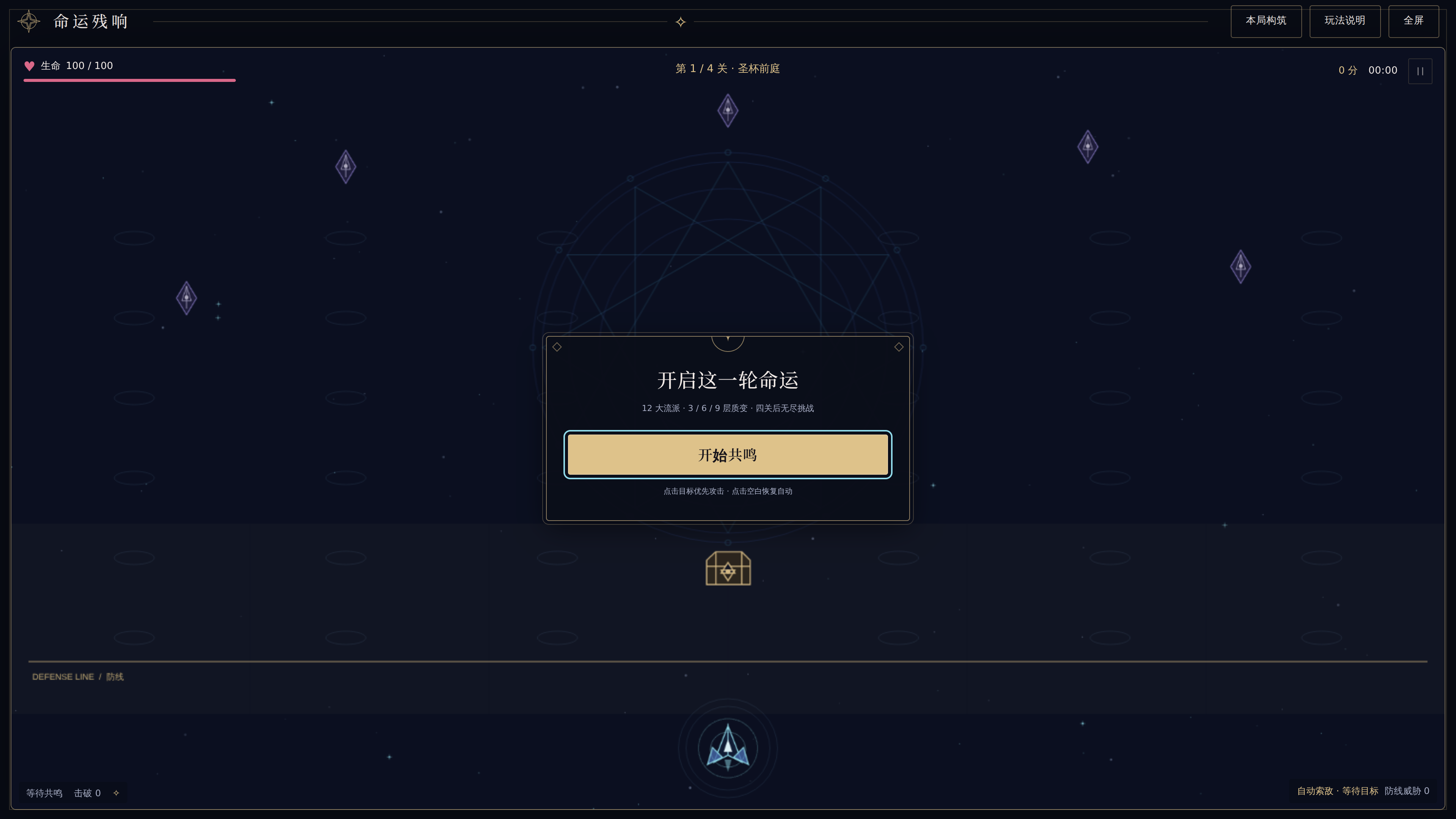
Choose 开始共鸣 to begin. The top toolbar opens the build and help panels; both pause play.
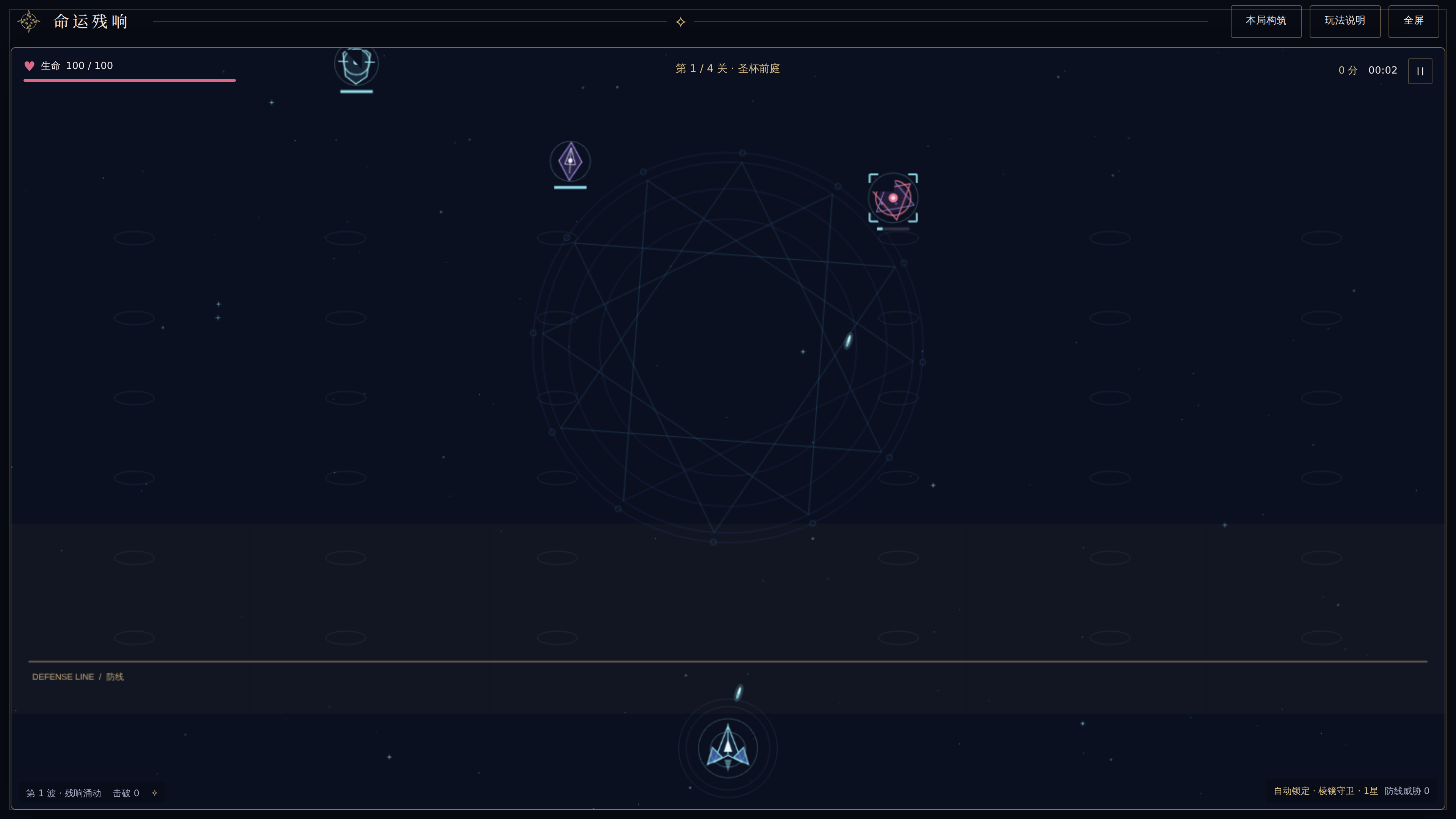
The ship stays at the bottom. Click an enemy or chest to focus; click empty space to clear. Ring colors and attack permission are explained in Mechanics.
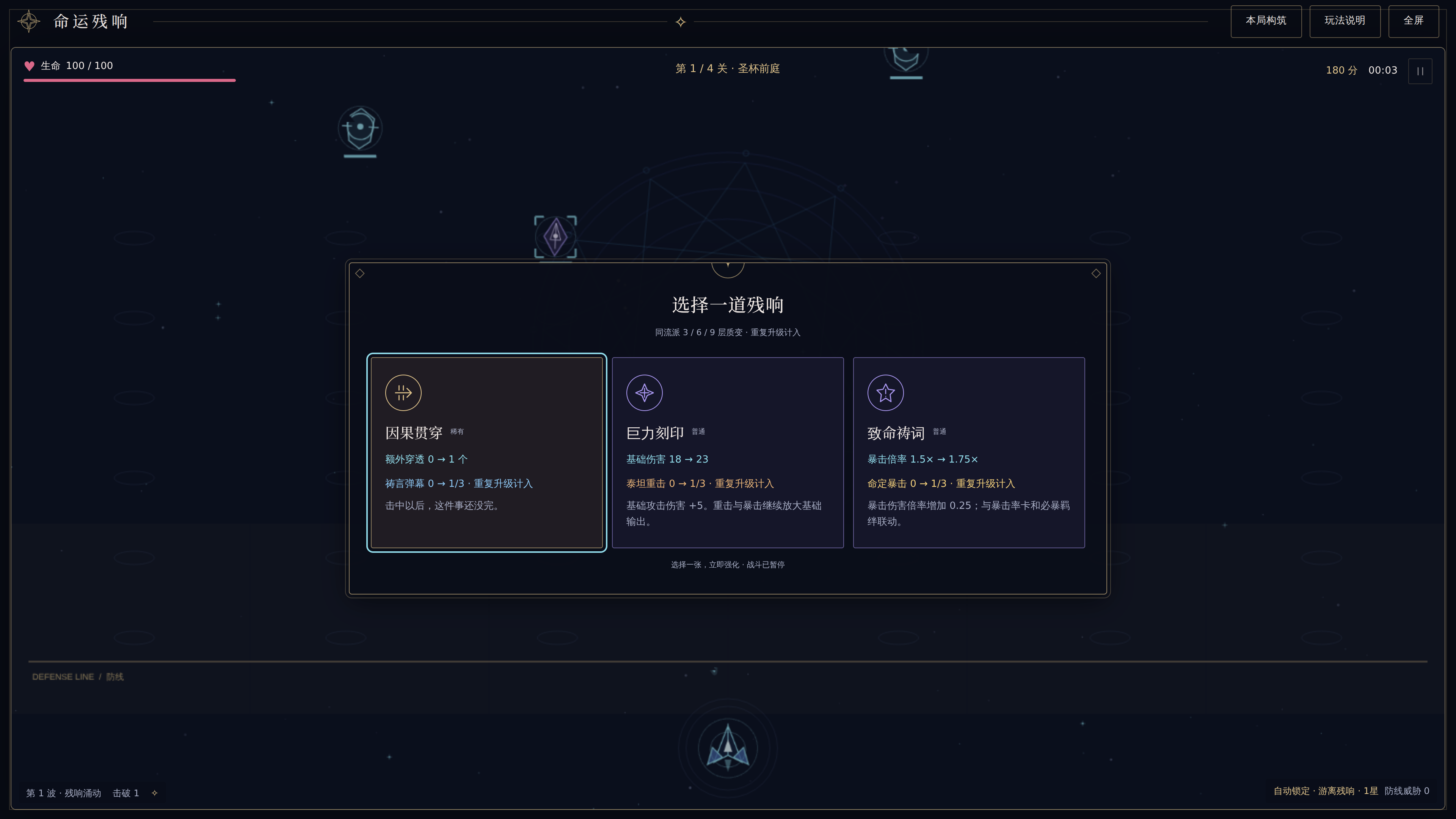
This offer is reached through normal play and chest targeting. The capture does not alter damage, health or rewards.
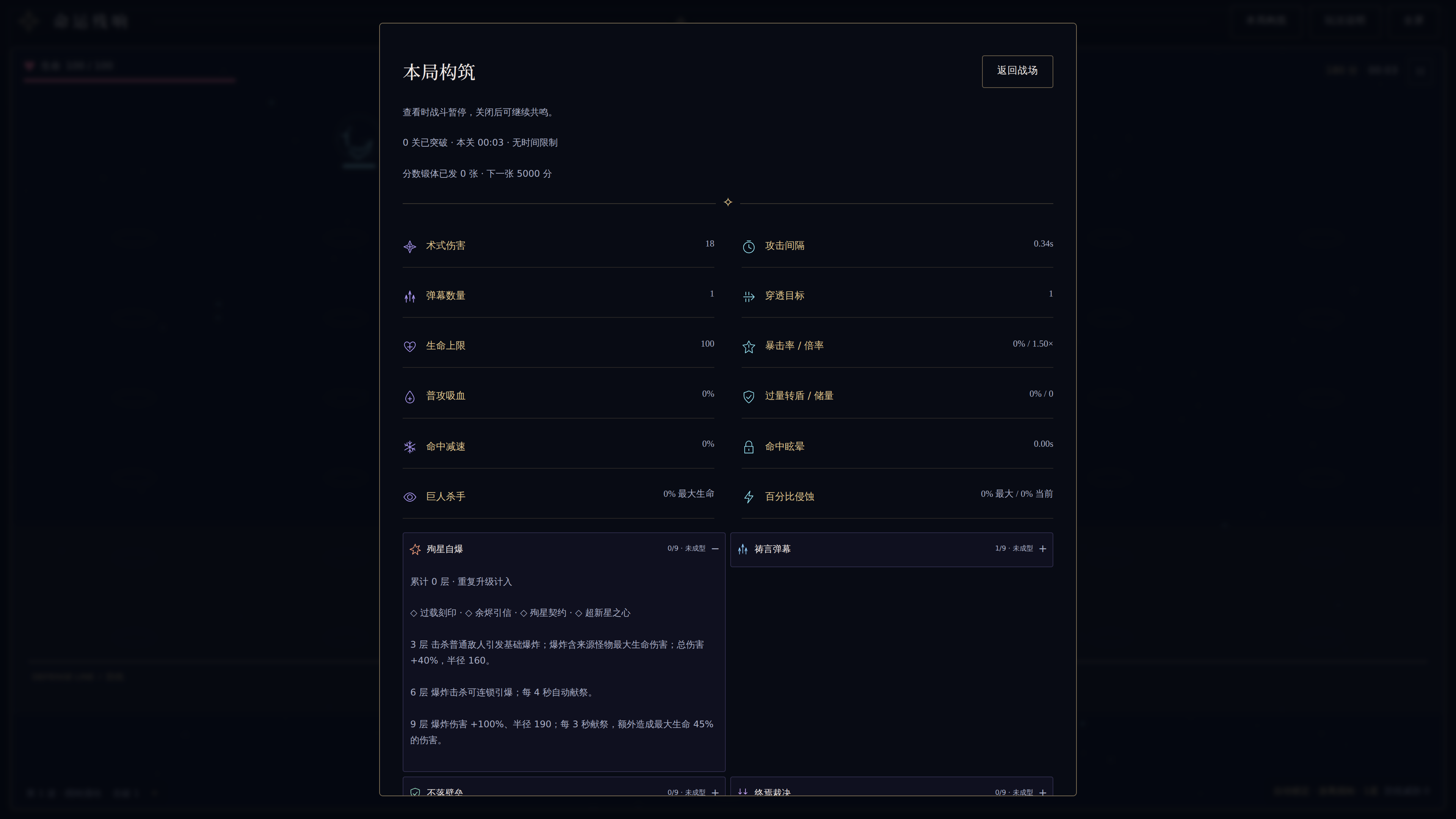
本局构筑 shows stats and families. Expand a family to inspect its cards and thresholds; close and manually resume.
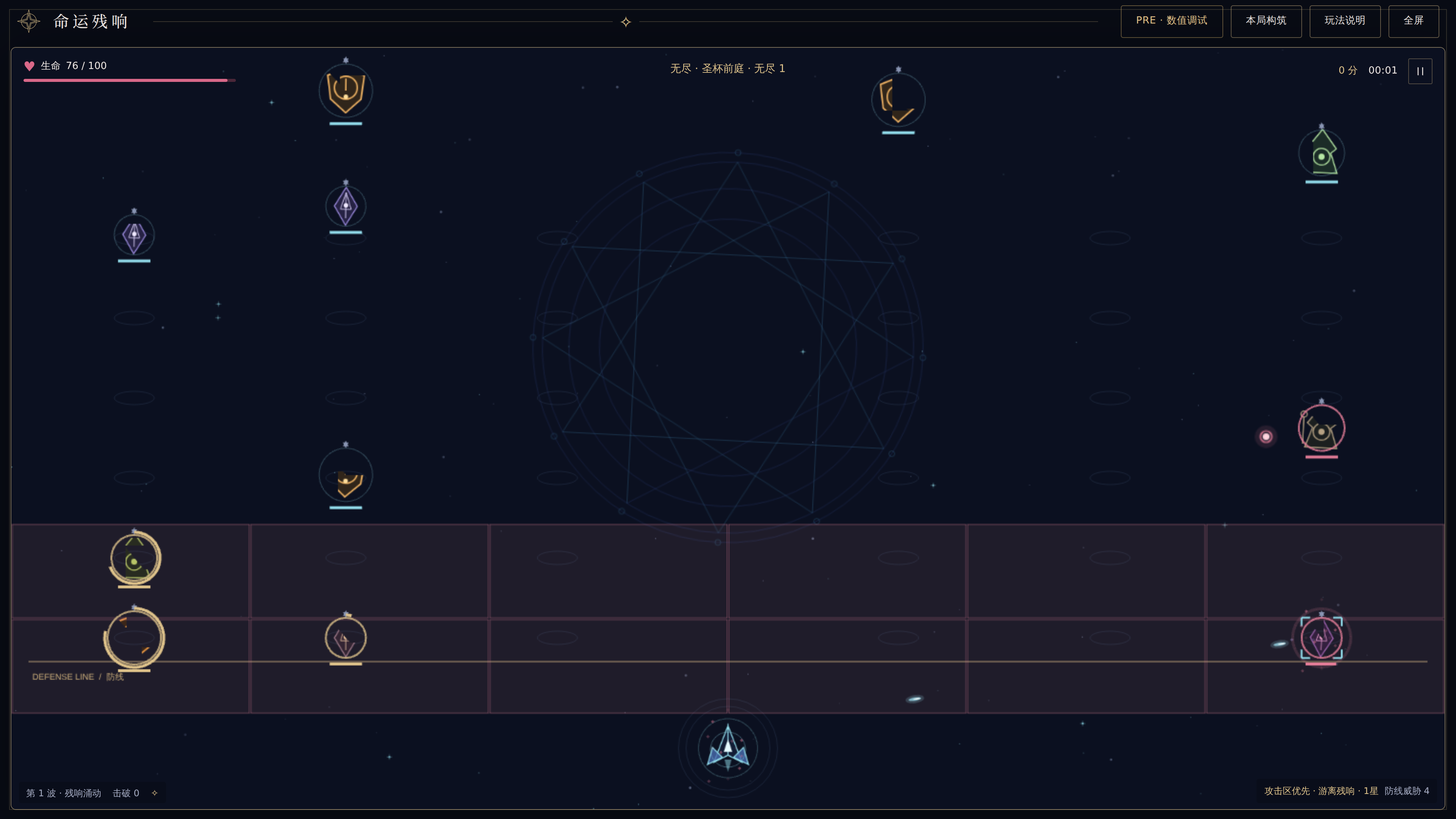
Debug illustration: entered with the actual PRE stage-jump control. This demonstrates attack cells and the UI; it does not claim a natural campaign clear or a balanced endless build.
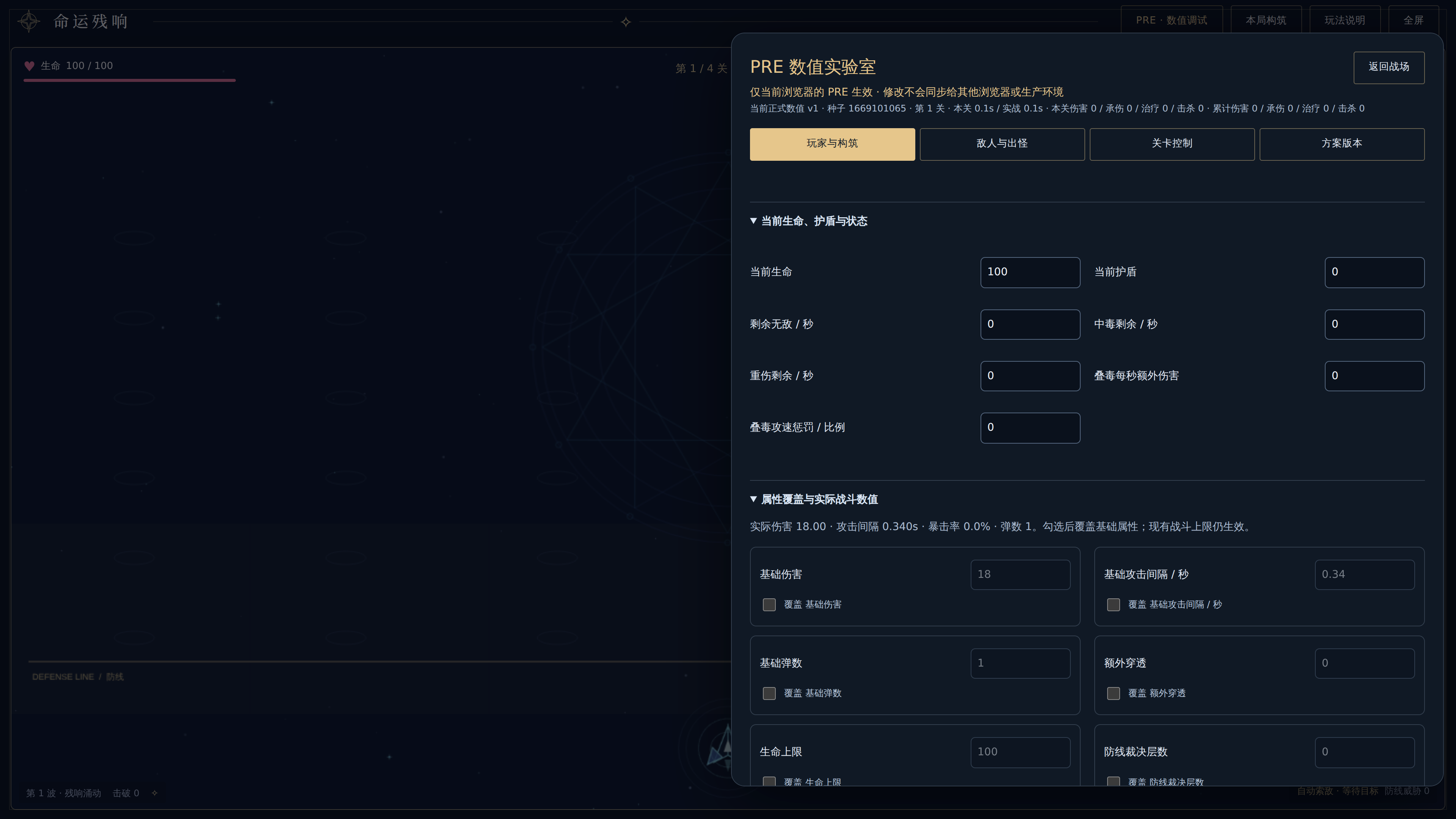
The laboratory exists only in PRE. It stores personal configuration in this browser, separately from game combat state and PRO.
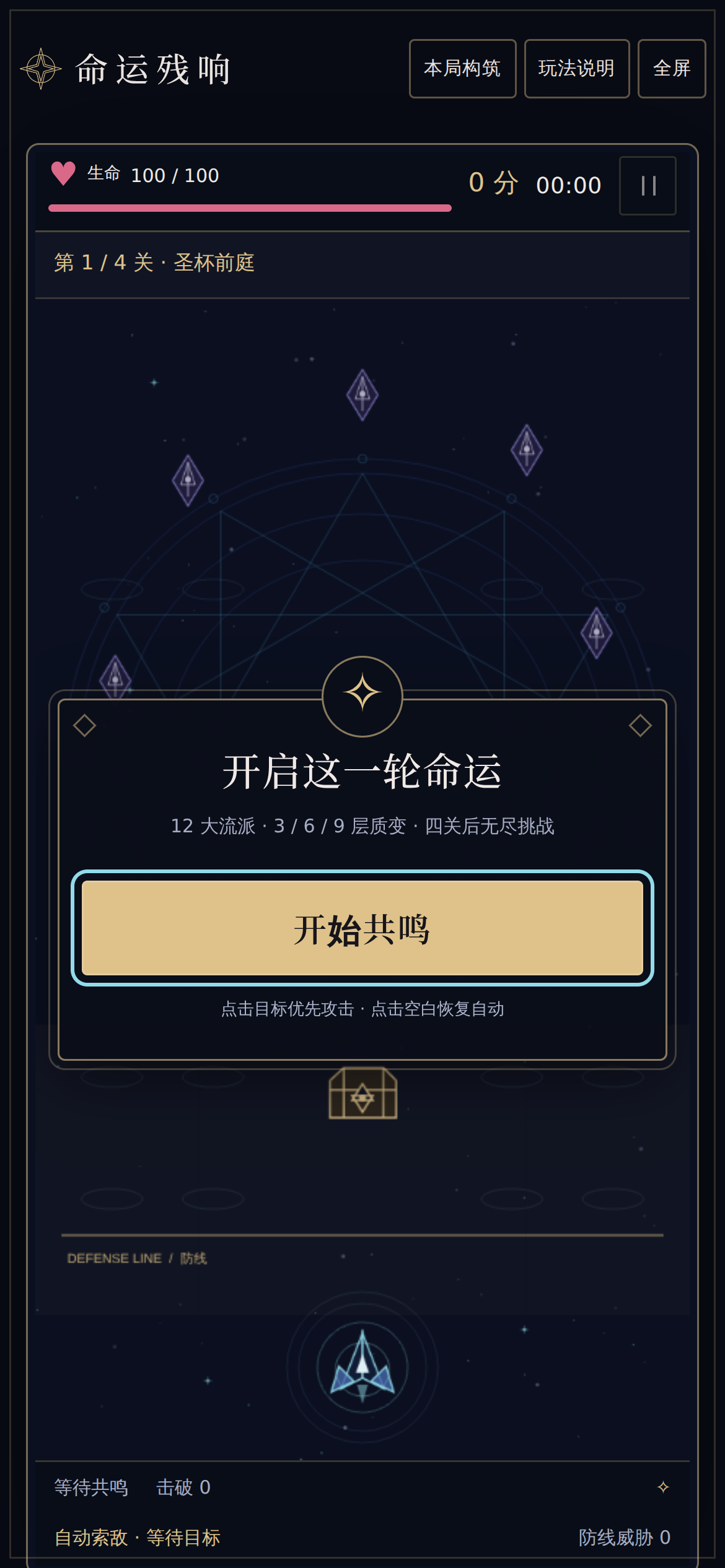
This is Chromium touch emulation, not a photograph or physical-phone certification.
Browser plugin not available; repository Playwright Chromium was used with software WebGL. Build both outputs, install matching Chromium, and start loopback preview servers in separate terminals:
bun run build
bun run build:pre
bunx --bun playwright install chromium
bun run preview --host 127.0.0.1 --port 4197 --strictPort
bun run preview --outDir dist-pre --host 127.0.0.1 --port 4198 --strictPort
# In another terminal:
bun run docs:screenshots
The capture script exercises actual controls, checks page identity, nonblank canvas, absence of Vite error overlays, application console/page errors and failed resources. It uses a fresh context and fixed clock per capture flow; reward randomization may still differ across revisions. Set DOCS_PRO_URL / DOCS_PRE_URL to override local URLs. Keep PLAYWRIGHT_BROWSERS_PATH consistent if using a writable temporary installation. Inspect all images before publication.
Files are versioned under docs/assets/screenshots; the capture command explicitly refreshes v1. To retain a new visual revision, change the filenames and references together before capture. Images are original project captures under the repository license, including existing third-party notices. Wiki publishing copies these source PNGs without resizing. Open an image for its native resolution. See Brand for the separate logo masters.