Repository navigation
Ride history
After every ride its summary appears: name the ride, upload it, then keep it with Done or Discard ride. Kept rides are on the History tab.
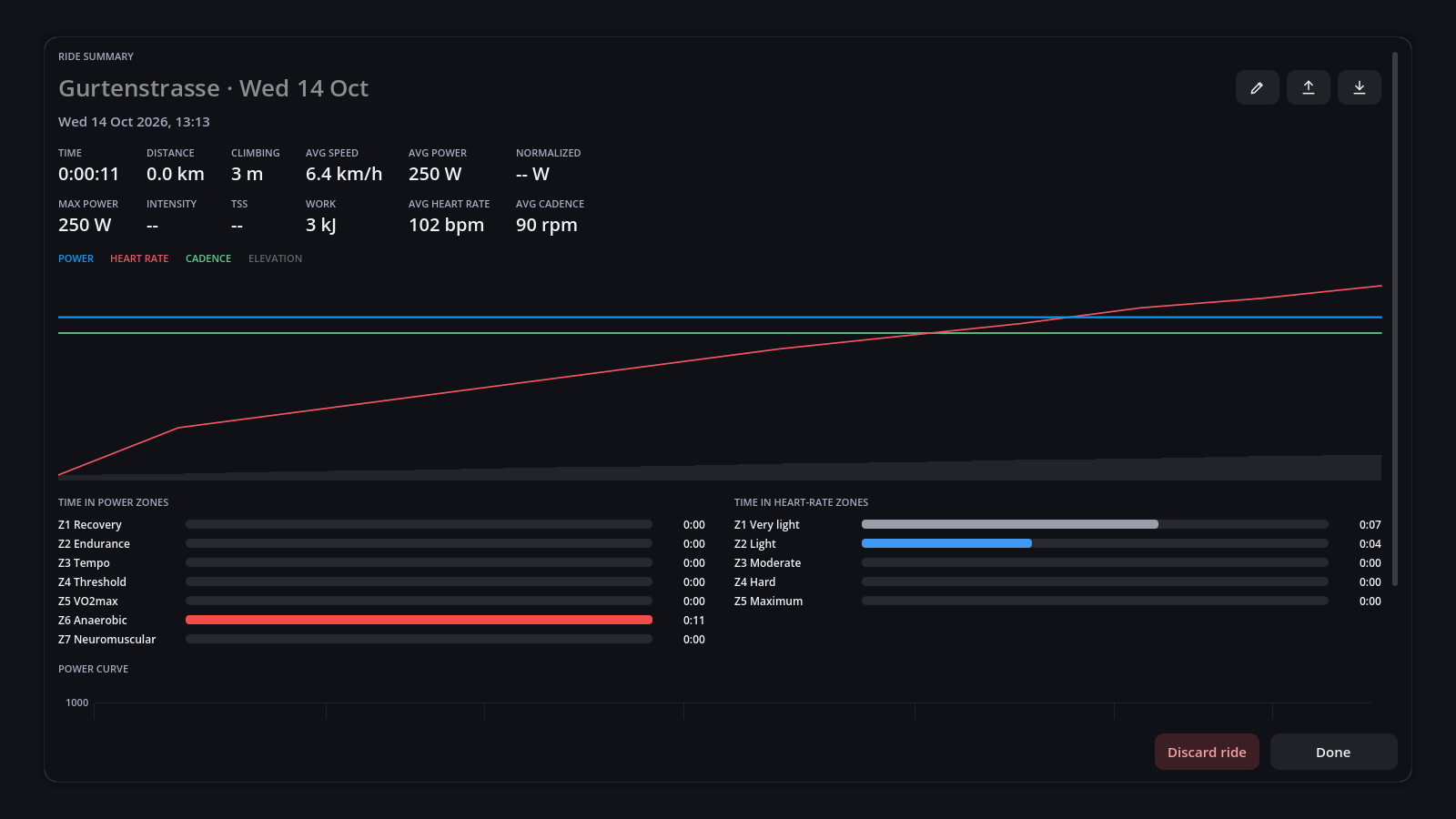
Each ride shows:
- Figures: time, distance, climbing, speed, power (average, normalized, maximum), intensity, TSS, work, heart rate and cadence.
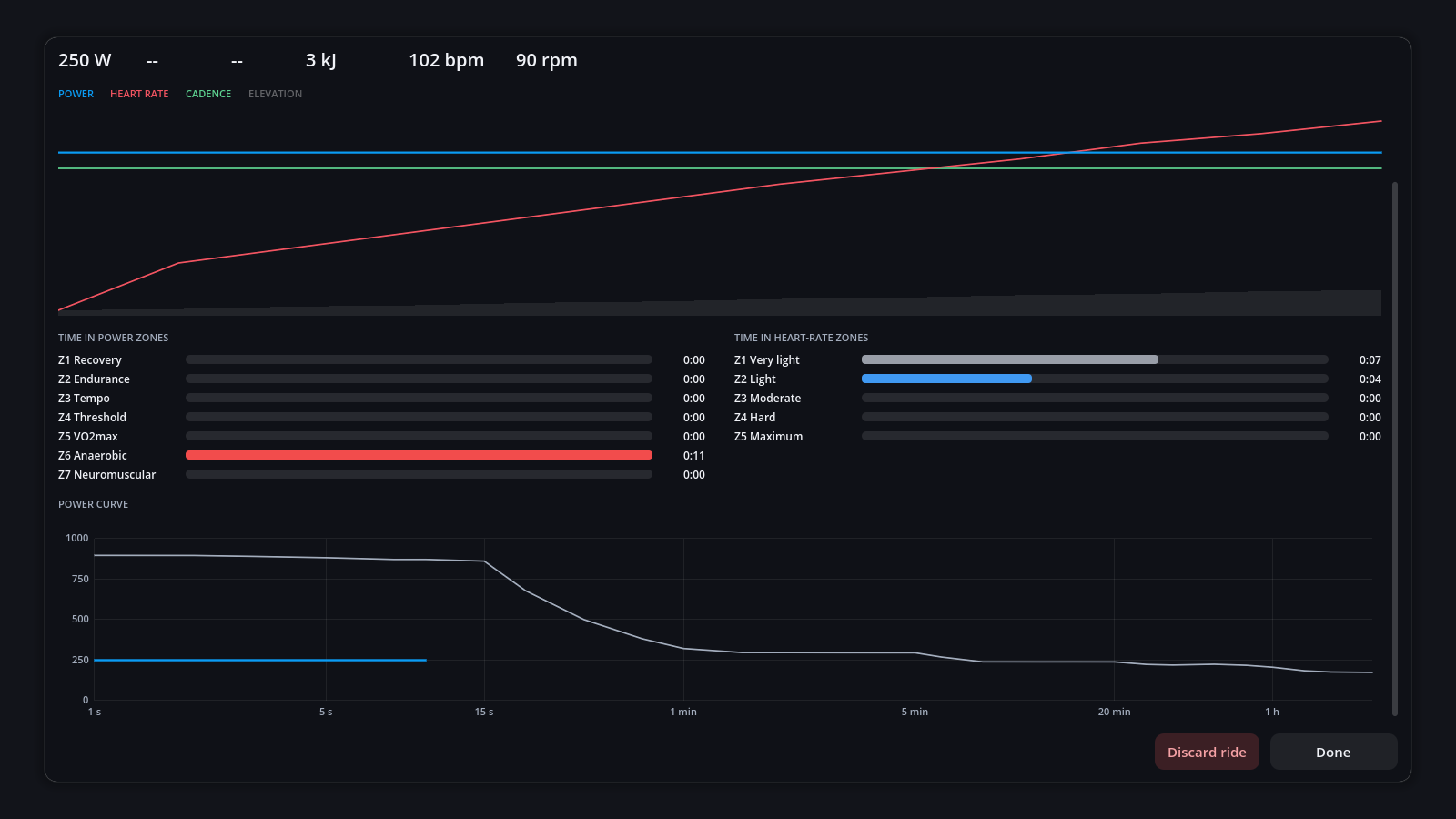
- Chart of power, heart rate and cadence over the elevation. Click a name in its legend, such as POWER, to hide that line; click it again to bring it back.
- Time in zones for power and heart rate.
- Power curve: the ride's best power for every duration, over your all-time best. A ★ marks a new best over 5 s, 1, 5, 20 or 60 minutes.
Beside the title:
| Button | Action |
|---|---|
| Pencil | Rename the ride |
| Up arrow (Upload) | Send it to intervals.icu or Strava |
| Down arrow (Export FIT file) | Save a copy, e.g. to import into Garmin Connect |
| Bin (Delete ride) | Delete the ride |
Rides are saved as FIT files in profiles/<rider>/rides/. FIT files you copy in there appear in
the history too.
Torqa finds the climbs on every route and rates them by length × gradient:
| Category | From | Example |
|---|---|---|
| Climb | 3 000 | 1 km at 3 % |
| Cat 4 | 8 000 | 2 km at 4 % |
| Cat 3 | 16 000 | |
| Cat 2 | 32 000 | |
| Cat 1 | 64 000 | |
| HC | 80 000 | Alpe d'Huez |
While riding, a panel shows the climb's category, distance to the top and your time against your best. At each summit and at the finish you see whether it is a personal record (★). Records count per rider and per course.
Each ride is a FIT file with a small JSON file beside it, under profiles/<rider>/rides/ in
the data directory. To list hundreds of rides without opening each file, Torqa keeps an index
of them in its cache folder; it follows the files by itself and can be deleted at any time.