Repository navigation
Home

Make waves with watts, not payments
Open-source · Free · Offline-first · Indoor cycling
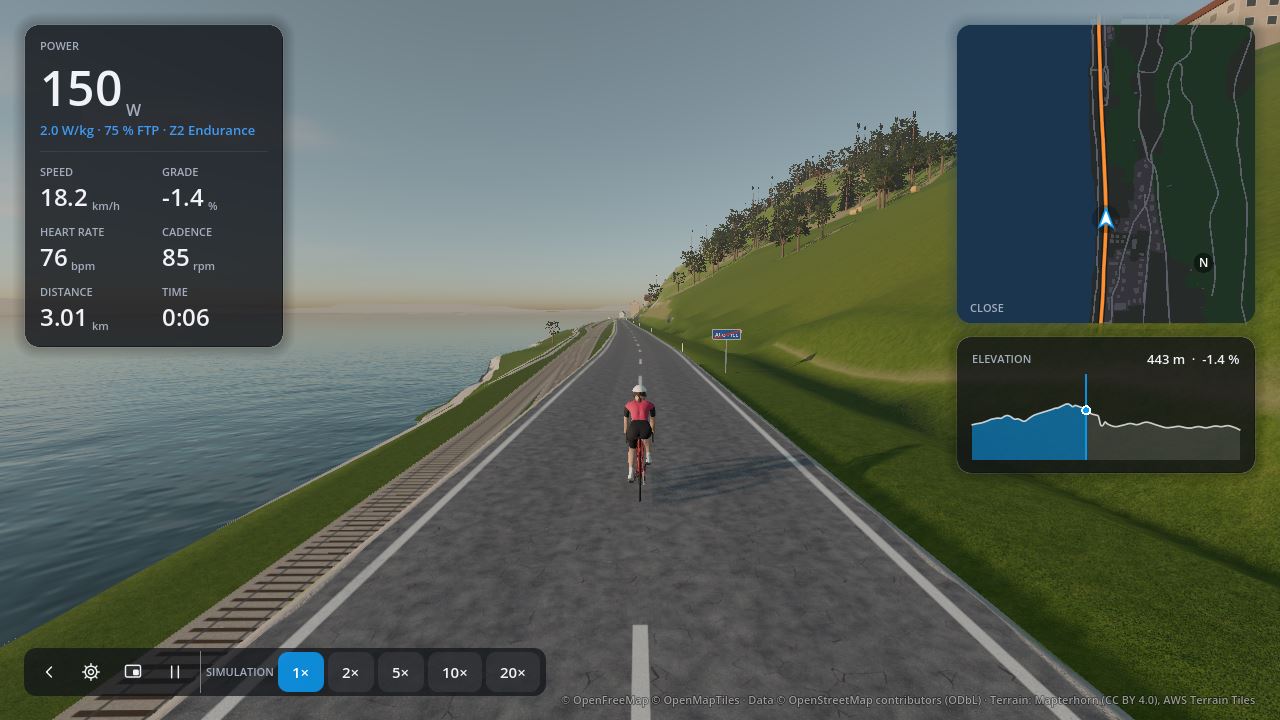
- Download Torqa for macOS, Windows or Linux, then follow the installation guide.
- Connect your trainer under Devices.
- Set up your rider: weight, FTP, maximum heart rate.
- Ride the sample course, or import a GPX route or a ride video, then press Ride.
Graphics, full screen, keeping courses ready to ride, Torqa's version and its licences are in the settings, behind the cog at the top right.
For testers: the command-line tool rides a trainer without the app.
Choose your language and inspect error details in Torqa; technical details remain available after notifications disappear.