Repository navigation
Getting started
Download the archive for your system from the Releases page and unpack it. Tagged releases include the app and the command-line tool; you do not need a GitHub account to download them. Between releases, builds are also available from the latest successful CI run on main (sign in to GitHub to download its artifacts):
| System | Download | Keep together |
|---|---|---|
| macOS (Apple silicon) | Torqa-macos-arm64.zip |
— |
| Windows |
Torqa-windows-x86_64.msi (installer) or Torqa-windows-x86_64.zip
|
Torqa.exe and torqa_gd.dll, if you use the zip |
| Linux (x86_64, arm64) | Torqa-linux-<arch>.tar.gz |
Torqa.<arch> and libtorqa_gd.so
|
On Windows, the installer is the easy way: open Torqa-windows-x86_64.msi, allow it to
make changes, and Torqa is in Program Files with an entry in the Start menu. Remove it like
any other app under Settings → Apps → Installed apps. Torqa tells you when a newer
version is out and installs it for you
(Settings → About);
installing a newer .msi over it by hand works too. Your rides, riders and settings are kept apart from the program (in %APPDATA% and
%LOCALAPPDATA%), so installing, updating or uninstalling never touches them.
Linux builds need glibc 2.35 or newer (Ubuntu 22.04+, Debian 12+, Fedora 36+).
Torqa's macOS and Windows downloads are not signed by a publisher Apple or Microsoft knows, so both warn the first time you open a newly downloaded copy, again after each update:
-
macOS: it says Apple could not verify Torqa and does not open it. Click Done, open
System Settings → Privacy & Security and, under Security where it says Torqa was
blocked, click Open Anyway; confirm with your password or Touch ID, then Open Anyway
once more.
Since macOS 15, right-click → Open no longer skips this. Instead, in Terminal,
xattr -dr com.apple.quarantinefollowed by the path toTorqa.appdoes the same. -
Windows: "Windows protected your PC" appears, for the installer as well as for
Torqa.exefrom the zip: click More info, then Run anyway. With Smart App Control on (Windows Security → App & browser control), Windows blocks Torqa without that choice; it then runs only with Smart App Control turned off.
Riding never does. Courses, workouts, devices (Bluetooth), history and analysis all work offline, and your library starts with a sample course to ride before you import anything. Torqa goes online only for:
| When | Why | Offline |
|---|---|---|
| Importing a GPX route or a video with GPS | Downloads the area's map (OpenFreeMap) and terrain (Mapterhorn, AWS Terrain Tiles); a course file then keeps them | It still imports, but rougher: the track is not put onto the roads and keeps the GPX's own heights. Areas imported before come from the cache |
| A course card's map and countries | Downloads map tiles of the land around the route | Filled in by itself the next time Torqa is online |
| Riding a video course in 3D for the first time | Its file holds only the route's data, not the world around it | Ride it along the video |
| Connecting to and uploading to intervals.icu or Strava | They are online services | Upload later from the history |
| Opening the Workouts tab with an intervals.icu account | Reads the workouts planned for today on your calendar | The section says so; the library's workouts stay |
| Starting Torqa, unless turned off under Settings → About | Asks GitHub whether a newer version is out; on Windows, Update now downloads its installer | Torqa starts as always and asks again next time |
Importing a .tqc course file or a workout file needs no internet. Map and terrain requests
reveal only the area of the route; Torqa has no account, server or tracking of its own.
These are all the servers Torqa contacts, e.g. to allow them in a firewall:
| Server | For |
|---|---|
tiles.openfreemap.org |
Map (roads, buildings, water, land use) |
tiles.mapterhorn.com |
Terrain heights |
s3.amazonaws.com |
Terrain heights where Mapterhorn has none (AWS Terrain Tiles) |
intervals.icu |
Uploads and today's planned workouts, once connected |
www.strava.com |
Uploads, once connected; logging in opens it in your browser |
api.github.com |
Whether a newer version of Torqa is out |
github.com, release-assets.githubusercontent.com
|
The new version's installer, when you choose Update now (Windows) |
While you log in to Strava, Torqa briefly listens on 127.0.0.1 (your own computer only) for the
browser to hand back the login.
The remote, once you turn it on, listens on your local network at port 8571 (or the port you chose) for your phone or tablet. It contacts no server; allow incoming connections to Torqa on that port if your firewall asks.
Torqa opens on six tabs:
| Tab | What it is for |
|---|---|
| Courses | Your course library: import, find and ride courses |
| Workouts | Hold a power or heart rate, structured workouts, FTP tests |
| History | Your past rides |
| Analysis | Your power and fitness across rides |
| Profile | Riders, their zones, HUD and accounts |
| Devices | Trainer, power meter, cadence, heart-rate strap, Di2 or Zwift Click (original or v2) |
The cog at the top right opens the settings: graphics and full screen for this computer, and About, with Torqa's version and licences.
You can also go through Torqa with the keyboard: the arrow keys move between the tabs, the courses and the buttons, Enter presses, and Escape goes back, from a course to the gallery or from a ride's summary to the start page. A blue ring shows where you are. The remote's pad on a phone or tablet does the same, so you can start a ride from the bike.
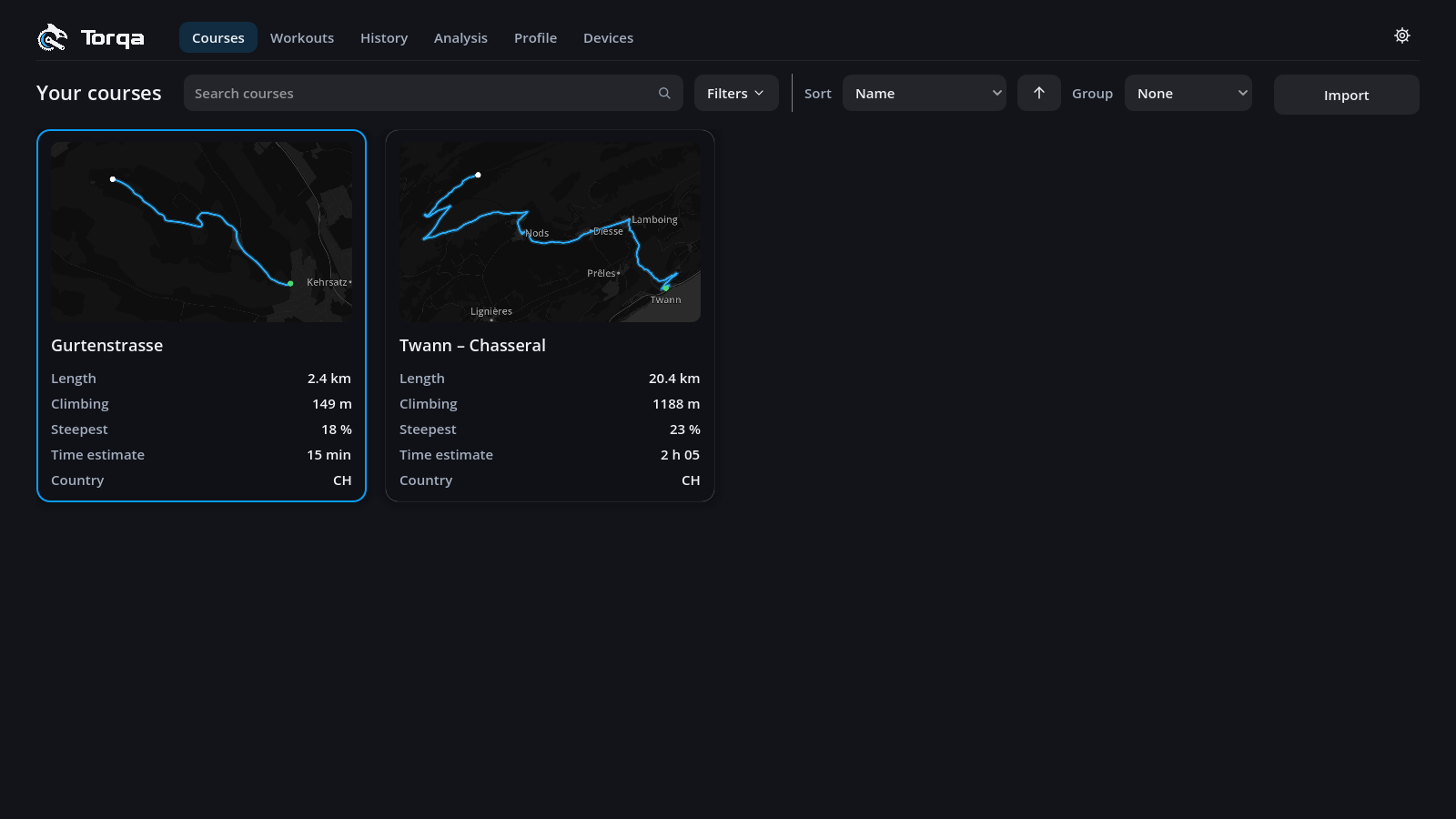
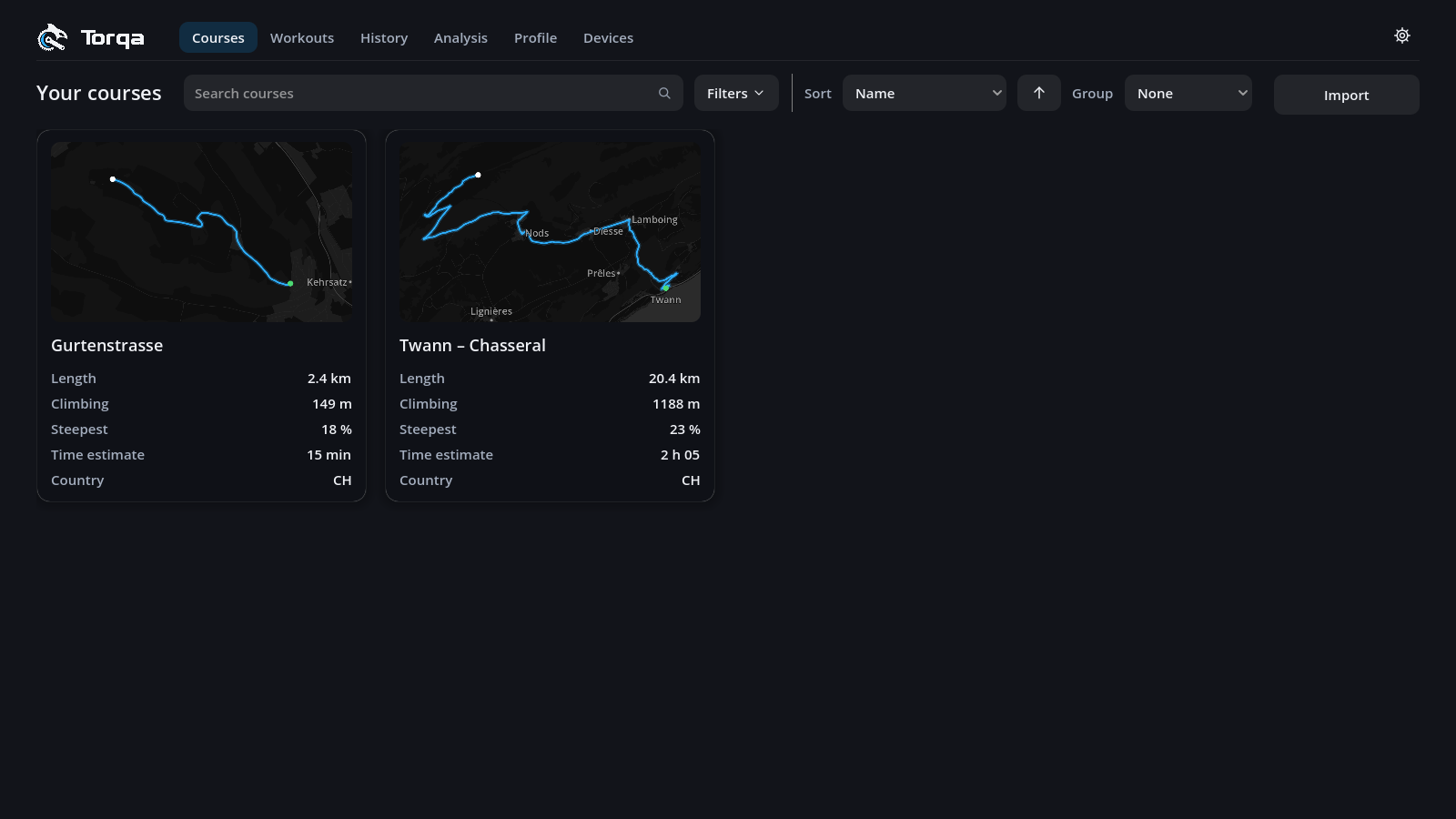
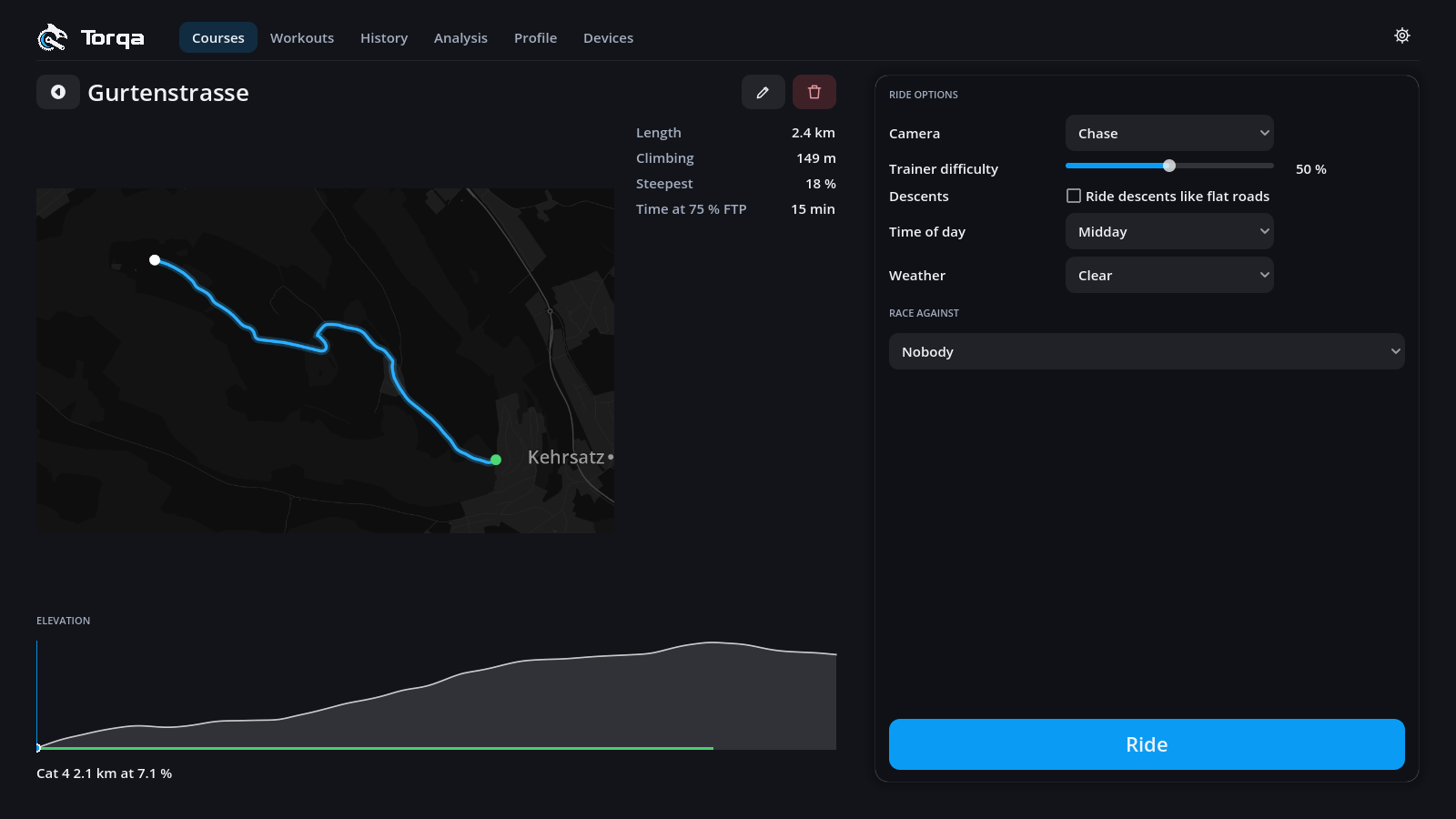
Click a course card to open its page: the route, elevation profile with its climbs, your best times, the ride options (camera, difficulty, time of day, weather) and who to race. Press Ride to go.
While a spinner turns above Ride, Torqa is reading the course and working out its climbs, your best times and the estimate below; Ride is ready once it stops. If the course cannot be opened, e.g. its video is missing, the reason shows there instead: open it again once it is fixed.
After Ride, Torqa builds the course's 3D world, which takes half a minute or more for a long course; with Keep courses ready to ride on, a course you have ridden before starts at once. Regenerate world shows when the kept world comes from a Torqa that built worlds differently: press it for the new look.
Time at 75 % FTP estimates how long the course takes you at a steady endurance pace.
The pencil beside the name renames the course or adds a video; the bin deletes it (your rides on it are kept).