Repository navigation
Settings
The cog at the top right of the start page opens the settings: Graphics for how Torqa looks on this computer, Courses for keeping them ready to ride, and About for which Torqa you have and its licences. Changes apply as you make them; Done closes the settings.
Riders, zones, language and the HUD are each rider's own, in Rider settings; during a ride, the ride bar's cog opens the ride settings.
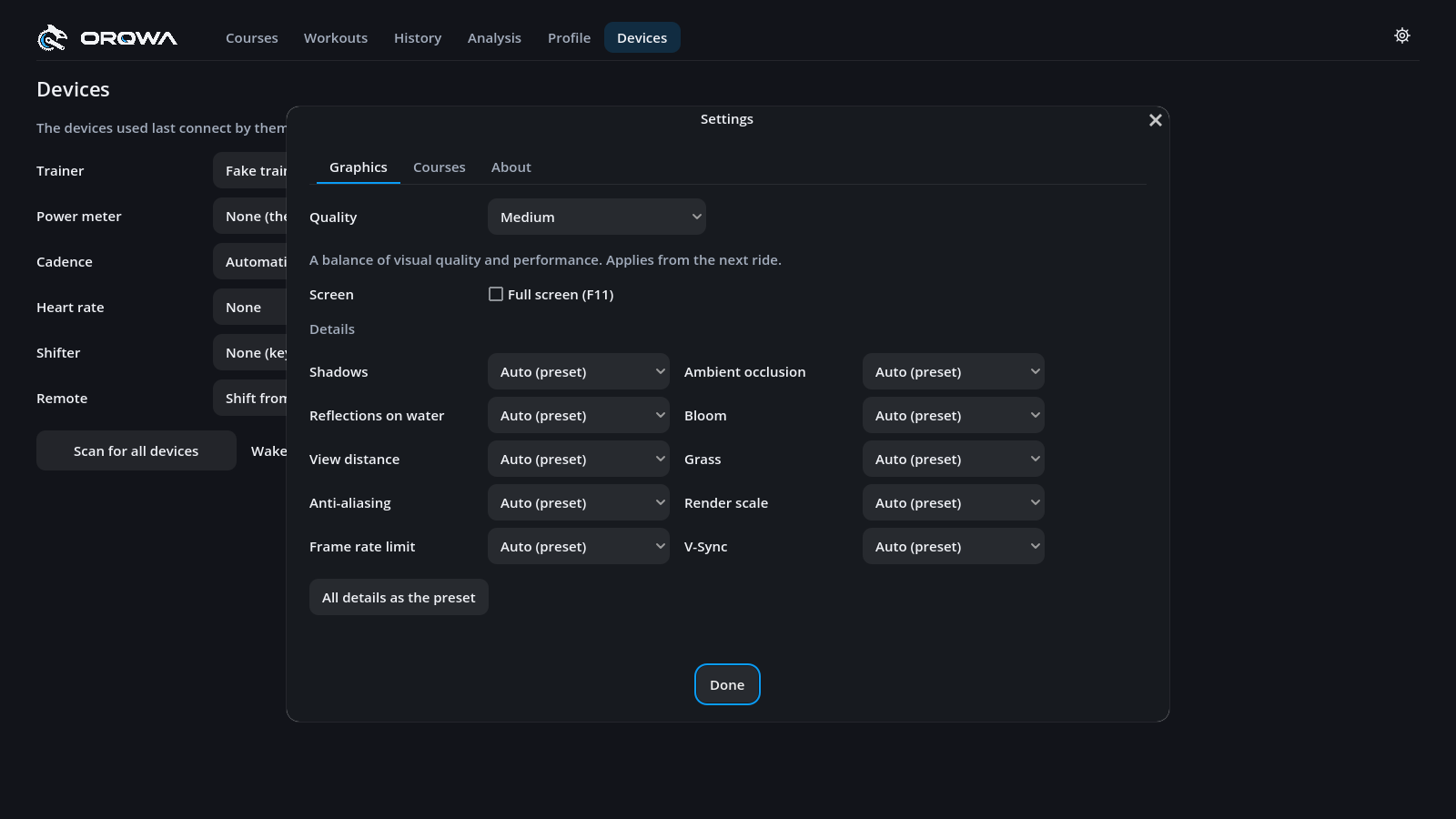
Quality sets the detail for this computer, from the next ride on — the presets and the details both:
| Preset | For |
|---|---|
| Low | weaker computers |
| Medium | a balance of visual quality and performance |
| High | stronger GPUs |
| Ultra | fast GPUs |
Details below set single things apart from the preset. Each starts at Auto, as the preset has it; All details as the preset sets them all back:
| Detail | Choices |
|---|---|
| Shadows | Low, Medium, High, Ultra: how far and how sharp |
| Ambient occlusion | Off, On: soft shade in corners and creases |
| Reflections on water | Off, On: water mirrors the land, not only the sky |
| Bloom | Off, On: a soft glow round bright light |
| View distance | Low, Medium, High, Ultra |
| Grass | Off, Near, Medium, Far |
| Anti-aliasing | Off, FXAA, MSAA 2×, MSAA 4×: smoother edges |
| Render scale | 50–100 %: below 100 % draws the world smaller and scales it up, for speed |
| Frame rate limit | Unlimited, 30–144 fps |
| V-Sync | Off, On: no tearing, at most the screen's refresh rate |
If a ride stays well below 60 fps, Torqa suggests a lower preset. Full screen (or F11 on any page) is remembered for next time. All of these stay with this computer, even when your riders and rides follow you to another one.
Text and buttons are as large as your system draws its own on that screen: set by the display scaling on Windows and the resolution (Larger Text … More Space) on macOS; on Linux under X11, which has no such setting, Torqa picks a size from the screen. Resizing the window does not make them larger or smaller: a smaller window rearranges the pages to fit, down to 1024 × 640, and a larger one or full screen shows more. Only the overlay grows and shrinks with its window.
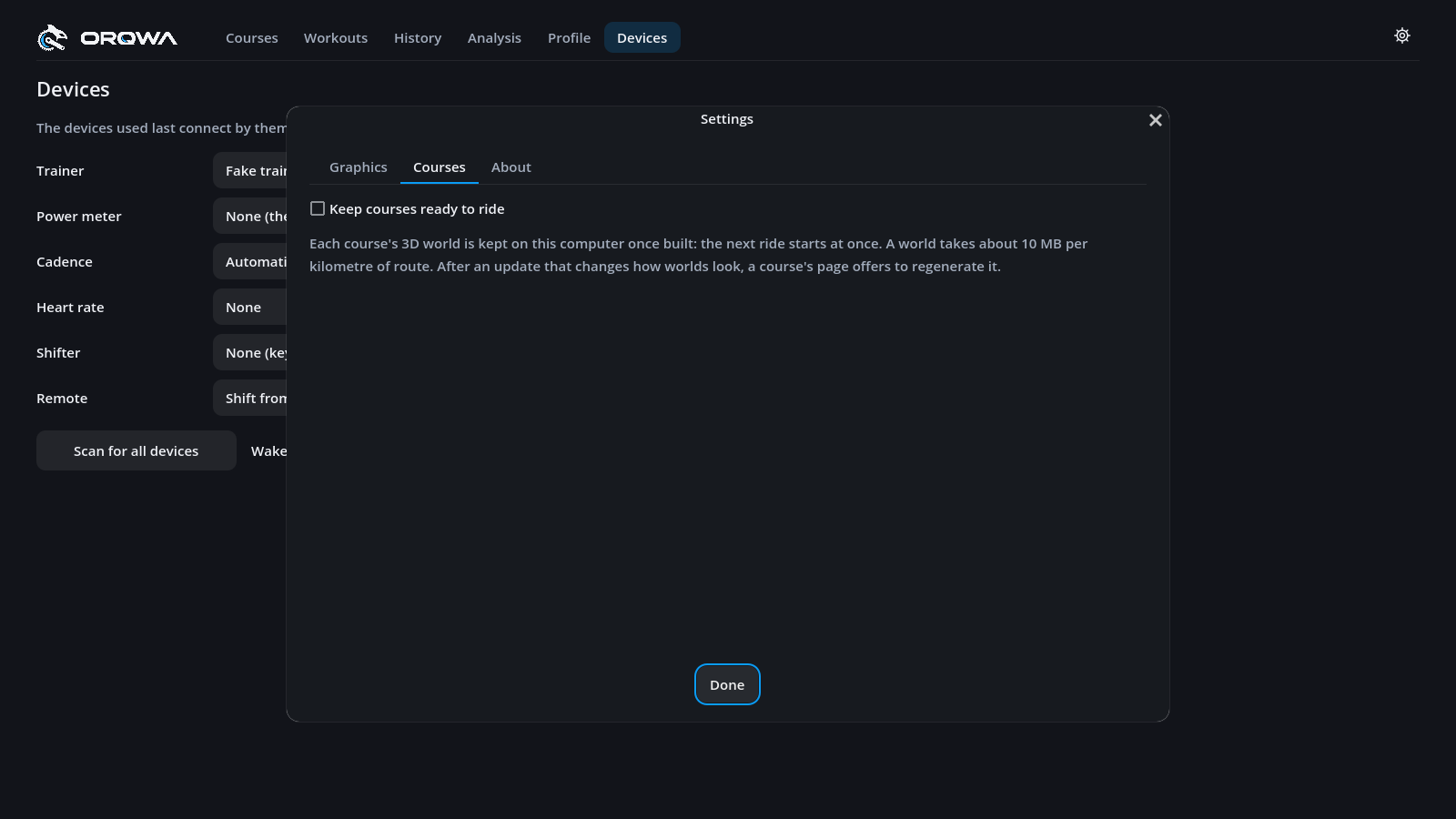
Before a ride, Torqa builds the course's 3D world from its file: a few seconds for a short climb, half a minute or more for a long course. Keep courses ready to ride keeps each course's world on this computer once built, when you first ride the course or prepare it from a GPX file. Pressing Ride on it again then starts within a second or two.
A kept world takes about 10 MB per kilometre of route, around 1 GB for a 100 km course, so this is off until you turn it on; the tab tells how much room the kept worlds take. They stay in Torqa's cache folder, never in the course file, which stays as small to share, nor with your riders and rides in a synced folder. Turned on with a course open, that course is kept at once.
Kept worlds stay when you update Torqa. If an update changes how worlds look, a course with a kept world shows Regenerate world on its page: it builds the world with the new version and keeps it in place of the old one. Until you press it, the course rides at once in the world kept before. Now and then an update cannot use the kept worlds at all; then each course is built again on its next ride and kept as before.
A kept world goes when you delete its course, also on another computer sharing your courses, and they all go when you turn this off.
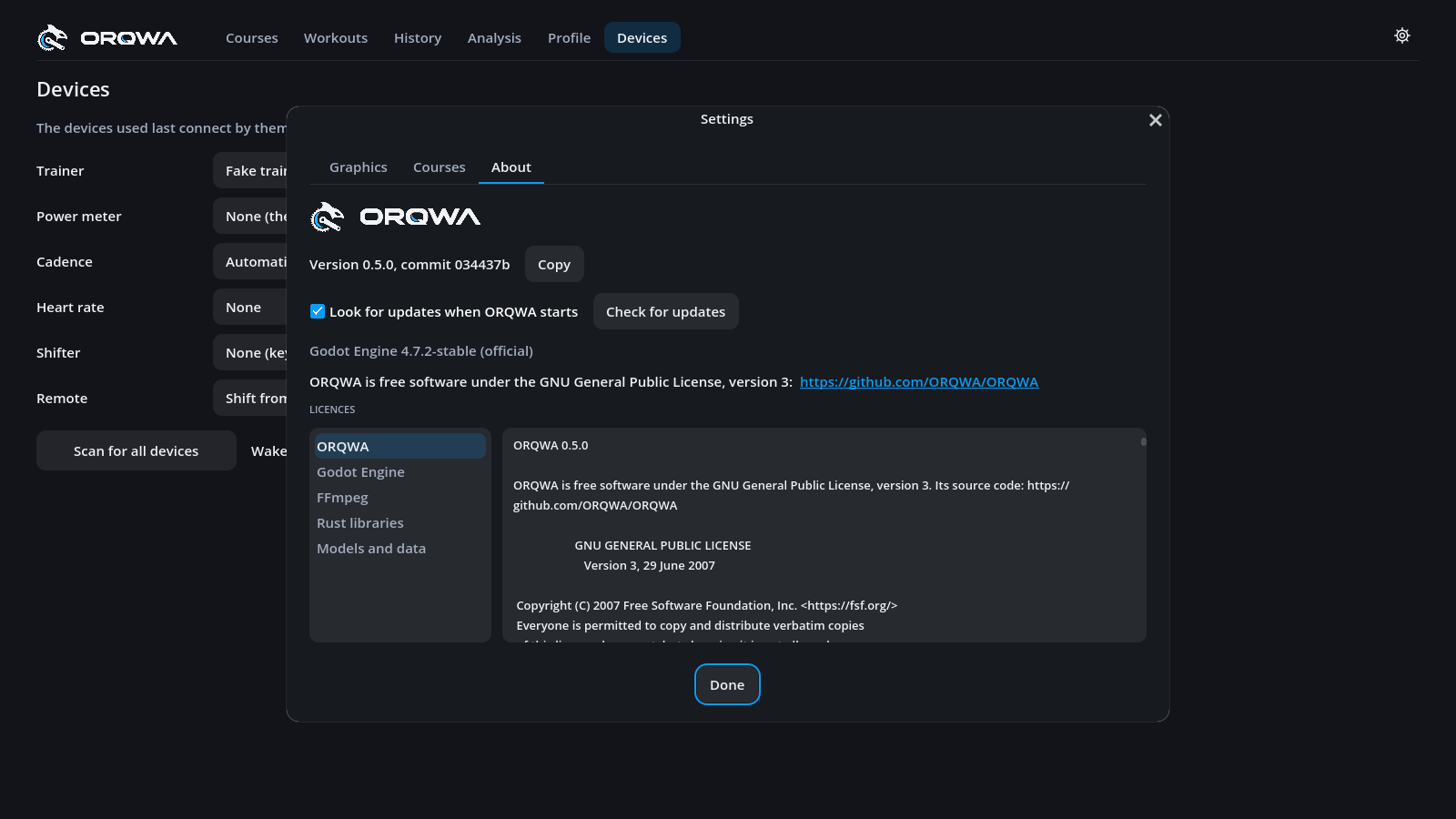
About shows Torqa's version and the commit it is built from. Copy puts both on the clipboard, with Godot's version and your system's, ready for a bug report.
Torqa looks for a newer version each time it starts, never during a ride. If there is one, it tells you on the start page, or once your ride is over:
- On Windows, Update now downloads the installer, closes Torqa, installs the new version and starts it again. Windows asks for permission, as Torqa is installed for all users. Your rides and settings stay as they are.
- On macOS, Linux and Android, Open the release page shows the new version to download.
- What's new opens the release notes; Later asks again the next time Torqa starts.
Look for updates when Torqa starts turns this off for this computer; Check for updates looks right away. Builds started from the Godot editor never look on their own.
Torqa is free software under the GNU General Public License, version 3, with its source code on GitHub. The list below shows the licence of each part of the app with its full text:
| Part | What it covers |
|---|---|
| Torqa | Torqa itself (GPL-3.0) |
| Godot Engine | The engine the app runs on, and the libraries it includes |
| FFmpeg | The libraries that read course videos (LGPL 2.1 or later) |
| Rust libraries | Every library built into Torqa's core, under its licence |
| Models and data | The riders' bodies, the map and terrain data, country codes |