Hosted Network & Network Sniff
- Sudiegiam WinPcap (WinPcap_4_1_3.exe, su Npcap nepavyksta)
- Sudiegiam Wireshark (Wireshark-win64-3.2.3.exe, diegiant nuimam varnelę ar sudiegti Npcap)
-
CMD paleidžiam administratoriaus teisėmis
-
Patikrinam ar tinklo adapteris palaiko Hosted Network funkcionalumą:
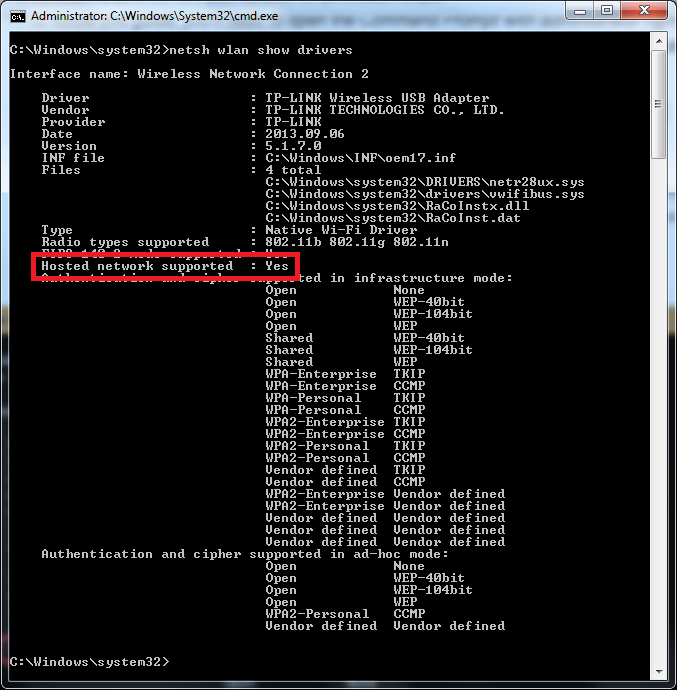
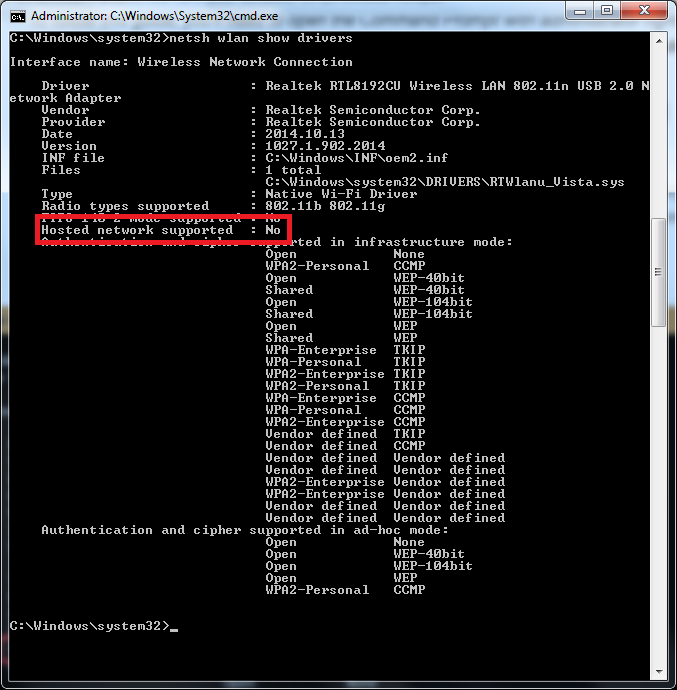
> netsh wlan show drivers
Jei matosi "Hosted network supported: Yes" tai reiškia, kad palaiko:
Jei matosi "Hosted network supported: No" tai reiškia, kad nepalaiko:
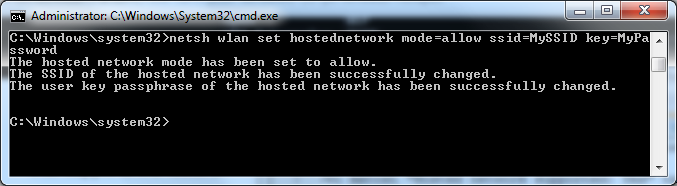
- Sukonfigūruojam:
> netsh wlan set hostednetwork mode=allow ssid=JUSU_SSID key=JUSU_SLAPTAZODIS
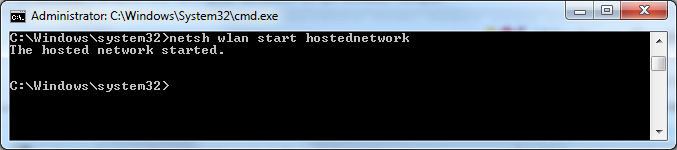
- Startuojam:
> netsh wlan start hostednetwork
-
Ant adapterio, kuris turi internetą Sharing tab'e uždedam varnele ant "Allow other network users to connect through this computer's Internet connection", o Home networking connection: pasirenkamas tas kuris yra Microsoft Virtual WiFi Miniport Adapter
-
Jungiamės prie naujo SSID
-
Sustabdom ir išjungiam:
> netsh wlan stop hostednetwork
> netsh wlan set hostednetwork mode=disallow
Galima keisti parametrus:
> netsh wlan set hostednetwork ssid=Your_New_SSID
> netsh wlan set hostednetwork key=Your_New_Passphrase
> netsh wlan set hostednetwork mode=disallow
> netsh wlan set hostednetwork mode=allow
Parodo statusą:
> netsh wlan show hostednetwork
Parodo konfigūraciją:
> netsh wlan show hostednetwork setting=security