Repository navigation
Supported labels
OpenESL runs on these labels. Each has its own page with photos, specifications, how to recognise it and what is known about it. Click a photo or a name to open it.
| Label | Product | Screen | Colours | Chip | Battery | Battery reading | Status | Photo |
|---|---|---|---|---|---|---|---|---|
| SoluM 2.9" | ST-GM29XX2 | 296 × 128 | black/white | ZBS243 | two CR2450 | yes | supported | 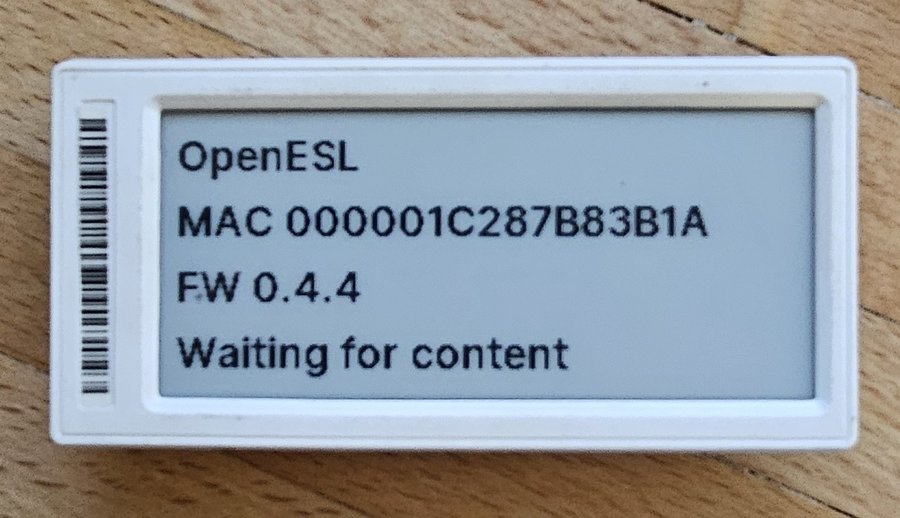 |
| SoluM 1.54" | ST-GM16XX2 | 200 × 200 | black/white | ZBS243 | one CR2450 | no (shows 0) | supported | 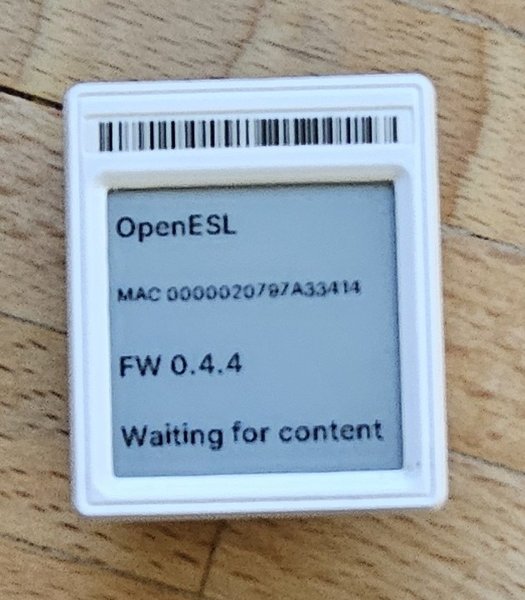 |
| SoluM 2.9" red (experimental) | ST-GR29000 | 296 × 128 | black/white/red | ZBS243 | not checked | not tried | experimental |
All talk 802.15.4 to the AP, are flashed once in the jig and then take new firmware over the air. Every template has a version for each. One AP serves every kind at the same time.
The list is made from shared/models.json, the one place a label model is described; the README shows the same list.
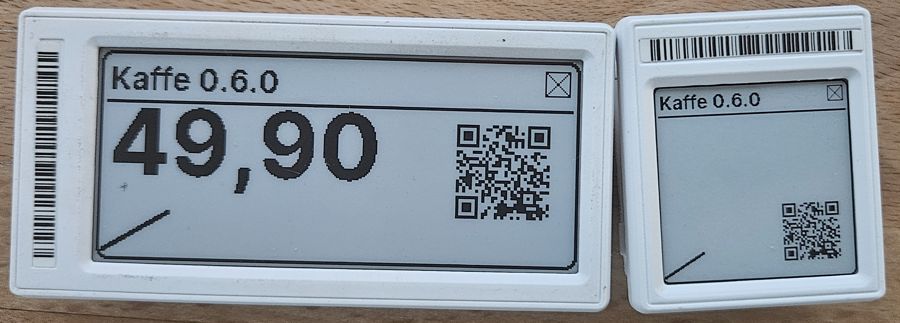
- The 2.9" for shelf prices: a product name, a big price and a barcode or QR code side by side. Its battery level shows on the dashboard.
- The 1.54" where space is short, or for a single number or status, like a 3D printer's progress or a room's temperature.
- Supported: works on hardware and is in every release. Not every release is tested on every label model.
- Experimental: builds and is in the releases, but has not been tested on the label yet. Reports are welcome.
- Planned: someone has asked for it; nothing is built yet.
Labels that look like the ones above but are not the same inside do not work with this firmware. Check the product name on the back before you flash. Known look-alikes:
| Label | Why it does not work yet |
|---|---|
| SoluM 1.54" ST-GR16000 | Older label with a 152 × 152 screen and another display |
OpenESL is meant to grow to more models and other makers than SoluM, also labels with other chips and radios. Suggest it in an issue with photos of the board and what is written on the chip and display. See Adding hardware.