Repository navigation
HDMI inputs
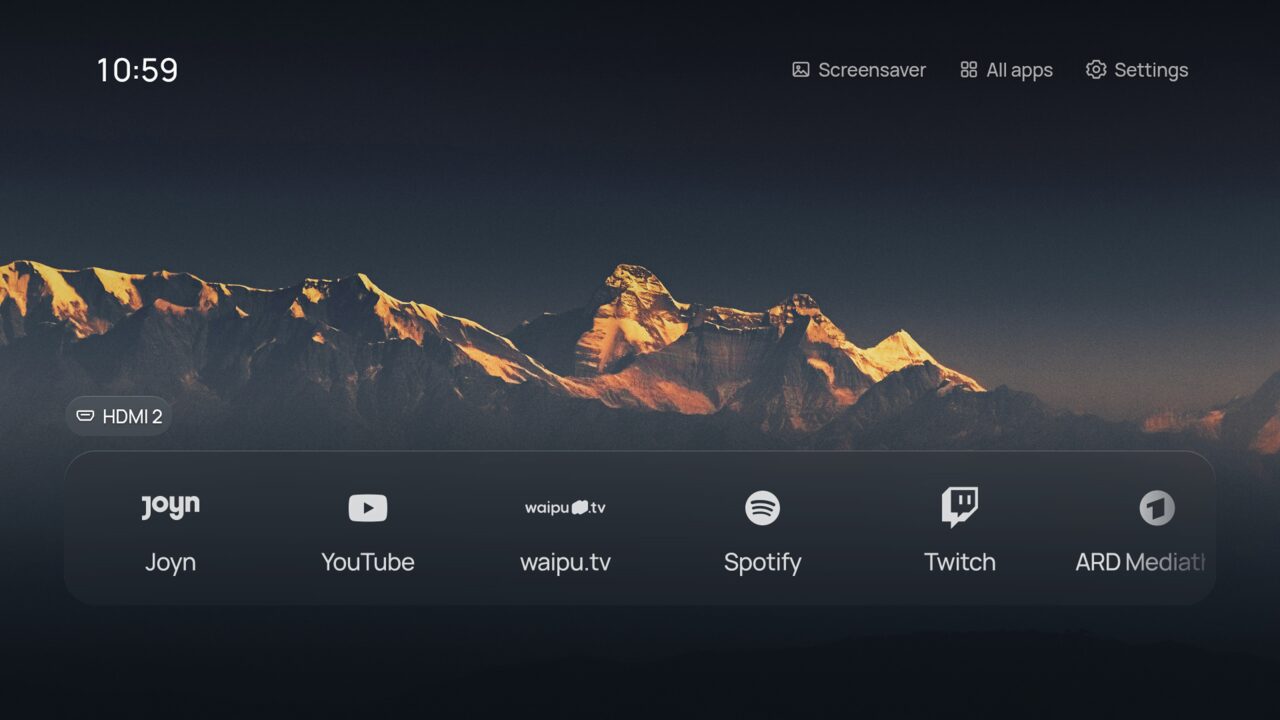
Inputs come from Android's TV Input Framework. A device that is plugged in and switched on gets a tile; standby or unplugged devices are hidden. OK switches the TV to that input, and inputs you rename in the TV settings keep their name. Otherwise a tile uses the name the device announces over HDMI-CEC, such as PlayStation 5 or Apple TV.
CEC must be on in the TV settings (TCL calls it T-Link); without it the port name, such as HDMI 1, is shown.
Choose Settings › Home screen › Inputs › First in Home or Own row. Inputs you never use can be hidden.
When a device switches on while Home is showing (or the screensaver runs), Shore asks PlayStation 5 is on · Switch / Stay. OK switches to it, and the question goes away after 20 seconds. Turn this off with Ask in the same row.
Each input gets an icon from its name: a controller for PlayStation or Xbox, a box for Sky Q, a disc for a Blu-ray player, a speaker bar for a soundbar, and so on; unknown devices keep the HDMI plug.
To change either, hold OK on the tile (Rename, Icon) or open Settings › Inputs and pick the input. Name offers common devices, and the phone companion's Apps tab takes any name you type.
See Troubleshooting.