Repository navigation
Performance
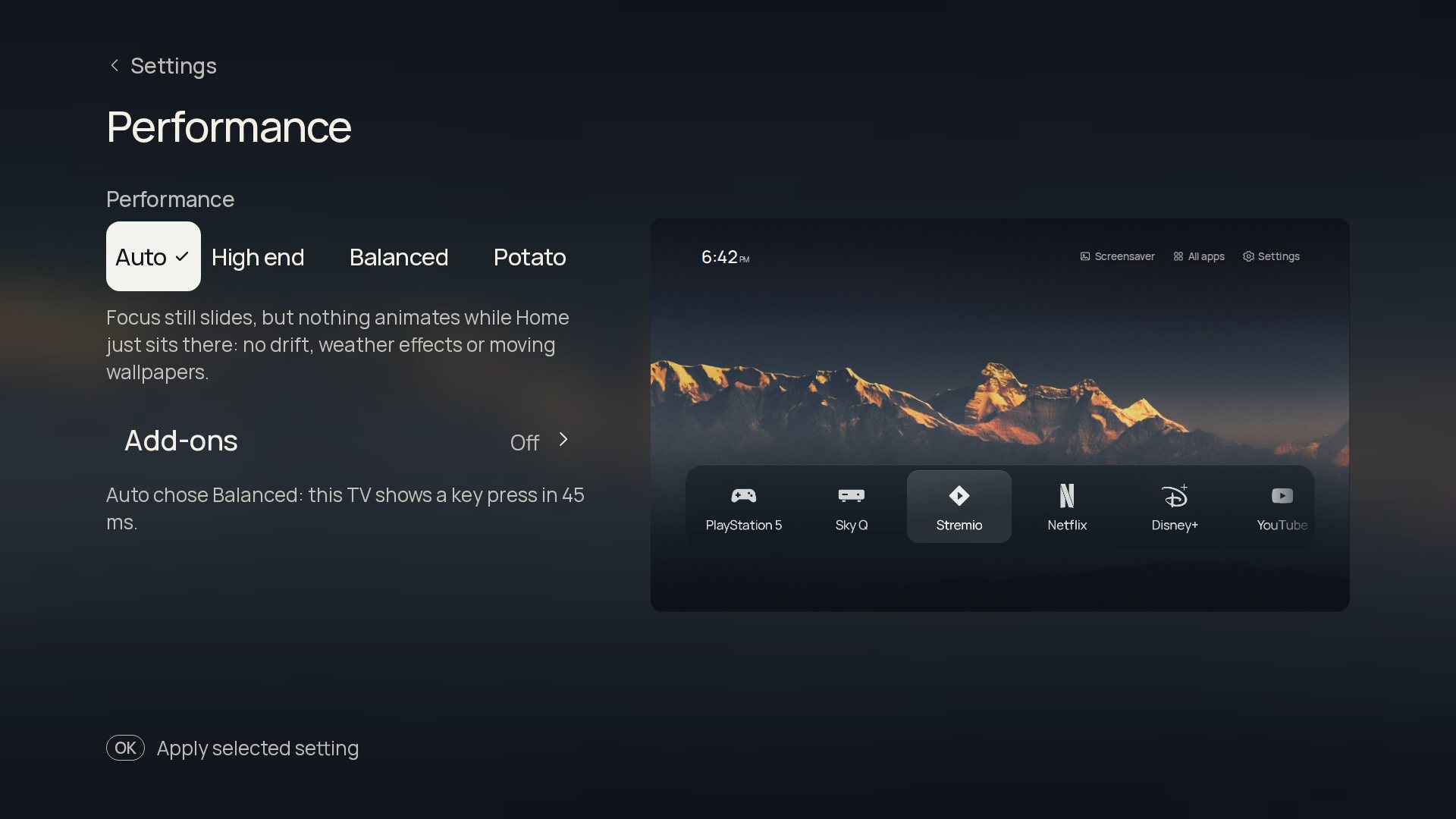
Settings › Performance. None of the four choices changes the look, your apps or any setting; they change what moves.
| Choice | What it does |
|---|---|
| High end | Keeps every animation and effect that is switched on. |
| Balanced | Keeps the focus slides, but stops everything that animates while Home just sits there: drift, weather effects, animated and GIF wallpapers, the screensaver's slow pan and zoom, the beat pulse. |
| Potato | Also removes every transition: focus moves at once, and the fades at the ends of the app list and Dock go. |
| Auto (default) | Starts from what the TV reports (a gigabyte of memory or less: Potato at most; two gigabytes or two cores or fewer: Balanced at most), then measures how long this TV takes to show key presses and settles on the tier it can draw smoothly. It steps up only with a clear margin and remembers the result. |
The page says what Auto chose and why ("Auto chose Balanced: this TV shows a key press in 45 ms.").
What each feature and add-on costs, and how to measure it, is in docs/performance.md. Those numbers come from a throttled desktop browser: they compare features with each other and are not a measurement of your TV, so judge by how the remote feels.
Add-ons are not loaded at all while they are off, and each says what it costs a slow TV.