Repository navigation
Wallpapers
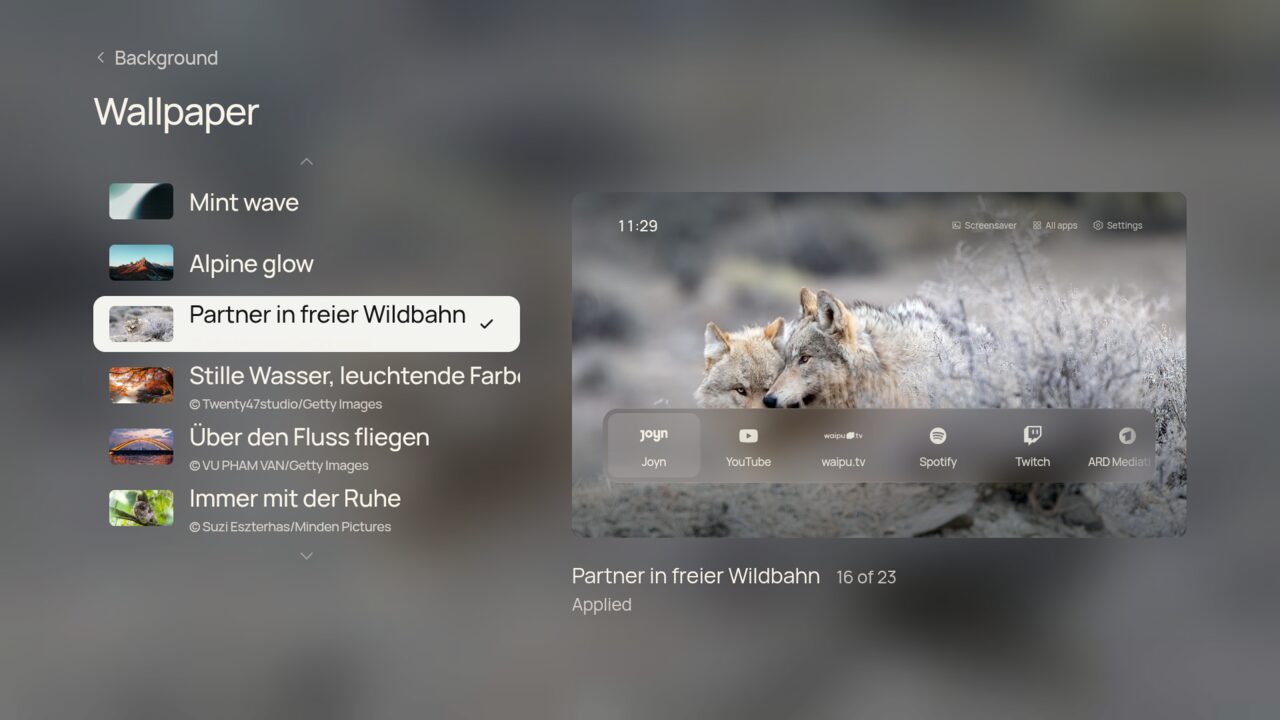
- 15 bundled photographs with pre-rendered glass, plus online wallpapers from NASA, Bing, Wikimedia, Picsum and Unsplash.
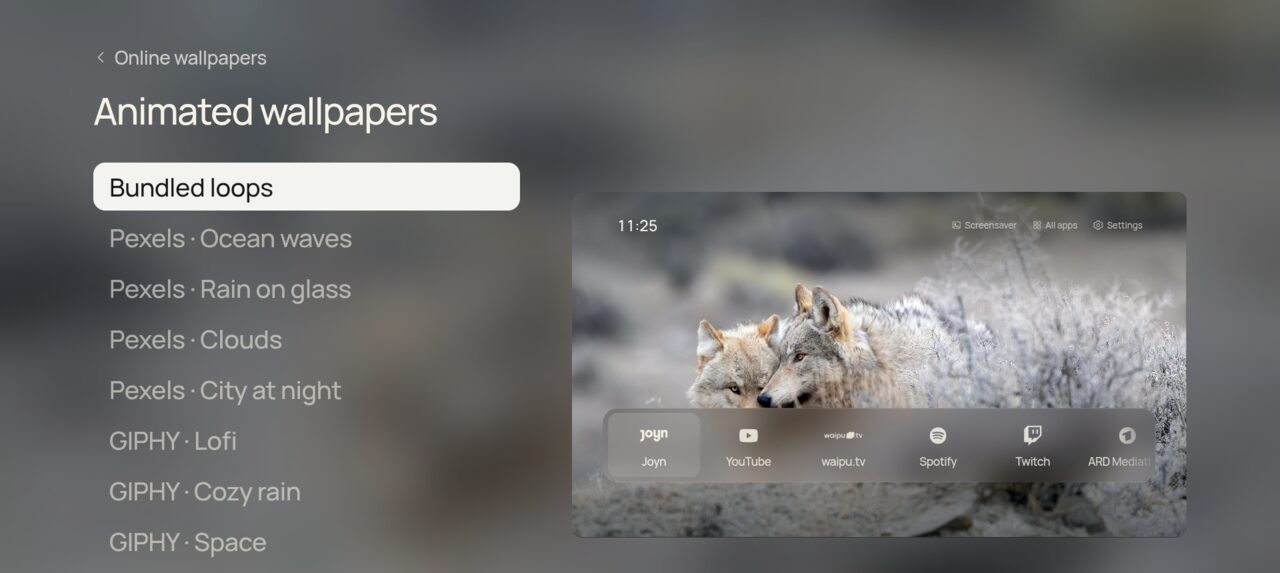
- Animated wallpapers: bundled seamless loops, Pexels video loops and Klipy GIFs.
- Your own photos, GIFs and short videos from the phone companion.
- Drift: a slow Ken Burns zoom where the photo and its glass move together.
- Rotation: a new picture each time Home opens, every 5, 15 or 60 minutes, once a day, or By time of day: morning, day, evening and night each get their own photo. Pin one to each part, or leave it on Automatic for a darker photo in the evening and at night and a brighter one by day, different every day.
- Night mode dims everything on a timer or all the time; with Calmer photos at night, rotation sticks to dark photos while it is on (see Screensaver, night and sleep).
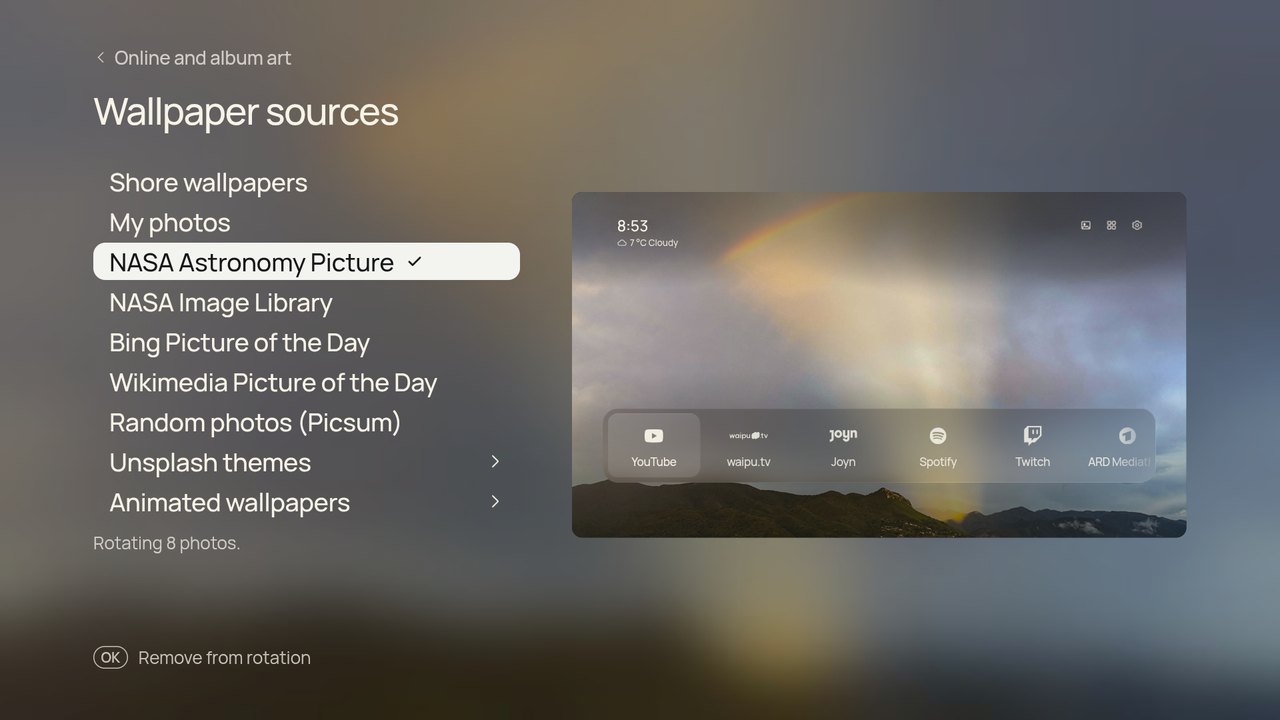
Settings › Wallpaper › Sources. Tick as many sources as you like: Shore wallpapers (the bundled gallery), My photos, NASA Astronomy Picture, NASA Image Library, Bing, Wikimedia, Picsum, Unsplash themes and animated loops. Only ticked sources rotate. The page says how many photos are in rotation (or which source couldn't be reached), OK on a row says Add to rotation or Remove from rotation, and the wallpaper gallery marks every photo that isn't in rotation.
Favourites and hiding. In the wallpaper gallery, press Right to reach Favourite and Hide under the preview; Up and Down keep stepping through photos, so you can sort several quickly. Favourites always rotate, whatever their source, and favourite online photos are kept on the TV even after their source moves on. Hidden photos never show up in rotation or the screensaver.
The TV downloads up to eight pictures or clips per source. On download it renders them once into the same files the bundled gallery uses: photo, thumbnail and four pre-blurred glass layers. Nothing is blurred live, so Home stays smooth. New wallpapers arrive every few hours, and rotation cycles through them. Animated wallpapers play as muted MP4 loops, with glass rendered from the first frame; Klipy GIFs are fetched as MP4s, which are much lighter than GIF files.
Credits for each picture appear in the wallpaper gallery, as the sources' terms ask.
NASA, Bing, Wikimedia, Picsum and the bundled loops work without keys. Unsplash, Pexels and Klipy need free developer keys. Put them in android/local.properties (ignored by git), or pass them as environment variables when building:
unsplash.accessKey=...   # https://unsplash.com/developers
pexels.apiKey=...        # https://www.pexels.com/api/
klipy.apiKey=...         # https://partner.klipy.com/
Warning
Keys are compiled into your APK, so don't share an APK that contains them.
Release APKs carry no keys; see Updates and Build from source.
| Aurora | Dusk | Deep sea |
|---|---|---|
 |
 |
 |
On the TV they play at 1080p behind the interface.