Repository navigation
Screensaver night and sleep
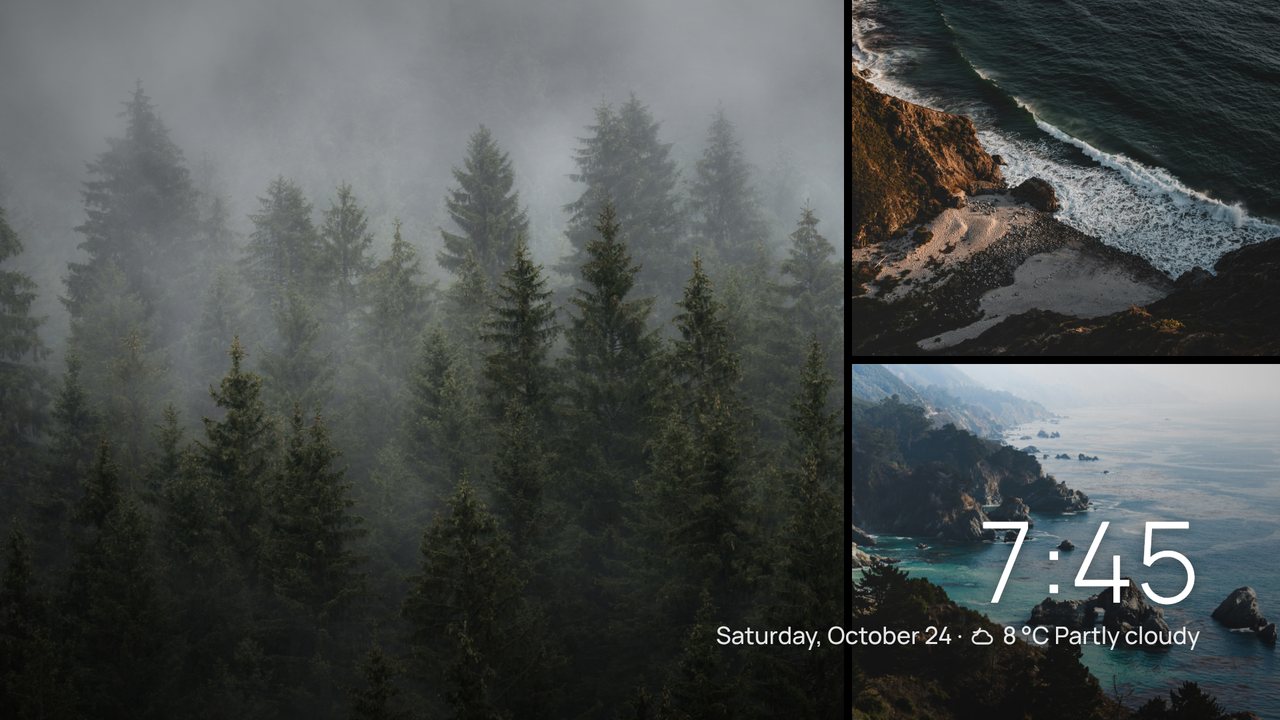
Settings › Screensaver. Shore has its own screensaver instead of the TV's: after 5, 10 (default) or 15 minutes without a button press it fades to a slow slideshow of your wallpapers (the sources in rotation, including My photos).
- Photos drift slowly, and every few slides it shows a mosaic of two or three photos at once.
- A large clock, the date, the weather and a headline sit on top. Turn on Photo title (Screensaver › Arrangement and clock) to see each photo's name and credit underneath.
- While music plays it adds a small card with the cover, title and artist; the album art never replaces the photos.
- The clock moves to another corner every few minutes so nothing sits on the same pixels for hours.
- Any button wakes Shore without doing anything else.
- Start the screensaver now is on the same page, and the Screensaver button on Home and the Screensaver remote-button action start it too.
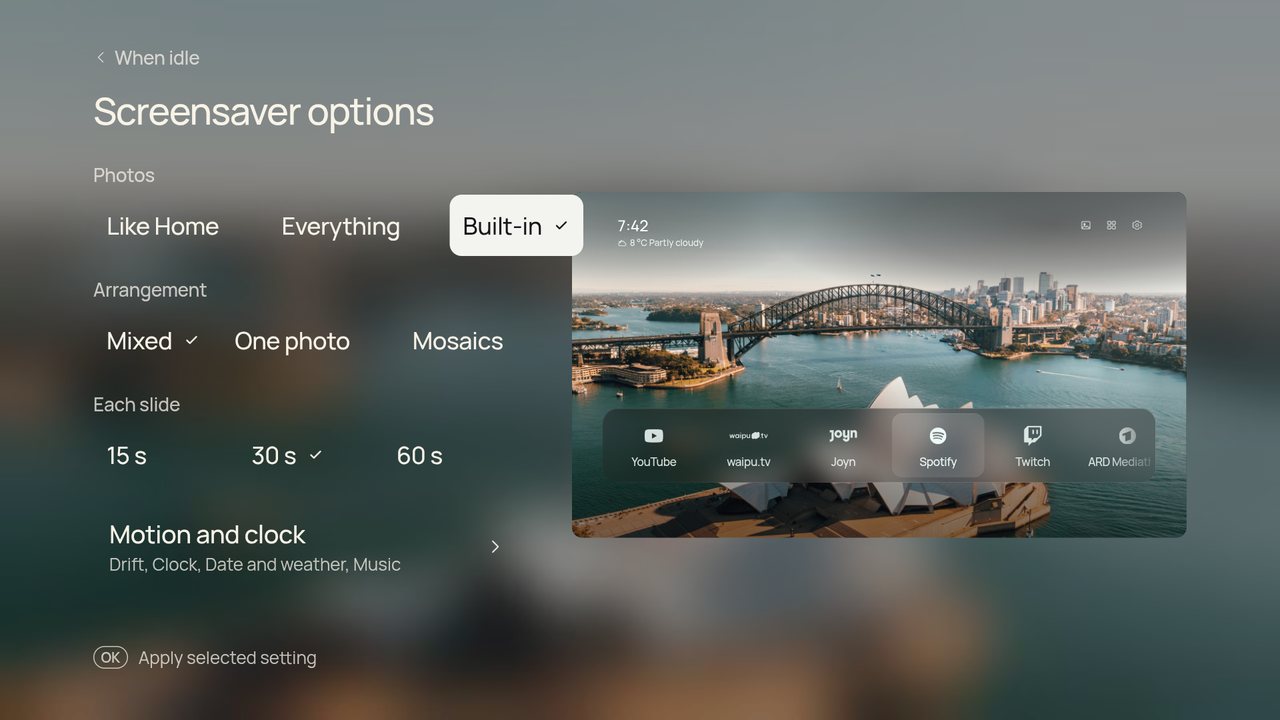
The same page chooses when it starts, the photos (Like Home, which adds Shore's wallpapers when your rotation has only a few; Everything; or Built-in) and 15, 30 or 60 seconds per slide. Arrangement and clock chooses mixed, one photo or mosaics, switches the slow pan off, fixes or hides the clock, and hides the date and weather or the music card.
While Shore's screensaver is on and Shore is in front, Shore keeps the TV's own screensaver away. After four hours of screensaver it lets go, so the TV's usual sleep timer still turns the TV off. Choose Off to leave everything to the TV.
The APK also contains Shore as a system screensaver (ShoreDream), for when the TV goes idle inside another app. Google TV doesn't list third-party screensavers in its settings, so it can only be picked over ADB. Note the current value first so you can restore it:
adb shell settings get secure screensaver_components # likely com.google.android.apps.tv.dreamx/.service.Backdrop
adb shell settings put secure screensaver_components app.cleanframe.tv/.ShoreDream
To undo, put back the value from the first command.
Settings › Night. Night mode dims everything on a timer (21–07, 22–06, 23–07) or all the time, in three strengths. With Calmer photos at night, rotation sticks to dark photos while it is on, and a bright wallpaper gives way to a dark one when night begins.
Hide controls when idle is on the same page: after 1 or 5 minutes only the picture and clock stay.
Settings › Night. 30, 60, 90 or 120 minutes, then the TV switches off, even while another app is open. It needs the Shore Home button in Accessibility. You can also give it a remote button: each press moves to the next step.