Repository navigation
Parental lock and screen time
Settings › Google TV › Parental lock. Choose a four-digit PIN. It is asked before the apps you pick open, and, if you like, before Settings, Apps on Home and Quick actions. Enter it with the arrows and OK or with the number keys. The lock can be turned off again, which forgets the PIN.
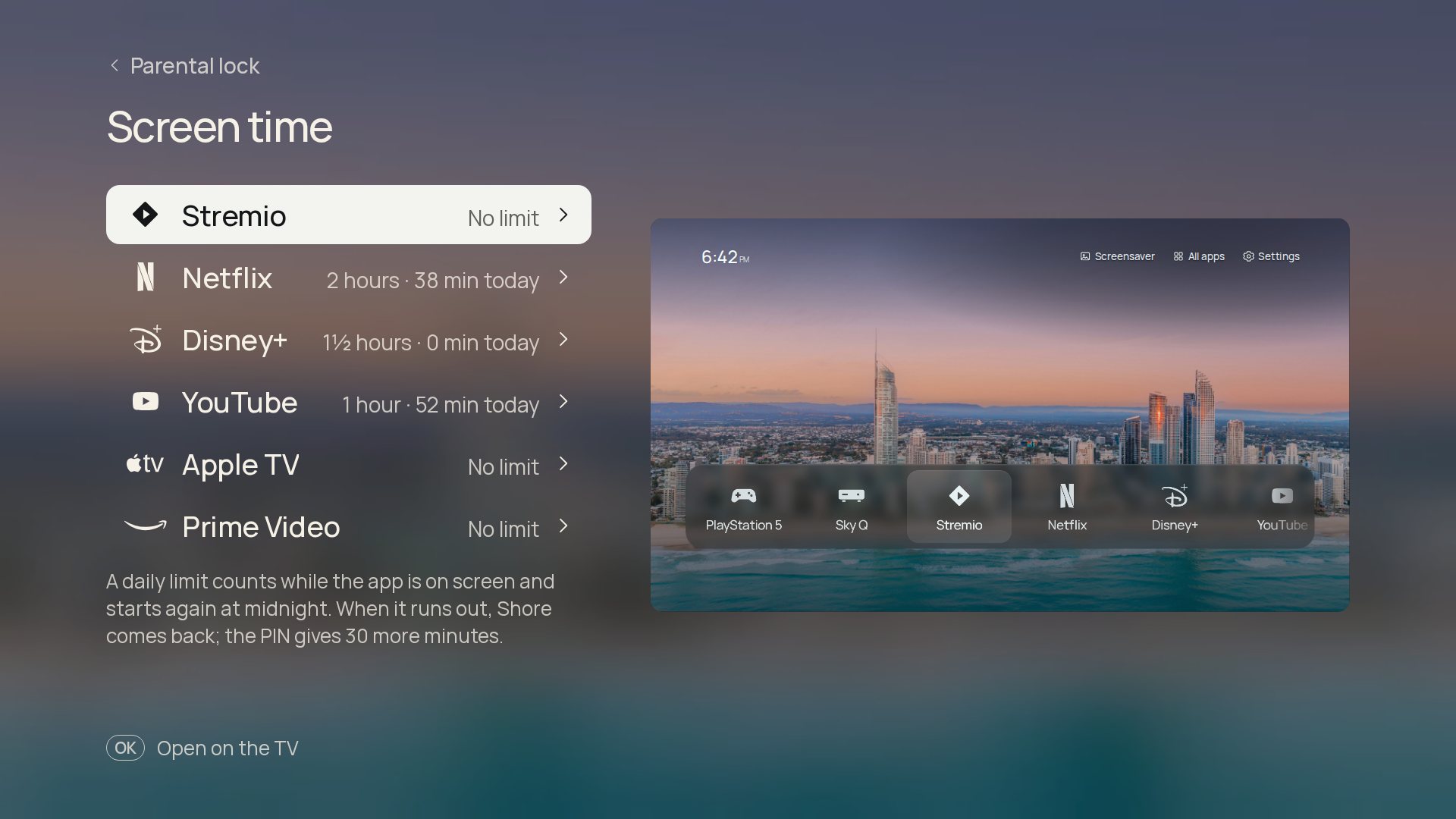
On the same page, give an app a daily limit (30 minutes to 3 hours). It counts while the app is on screen and starts again at midnight. When it runs out, Shore comes back with Time's up, and the PIN gives 30 more minutes.
The lock and screen time both need the Shore Home button service.