Repository navigation
Search and settings
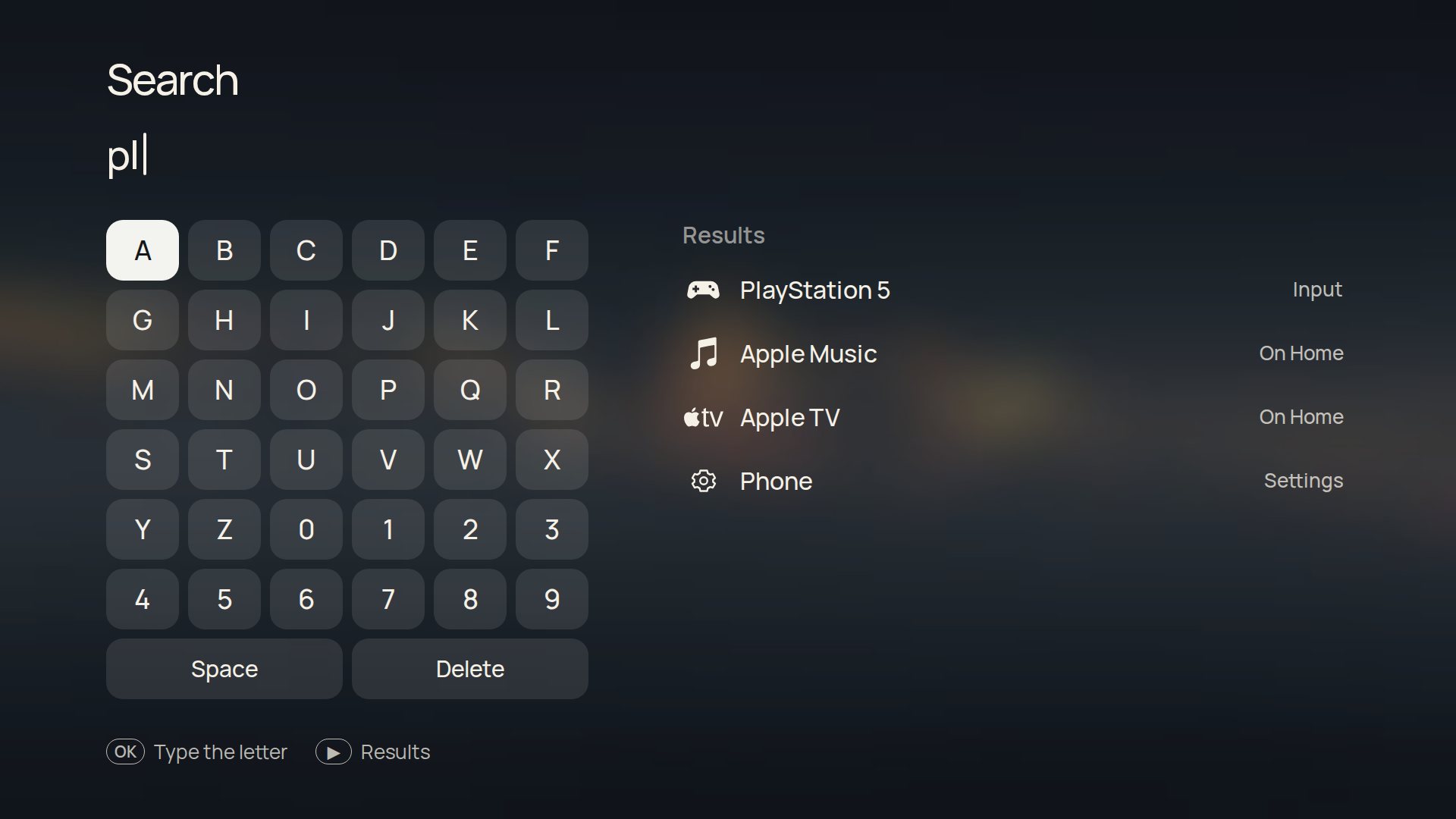
All apps › Search, or type a letter on a keyboard. Search finds your apps, your HDMI inputs and Settings pages (try "night", "lock" or "slow"), with a six-by-six letter grid for the remote. With a phone paired, the phone companion's keyboard types into it, and Enter opens the first result.
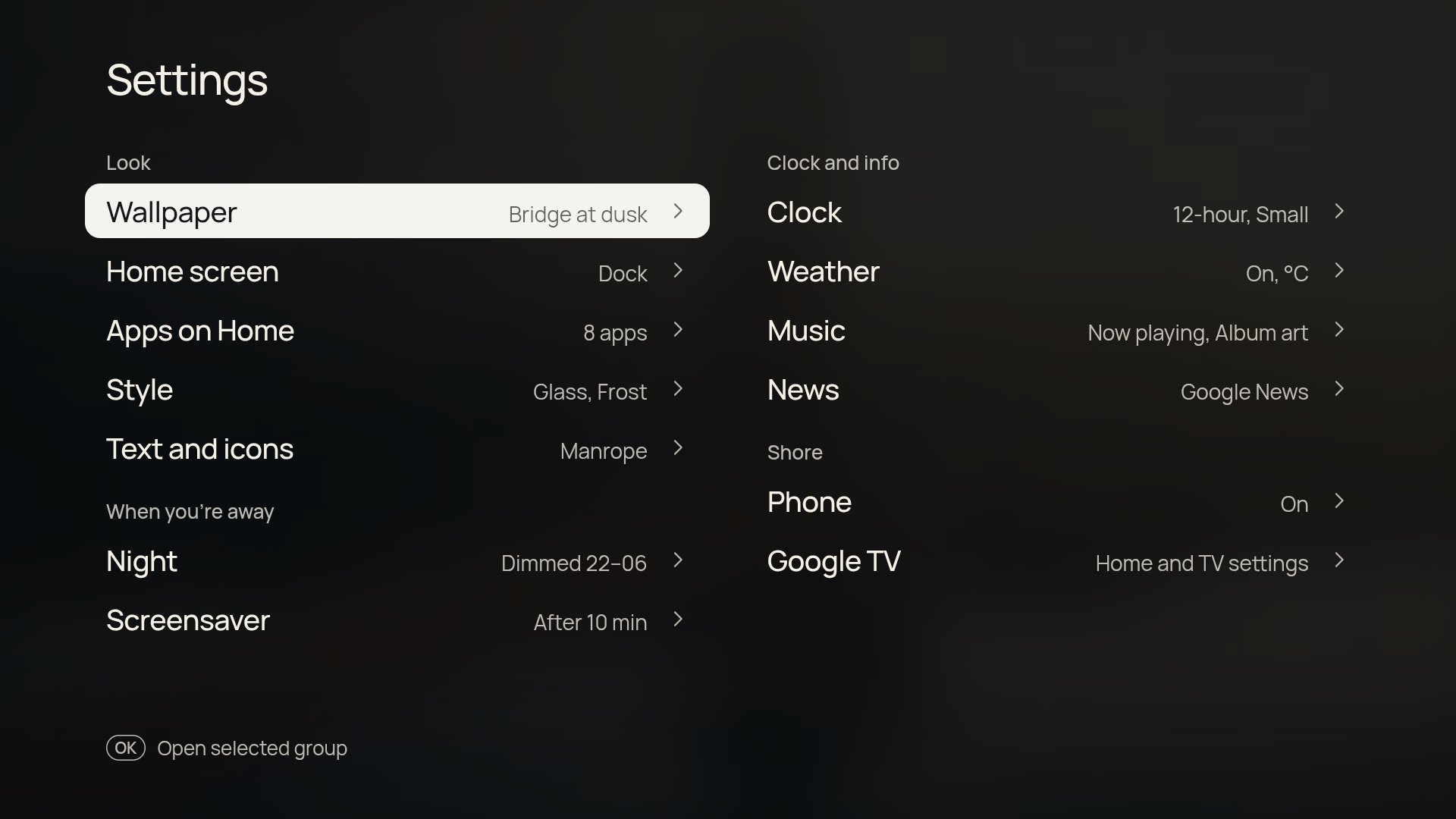
Shore's settings are two columns of short pages. Up and Down move within a column, Left and Right cross to the other one. The phone companion lists the same groups.
| Group | Pages |
|---|---|
| Look | Wallpaper, Home screen, Apps on Home, Style (focus, material, accent, glass) and Text |
| When you're away | Night and Screensaver |
| Clock and info | Clock, Weather, Music and News |
| Shore | Inputs, Phone, Performance, Add-ons and Google TV (Home, TV settings, remote buttons, setup and updates) |
Text: eight open-licence fonts, with text weight and app-name size. Clock: 12- or 24-hour, optional date, four sizes and weights.
Shore uses the TV's system language: English, German, French, Spanish, Dutch, Polish, Ukrainian, Italian and Turkish are built in, and anything else shows English. Change it in Settings › System › Language on the TV, then reopen Shore.
Translations live in app/i18n/, one file per language keyed by the English text and loaded by app/i18n.js; the phone companion keeps its own short list in STR in its app.js. In the browser preview, ?lang=de picks a language.