Repository navigation
Under the clock
Settings › Weather, Music and News.
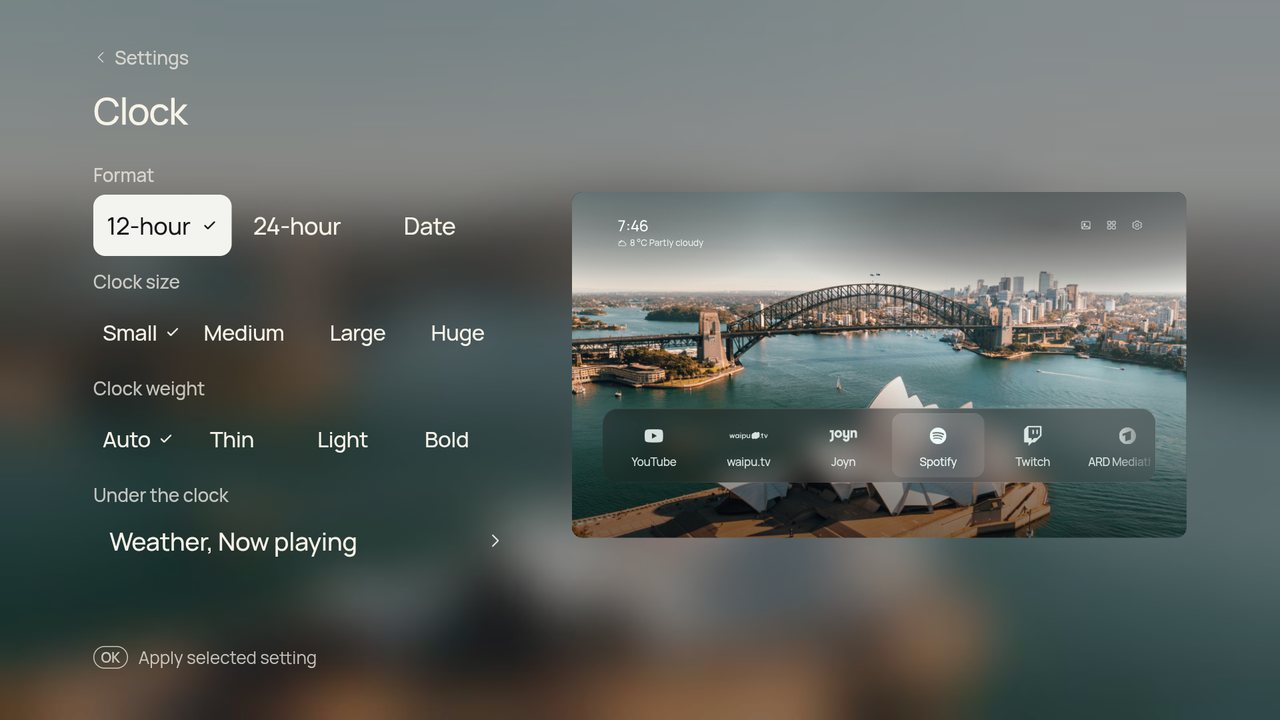
Shows the temperature and sky, such as 12 °C Cloudy, next to the date. It comes from Open-Meteo, which needs no key or account. The place is the city of the TV's time zone (Europe/Berlin gives Berlin), or the place you type in the phone companion. Choose °C or °F under Temperature. Shore refreshes the weather every 30 minutes, and it is off until you turn it on. Icons follow the sky and switch to night versions after sunset.
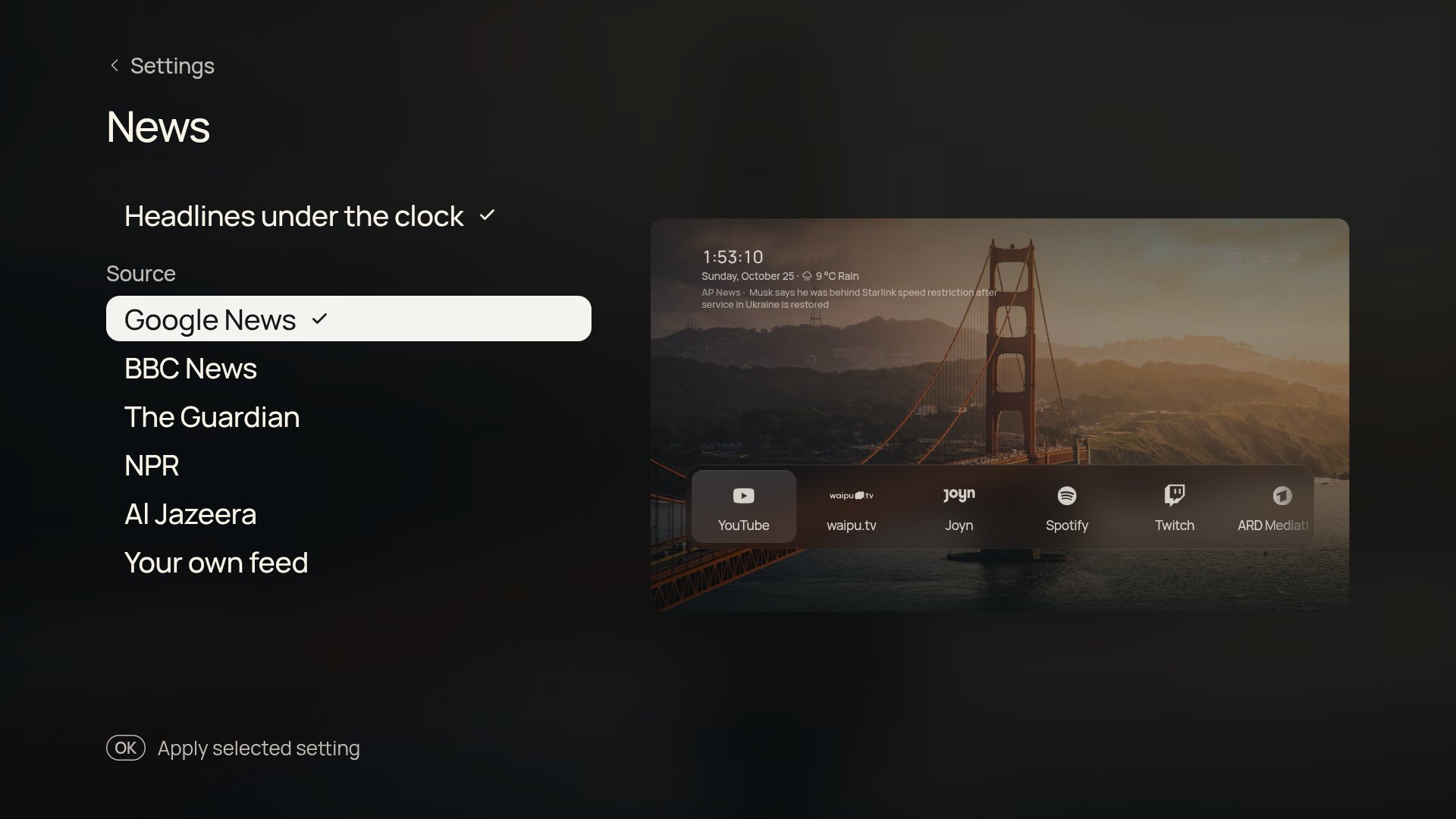
Settings › News, an add-on. One news headline under the clock and on the screensaver, with its source, changing every 20 seconds. Choose the source:
- Google News top stories for the TV's language and country.
- A news outlet for the TV's language, for example tagesschau, DER SPIEGEL, ZEIT ONLINE and DW in German, ANSA and la Repubblica in Italian, BBC News Türkçe and DW Türkçe in Turkish, BBC News, The Guardian, NPR and Al Jazeera in English. BBC News is offered in every language.
- Your own feed: any RSS or Atom feed you save under News feed in the phone companion.
The TV fetches the feed at most every 30 minutes and keeps only titles, sources and times; nothing else is sent.
The next event from your calendar's iCal address (Google Calendar, iCloud, Outlook and others share one), set in the phone companion. Repeating events are understood. The TV fetches it at most every 15 minutes and keeps only the next event.
A small moving level meter and Title · Artist — App while something plays in another app, for example Spotify in the background. Android only shares media sessions with apps that have notification access, so allow Shore Now playing under Settings › Apps › Special app access › Notification access; the Music page has a shortcut. Shore reads only the active media session and ignores notifications themselves. The level meter is decoration and does not follow the music.
Google TV hides the Notification access page on some builds; see Troubleshooting.
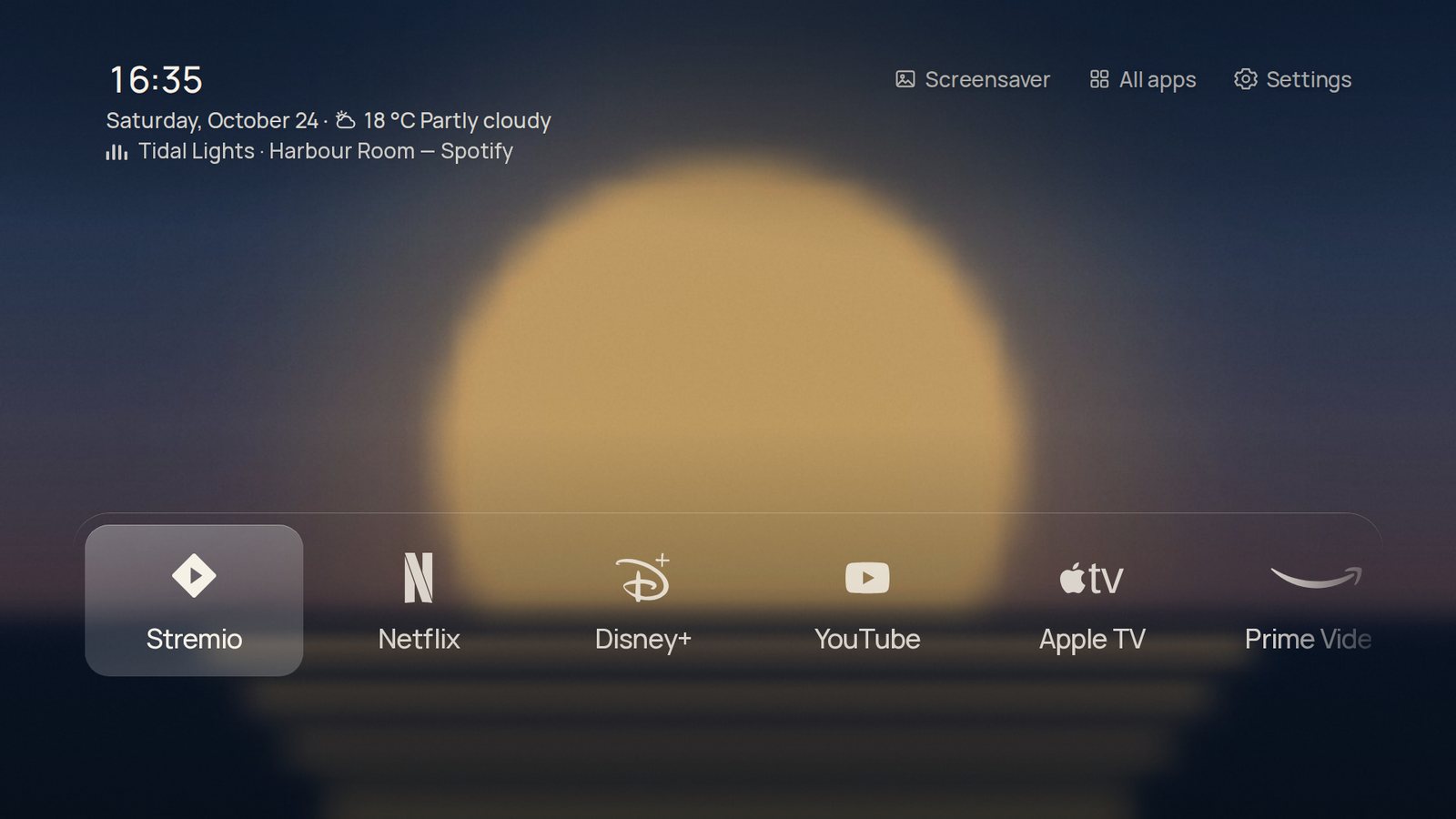
Settings › Music. While music with a cover plays, the cover becomes the background, softly blurred and dimmed, and the glass shows it through. It needs a Photo background and goes back to your wallpaper when the music stops. The blur is made once per track on the TV's CPU, not live in the page.
Sharper pictures (same page, on by default): media apps often share only a small cover, which looks soft at TV size. Shore then looks up a wide artist picture on TheAudioDB and, if none fits, a 1000-pixel cover from the iTunes Search API. Only the artist name (and title for iTunes) is sent, once per track; results are cached on the TV for 30 days. Turn it off to keep everything on the TV.
An add-on. Draws the current weather over the photo: rain, a light drizzle, snow, drifting fog, or a storm with the odd flash of lightning. Clear and cloudy skies leave the photo alone. They need Weather on and a Photo background, follow night dimming, and pause whenever Home is not on screen. The layers are pre-drawn and only slide, so the TV never redraws or blurs the photo for them.
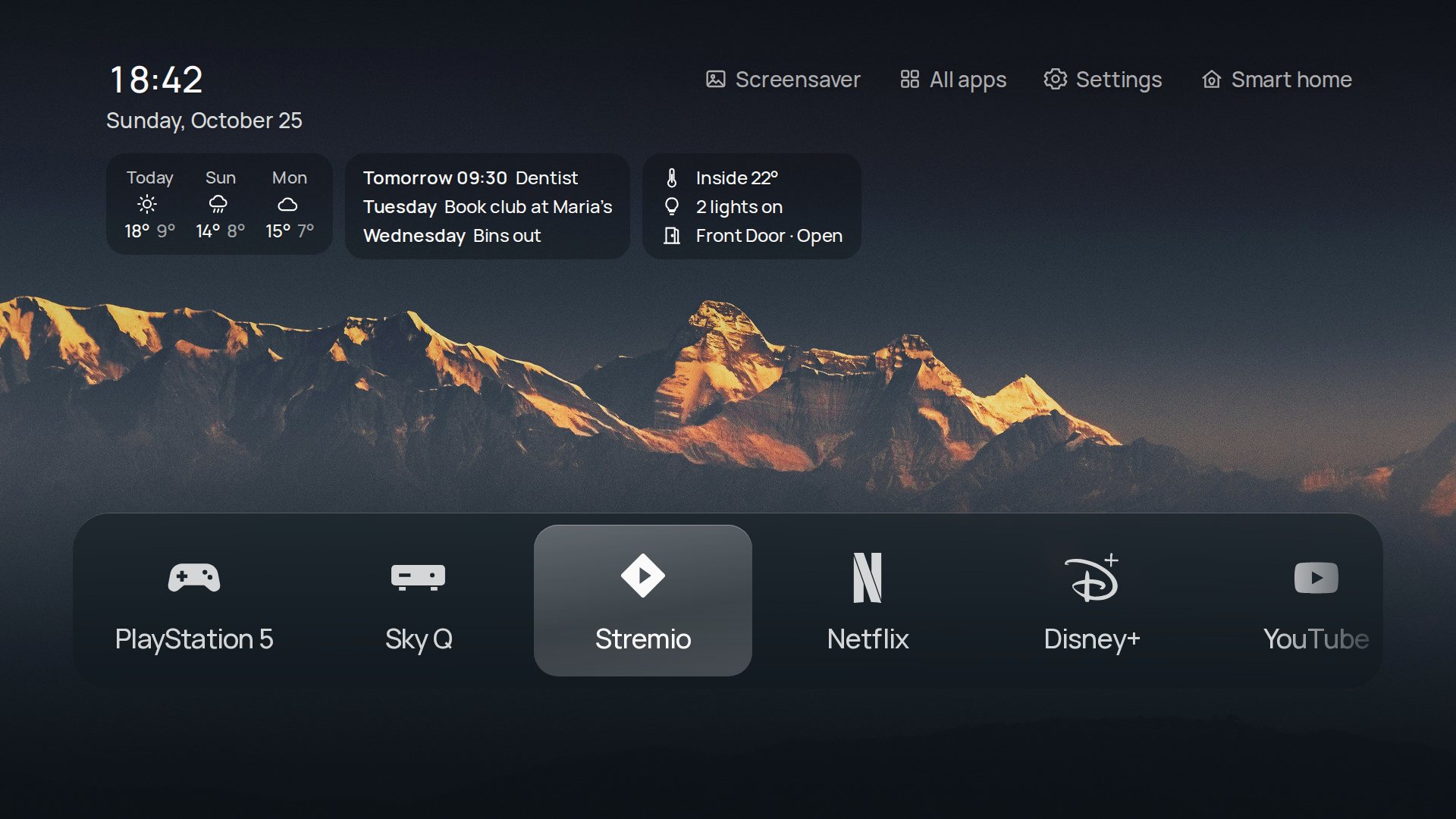
Settings › Clock › Widgets, an add-on. A row of small cards:
- today and the next two days' forecast (needs Weather);
- up to three events in the next three days (needs Calendar);
- with the Home Assistant add-on, the inside temperature, how many lights are on and any open door or window.
Each card appears only when it has something to show. Not available with the Shelf layout. The forecast comes in the same Open-Meteo request as the current weather.