Map Generators
The GM-only Map Generators launcher embeds six Watabou generators and captures their current output into a Foundry Scene.
Map Generators button missing? It's Feature Manager → SDX Tray Tools → Map Generators.
Click the map-location icon on the SDX Tray, then choose:
| Generator | Best for | Structured import |
|---|---|---|
| Realm | Regional coastlines, terrain, and settlements | Scene background |
| City | Walled cities, districts, roads, and rivers | Scene background |
| Village | Small settlements and farmland | Scene background |
| Cave / Glade | Caverns or natural clearings | Aligned square grid and walls when geometry is available |
| Dungeon | One-page room-and-corridor maps | Aligned grid, walls/doors, and map notes |
| Dwelling | Houses, taverns, manors, and towers | Multi-level v14 Scene, per-floor background/walls, stair Regions |
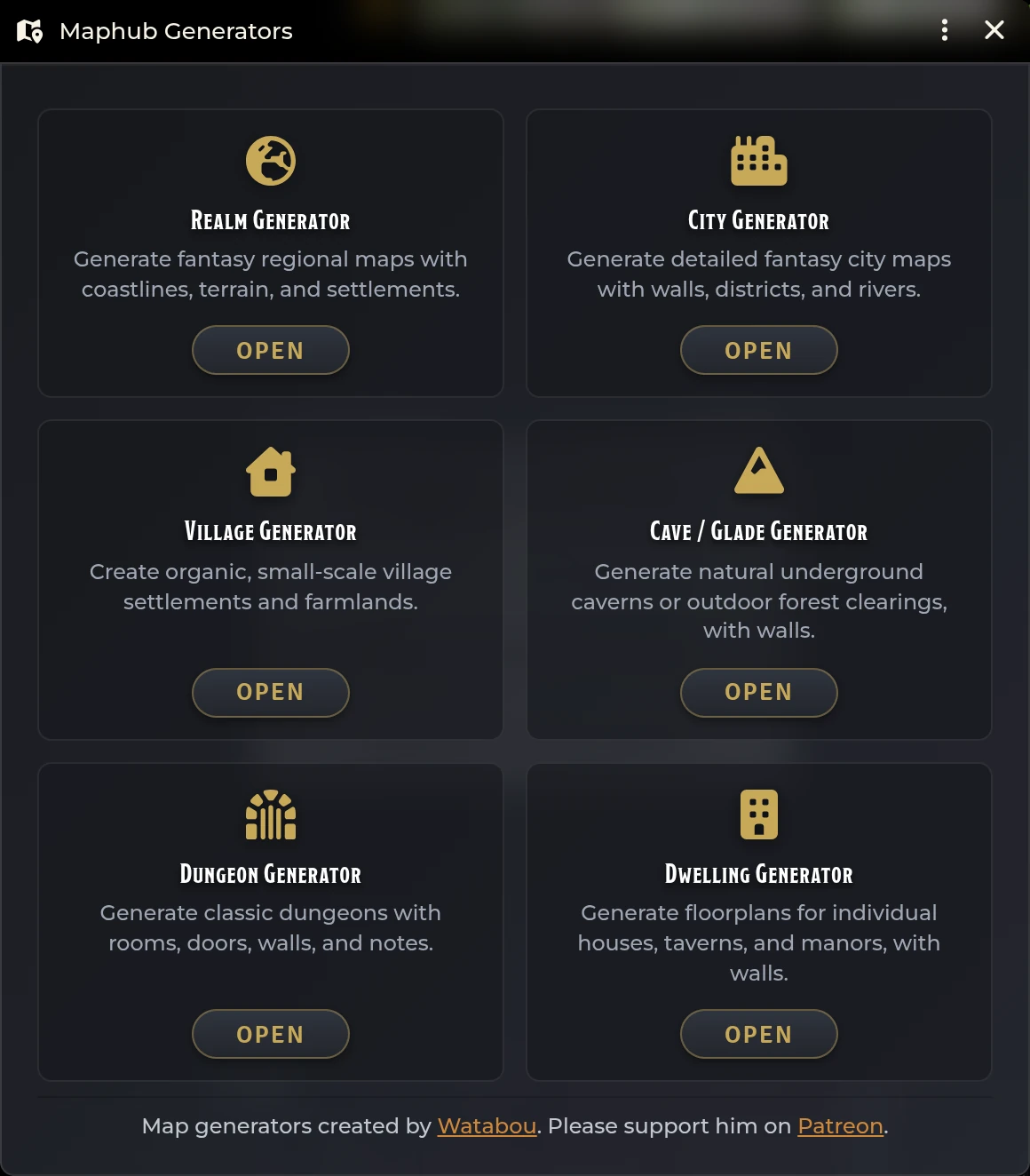
The generators and the credit for them belong to Watabou. SDX supplies the Foundry wrapper, the local bundled builds, capture, alignment, and document creation.
Use the embedded generator the way you normally would:
- Randomize or adjust its settings.
- Wait for the map to finish drawing.
- Close any open generator context menu.
- Click Import Scene in the generator window header.
Import captures whatever state the generator is showing at that moment. After that the Scene is on its own, with no live link back to the generator window.
Foundry can't read or capture the canvas and geometry inside an external cross-origin iframe. That's why SDX serves the bundled generator from the Foundry origin for all six import-capable types.
The Settlement Maps: Use Local Maphub setting still governs other, view-only source choices. These six import workflows are local regardless. Without the bundled files, SDX refuses to fall back to an external source it would be unable to capture.
Realm, City, and Village import as a new Scene whose background is the captured map. Add Foundry walls, lights, notes, and tokens yourself afterward.
The new Scene gets a unique timestamped name, and your original generator window carries on exactly as it was.
When live geometry and its render transform are both available, SDX captures the current map, rescales and crops it so one generator cell equals an integer Foundry grid size, anchors cell zero to the Foundry grid origin, transforms the cave wall coordinates through that same mapping, and creates the Scene and walls together.
With the geometry unavailable, SDX warns you and may drop to the image-only path.
Before capturing, SDX asks the bundled One Page Dungeon generator for its current JSON, which keeps the wall and note data in sync with the map on screen.
Import then temporarily forces an axis-aligned render, captures and normalizes the image and grid, parses walls, doors, and room notes out of that current JSON, maps every coordinate through the same scale and crop, and creates the new Scene.
Wait until the dungeon has fully loaded. If the JSON export or the render transform can't be read, reopen the generator rather than importing from a half-initialized window.
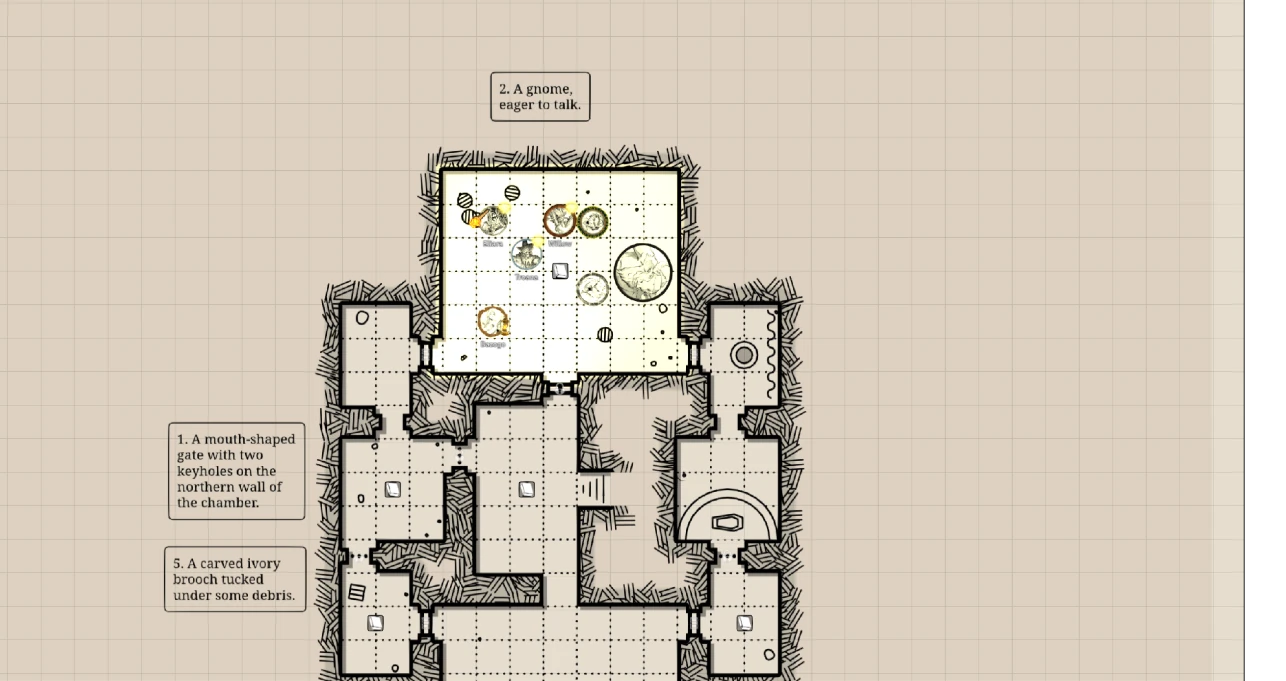
Dwelling has the richest import of the six. With its live controller available, you get one Foundry v14 Scene containing Basement, Ground Floor, and numbered upper-floor Levels as applicable, a background per Level, per-floor room walls, regular doors at room connections, open passages left as gaps, change-level Regions built from the generator's actual stair connectivity, an Up/Down chooser for spiral stairs, and the round tower enclosed correctly.
The importer normalizes every floor onto the same building coordinate system. When structured dwelling data can't be read, it degrades to a generic image scene and warns you that walls and levels are missing.
Review the Scene before you activate it for players:
- Grid type, size, and scene dimensions.
- Background visibility on every elevation Level.
- Wall and door alignment at 200–400% zoom.
- Stair Region destinations.
- Token size and movement.
- Notes and journal links.
- Lighting and player vision.
Duplicating the imported Scene before manual cleanup buys you a clean recovery point.
Capture uploads an image into Foundry's user-data storage, so the GM client needs file upload permission and a writable data source. Browser download settings have nothing to do with it.
Generator is blank. Confirm the bundled files exist, hard-refresh, and reopen it. City, Village, and Dwelling use the bundled raw builds.
Import Scene is disabled or absent. Only the GM can import. Wait for the window to finish rendering.
"JSON could not be exported" on the Dungeon generator means its canvas wasn't interactive yet. Reopen it and give it a moment.
Walls drift from the background. Update SDX. Current Cave and Dungeon imports normalize cell size and origin together. Don't change the imported grid size afterward.
Dwelling has one image but no Levels. Structured dwelling geometry wasn't available and import fell back. Check the console, then reopen and regenerate.
Foundry cannot save the captured image. Check the GM's file-upload permission and the server data directory.
Related: Hexcrawls & Dungeons · Canvas & Table Tools