Feature Manager
Feature Manager is the module's master on/off switch — one place to disable whole SDX features without editing world data.
Configure Settings (gear) → Shadowdark Extras → Feature Manager — button label Configure Features (GM only, reload required).
The window title is Feature Manager (featureManagerMenu · FeatureManagerApp).
If a tray tab, settings menu, or automation you expect is missing, open Feature Manager first — the feature is likely disabled there, not broken.
- Open Configure Settings and scroll to Shadowdark Extras.
- Click Feature Manager (Configure Features).
- Leave the defaults enabled, or uncheck a tray tab or tool your table doesn't use.
- Leave Advanced & Hidden Features enabled unless you mean to turn off underlying automation — it has no tray button of its own.
- Click Save Feature Settings.
- Reload when the banner asks you to — Foundry shows Reload required after you save.
- Verify the tray tab, menu, or sheet control is gone (re-check it and reload to restore).
The top line is a master card:
| Card | What it hides when off |
|---|---|
| SDX Tray — Left side of the Foundry canvas | The entire tray, its tabs, and all handle tools |
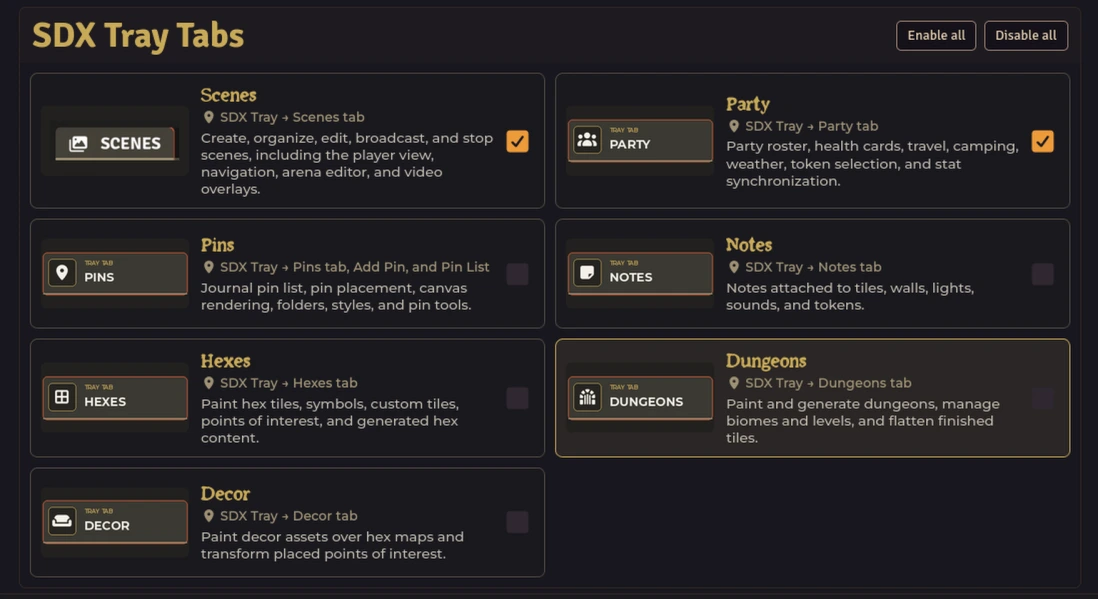
Below that, two visible groups map directly to tray controls you can see:
| Choice | Location | What it hides when off |
|---|---|---|
| Scenes | SDX Tray → Scenes tab | ToM scenes, player view, navigation, arena editor, and video overlays |
| Party | SDX Tray → Party tab | Roster, health cards, travel, camping, weather, and stat sync |
| Pins | SDX Tray → Pins tab, Add Pin, and Pin List | Pin list, placement, canvas rendering, folders, and styles |
| Notes | SDX Tray → Notes tab | Notes on Tokens, Actors, Tiles, Drawings, Walls, Lights, Sounds, and user-managed Regions; lifetime-owned transient/rebuild sources stay excluded |
| Hexes | SDX Tray → Hexes tab | Hex tile, symbol, custom tile, POI, and terrain painting |
| Dungeons | SDX Tray → Dungeons tab | Dungeon painting, generation, biomes, levels, and tile flatten |
| Decor | SDX Tray → Decor tab | Decor assets and POI transforms (needs Hexes) |
| Choice | Location | What it hides when off |
|---|---|---|
| Marching Mode | Tray handle → Crown and walking buttons | Party leader and marching movement |
| Formation Spawner | Tray handle → Formation button | Grid placement and canvas spawn |
| Light Source Tracker | Tray handle → Fire button | Active lights, durations, and controls |
| Carousing | Tray handle → Carousing button | Downtime rolls, outcomes, renown, wealth, and log |
| Drawing Tools | Tray handle → Pencil button | Shapes, stamps, and timed erase |
| Map Generators | Tray handle → Map button | Watabou generators and scene import |
| Toggle Coordinates | Tray handle → Globe button | Hex coordinate overlay |
| Hex Tooltip / Hexplorer | Tray handle → Information button | Hover terrain, settlements, and dungeons |
| Hex Fog | Tray handle → Fog button | Per-hex fog and fog effects |
| Solo Hex Mode | Tray handle → Compass button | Wilderness hex generation while exploring |
| SDX Roller | Tray handle → Dice button | Cinematic rolls, group checks, and recap cards |
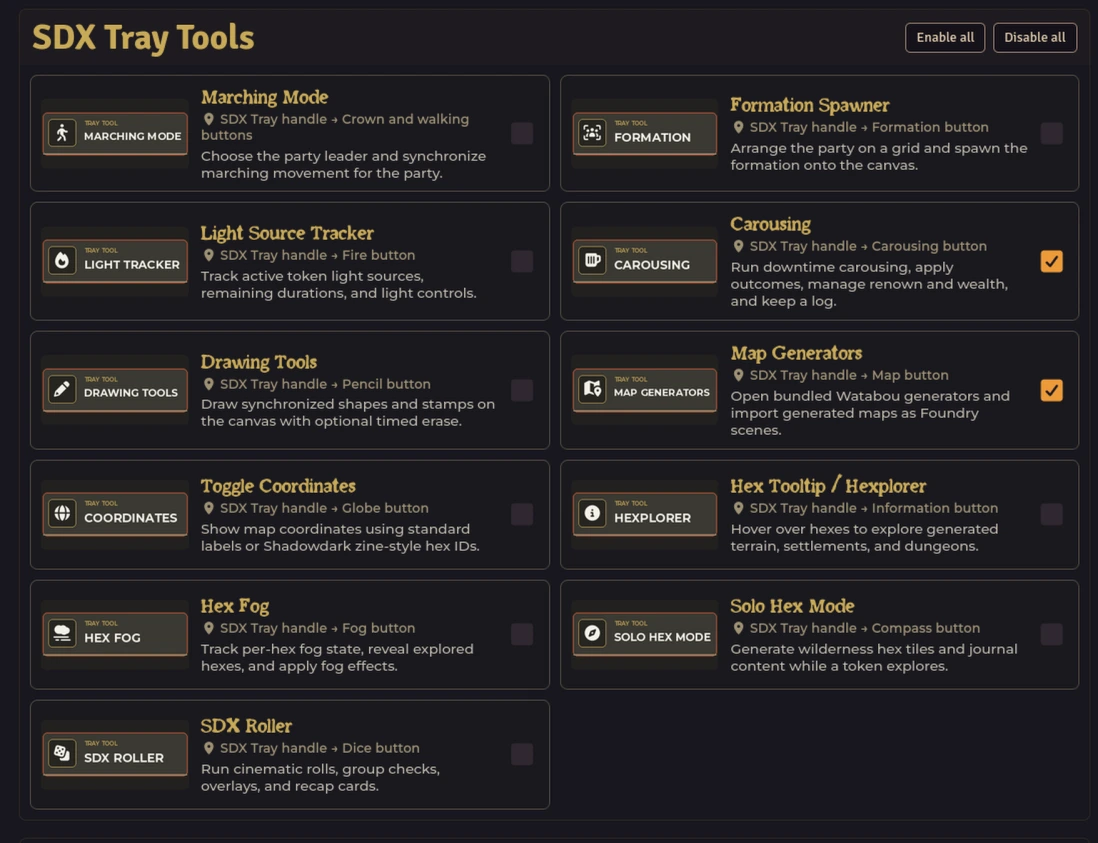
Each choice shows a preview image, a short description, and where it lives on the tray.
Advanced & Hidden Features
A collapsed section at the bottom. It groups automation that has no tray tab of its own. Each subsection below is a separate card inside Advanced & Hidden Features — use its Enable all / Disable all to toggle the group, or individual checkboxes to keep the hooks you need.
Canvas helpers that don't have a tray button of their own.
| Toggle | What it hides when off |
|---|---|
| Token Toolbar | Quick canvas controls for effects and equipped items |
| Wall Context Menu | Extra right-click actions for walls |

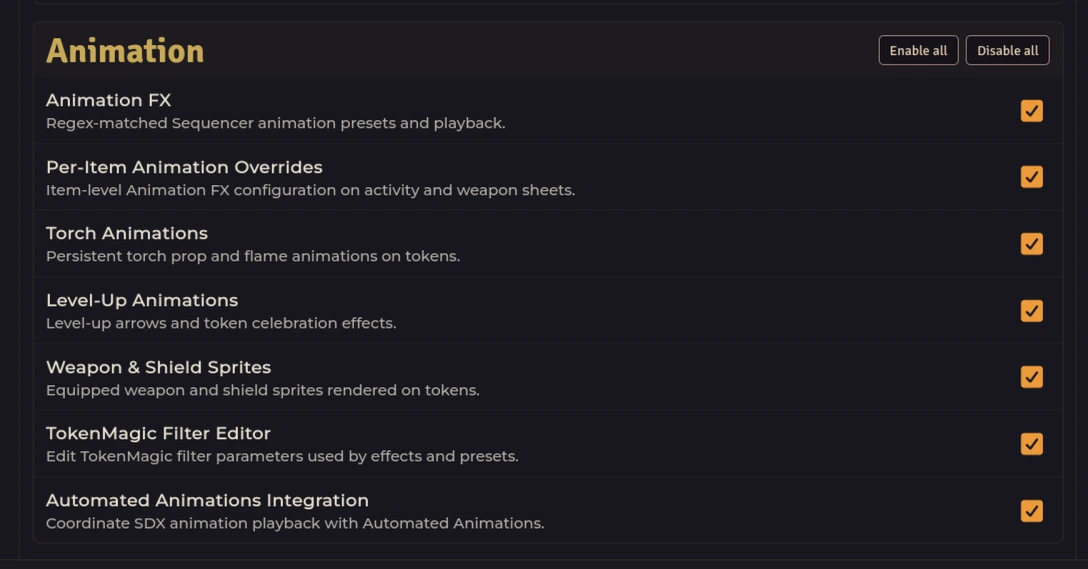
Combat automation and display. All seven are independent (no dependencies).
| Toggle | What it hides when off |
|---|---|
| Enhanced Damage Cards | Targeting, range checks, multipliers, and damage application |
| Scrolling Combat Text | Floating damage and healing numbers above tokens |
| Weapon Bonuses | Hit, damage, critical, on-hit, and item-macro weapon bonuses |
| Focus Spell Tracker | Focus checks, duration tracking, and effect cleanup |
| Medkit | Actor and world spell-enhancement scans |
| Freya's Omen | Omen reroll handling on spell cards |
| Crawl Helper Death Timer | Death-timer integration with SD Crawler Helper |
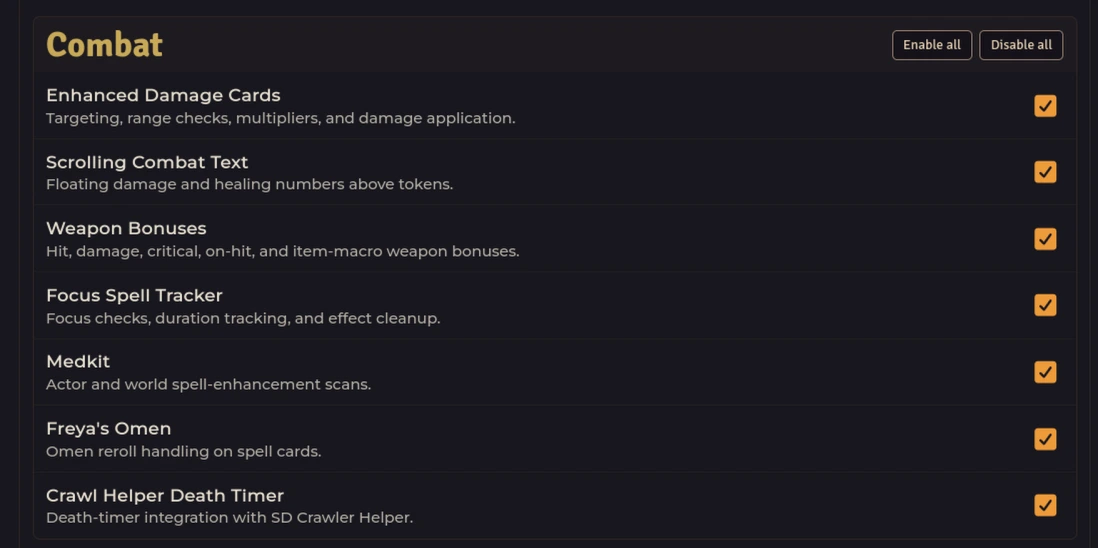
Sequencer / TokenMagic / Automated Animations. One dependency: per-item overrides need Animation FX.
| Toggle | What it hides when off |
|---|---|
| Animation FX | Regex-matched Sequencer animation presets and playback |
| Per-Item Animation Overrides | Item-level Animation FX configuration on activity and weapon sheets — also blocked when Animation FX is disabled |
| Torch Animations | Persistent torch prop and flame animations on tokens |
| Level-Up Animations | Level-up arrows and token celebration effects |
| Weapon & Shield Sprites | Equipped weapon and shield sprites rendered on tokens |
| TokenMagic Filter Editor | Edit TokenMagic filter parameters used by effects and presets |
| Automated Animations Integration | Coordinate SDX animation playback with Automated Animations |
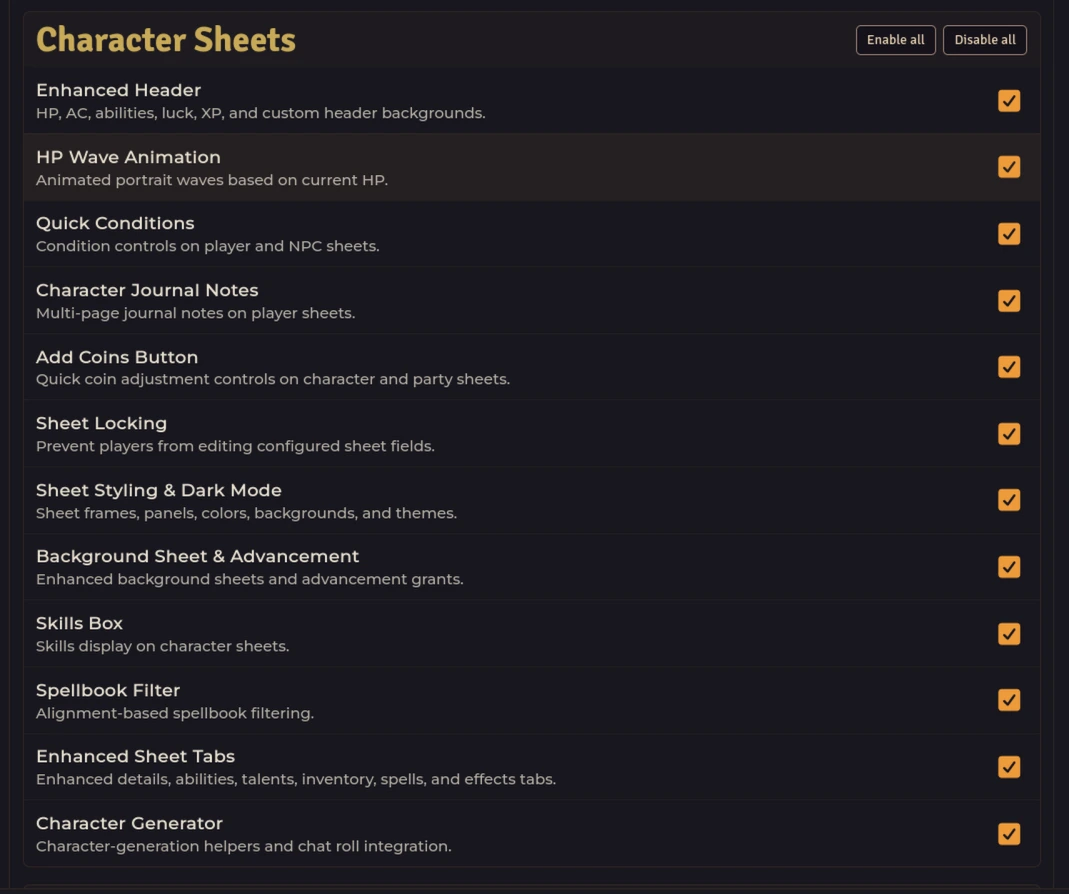
Player and NPC sheet enhancements — 12 toggles, all independent.
| Toggle | What it hides when off |
|---|---|
| Enhanced Header | HP, AC, abilities, luck, XP, and custom header backgrounds |
| HP Wave Animation | Animated portrait waves based on current HP |
| Quick Conditions | Condition controls on player and NPC sheets |
| Character Journal Notes | Multi-page journal notes on player sheets |
| Add Coins Button | Quick coin adjustment controls on character and party sheets |
| Sheet Locking | Prevent players from editing configured sheet fields |
| Sheet Styling & Dark Mode | Sheet frames, panels, colors, backgrounds, and themes |
| Background Sheet & Advancement | Enhanced background sheets and advancement grants |
| Skills Box | Skills display on character sheets |
| Spellbook Filter | Alignment-based spellbook filtering |
| Enhanced Sheet Tabs | Enhanced details, abilities, talents, inventory, spells, and effects tabs |
| Character Generator | Character-generation helpers and chat roll integration |
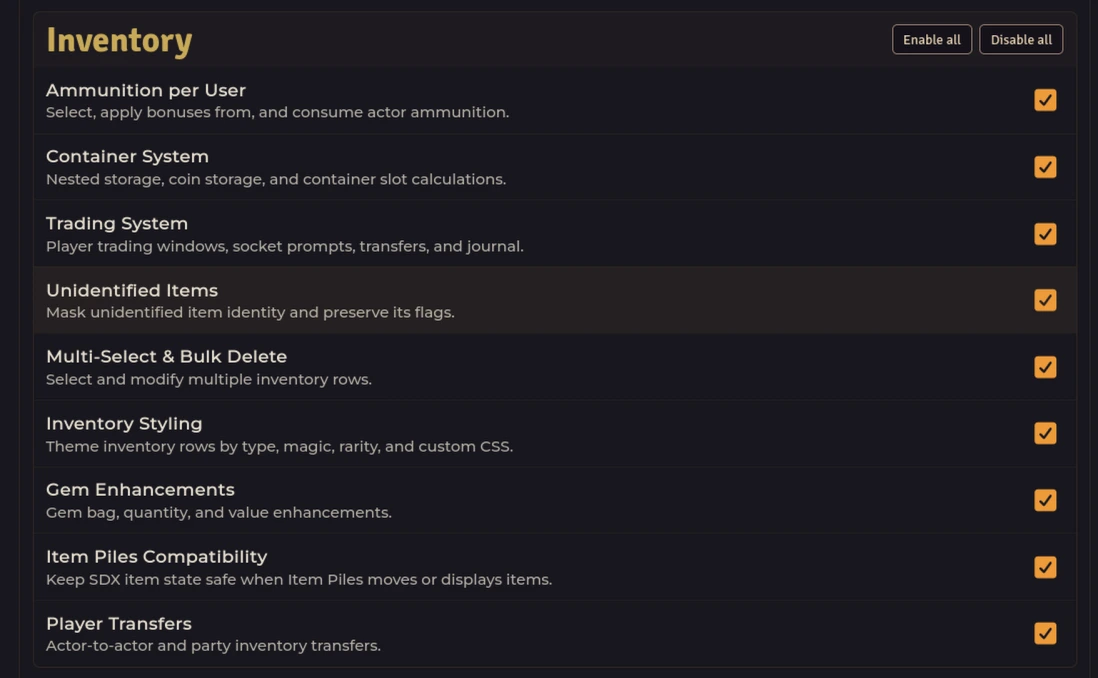
Containers, trading, and display — 9 toggles, all independent.
| Toggle | What it hides when off |
|---|---|
| Ammunition per User | Select, apply bonuses from, and consume actor ammunition |
| Container System | Nested storage, coin storage, and container slot calculations |
| Trading System | Player trading windows, socket prompts, transfers, and journal |
| Unidentified Items | Mask unidentified item identity and preserve its flags |
| Multi-Select & Bulk Delete | Select and modify multiple inventory rows |
| Inventory Styling | Theme inventory rows by type, magic, rarity, and custom CSS |
| Gem Enhancements | Gem bag, quantity, and value enhancements |
| Item Piles Compatibility | Keep SDX item state safe when Item Piles moves or displays items |
| Player Transfers | Actor-to-actor and party inventory transfers |
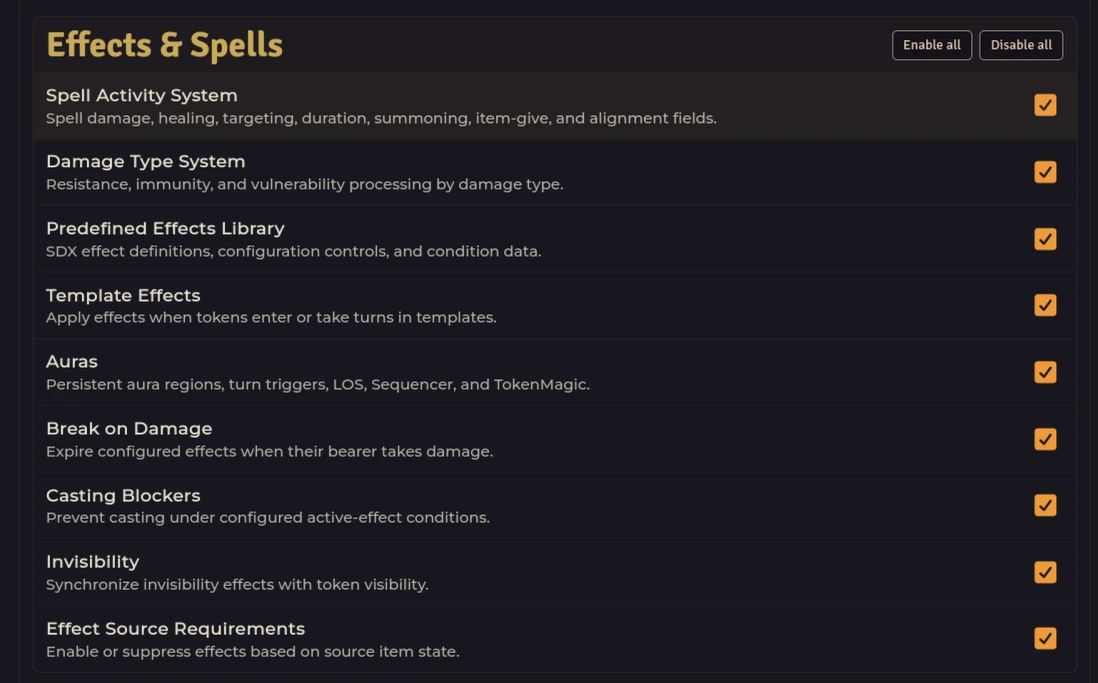
Core spell/effect automation. Two toggles here depend on the Spell Activity System — a third, Spell Configuration Panels, lives under Item Automation.
| Toggle | What it hides when off |
|---|---|
| Spell Activity System | Spell damage, healing, targeting, duration, summoning, item-give, and alignment fields |
| Damage Type System | Resistance, immunity, and vulnerability processing by damage type |
| Predefined Effects Library | SDX effect definitions, configuration controls, and condition data |
| Template Effects | Apply effects when tokens enter or take turns in templates — also blocked when Spell Activity System is disabled |
| Auras | Persistent aura regions, turn triggers, LOS, Sequencer, and TokenMagic — also blocked when Spell Activity System is disabled |
| Break on Damage | Expire configured effects when their bearer takes damage |
| Casting Blockers | Prevent casting under configured active-effect conditions |
| Invisibility | Synchronize invisibility effects with token visibility |
| Effect Source Requirements | Enable or suppress effects based on source item state |
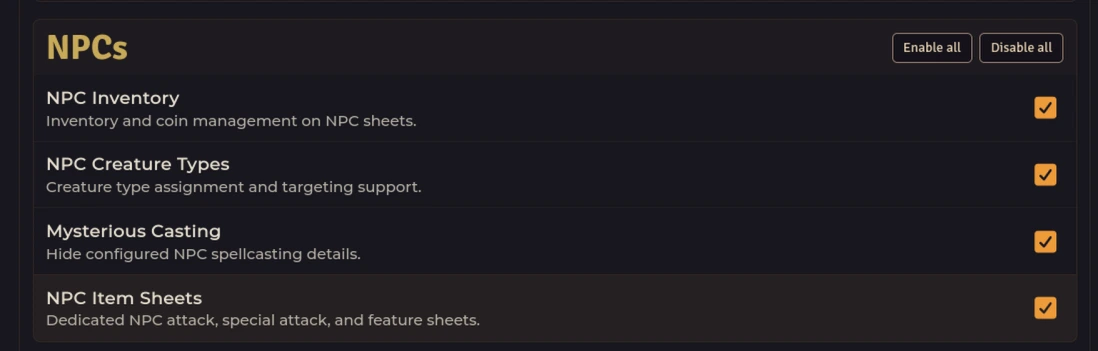
NPC sheet and casting helpers — 4 toggles, all independent.
| Toggle | What it hides when off |
|---|---|
| NPC Inventory | Inventory and coin management on NPC sheets |
| NPC Creature Types | Creature type assignment and targeting support |
| Mysterious Casting | Hide configured NPC spellcasting details |
| NPC Item Sheets | Dedicated NPC attack, special attack, and feature sheets |
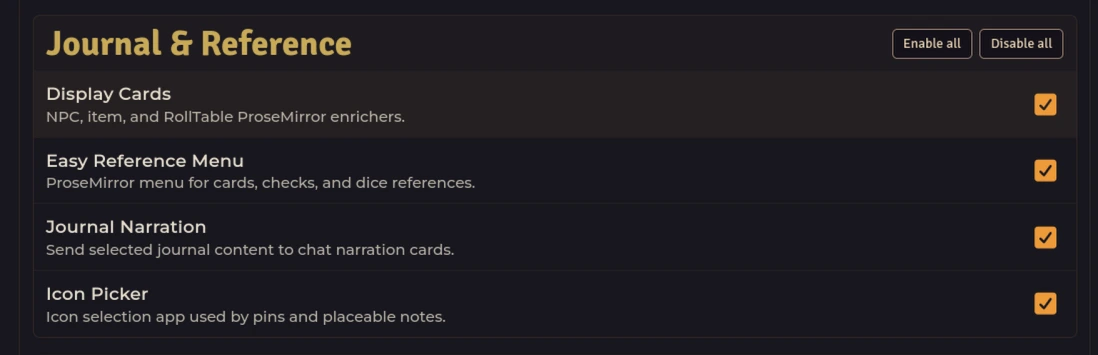
ProseMirror enrichers and journal helpers — 4 toggles, all independent.
| Toggle | What it hides when off |
|---|---|
| Display Cards | NPC, item, and RollTable ProseMirror enrichers |
| Easy Reference Menu | ProseMirror menu for cards, checks, and dice references |
| Journal Narration | Send selected journal content to chat narration cards |
| Icon Picker | Icon selection app used by pins and placeable notes |
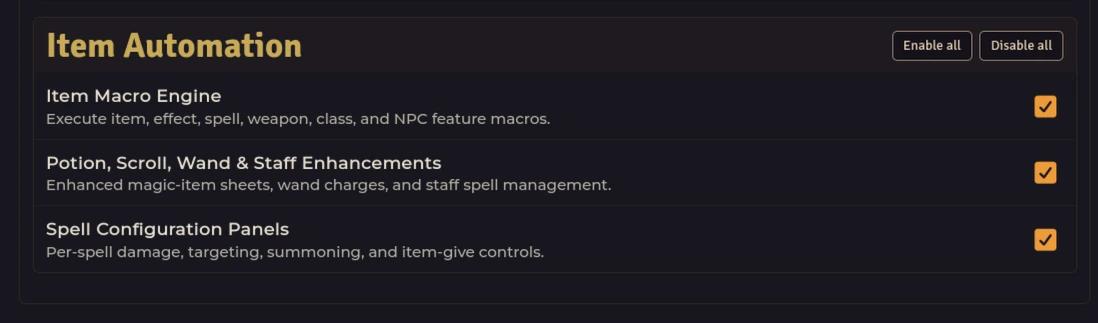
Item and spell sheet automation — one dependency: spell config panels need the Spell Activity System.
| Toggle | What it hides when off |
|---|---|
| Item Macro Engine | Execute item, effect, spell, weapon, class, and NPC feature macros |
| Potion, Scroll, Wand & Staff Enhancements | Enhanced magic-item sheets, wand charges, and staff spell management |
| Spell Configuration Panels | Per-spell damage, targeting, summoning, and item-give controls — also blocked when Spell Activity System is disabled |
Leave these enabled unless you intend to turn off that underlying behavior. See Settings Reference for what each hidden key stores.
- Enable All / Disable All — global buttons at the top, and per-group Enable all / Disable all next to each heading, set every checkbox in that scope in one click.
- Partial / indeterminate — a tray choice can be partially disabled (for example Dungeons bundles two features; Scenes bundles five). The checkbox shows an indeterminate state and the card reads Some parts are currently disabled.
- Blocked by dependency — some features need a parent. Decor needs Hexes; per-item animation overrides need Animation FX; template effects, auras, and spell config panels need the Spell Activity System. Disabling the parent disables the child and the card shows Also blocked because … is disabled. — the child checkbox stays off until the parent is back.
- Collapsed automation — Advanced rows have no preview image and no tray location; they hide sheets, hooks, libWrapper patches, and sockets rather than a button.
Only a GM sees Feature Manager (restricted: true). Disabling a feature removes it for everyone in the world — a player can't work around it by flipping a client setting.
- A tray tab or tool is missing — open Feature Manager and re-check it. A single unchecked box (or its parent) explains most missing tabs.
- A settings menu is gone — the menu is gated by its feature. Re-enable the feature group it belongs to and reload.
-
Nothing changed after saving — reload.
disabledFeatureshasrequiresReload: true; hooks, sheets, and tray modes attach at startup. - Decor disappeared but Hexes still works — expected. Decor depends on Hexes; re-enable Hexes and Decor together.
-
I want everything back — click Enable All at the top, save, and reload. The stored value is
disabledFeatures(Array, default[]);[]means nothing disabled.
Storage, scope, and reload
- Setting key
disabledFeatures— World,config: false(hidden),type: Array, default[],requiresReload: true. No direct toggle lives in Configure Settings — only this editor writes it. - Menu key
featureManagerMenu—name: Feature Manager,label: Configure Features,icon: fas fa-toggle-on, hint Completely disable Shadowdark Extras features, including hidden hooks and background behavior. - Disabling prevents initialization of that feature's menu registrations, settings,
Hooks.on/libWrapper.register, sockets, templates, and tray mode. Stored world data (container flags, journal pages, pin pages, aura Regions, carousing sessions, style values, granted advancements, etc.) is preserved — re-enable and reload to restore. - App id
sdx-feature-manager, classesshadowdark-extras sdx-feature-manager-app, size 920×820, templatetemplates/feature-manager.hbs. Previews areassets/feature-manager/*.webp(one per visible choice).
Related: Settings Reference · The SDX Tray & Party Tools · Troubleshooting