Repository navigation
Help topic
The Topic edit screen creates or edits a topic tag. Topics are a tag-based classification system for organizing messages by subject matter, enabling visitors to find related content through filtering.
Components → Proclaim → Topics, then click New or click an existing topic name.
When an AI provider is configured in Component Options (Claude, ChatGPT, or Gemini), topic suggestions can be generated automatically based on message content during message editing. The AI analyzes the sermon text and recommends relevant topics from existing ones or suggests new ones.
| I want to… | Go to |
|---|---|
| Create a subject tag | Create the topic |
| Look up one field | Screen Reference |
- Enter the topic name. Short and general works best — Prayer, not Praying when you do not feel like it.
- Save & Close.
- Add it to messages from the message form.
Tip
Check the existing list first. Topics only help visitors when the same ones get reused across many messages.
Toolbar
| Button | Action |
|---|---|
| Save | Saves and stays on the edit screen |
| Save & Close | Saves and returns to the topics list |
| Save & New | Saves and opens a blank form |
| Cancel | Discards changes and returns to the list |
| Help | Opens this help page |
| Field | Description |
|---|---|
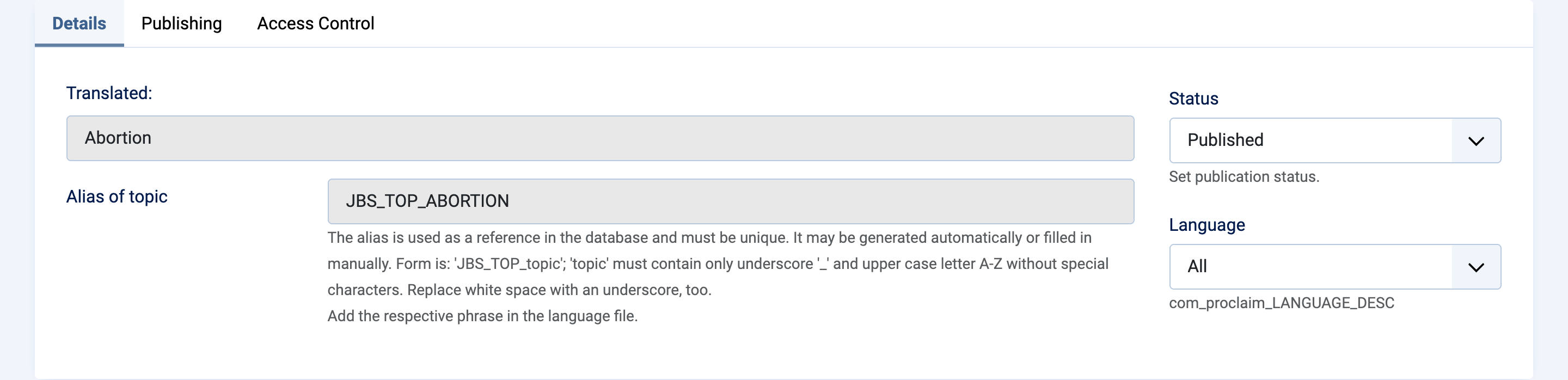
| Topic Name | Required. The topic label as displayed on the frontend. |
| Status | Published, Unpublished, or Trashed. |
| Language | Language assignment for multilingual sites. |
Publishing tab
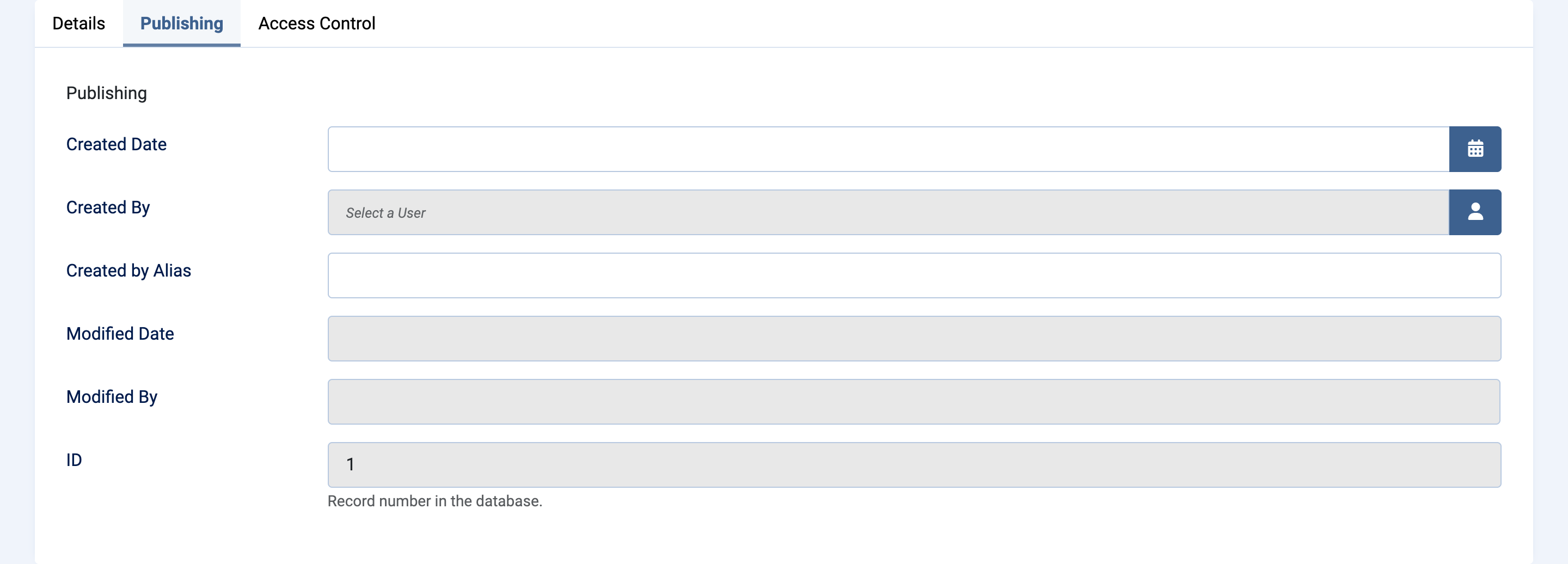
Created Date, Created By, Modified Date, Modified By.
Access Control tab
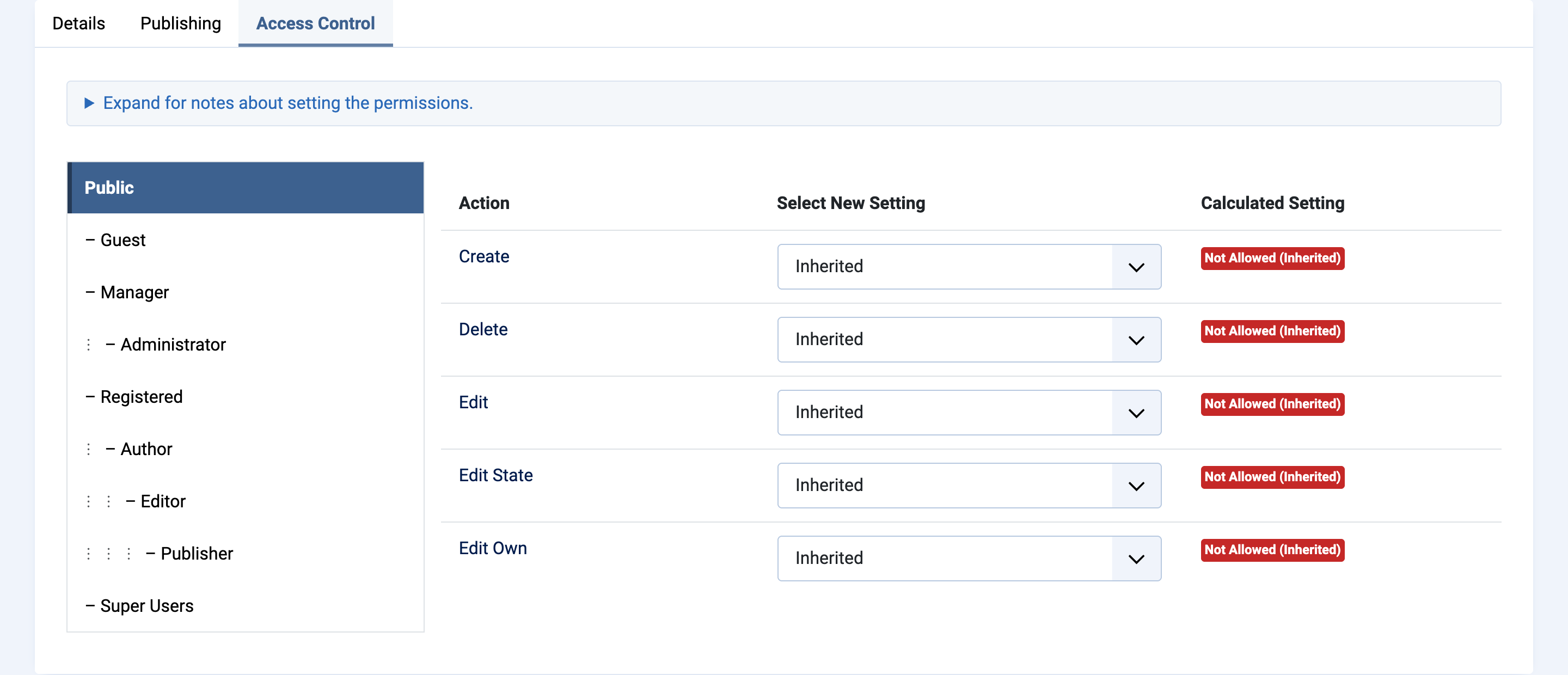
Per-item access control for Delete, Edit, Edit State.
Details tab

The topic name.
- Create a consistent, focused set of topics. Avoid too many similar topics — use broad categories that help visitors find related content.
- Topics work best alongside Series and Message Types for comprehensive content organization.
- Only published topics appear as options when editing messages.
- Help-topics — Topics list view
- Help-message — Message edit form (assign topics)