Home
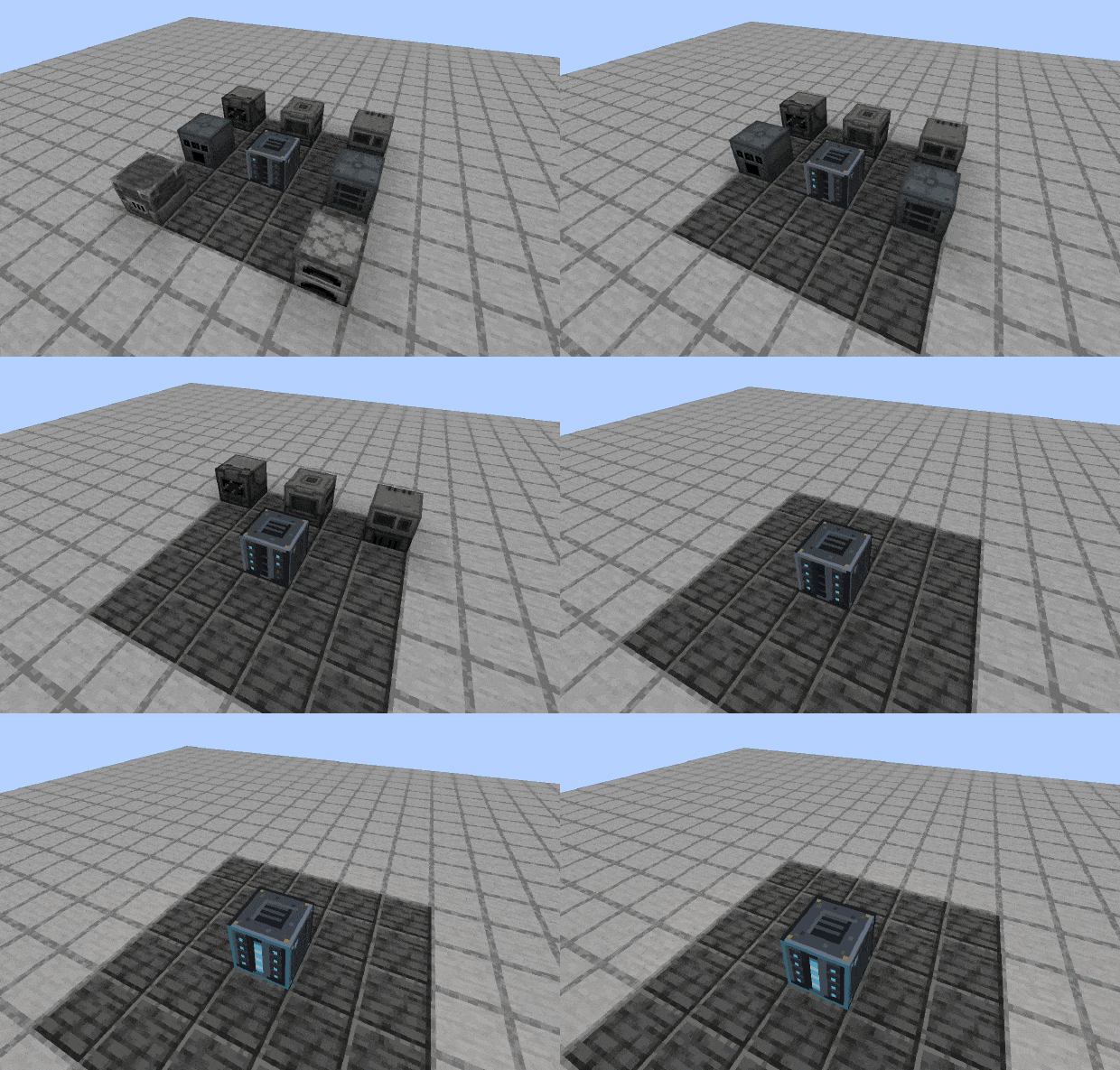
One block that hosts your machines out of sight and reaches them wirelessly.
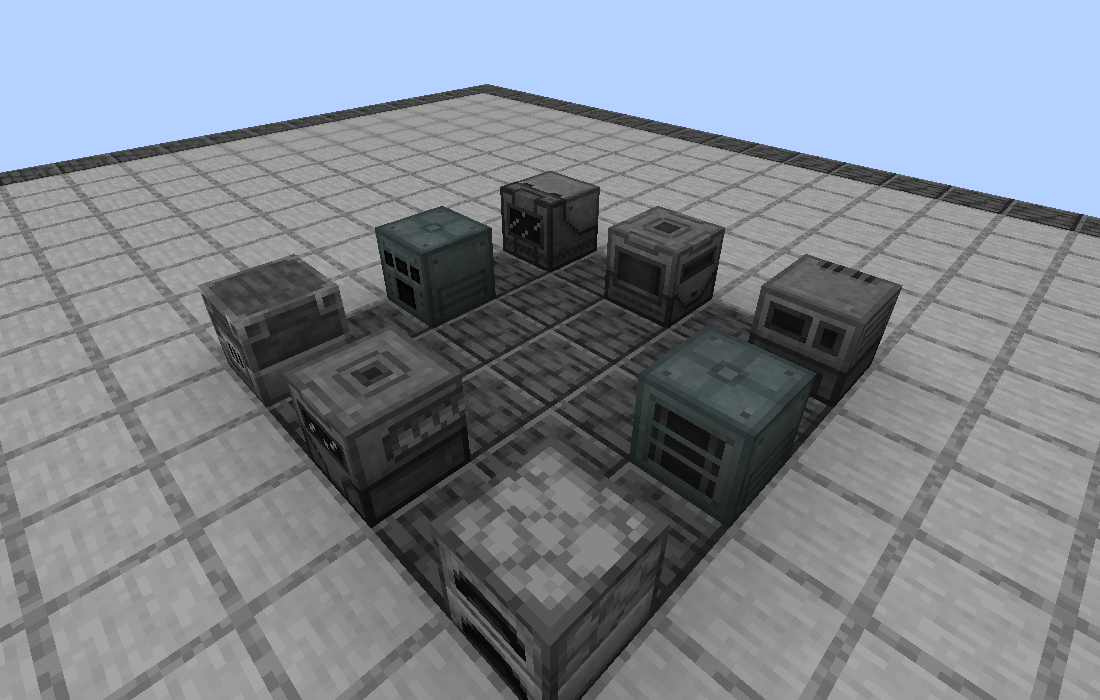
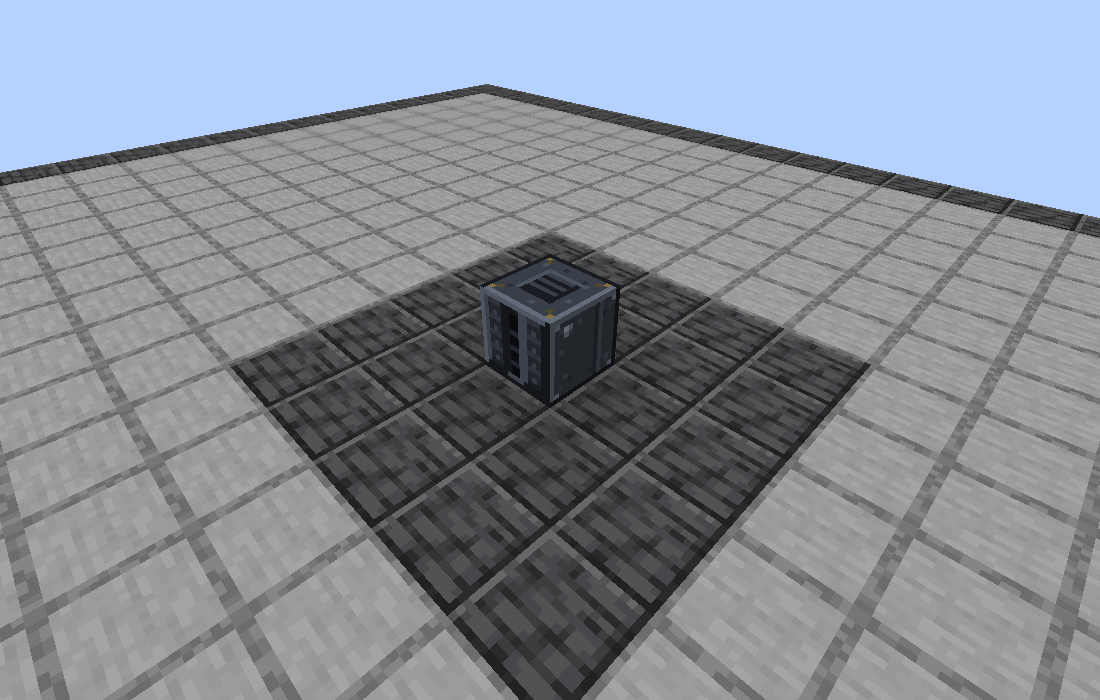
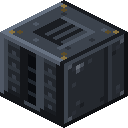
Workbay is a NeoForge mod for Minecraft 1.21.1. Instead of a room full of machines and a tangle of pipes, you place a single block: the Workbay. Machines go inside it, into a private dimension the mod keeps for you, and go on running exactly as they did on the floor. Chests, tanks and machines still out in the world are reached with small plates called Connectors, so nothing needs wiring. A fresh Workbay holds two machines; six Expansion Plates take it to eight.
You never go to that private dimension yourself. A hosted machine is reached through its own screen, opened from where you stand; Rooms are the one thing in it you walk into.
It buys space, not tick time: a hosted machine is the same block entity, ticking the same way, just somewhere else. The measured cost is on Machines and Bays.
| Eight machines, eight footprints | The same eight, hosted in one block |
|---|---|
 |
 |
- Place a Workbay and right-click it.
- Rack a machine. Hold any mod's machine, pick an empty bay and click its slot. The machine moves into the private dimension and keeps ticking, and its own screen opens from where you stand.
- Link it to the world. Stick a Connector on a chest, tank or machine, pair it to the bay, and switch a channel on. Items, fluids, energy and Mekanism chemicals move with a direction, a filter and a rate.
- Watch it run. FLOW draws the whole network as a map, one arrow per pair of boxes, coloured by what its links are doing right now.
| Screen | What it is for |
|---|---|
| WORKBAY | The bays: the racked machine and its status, the face cube that sets which side takes what, and that bay's links. |
| FLOW | The network as a map. One arrow per pair of boxes, pips walking along the ones that are moving. |
| UPGRADES | More bays, more dimensions, higher transfer rates, chunk loading. |
| NETWORKS | Which network this block holds, and Transfer to move one between blocks. A Workbay holding no network opens here. |
| Minecraft | NeoForge | Workbay | Status |
|---|---|---|---|
| 1.21.1 | 21.1.249+ | 1.0.x | ✅ In support |
Legend: ✅ in support · 🚧 work in progress · ❌ not supported
No other Minecraft version is supported, and none is currently being worked on. If you want one, say so on the issue tracker rather than assuming - it is the only place that answer gets recorded.
 For players
- Getting Started - install, craft, rack your first machine.
- Items - every block and item, its recipe, the order to build in, what each upgrade does.
- Machines and Bays - what can be hosted, what is refused and why.
- Connectors and FLOW - linking without cables, filters, rates, reading the map.
- Rooms - builds you can pick up and carry.
- Networks and Locking - who owns a network, and how to share it.
- FAQ and Troubleshooting - when something looks wrong.
 For server hosts and modpack authors
- Server Configuration - every server and client option, its default and what it does.
- Modpacks - licence, shipping your own defaults, deciding what may be hosted, performance.
 For developers
- Building and Contributing - dev setup, the gametest suite, opening a pull request.
- CONTRIBUTING.md - the workflow in full.
- Issues · Releases · Changelog
Minecraft 1.21.1, NeoForge 21.1.249 or newer, Java 21. No library mod, no other dependencies. MIT licensed; modpacks are welcome without asking.
Mekanism is tested against every build, and JEI or EMI let you drag an ingredient straight into a link's filter. Multiblock parts, blocks that work by joining up with their neighbours - cables, pipes, conduits - and blocks a mod or a pack has tagged as unmovable are refused, and the tooltip says why.
Opening a hosted machine's own screen from where you stand is the one feature a host can switch
off, in config/workbay-mixins.properties. With it off the button walks you to the bay instead.
Workbay is written and maintained by neryosx. Released under the MIT licence - use it, ship it, fork it.
Item and block textures in this wiki are rendered from the mod's own assets and from the vanilla Minecraft 1.21.1 client, and are shown here to document the mod's recipes. Minecraft is a trademark of Mojang Studios; this project is not affiliated with or endorsed by Mojang Studios or Microsoft.

 Help
Help