FAQ and Troubleshooting
Ask the game why:
/workbay why <block id>
It will name the rule. Almost always it is one of four: the block has no block entity, it works by connecting to its neighbours (a cable, a pipe, a conduit), it is a piece of a multiblock (a casing, a valve, a port), or the pack - or the block's own mod - has tagged it as not hostable. See Machines and Bays.
A machine that is merely big, one that needs the blocks around it, is not refused by any of those: the bay is grown wider once and the placement tried again. Only a machine that reaches past that comes back to your hand.
Open FLOW and look at the line.
| Line | What to do |
|---|---|
| Green with pips | It is working. |
| Pale grey (resting) | Nothing is wrong. There is nothing to move right now - including when the target is simply full. |
| Dark grey | The row is switched off, held by the bay's redstone mode, or parked off its bay. |
| Amber (stalled) | Something needs you: an unloaded chunk, no port on a usable face, no face set for that direction, a missing Resonator, or no power. |
| Red (broken) | The Connector was destroyed, or the dimension it pointed into is gone. |
If the line looks fine, check the direction and the filter on the WORKBAY screen, and that the row is switched on.
Check the face cube for that bay, and check the right resource tab on it - items, fluids, energy and chemicals each have their own faces. An input chest feeding a face marked out will not do anything. Green is in, blue is out, and leaving every face unset means any face will answer.
Energy is not shared. Each bay that needs power gets its own energy channel to a Connector on your power source. The Workbay's own FE buffer only pays for running links, and on a default server that costs nothing.
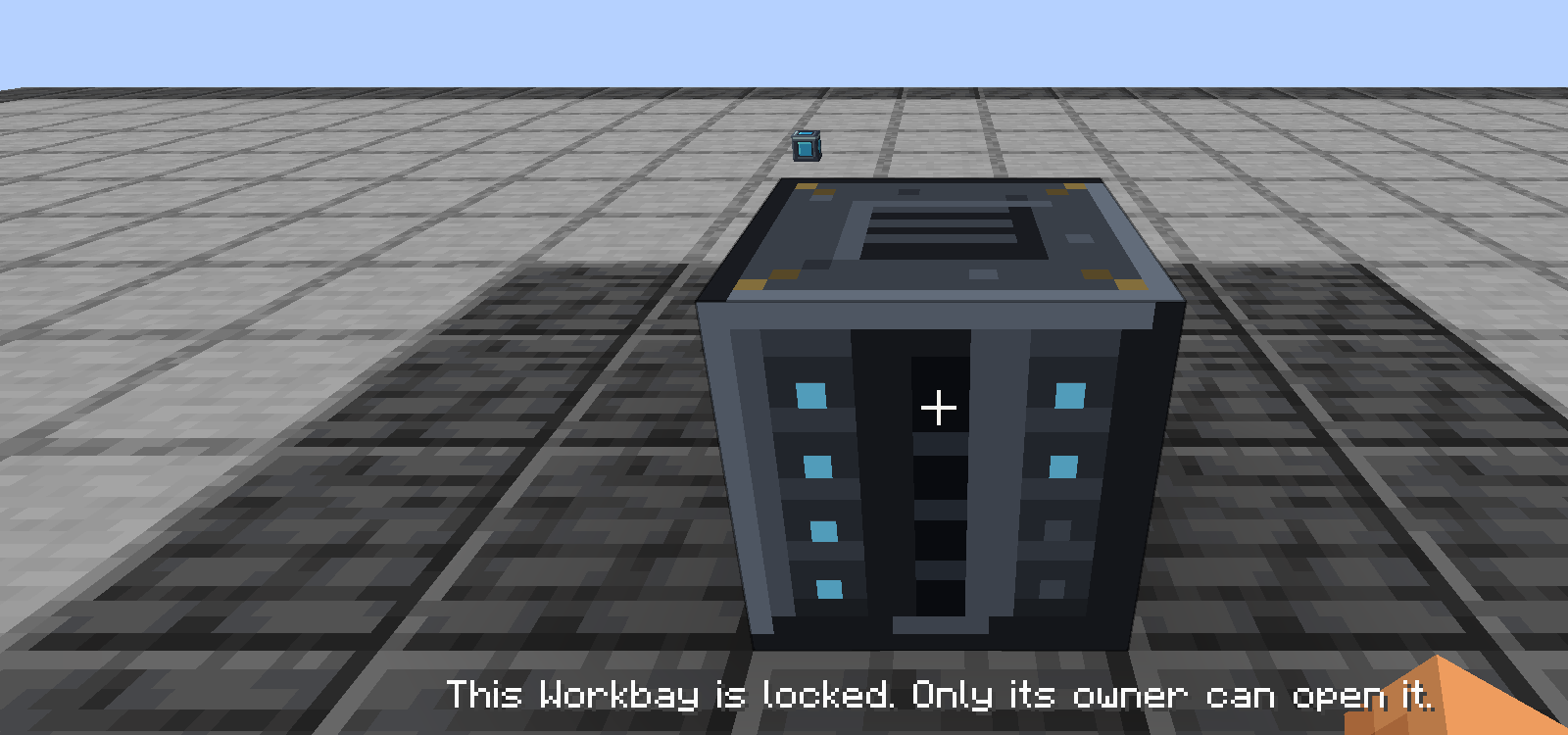
That is the default - a network is born locked to the player who placed it. Use Unlock to share it. See Networks and Locking.
No. The network survives the block. Put the block it dropped back down and it reconnects to exactly that network; a freshly crafted Workbay picks up a sleeping network of yours, which may not be the one you meant if you have two. The NETWORKS screen moves one between blocks.
The world reads cleanly and those bays show empty, and it keeps a record of which block used to be in each - /workbay orphans lists them. But the machines themselves are gone: the game discards blocks whose mod is missing, and re-installing Mekanism does not bring them back.
No more than the floor did: a hosted machine is the same block entity ticking at the same rate, in a different dimension, not a faster or slower one. The measured cost and what is force-loaded are on Machines and Bays under Performance.
Yes, as deep as you like. What is refused is a loop - a Room going into a Workbay that is standing inside that Room, or inside anything it contains - plus a Room that is already racked elsewhere, and a copy of a Room item.
64 per network. Each player may own two networks by default, which a server can change in config/workbay-server.toml.
Search the open issues first, then open a bug report. Include the steps that reproduce it and, if you can, a screenshot or a short clip - it is usually the difference between a fix this week and a conversation that takes three rounds.

 Playing
 Running a server
 Developing
 Help
Help