Controls and Map
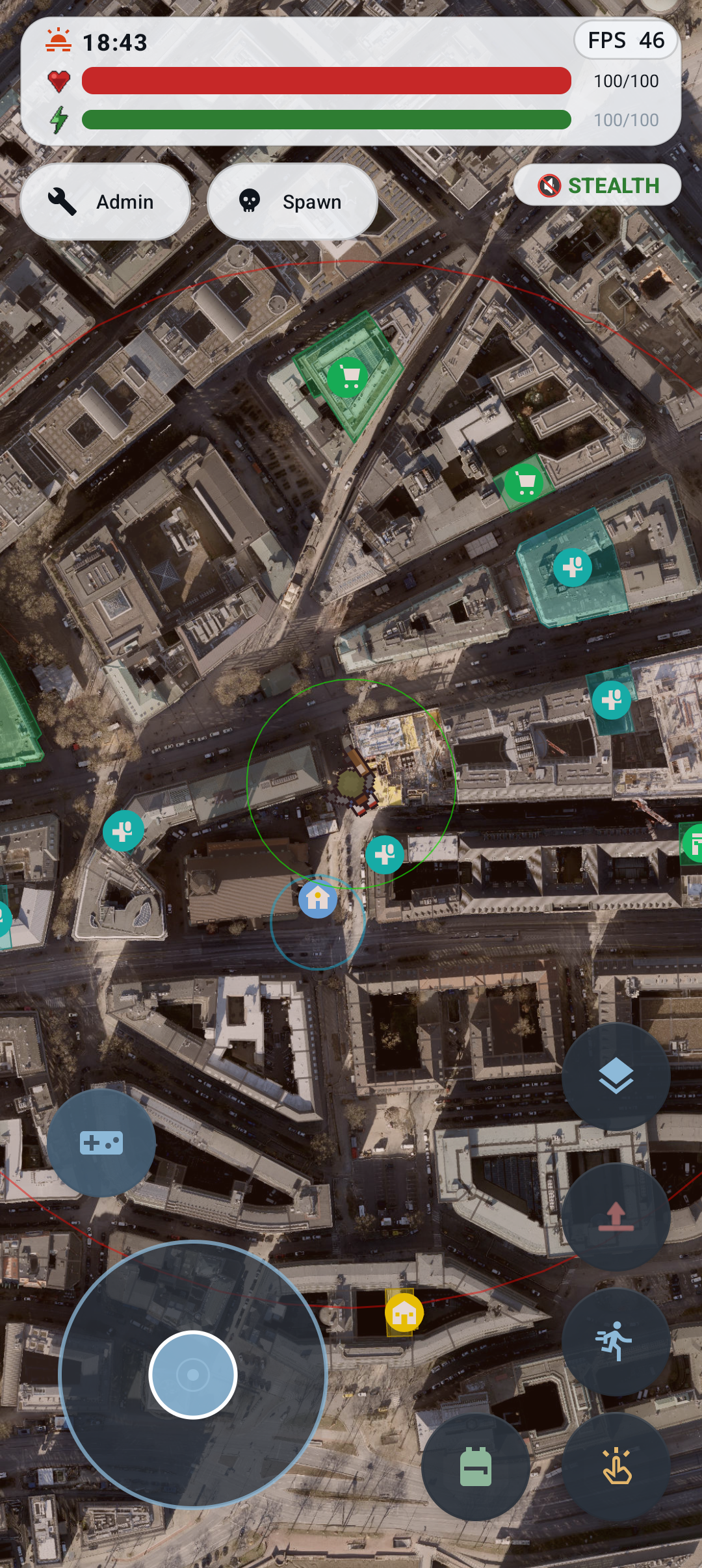
ZombieEscape supports two movement modes:
- GPS mode follows your device's real-world position.
- Manual mode lets you move with the on-screen joystick.
Use the movement-mode button above the joystick to switch modes. Switching back to GPS teleports the character from the manual position to the current real-world GPS location, so the game asks for confirmation and shows the approximate distance first.
If GPS is weak, wait for a fresh fix or move outdoors. Location permission must be enabled for GPS mode.
- Drag the joystick in the direction you want to move.
- Use the running control while the joystick is held to run; releasing it returns to walking.
- Movement consumes stamina. Slow down or use Rest when stamina is low.
- The joystick can be placed on the left or right in Settings. Nearby action controls move to the opposite side.
- Tap markers to inspect zombies, NPCs, vehicles, events, or other points of interest.
- Long-press a building to open its building menu. Depending on the building, you can loot/search, claim it, manage an owned house, or view information.
- Pan and zoom the map normally with touch gestures.
- The layer/map button controls map presentation. Satellite imagery may also be available from the Admin tools in development builds.
The large colored buttons provide fast access to common functions. Depending on the current state, they open movement, menu, inventory, quick actions, interactions, or map-layer controls. Vehicle-specific controls replace or supplement them while driving.
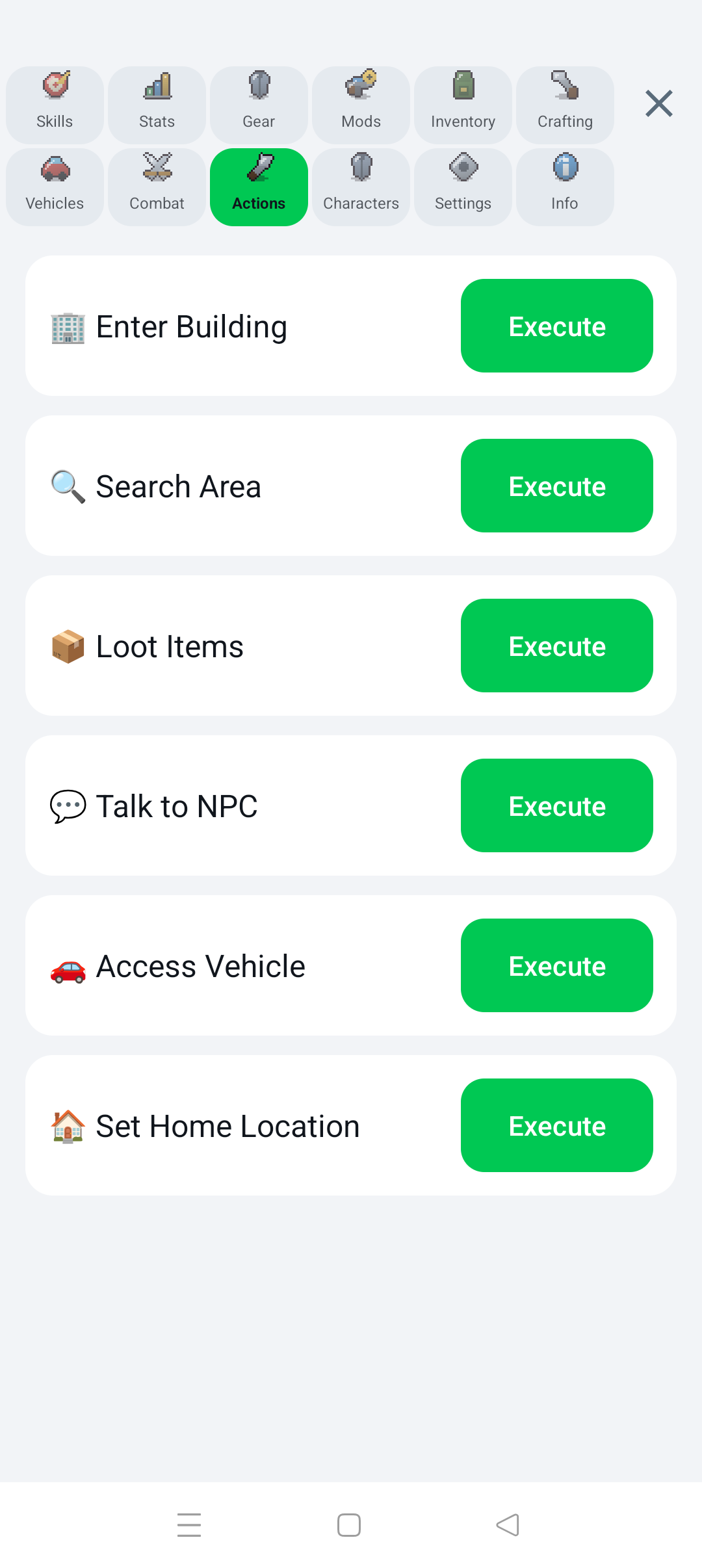
The Actions page offers:
- Enter Building
- Search Area
- Loot Items
- Talk to NPC
- Access Vehicle
- Set Home Location
Actions depend on distance and context. If nothing happens, move closer and try again.
The lightning button lists only useful actions for the current surroundings, grouped into Loot & Collect, Combat, Survival, Crafting, Transport, Base, and Social. Examples include collecting ground items, looting nearby buildings, eating and drinking, resting, opening medical care, cooking, accessing vehicles, storage, and trading.
Next: Survival Basics