Vehicles and Aircraft
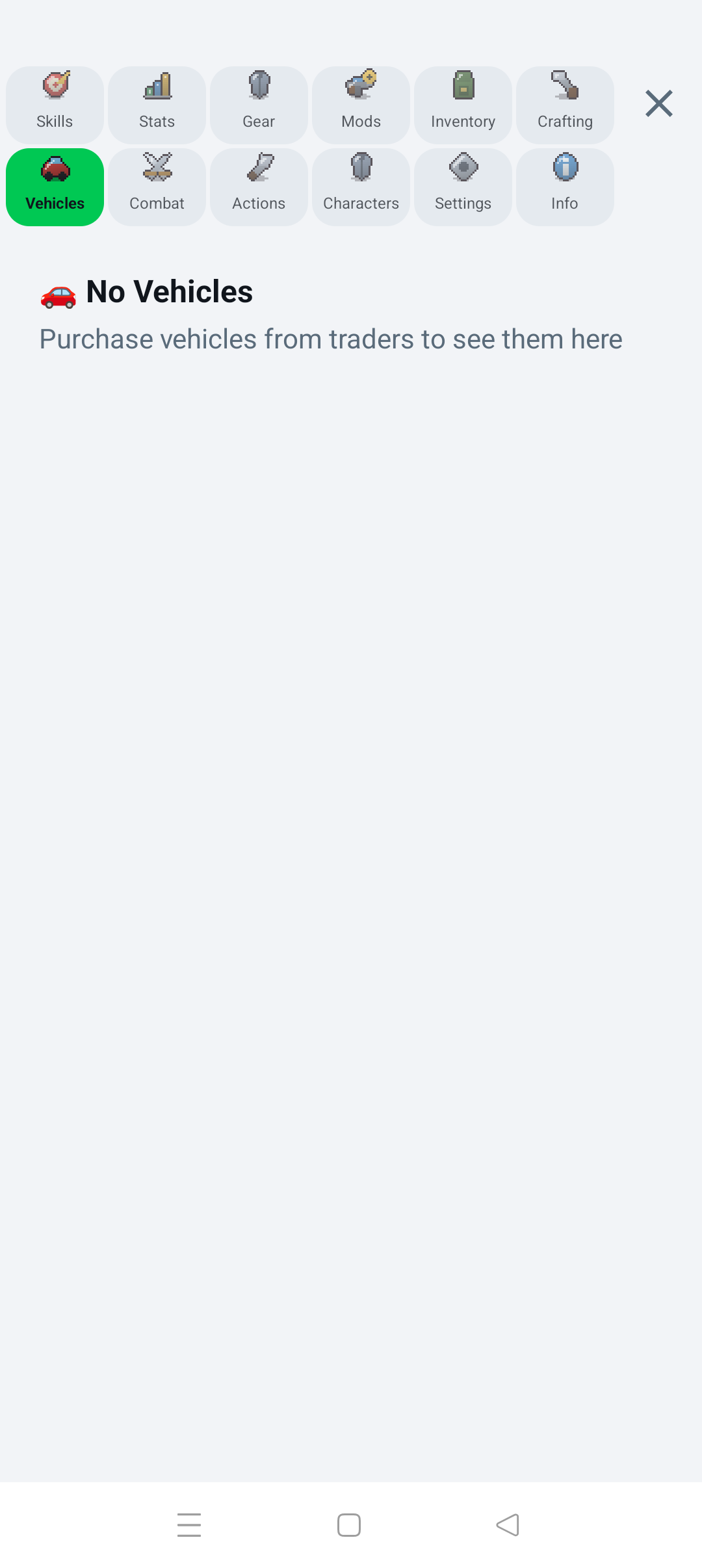
Vehicles can be purchased from a vehicle trader or discovered as damaged wrecks near buildings. After a purchase:
- Roads within 500 m of the trader are highlighted.
- Tap a highlighted road.
- The vehicle is spawned, saved, and shown as a map marker.
The Vehicles page lists owned vehicles with fuel and condition. Tap a nearby marker or use Vehicles / Access Vehicle to inspect and enter it.
- Ground vehicles follow nearby roads when possible.
- Use the joystick to steer and move forward/backward.
- Shift up or down with the gear controls.
- Roads provide a speed boost; off-road travel is slower.
- Aircraft fly freely instead of following roads.
You must be close enough to enter a vehicle. Use the exit control and confirm when you want to leave it.
The vehicle dialog displays type, maximum speed, fuel, condition, fuel consumption, and cargo capacity. Movement consumes fuel and stops when the tank is empty. Vehicle condition and individual components can degrade; a broken part is reported immediately.
Open Components to inspect parts. Tap a missing or worn slot to install or service a compatible item from inventory.
Damaged vehicles found in the world may be undrivable. Open Repair, install every missing required part, and complete the repair to make the vehicle usable.
Vehicle cargo provides additional weight capacity. Transfer selected items between the player and a vehicle from Inventory. Owned-house garages can store a drivable nearby vehicle if space is available.
The game includes a Light Prop Plane, Cargo Plane, Rescue Helicopter, Fighter Jet, and Seaplane. Aircraft use free-flight controls and have their own speed multipliers and required components.