Settings and Troubleshooting
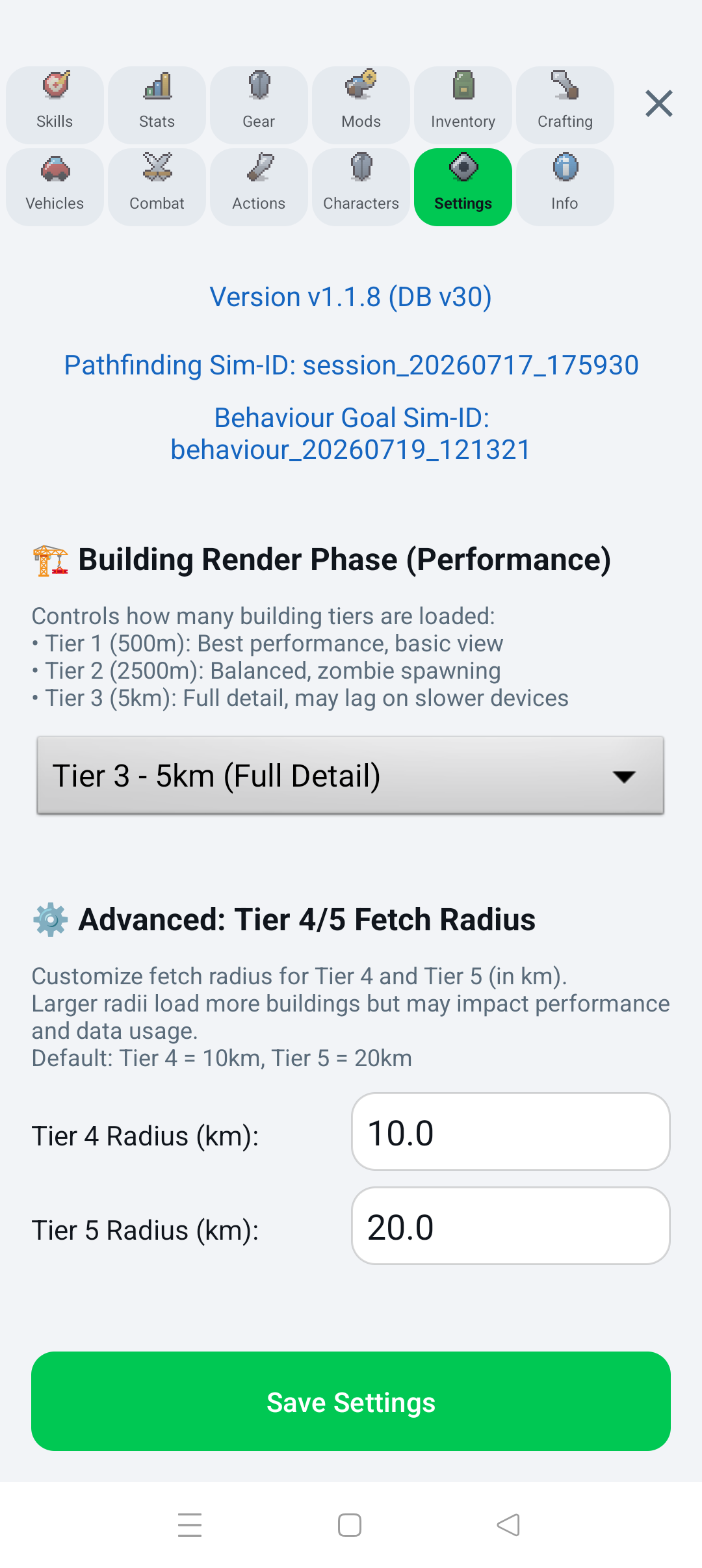
- Building Render Phase — Tier 1 (500 m) favors performance, Tier 2 (2.5 km) is balanced and includes zombie spawning, and Tier 3 (5 km) loads full detail.
- Advanced Tier 4/5 Fetch Radius — controls wider-area building downloads. Larger values use more data and resources; defaults are 10 km and 20 km.
- Building Visibility Radius — 500 m for best performance, 1.5 km balanced, or 3 km for a wide view.
- Show Building Polygons & Icons — disabling this improves rendering performance while keeping building data available to interactions and spawns.
- Day/Night Mode — changes the app and map theme.
- Joystick Side — places the joystick on the left or right.
- Compact List Mode — reduces spacing in Trader, Inventory, Crafting, and other lists.
- Language — selects the preferred app language.
- Clear Building Cache — deletes cached map-building data and forces a fresh download.
Press Save Settings after changing values.
- Wait for the first download in a new area.
- Confirm internet access.
- Move slightly to trigger an area update.
- Increase Building Render Phase if it is too restrictive.
- Clear the building cache only if the cached data seems broken.
- Use Tier 1 or Tier 2.
- Reduce building visibility to 500 m or 1.5 km.
- Hide building polygons and icons.
- Reduce advanced Tier 4/5 radii.
- Use compact lists if large menus feel slow.
- Grant Android location permission.
- Enable device location services.
- Move outdoors and wait for a fresh signal.
- Use Manual mode while GPS is unavailable.
- Remember that switching back to GPS moves the character to the real GPS location.
Most interactions are distance- and context-sensitive. Move closer, leave a vehicle for on-foot actions, select a valid target, check carry capacity, and make sure the required item, ammunition, fuel, station, or trader is available.
Open an issue in the public preview repository. Include the game version, Android version, device model, what you expected, what happened, and clear reproduction steps. Do not include passwords, tokens, private keys, or sensitive location details.