World Buildings and Loot
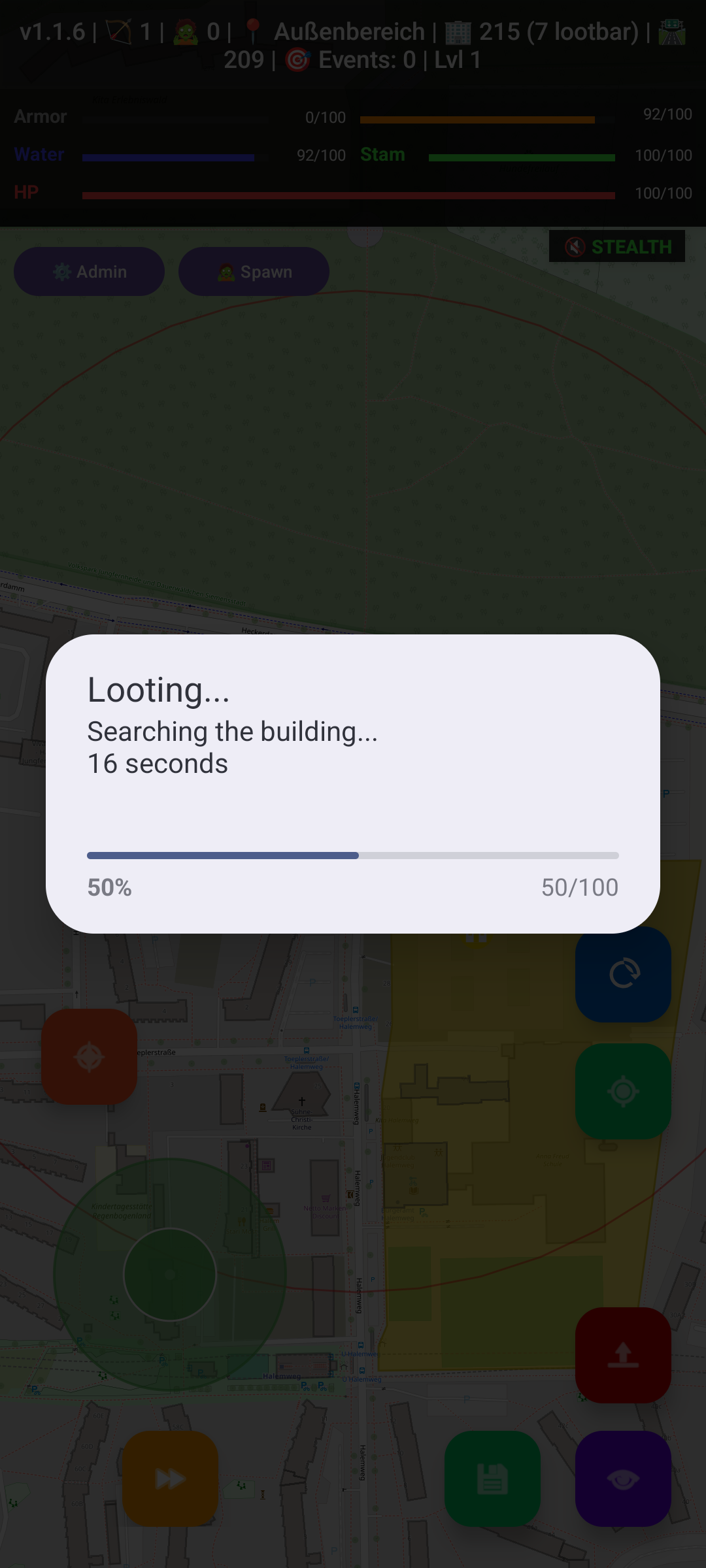
ZombieEscape uses OpenStreetMap data for roads, buildings, and landmarks. Nearby building footprints are downloaded and cached. Buildings and points of interest influence loot, zombie spawning, navigation, and available interactions.
Recognized areas include:
- Police stations
- Hospitals and pharmacies
- Schools
- Supermarkets and convenience stores
- Fire stations
- Gas stations
- Houses
- Shops and offices
- Restaurants
- Warehouses
- Cemeteries
- Parks, forests, and water areas
Loot is type-dependent. For example, medical locations favor treatment supplies, food shops favor provisions, and police/military sources are better candidates for combat equipment.
You can loot through Quick Actions, the Actions page, the nearby building list, or a long-press on a building polygon.
- Move close enough to the building.
- Choose Loot / Search.
- Confirm the building and distance.
- Collect items that fit within your inventory weight limit.
The nearby building list uses a 50 m radius. A looted building is tracked persistently and cannot be looted again until its cooldown expires. The building status displays the remaining time.
Items can also appear on the ground or drop from enemies. Use Collect Items or Loot Items when the HUD reports nearby loot. Defeated hostile NPCs may carry equipment and matching ammunition; stronger enemies can provide better rewards.
Some buildings and shops can be entered. Interior layouts have their own doors, rooms, power, lighting, containers, and loot. Use Enter Building when close enough. For player homes, see Houses and Interiors.
If buildings take a long time to appear:
- Allow the first fetch to finish; new areas are slower than cached ones.
- Use a smaller Building Render Phase or visibility radius in Settings.
- Hiding polygons improves rendering performance without removing building interactions or zombie-spawn data.
- Use Clear Building Cache only when data appears stale or broken; the area must then be downloaded again.