Repository navigation
Home Screen
Home brings your recent listening, saved favorites, library discoveries, and shortcuts into one place. Open a card to see the collection or media item. Where a section has a separate collection page, open its heading or browse action to see more.
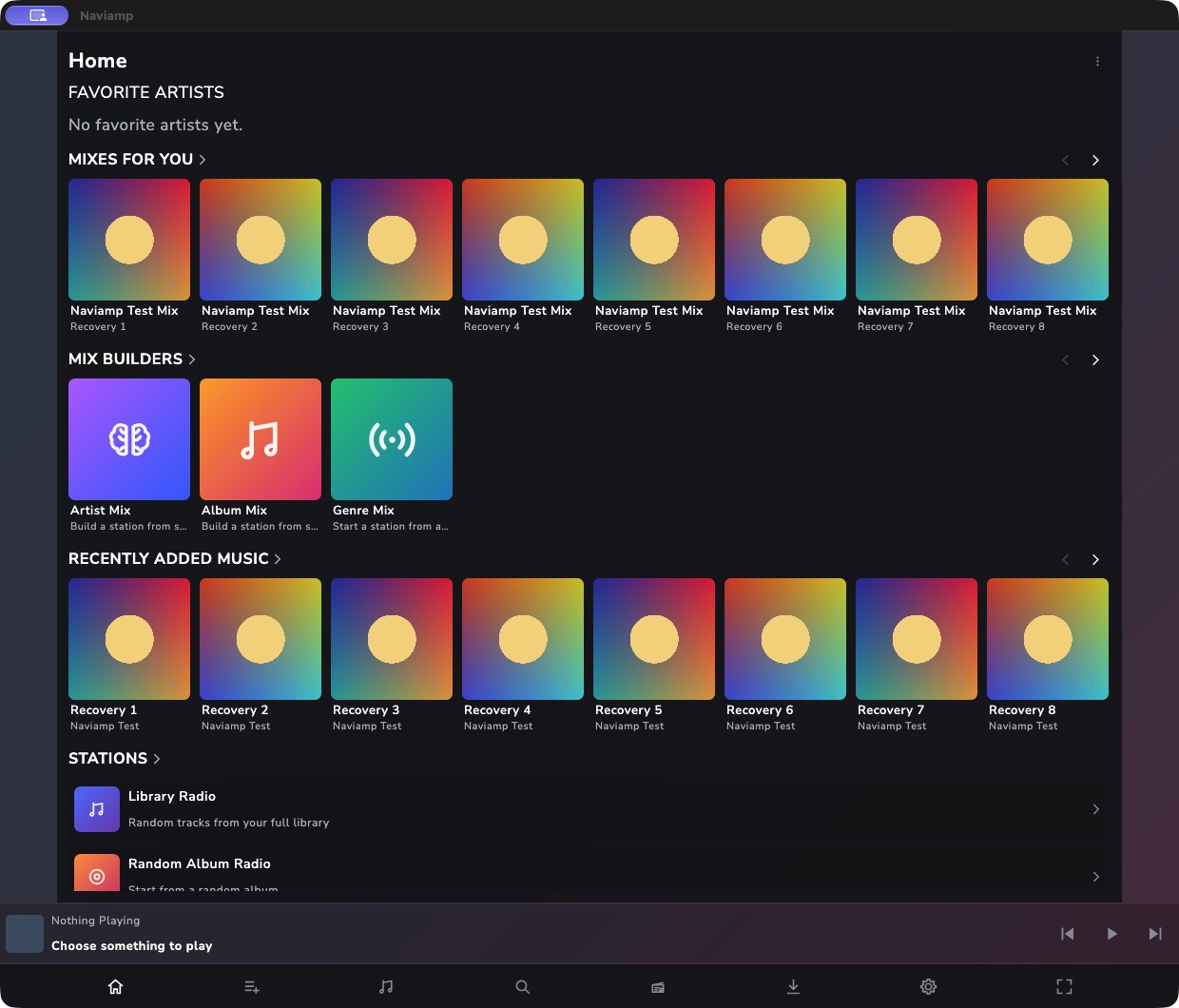
Narrow Home window
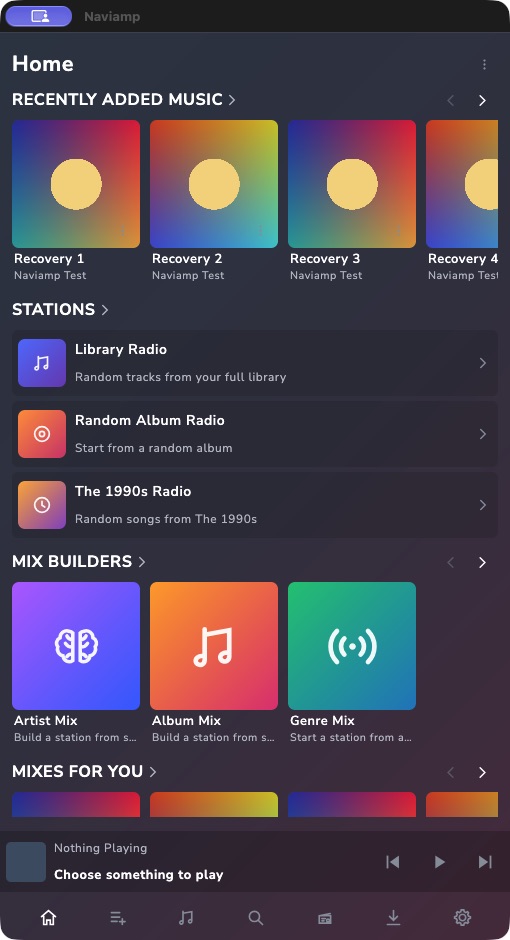
This example moves Recently Added Music and Stations to the top.
| Section | What you’ll find |
|---|---|
| Favorite Artists | Artists you’ve marked as favorites. Open a portrait to jump back into their catalog. |
| Recently Played | Music from recent listening. Use it to return to something you played earlier. |
| Recently Played Radio | Generated radio sessions you’ve started from library music. Reopen one when you want a similar listening session. |
| Recent Playlists | Recently used playlists. Open one to see its tracks and start it in order or shuffled. |
| Recent Internet Radio | Live stations played recently. Select a station to reconnect to its current broadcast. |
| Stations | Generated radio shortcuts such as Library Radio, Random Album Radio, and available genre or decade stations. |
| Section | What you’ll find |
|---|---|
| Mixes for You | Ready-to-play mixes drawn from your library and listening signals where available. Selecting one starts a radio station seeded from the mix. |
| NaviBeat Mixes | Mix playlists recognized as NaviBeat playlists on the active server. This row needs those playlists to exist. |
| Mix Builders | Shortcuts for choosing your own seeds. Start with Artist, Album, or Genre Mix, or select Sonic Mix or Sonic Path when available. |
| More Like Recent Plays | Sonic recommendations seeded by recent listening. |
| Sonic Deep Cuts | Sonic suggestions that surface less familiar tracks from the library. |
| Similar To Starred Tracks | Sonic recommendations based on tracks you’ve starred. |
| Genre Spotlight | Albums grouped around a genre. The section can appear under a heading such as More In Jazz. |
| Decade Spotlight | Albums associated with a decade, under a heading such as From 1990s. |
Sonic rows need server similarity support and enough relevant seed and result data. Adding favorites and listening history can give the app more to work with. Mixes and discovery
| Section | What you’ll find |
|---|---|
| Recently Added Music | Albums newly added to the library, regardless of when they were originally released. |
| Recent Albums | Recently played albums. |
| Frequently Played Albums | Albums with a history of frequent plays. |
| Random Albums | A sample from the library for choosing without searching. |
- Open Settings → Experience → Home Screen.
- Drag sections to reorder them, or use Move up and Move down where shown.
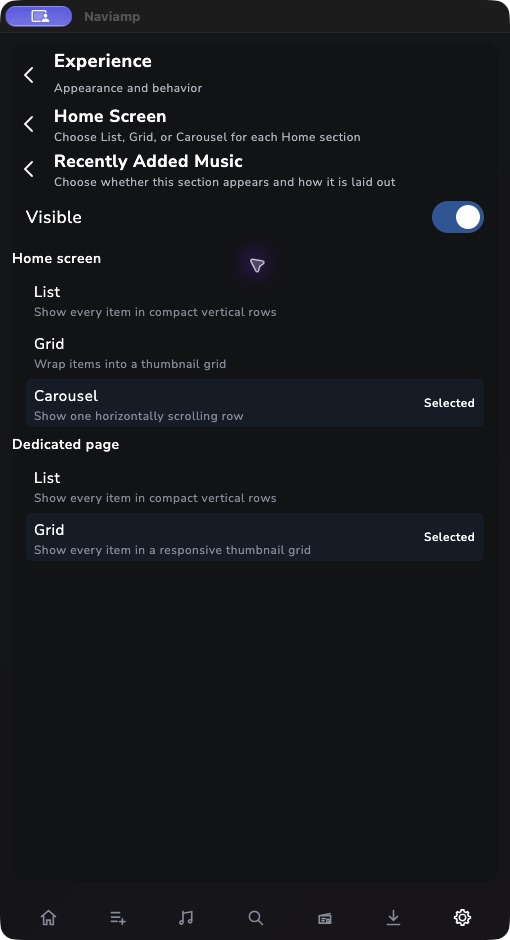
- Open a section to change Visible and, where supported, choose its Home layout and separate collection-page layout.
- Return to Home to see the result. A visible section can remain absent while its data is empty or its server feature is unavailable.
Home section settings in wide and narrow windows
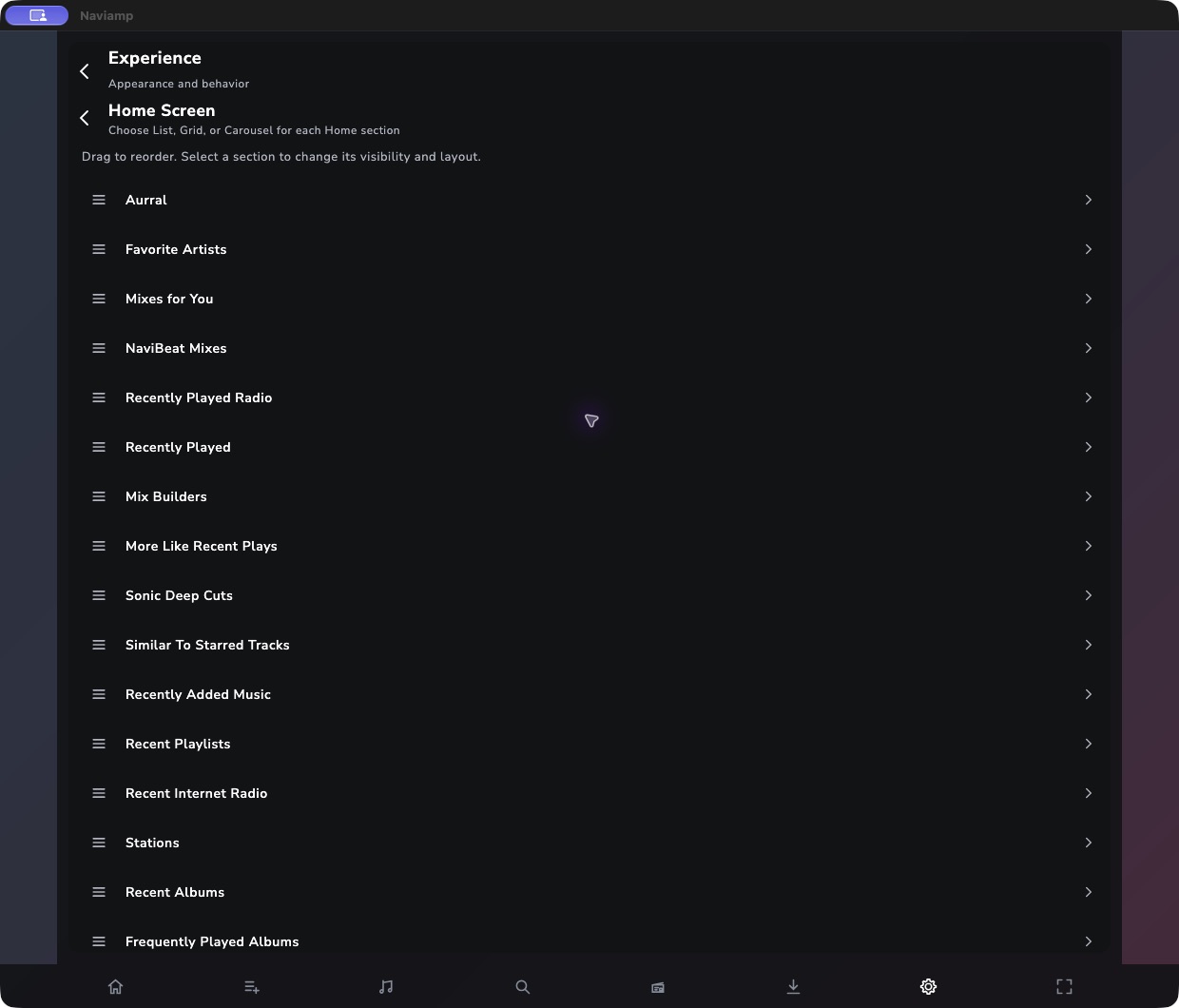
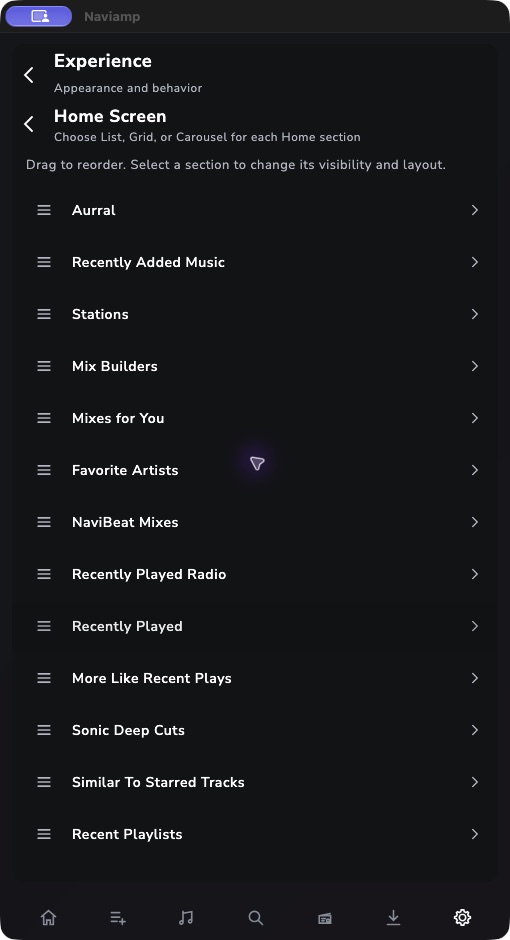
For a listening-first layout, move Recently Played, Favorite Artists, and Mix Builders to the top. For a library-first layout, try Recently Added Music, Random Albums, and Genre Spotlight.
When an Aurral companion is attached (Naviamp 2.12.0 or later), an Aurral entry opens recommendations and requests. Aurral Companion