Repository navigation
Settings
Open Settings from the main navigation. The tables in this guide follow the in-app category names so you can find a control even when its placement differs on a smaller screen.
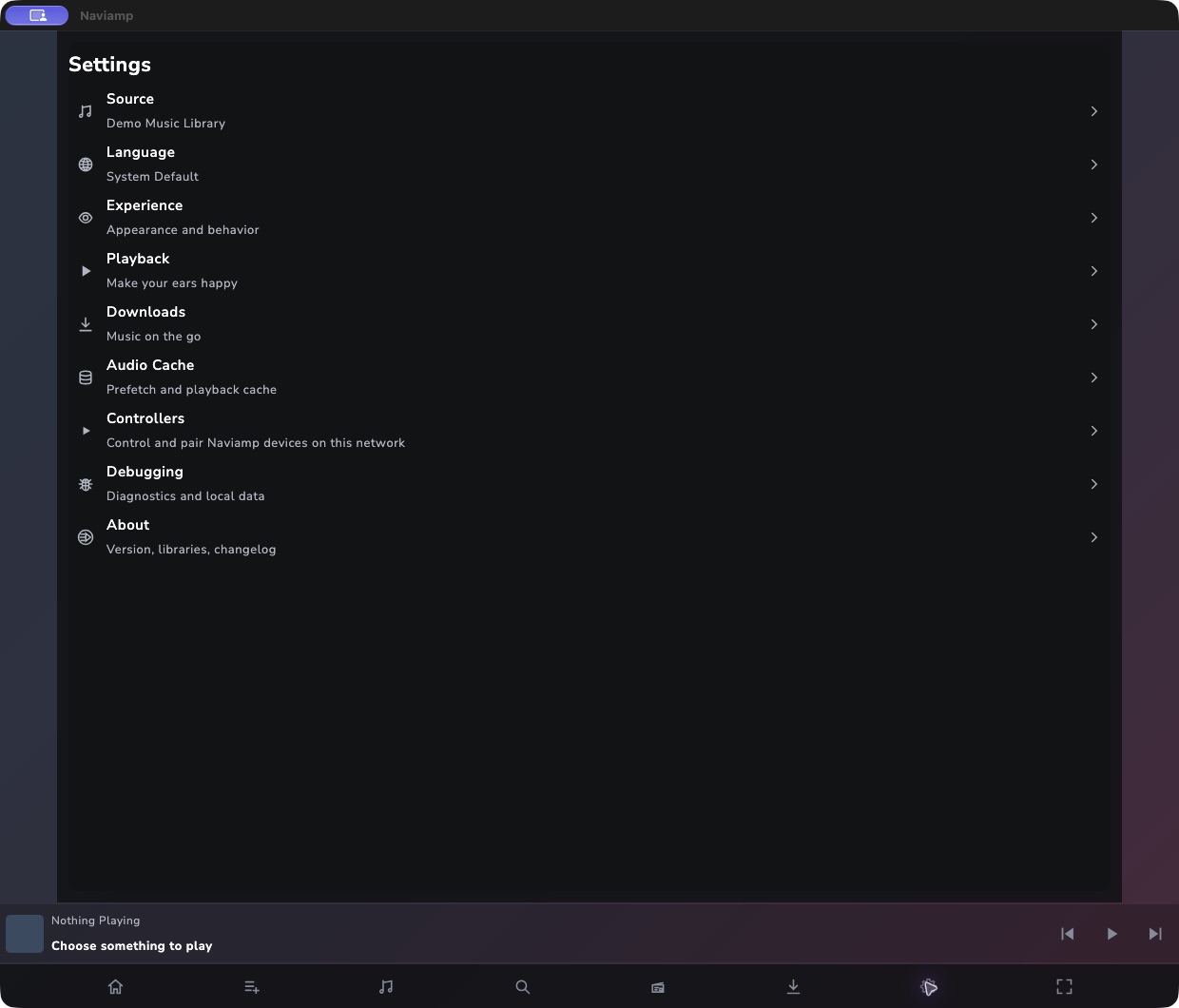
Narrow Settings window
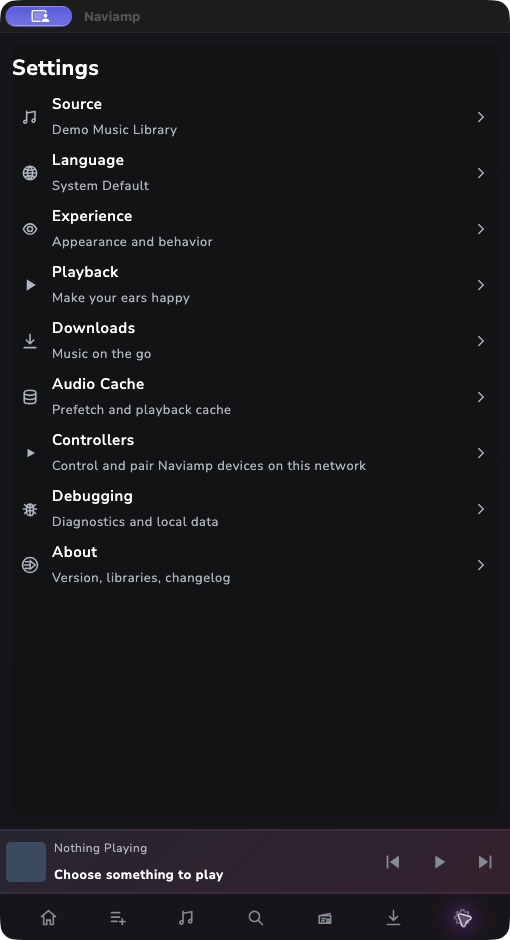
| Category | What you can change or inspect |
|---|---|
| Source | Saved connections, libraries, certificates, and Settings Sync |
| Language | Use System default or pick an app language. Incomplete translations fall back to English. The language choice participates in supported settings sync and export. |
| Experience | Player behavior, lyrics, radio, layout, artwork, text, gestures, shortcuts, and updates |
| Playback | Audio output, streaming quality, Replay Gain, transitions, equalizer, and Radio DJs |
| Downloads | Quality, file preference, offline search, mobile data, space, and local storage |
| Audio Cache | Audio prefetch, depth, budget, and cache storage |
| Controllers | Pair and manage compatible Naviamp devices on your local network |
| Debugging | Inspect diagnostics and manage local data |
| About | Check the installed version, third-party components and licenses, acknowledgments, and the in-app Changelog. Start here when checking whether a release feature applies to your build. |
A control may only appear on a supported host or with a server that offers its capability.