Repository navigation
Library and Search
| Tab or view | How to use it |
|---|---|
| Artists | Use the alphabetical index or filter to find an artist. Open their page to see releases and, where supplied, biographies, top tracks, related artists, appearances, and your playlists featuring them. |
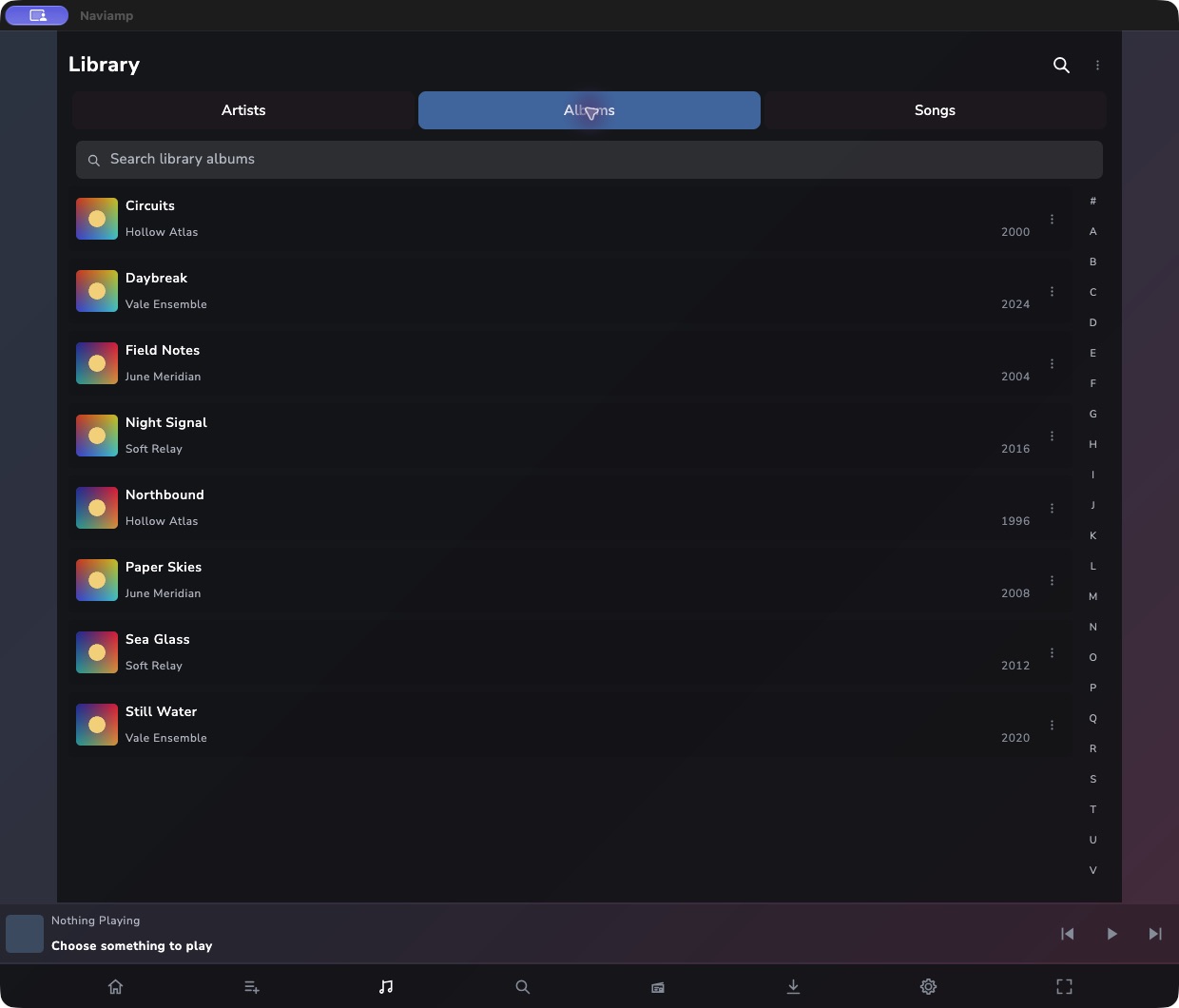
| Albums | Browse album covers and sort by the order that helps you find a release. Open an album to see tracks, credits, and available notes. Play from the beginning or select a track. |
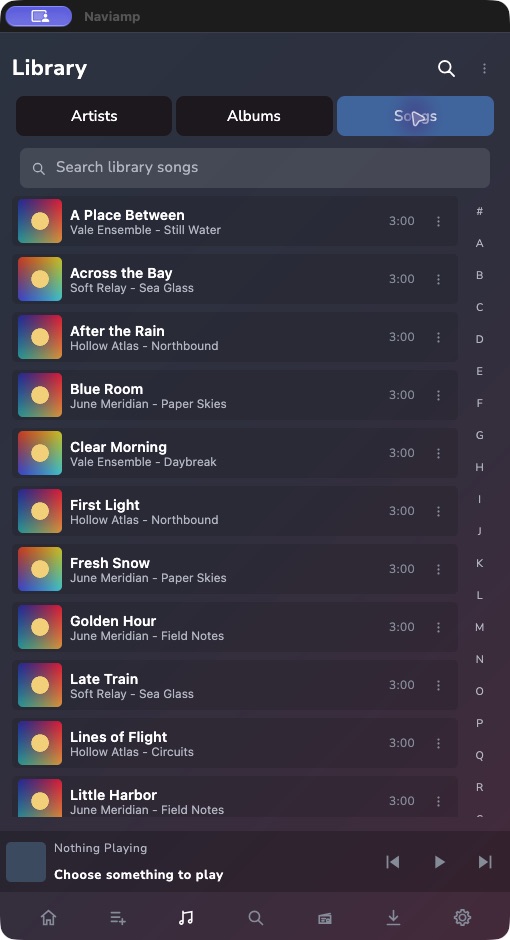
| Songs | Go straight to individual tracks. Use a track’s menu to queue it, add it to a playlist, or navigate to its album and credited artists. |
| Favorites | Open starred artists, albums, or tracks in the available favorites views. Mark an item as a favorite from its heart or menu, then return here to find it. |
| Genres | Browse music by genre where offered, or use Genre Mix to turn a genre or branch of genres into a queue. |
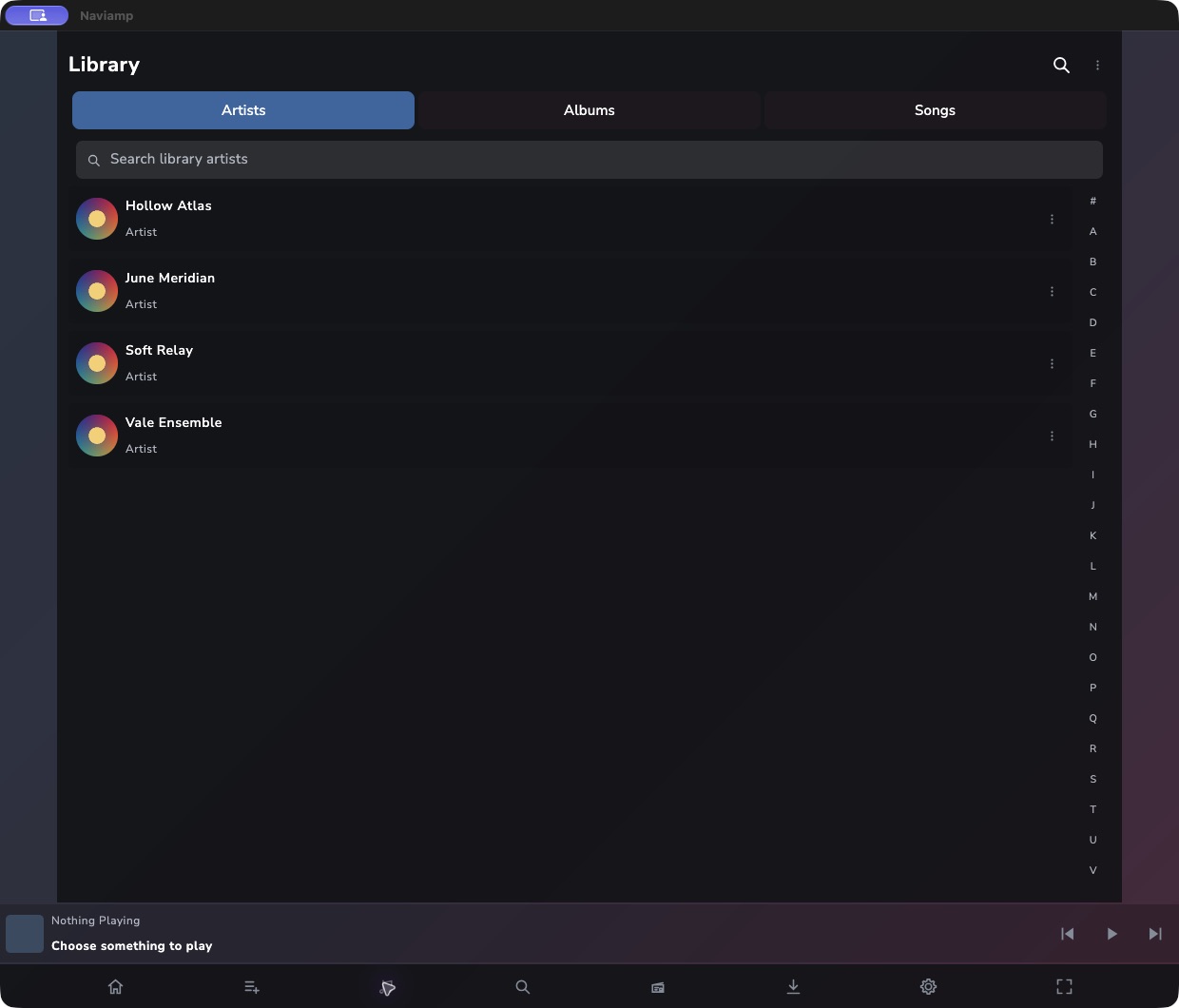
Narrow Artists view
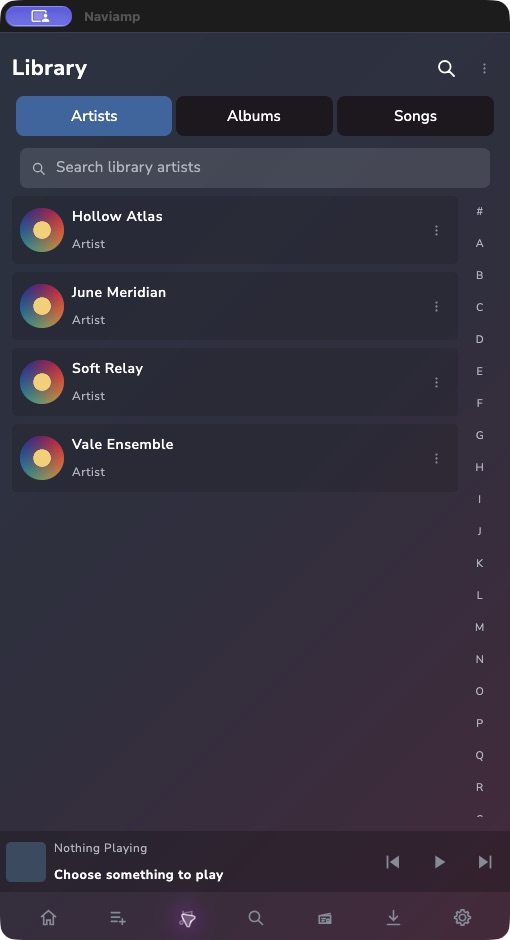
Albums and Songs views
- Open Search and enter part of an artist, album, or song name.
- Use the result’s type to distinguish matches with the same name. Open an artist for their catalog, an album for its tracks, or a song to play it.
- For a collaborative track, open its artist credits to pick a specific contributor. The complete list depends on the metadata supplied by your server.
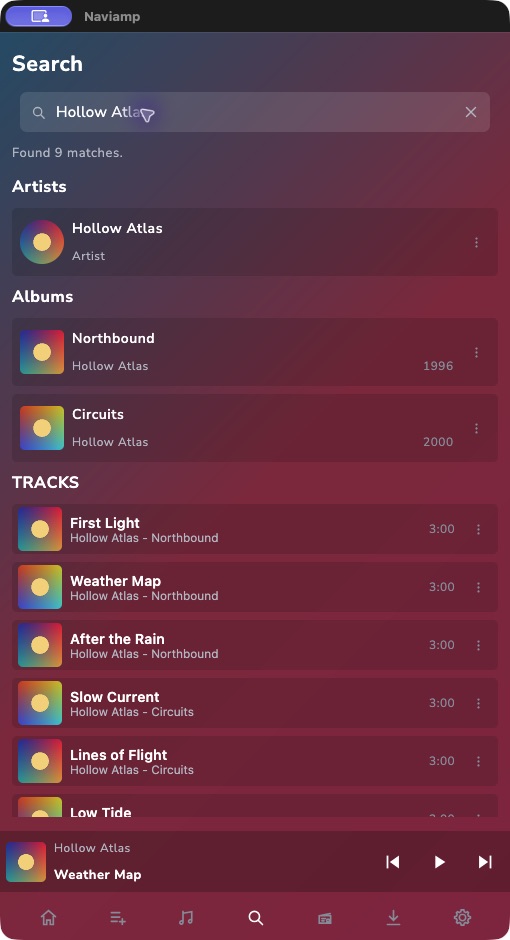
The demo search for Hollow Atlas shows the artist, their albums, and songs from those releases. Try the same with an artist in your library. If you already have a queue, use the song menu’s Play Next to hear it after the current track.
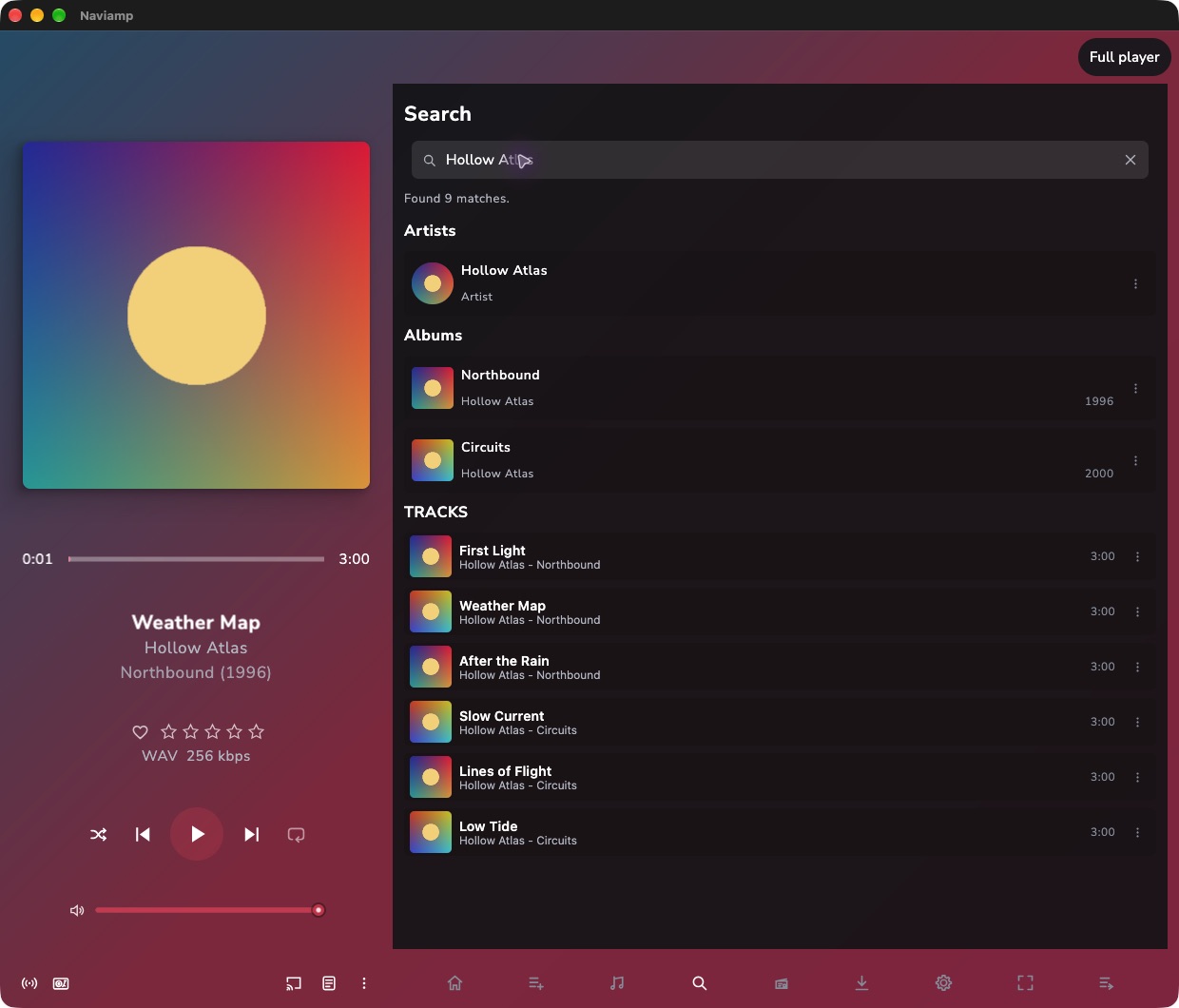
Narrow Search results
Use the Library source picker when your Navidrome account has access to multiple libraries. Select the libraries you want to browse together. If a result is missing, confirm the active server and that the library containing it is selected. For example, choose both Music and Live Recordings when looking for a concert recording.
Album and artist presentation controls live under Settings → Experience. To search only music saved on your device, see Downloads and offline listening.