Repository navigation
Playlists and Smart Playlists
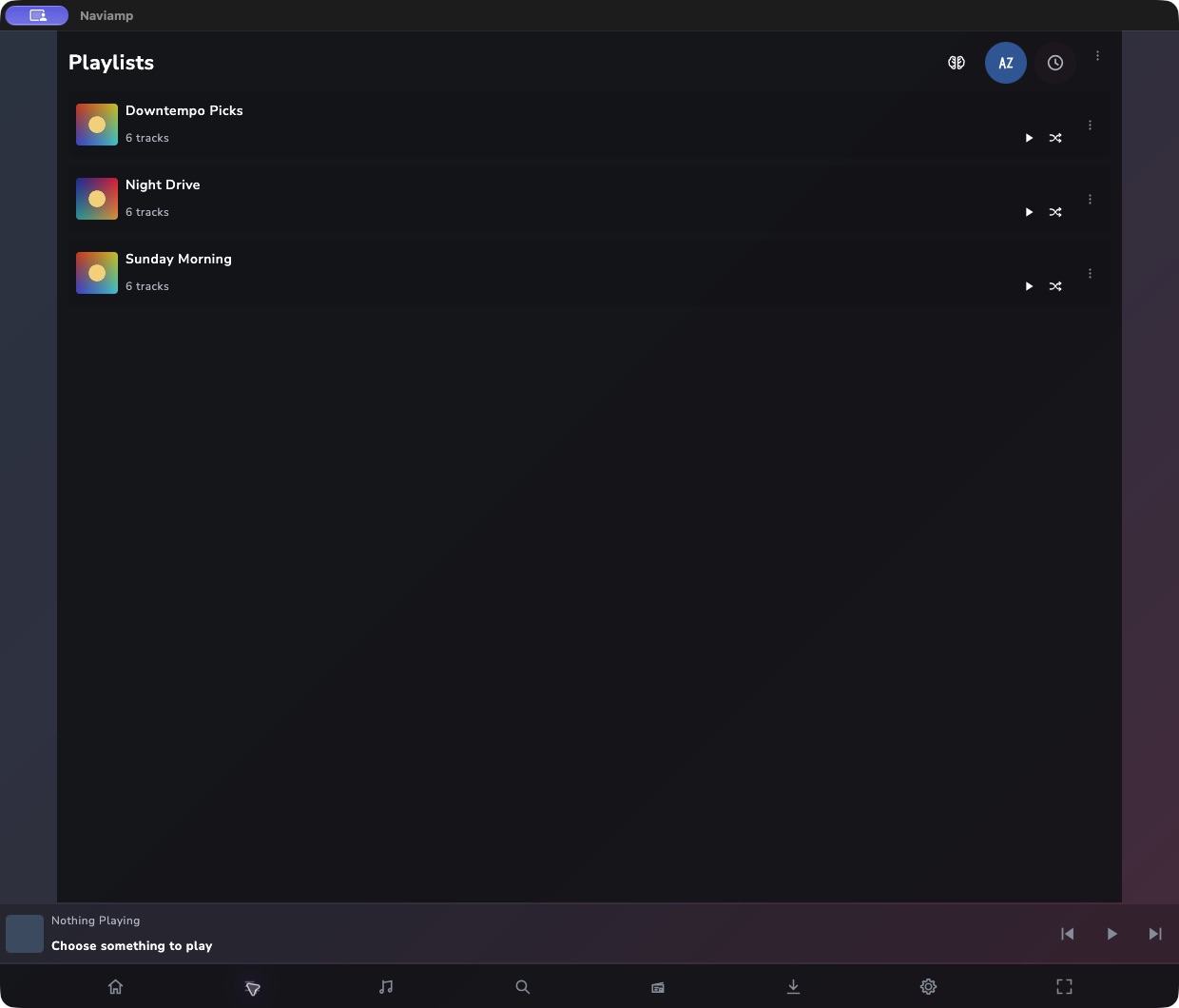
Open Playlists to find saved track lists from the active server. A regular playlist keeps the tracks you add and the order you set. A smart playlist re-evaluates its rules as the server’s library changes.
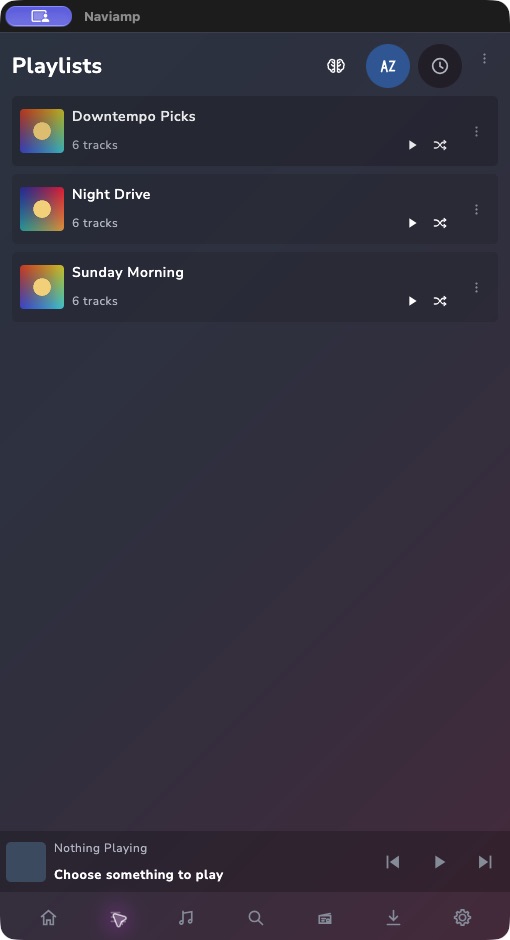
Narrow Playlists view
- Open a song, album, or other supported item’s menu and choose Add to Playlist.
- Pick an existing playlist or create one in the picker. For example, create Sunday Morning and add two albums.
- Open Playlists → Sunday Morning. Use its menu to rename or edit it. Reorder or remove tracks where editing is available.
- Play from the top, select a track, or shuffle the playlist.
You can also save the current queue from Now Playing or save the result of a mix. Playlist edits require write access. A playlist visible to you can belong to another user.
- In Playlists, open the creation menu and choose the smart-playlist option when available.
- Give it a name and add a rule. For example, make Jazz Favorites with a genre rule of Jazz and a rating threshold of four stars.
- Group rules to require all or any of them. Add a sort order, such as highest rating first, and an optional result limit.
- Preview supported rules against the synced library, adjust the rules if needed, and save. You can also import a Navidrome smart-playlist JSON definition where offered.
Smart-playlist authoring uses Navidrome’s native API. If only the regular playlist option appears, check the connection type and server permissions. A local preview reflects the library data Naviamp has synced.