Repository navigation
Content Kinds
CopyPaste looks at what you copied and recognises it on its own. Each kind has its own icon, filter, view, and its own ways to be pasted.
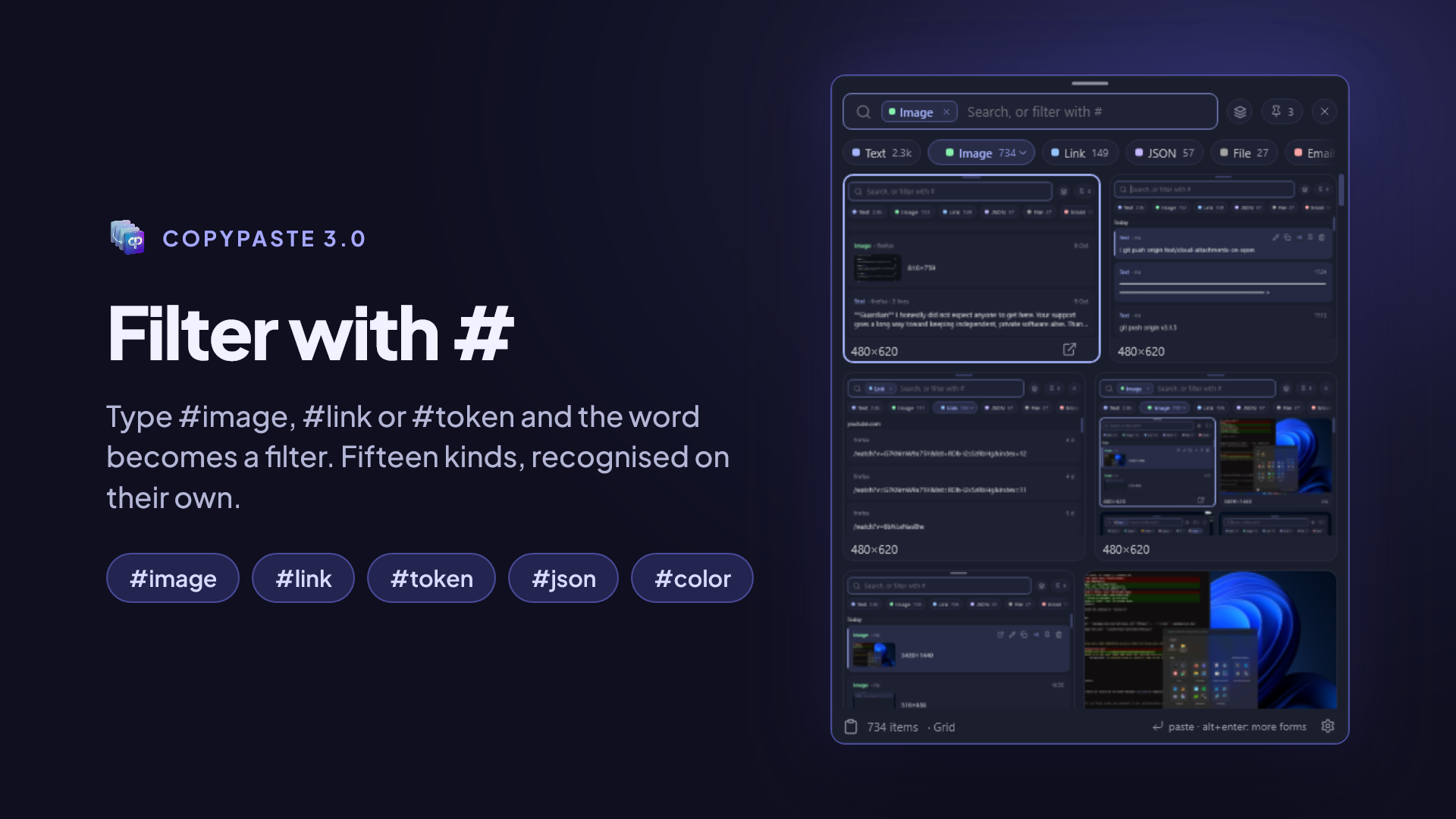
| Kind | Tag | What it recognises |
|---|---|---|
| Text | #text |
Any text, formatted or not |
| Code | #code |
Code snippets, commands, configuration |
| JSON | #json |
Valid JSON; it opens already laid out and readable |
| Link | #link |
Web addresses |
#email |
Email addresses | |
| Phone | #phone |
Phone numbers |
| Colour | #color |
#1e90ff, rgb(…), hsl(…); shown with its swatch |
| IP | #ip |
IPv4 and IPv6 addresses |
| UUID | #uuid |
Identifiers like 550e8400-e29b-41d4-a716-446655440000
|
| Token | #token |
JWTs and well-known API keys (GitHub, GitLab, Slack, AWS, Stripe, npm…); a JWT opens decoded |
| Image | #image |
Screenshots and copied images |
| File | #file |
Files copied from File Explorer or Finder |
| Folder | #folder |
Copied folders |
| Audio | #audio |
Audio files, with their waveform |
| Video | #video |
Video files, with their cover |
Tags also work in Spanish (#texto, #codigo, #enlace, #correo, #telefono, #imagen, #archivo, #carpeta), accents or not.
When you copy a screenshot, the system itself reads the text in it: Vision on macOS and Windows' built-in OCR on Windows. From then on you can find the screenshot by searching for what it says.
Took a screenshot of an error message? Search for a word from the error and the screenshot shows up.
All of that happens on your computer: the image is not uploaded anywhere to be read. And if an image has text in it, Paste as › The text it read pastes it as text.
- For a file or folder, the path is kept, not a copy: the file stays where it is. If you delete or move it, the card says Not found.
- For a copied image (a screenshot, an image copied from the browser), the content itself is kept, only once however many times you copy it.
- Thumbnails for images, video and audio are generated by the system itself.
If an app marks what it copies as secret, CopyPaste doesn't even read it. Most password managers, such as 1Password or Bitwarden, do this.
But note: a password you copy from a text file carries no such mark and is kept like any other text. Tokens have a kind of their own precisely so they're easy to find (#token) and delete. More in Privacy.