Repository navigation
Home
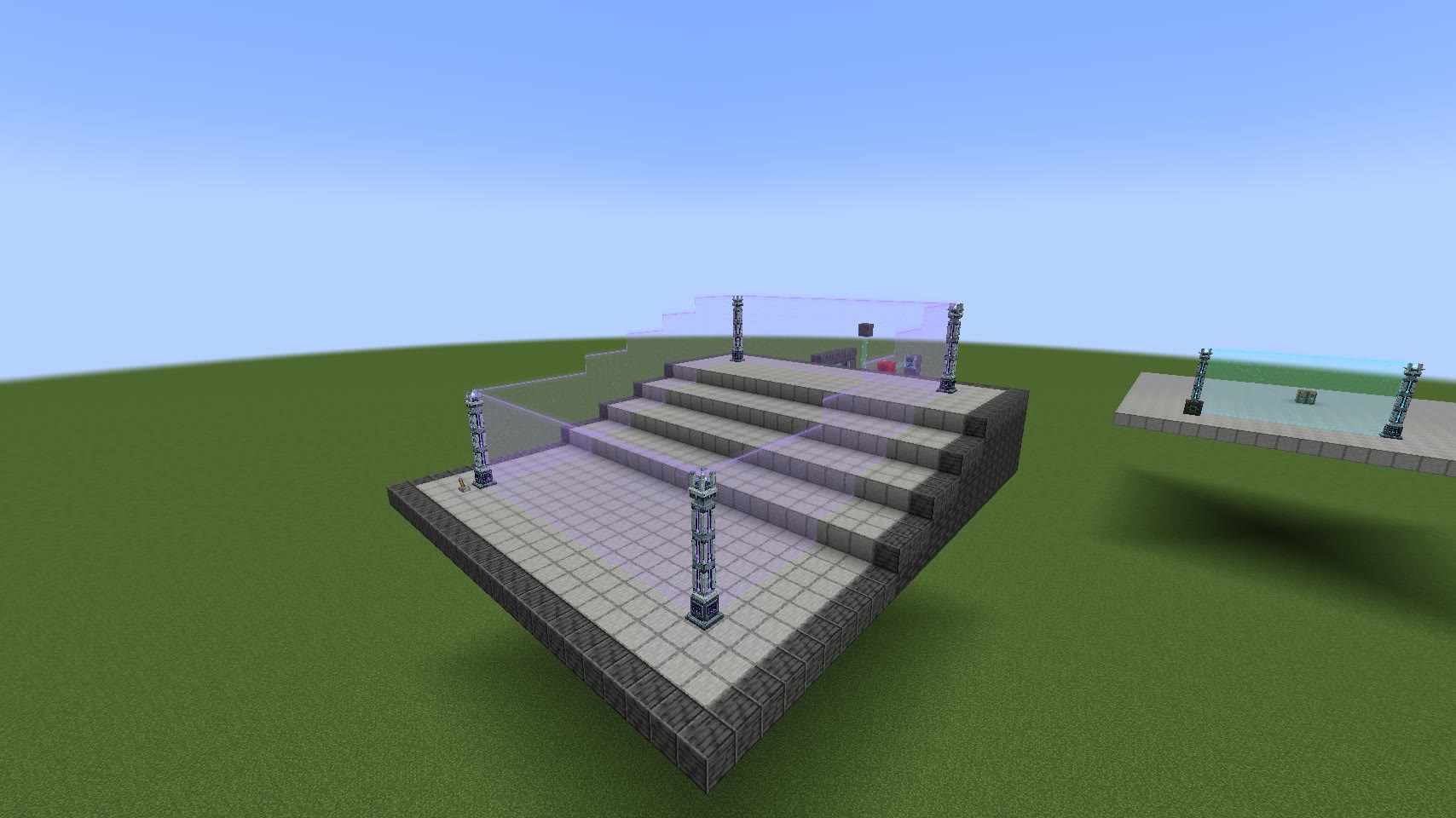
A Field Emitter makes a wall between two posts. A Field Rail mounts on a block face and can make a doorway or a walkable bridge. A Projection Tower makes a dome or a sphere by itself. These are the item names in Field Emitters 1.4.0.
Build your first field shows where to put two posts, how to power them and how to tell when the wall is working.
| I want to | Open this guide |
|---|---|
| Find a field with the tuner | Using the Field Tuner |
| Protect a base on uneven ground | Build a perimeter |
| Walk across a gap or close a doorway | Rails and bridges |
| Put a dome around a building | Domes and spheres |
| Stop hostile mobs but let one kind through | Blocking filters |
| Let mobs out of a pen and keep them from walking back in | One-way fields |
| Light a lamp when someone crosses | Sensors and redstone |
| Give a friend a key or let them change the settings | Access cards and permissions |
| Check what players are carrying | Inventory checkpoints |
| Hurt mobs that touch the field | Contact damage |
| Change the color, pattern or formation | Appearance and sounds |
| Apply a preset from a datapack | Datapacks and commands |
For ingredients, see Crafting recipes. For mod dependencies and energy settings, see Installation and power. If a build behaves differently than you expect, start with Troubleshooting.