Repository navigation
One way fields
Travel directions let you make a gate that works differently from each side. First choose who the field should stop on Blocking. Then choose which crossings it should stop under Travel directions.
- Close a rectangle with four Field Emitters and power it. Walk around the perimeter and check that all four walls have formed.
- Open a post and select Connections → Editing: Network defaults to change the whole perimeter.
- Under Blocking, check Hostile. Open Travel directions and set Directions to Relative (inside/outside).
- Check Outside → Inside and uncheck Inside → Outside. A hostile mob approaching from outside is stopped. One already inside can walk out through any side.
- If you want to test on yourself, also check Players and set Skip owner to No. Cross the same stretch of wall in both directions, then restore your usual player settings.
An open line of posts or a pair of rails uses compass directions. Suppose the outside of a doorway is north and the room is south. To stop entry, check To South. To permit exit, uncheck To North. Reversing the direction you face while walking makes no difference. The field uses the direction you actually move.
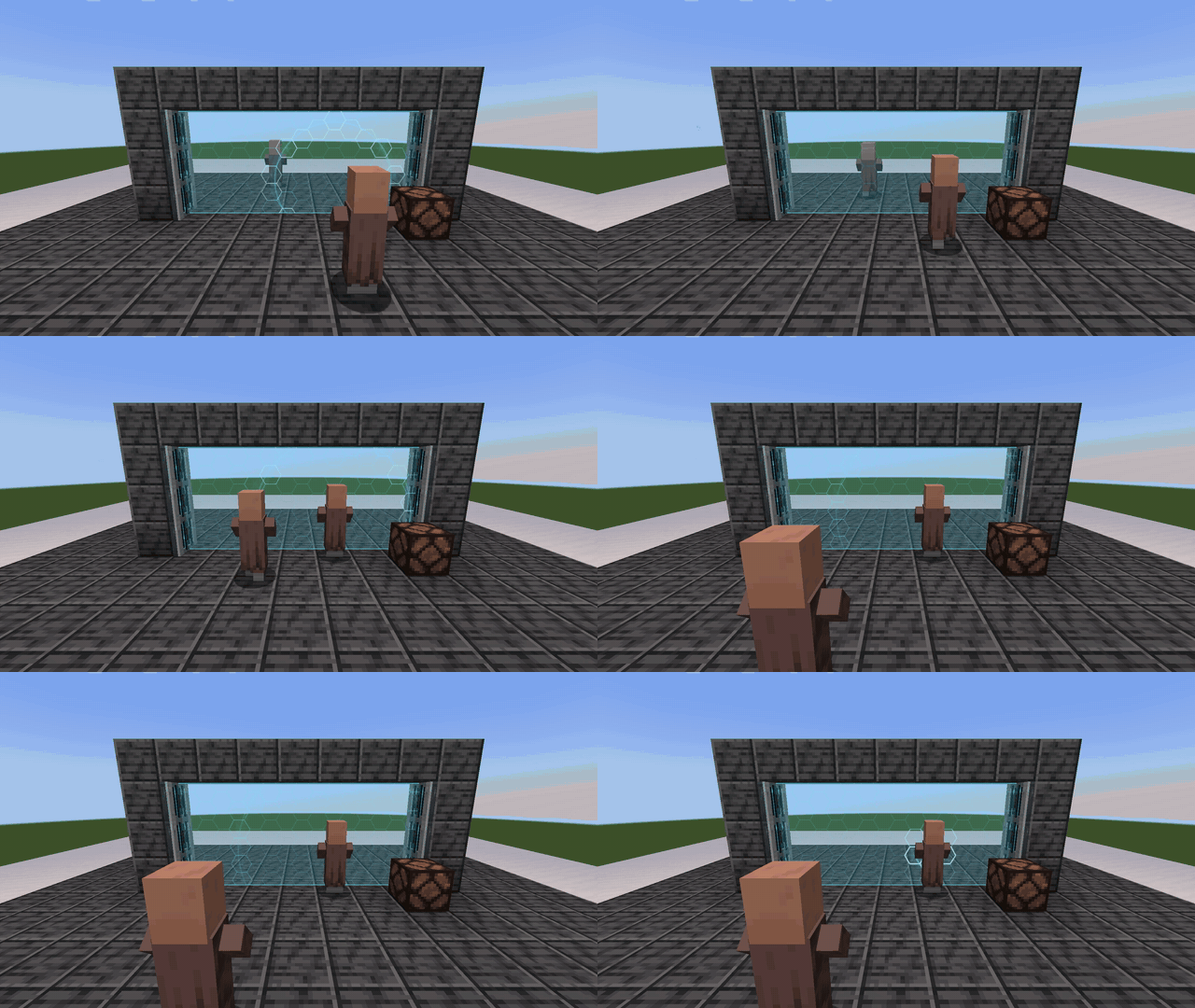
Hold the Field Tuner to see direction arrows. Amber marks a direction with blocking enabled. Green marks one that allows passage. You can change Direction guides in Appearance → Display options.
Open Connections on an entrance post. If it doesn't list the other end under Field to, use the other entrance post. Click Editing until it shows that connection. Open Blocking and change that connection's filter. The other sides keep their network rules. To undo the exception, return to the same connection and press Use network defaults.
Sensor and Damage each have their own travel directions. If you want a lamp to register exits through the one-way doorway, set the exit direction under Sensor too. Sensors and redstone