Repository navigation
Domes and spheres
For a dome, craft a Projection Tower. One tower projects the entire shell. A Field Emitter is the shorter post used for straight walls. Tower recipe
- Choose the center of the area you want to cover. Leave seven clear blocks vertically for the tower itself and place it on the ground.
- Connect an energy source to its base. Right-click the tower and open Connections.
- Set Shape to Dome. Click Radius to choose how far the field should reach from the base. It starts at 12 blocks and can be set from 8 to 24 in steps of two.
- Check Overview for the power demand. Give the shell four seconds to form after it switches on, then try the Blocking rule at its outer edge.
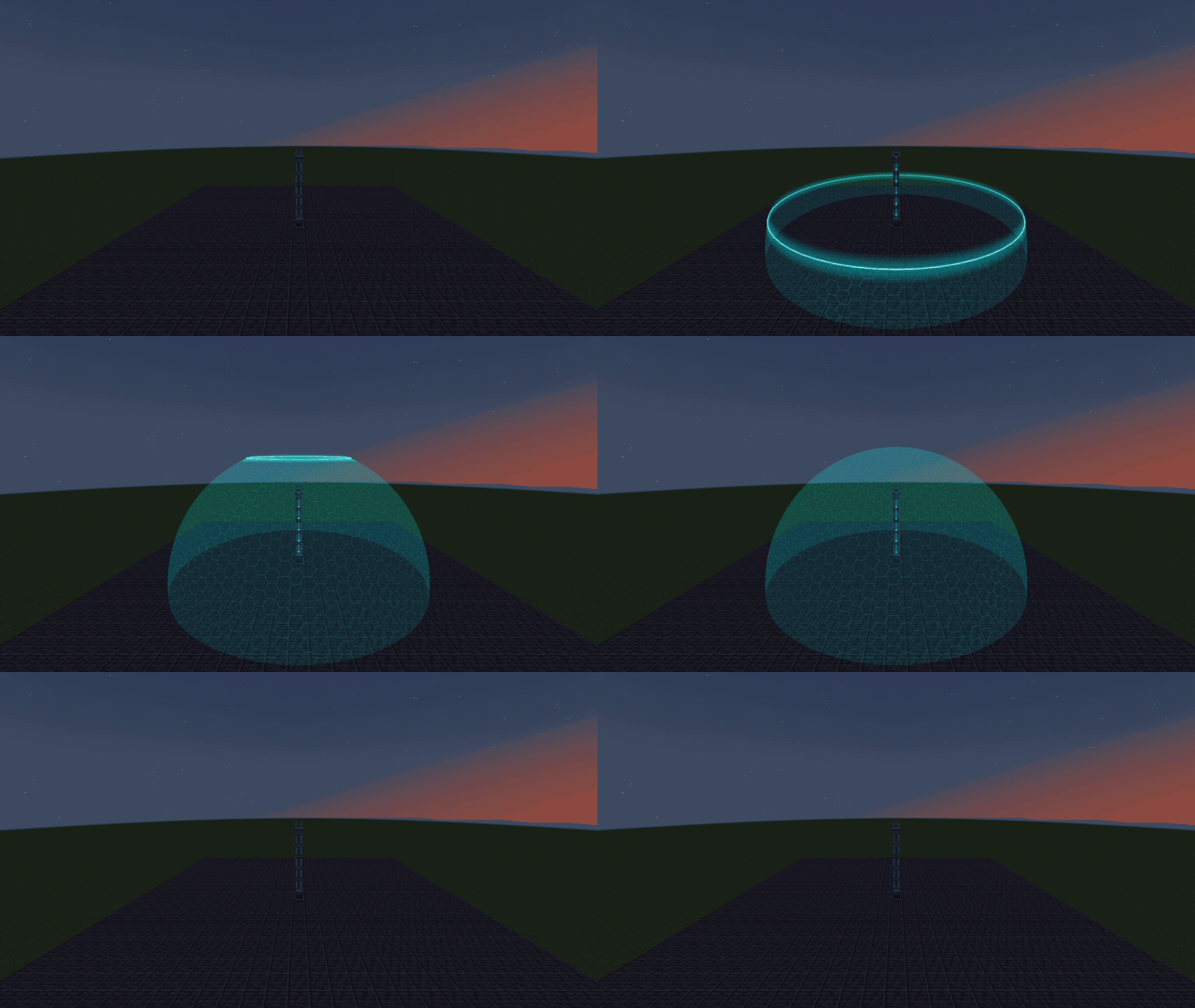
A dome has an open floor. Its lower edge reaches up to four blocks below the base. For an uneven site, check the downhill side for a gap before relying on the field to enclose mobs.
Choose Connections → Shape → Full sphere. The base of the tower is at the center of the sphere. For a visible lower half, put the tower on a raised platform with room underneath. The full shell has to fit within world height and its chunks must be loaded.
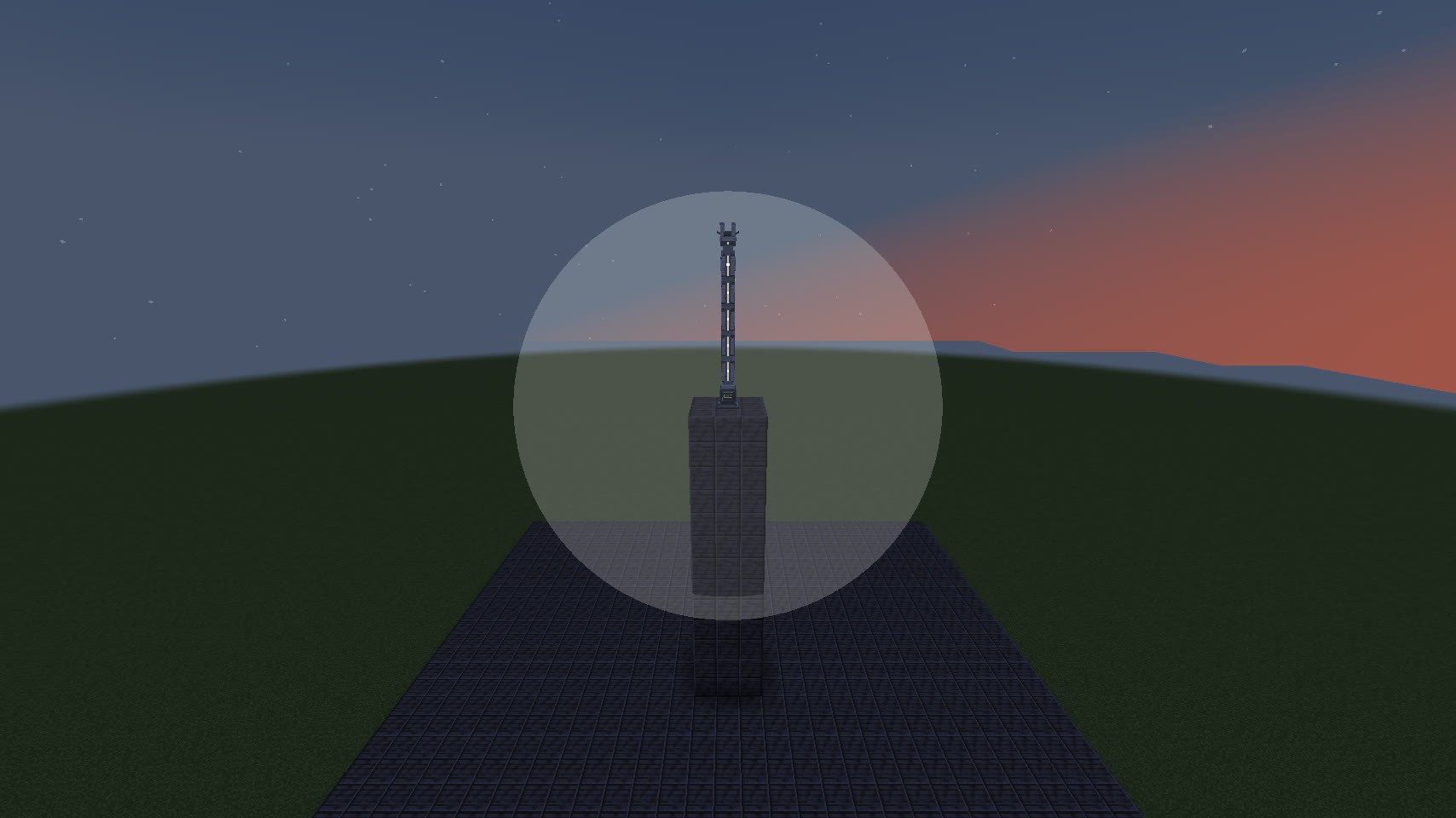
A sphere of the same radius uses more energy than a dome. If the field drops when you increase the radius, check Needs again. Appearance → Projection changes the startup animation. Pattern changes the finished surface. Appearance and sounds