Repository navigation
Build your first field
Build one short wall first. You need two Field Emitters, flat ground and a generator or charged energy cell that can send energy to another block. You can open the controls with an empty hand. The Field Tuner is useful later for remote access and sampling mobs. Crafting recipes
- Pick a spot with five clear blocks of height, counting the block where the base will go.
- Place the first Field Emitter on the ground. It makes the whole five-block post.
- Face north, south, east or west. Leave five empty blocks in that direction, then place the second emitter in the same row. For example, bases at X = 0 and X = 6 with the same Y and Z make this wall.
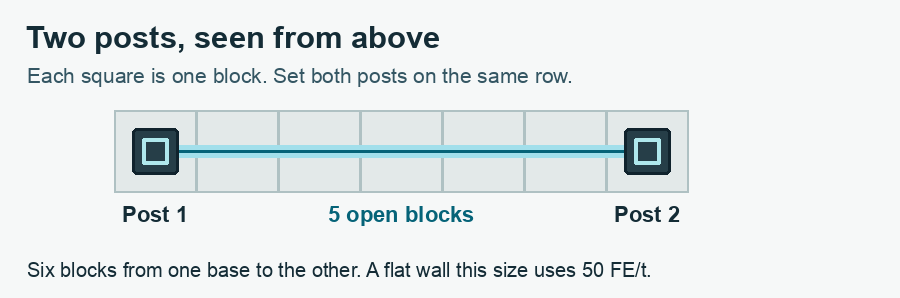
- Put your energy cell against the base of either post, or run an energy cable to it. If the cell has side settings, set the side touching the post to output.
- Right-click a post and open Overview. Leave Enabled on and Turn on set to Always (while powered).
- Check Stored and Needs. This example uses 50 FE/t at the default cost. When it has enough power, the field fills the gap. One energy input supplies both posts.
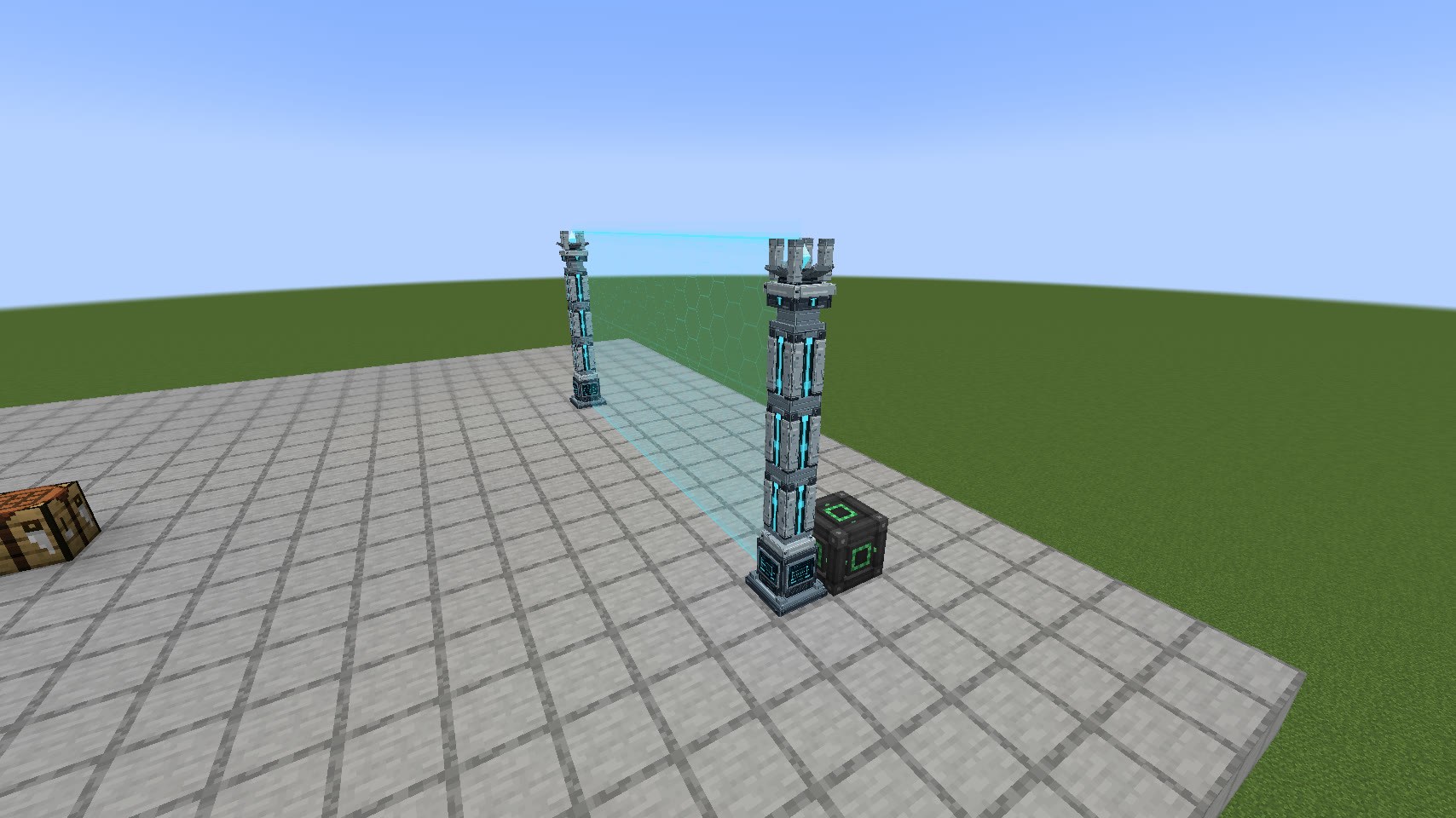
A new wall blocks hostile mobs. The player who placed it can walk through. If you want to test it on yourself, open Blocking, select Players and set Skip owner to No. Walk straight into the middle of the wall. Set Skip owner back to Yes when you want to pass again.
Place two more posts to make the other corners of a rectangle. Each post looks along its row and column for the nearest post with compatible ownership, up to 20 blocks from base to base. For a longer fence, add another post along the same line.
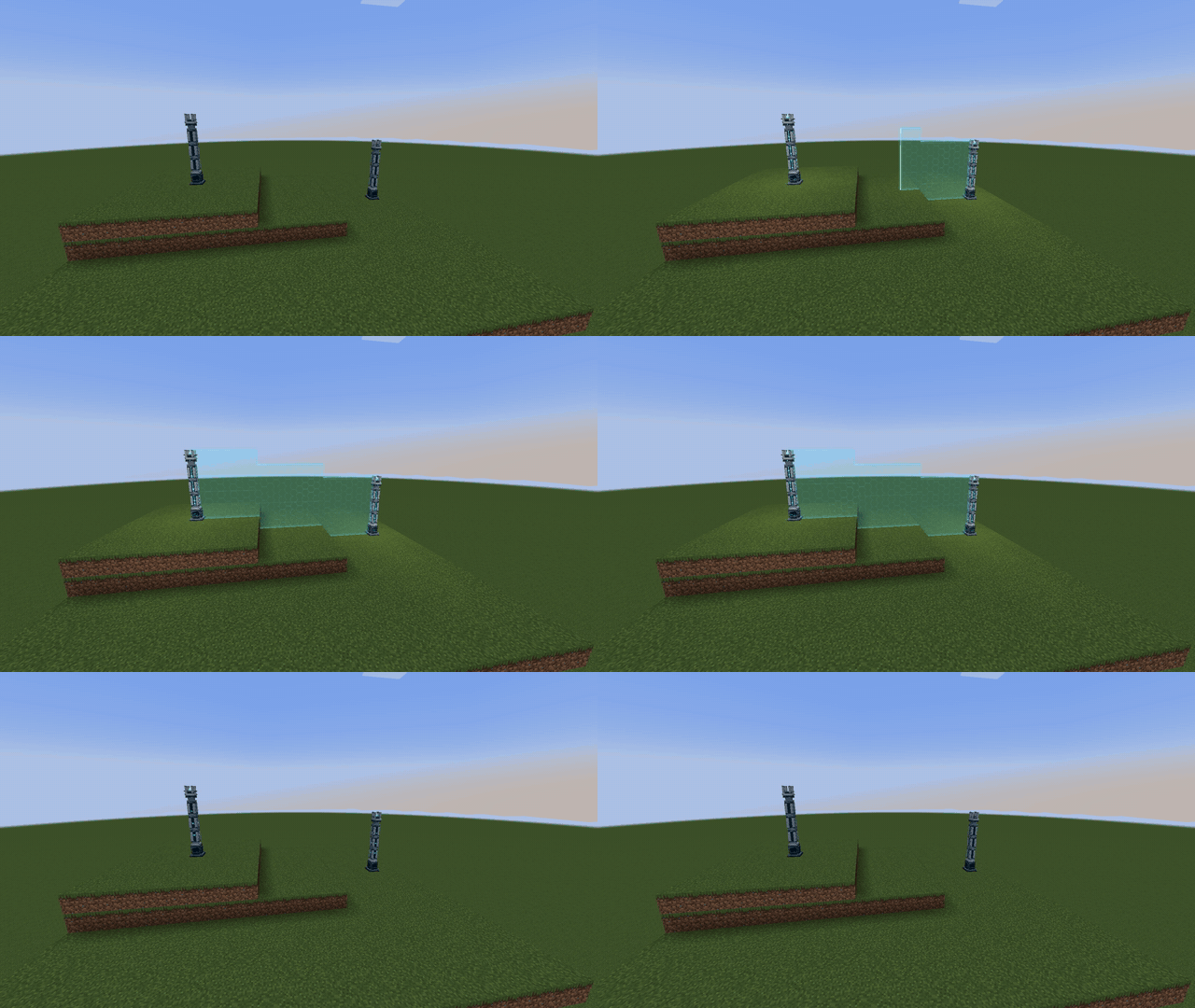
The bottom of the wall follows the ground between posts. It can step up or down by as much as four blocks between neighboring columns. Put a post on a landing, or change the ground, if a cliff interrupts the route.
To give the enclosure an entrance that works in only one direction, see One-way fields. If the posts stay dark, see Troubleshooting.