Repository navigation
Note Pad
Note Pad keeps pages of short notes, as GEOS's note pad did. It is a desk accessory: it opens over any program.
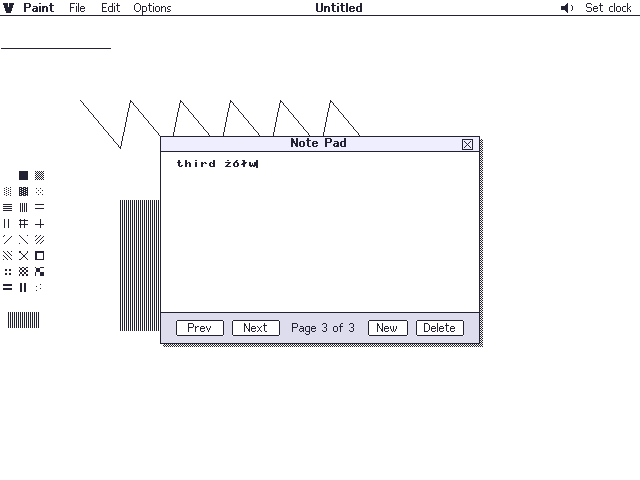
- Each page holds up to 640 characters (36 columns, 18 rows). Text wraps at the window's edge.
- The title bar has the close box at its right. The bar at the bottom has Prev and Next, the page ("Page 2 of 5"), New and Delete.
| Key | Action |
|---|---|
| typing, Return, Backspace, Delete, arrows | write and edit |
| PgUp, PgDn | the previous, the next page. PgDn on the last page makes a new page (unless the page is empty). |
| Ctrl+N | a new page after this one |
| Ctrl+D | delete this page |
| Esc | close Note Pad |
All pages are in one file, the Note File, in /VERANDA/.SYSTEM. Up
to 127 pages. A page is saved when you turn it or close the pad, if it
changed.