Repository navigation
View
View shows a file without the program that made it: text, pictures, Paint pictures, clipboard scraps, and the information of any GEOS file. Version 1.0. The desktop's Help item uses View to show this manual on the X16.
- Select a file in the desktop and choose File > View: any file.
- Double-click a
.BMPfile. - Double-click View in
/VERANDA/APPS: the Open box appears.
| Kind | How |
|---|---|
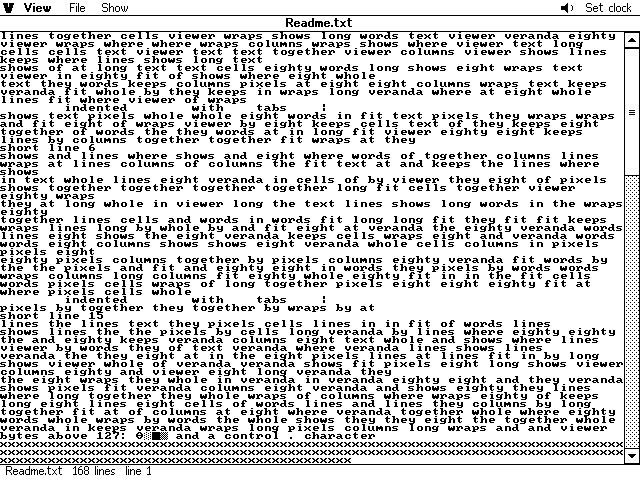
| Text | wrapped at 78 columns (words kept whole), tabs every 8 columns; any line ends; a scroll bar at the right |
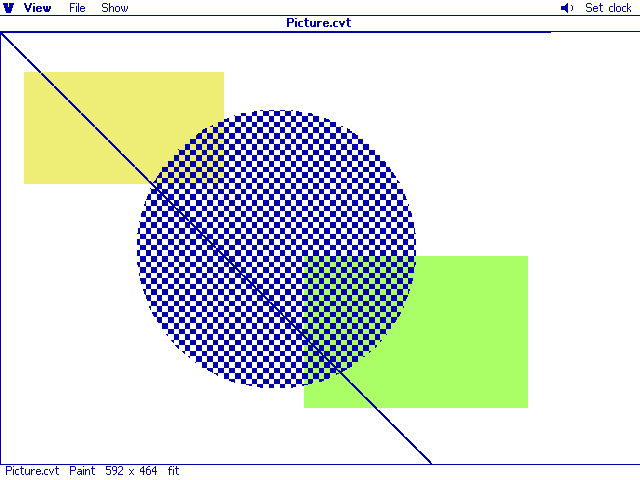
| BMP pictures | uncompressed, 1, 4, 8 or 24 bits a pixel. 4-bit pictures keep their colours. |
| Paint pictures | with their colours |
| Photo Scraps and photo albums | a page at a time |
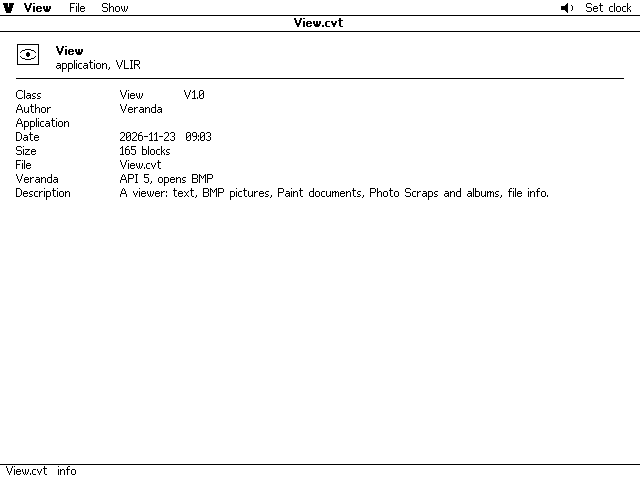
| Any other GEOS file | its info: icon, name, type, class, author, date, size, description |
A picture larger than the screen is shrunk to fit. A smaller one is zoomed. Show > Zoom: fit / 1:1 shows it at its real size; then the arrows move it.
| Menu | Items |
|---|---|
| View | About View, Quit |
| File | Open... (Esc), Open as text, Info, Copy |
| Show | Zoom: fit / 1:1, Find..., Find again, Next page (PgDn), Previous page (PgUp) |
- File > Open as text shows any file as text.
- File > Copy puts the picture, or the page of text shown, on Veranda's clipboard.
- Show > Find... finds a word in a text (case does not matter). Find again finds the next one.
- Next page and Previous page turn the pages of a photo album.
| Key | In a text | In a picture |
|---|---|---|
| Up, Down | a line | move the picture (at 1:1) |
| Left, Right | move the picture (at 1:1) | |
| PgUp, PgDn (or Space) | a page | a screen; in an album, the page |
| Home, End | the start, the end | |
| Esc | the Open box (choose another file) | the Open box |
In a text, a click on the scroll bar's arrows moves a line, a click on its track a page.
- View keeps the file in RAM banks: up to about 290 KB of text with plenty of free memory, less when programs are put aside.
- It only shows; it does not change files.