3D GUI Navigation
Navigating the scene within the main graphics window of the program can be performed with a combination of keyboard keys and mouse movements. Below, all key and mouse combinations for navigating through the GUI window are shown.
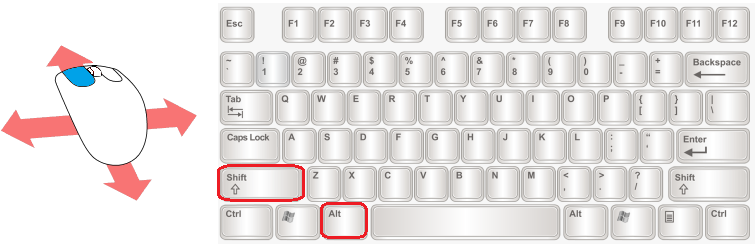
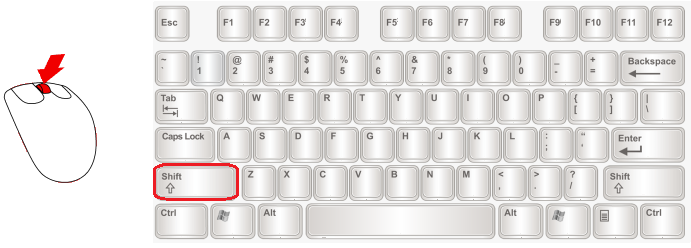
Move (pan, keep screen plane): Left Mouse Button + Drag + Left Shift key
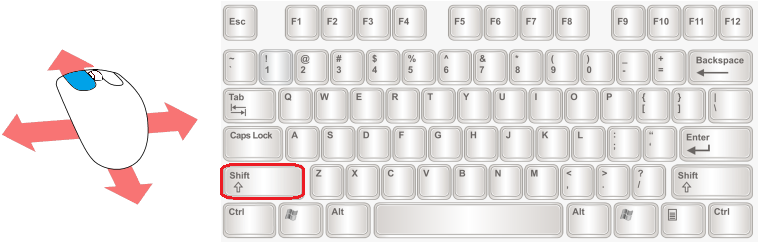
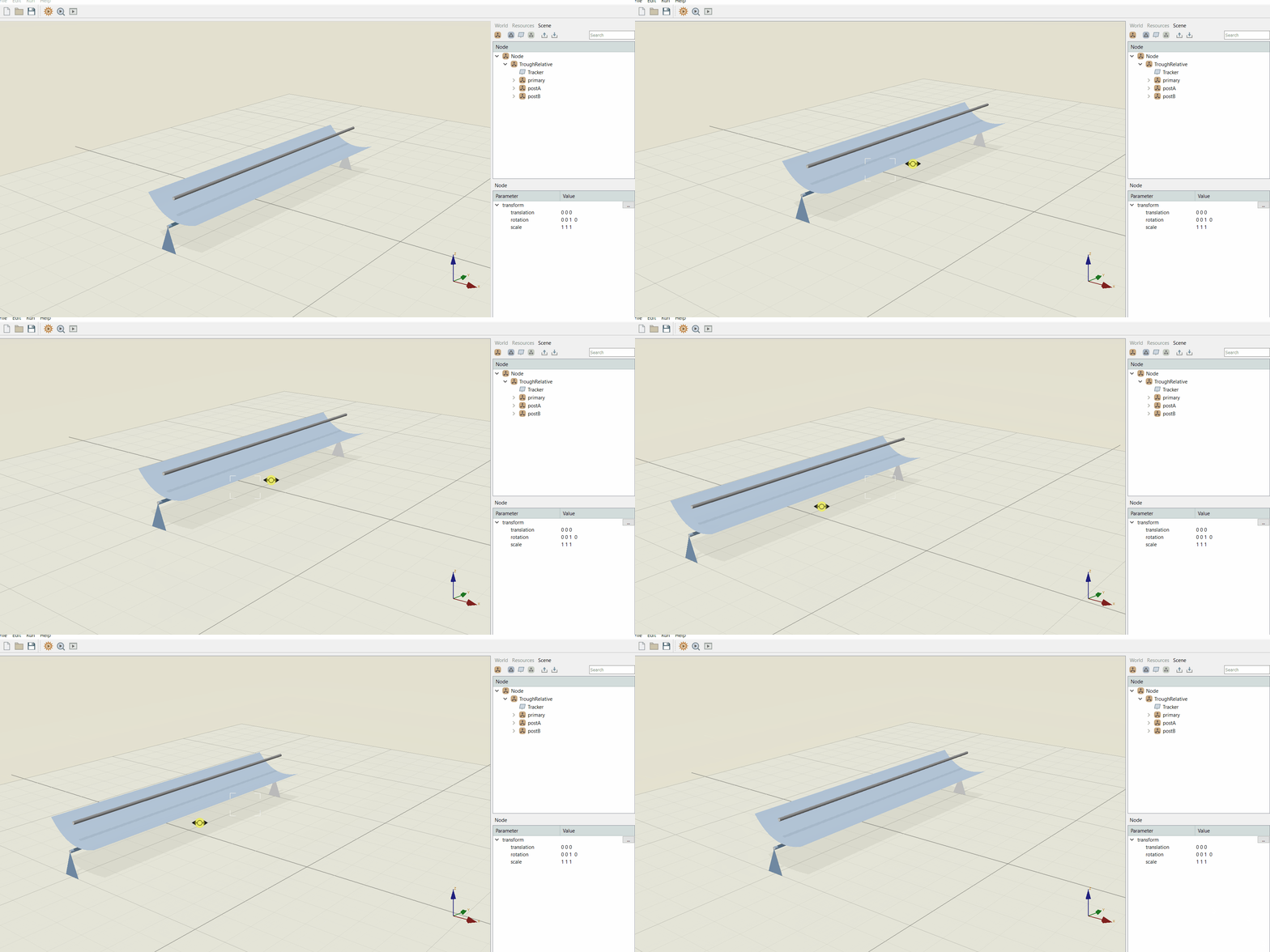
Move (glide, keep camera altitude): Left Mouse Button + Drag + Right Shift key
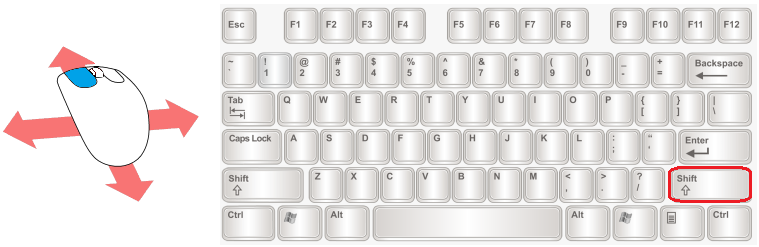
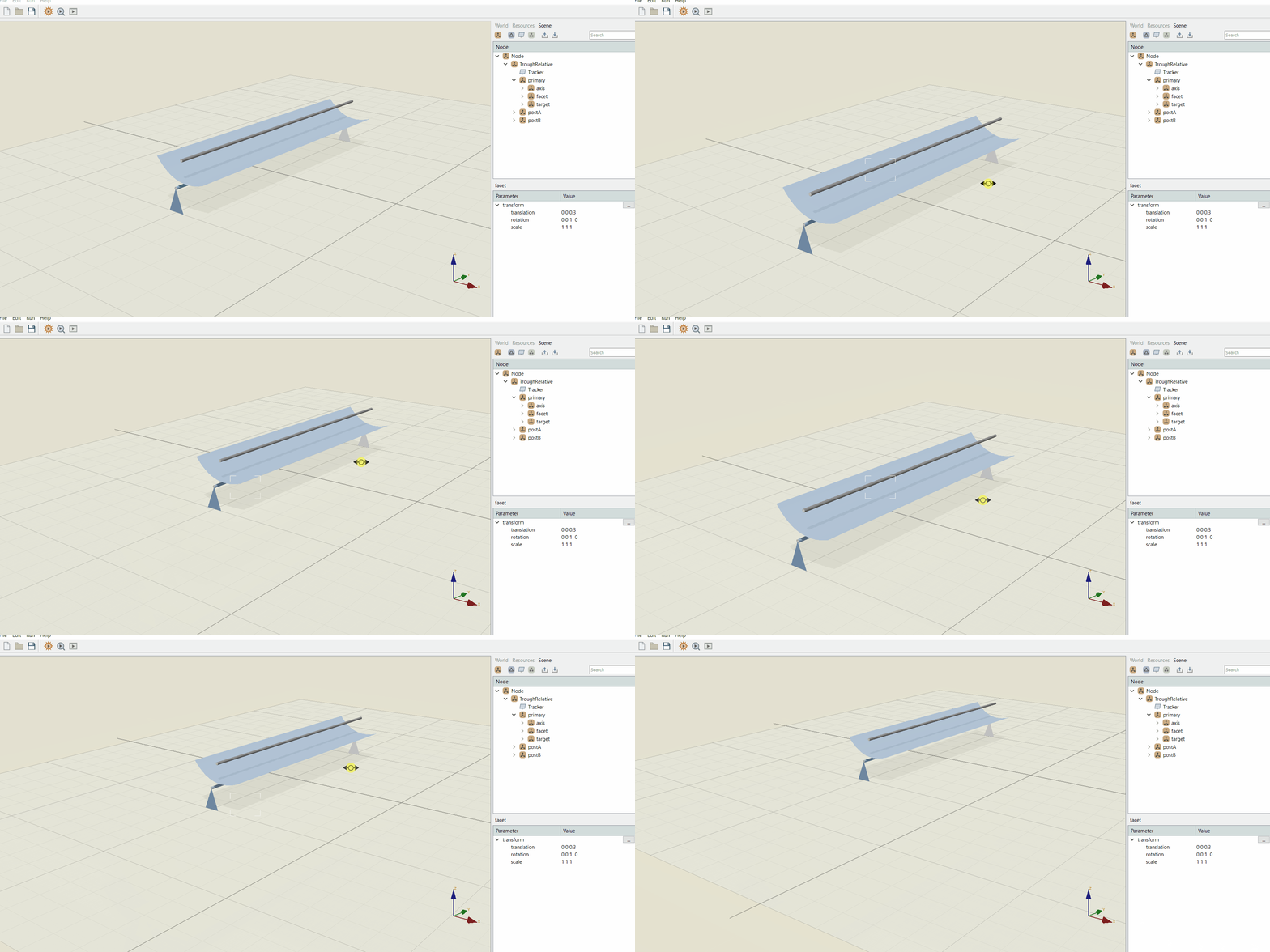
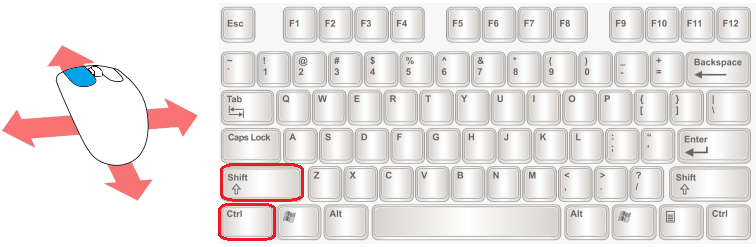
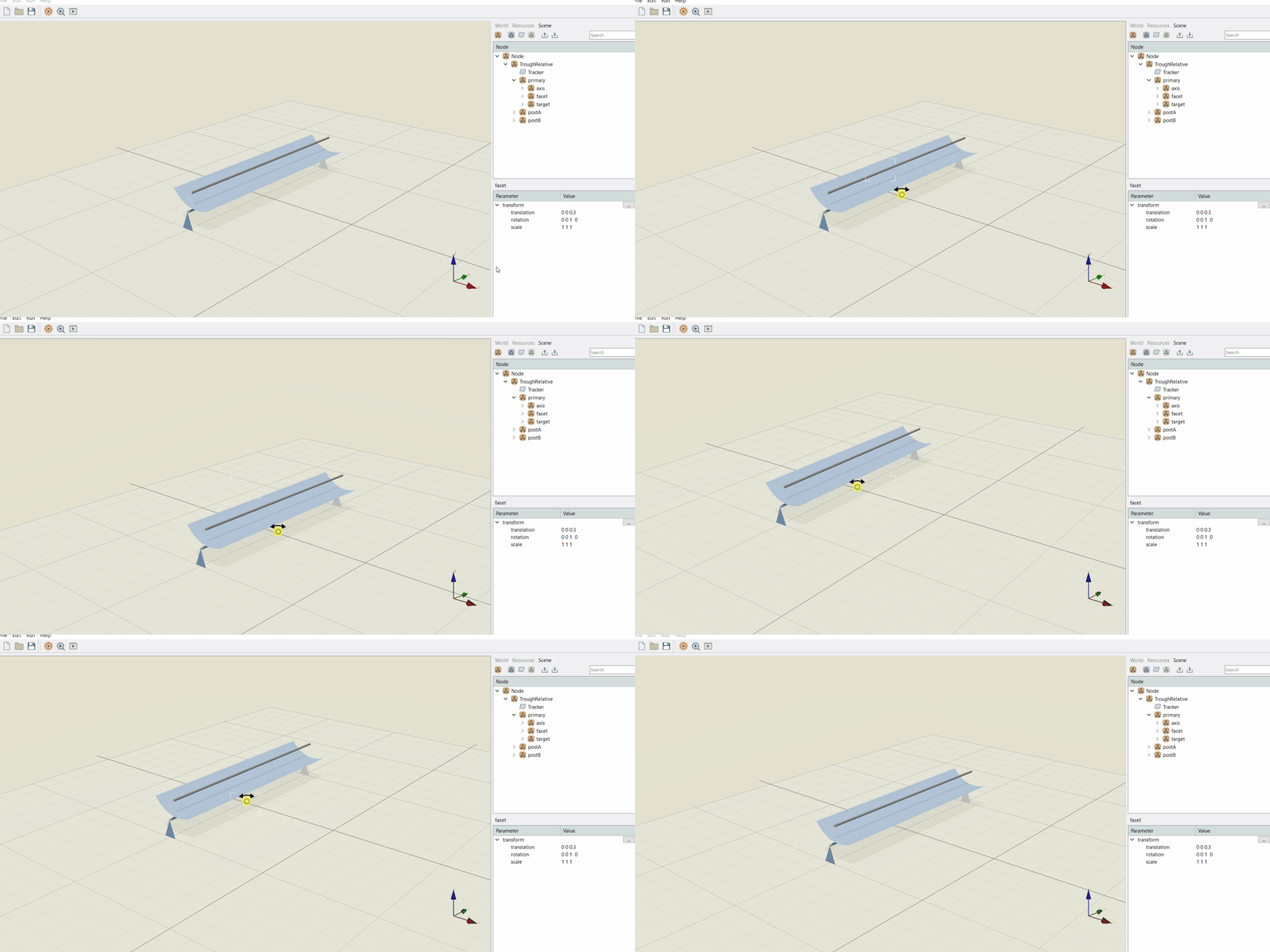
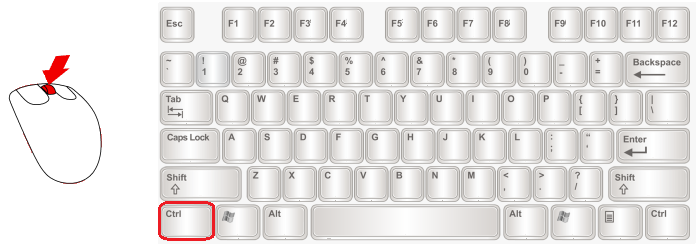
Rotate (pivot, keep camera position): Left Mouse Button + Drag + Ctrl key
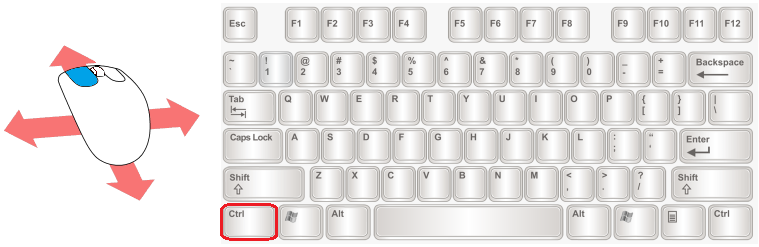
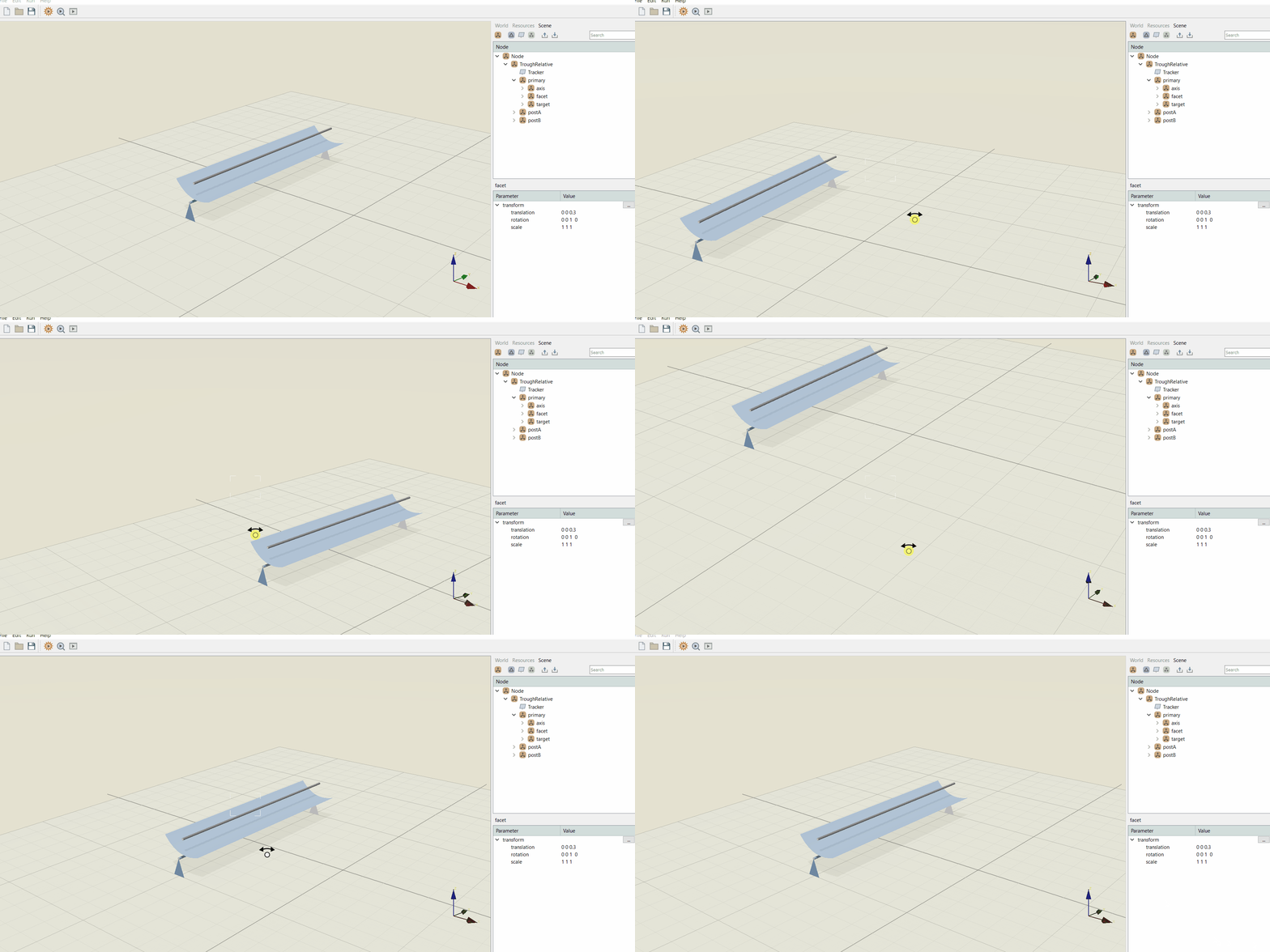
Rotate (pivot with anchor): Left Mouse Button + Drag + Ctrl + Shift keys
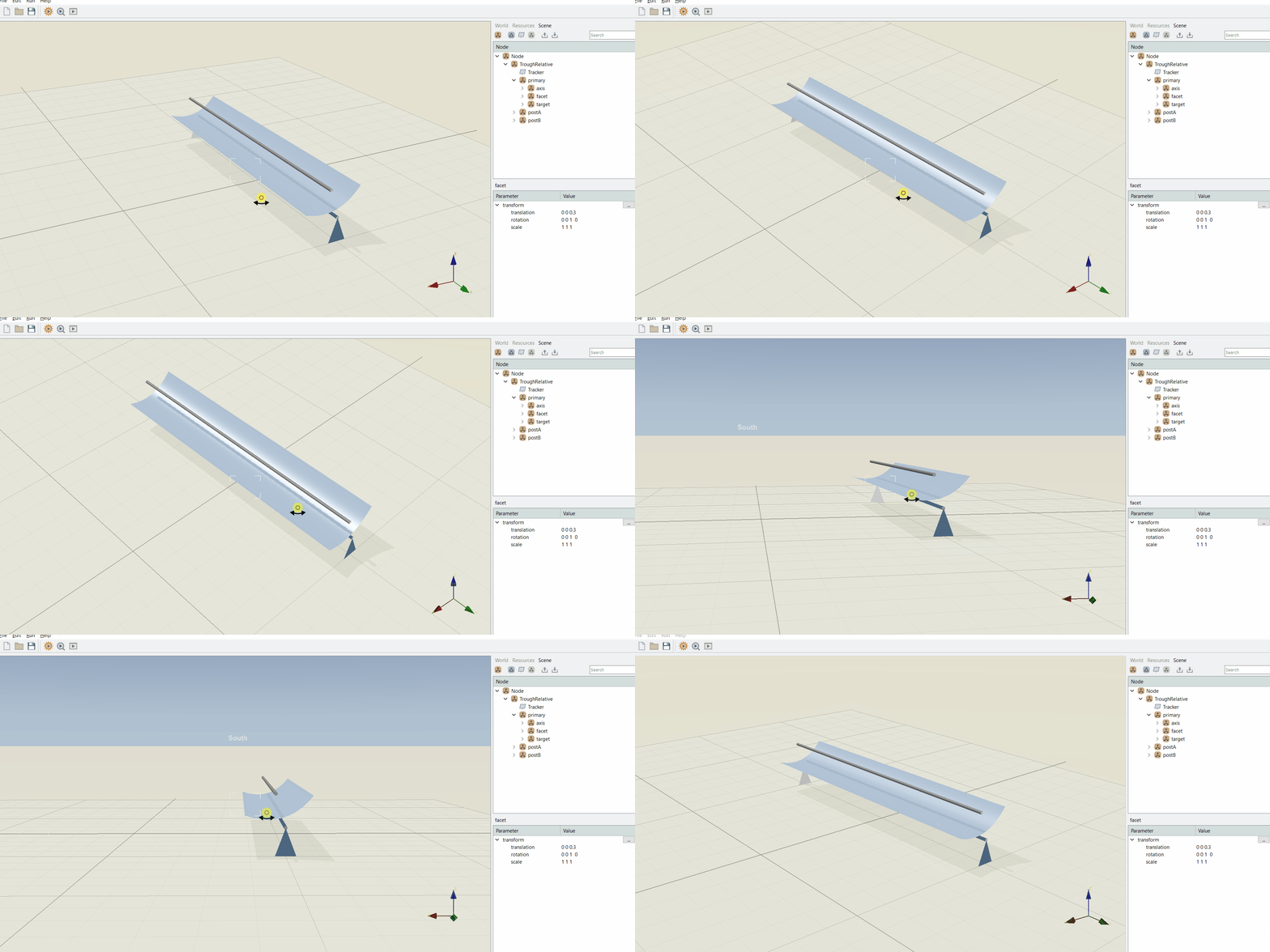
Rotate (orbit, keep camera target): Left Mouse Button + Drag + Alt key
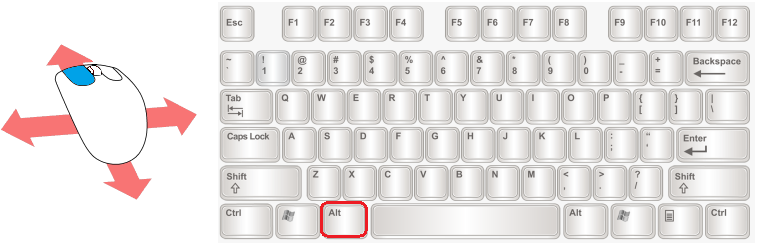
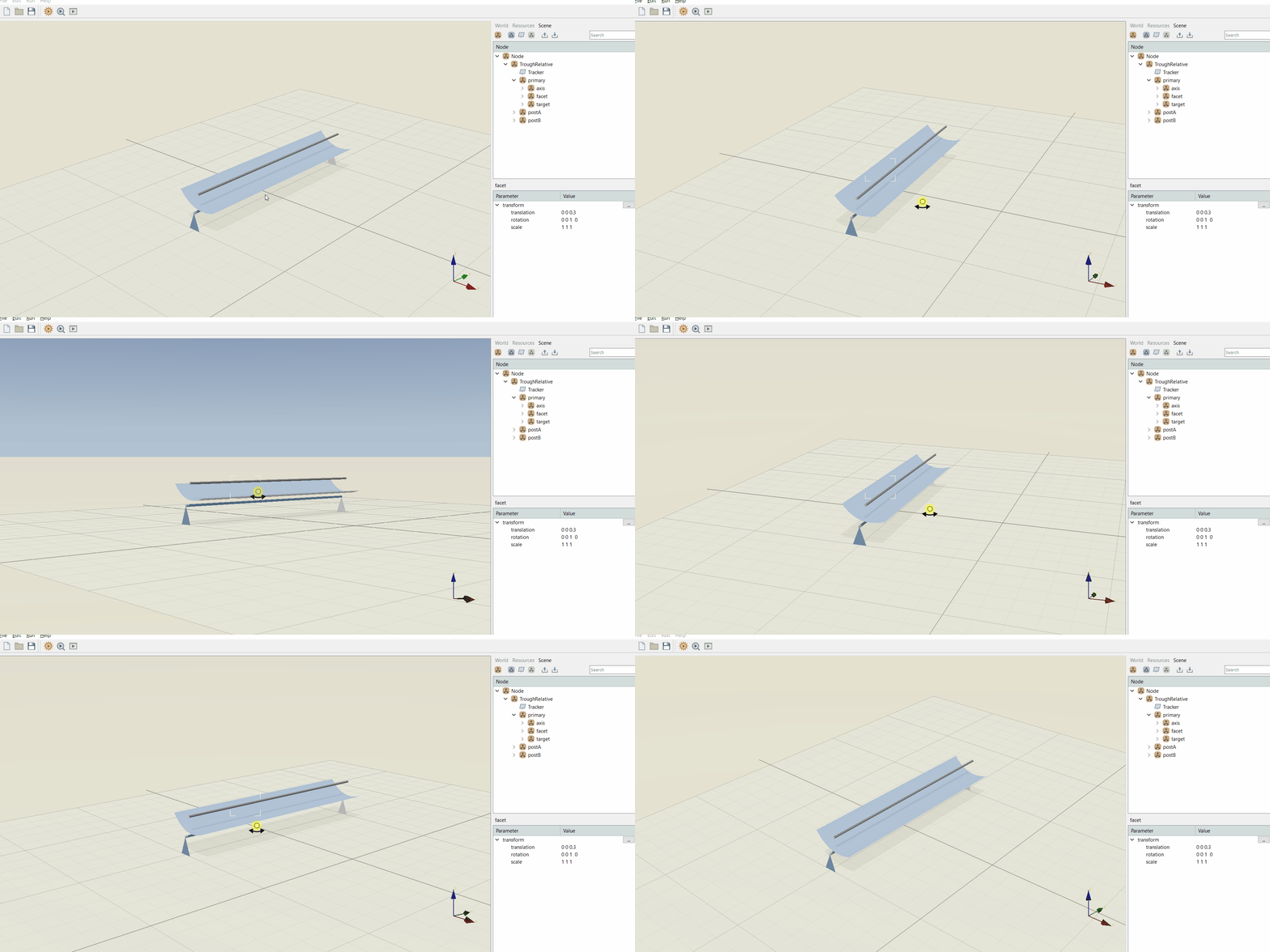
Rotate (orbit with anchor): Left Mouse Button + Drag + Alt + Shift keys
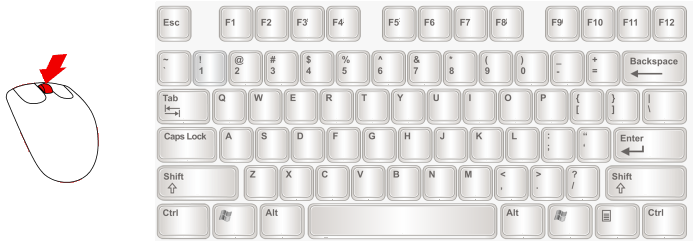
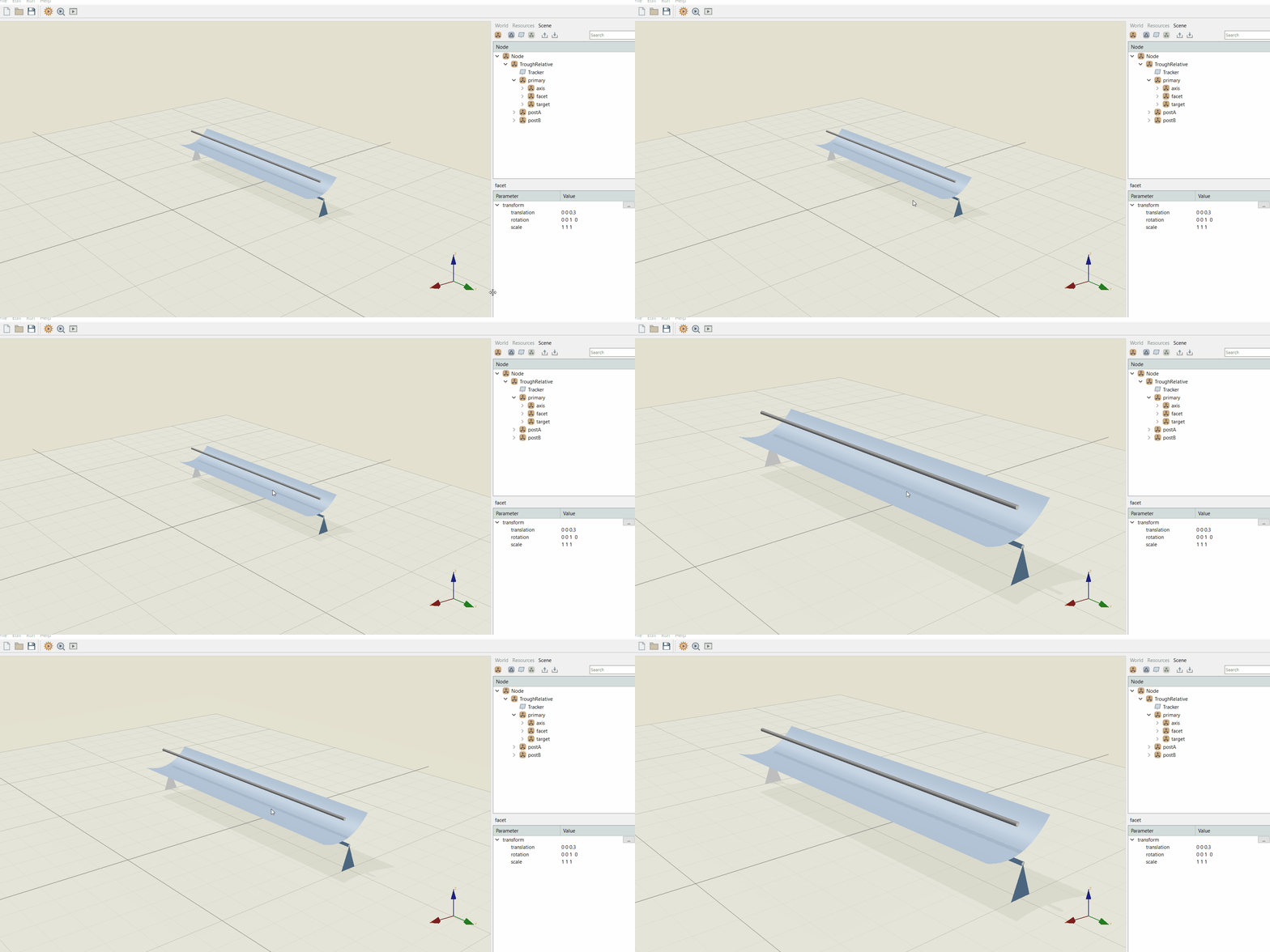
Zoom (around cursor): Mouse Wheel
Recenter: Mouse Wheel + Shift key
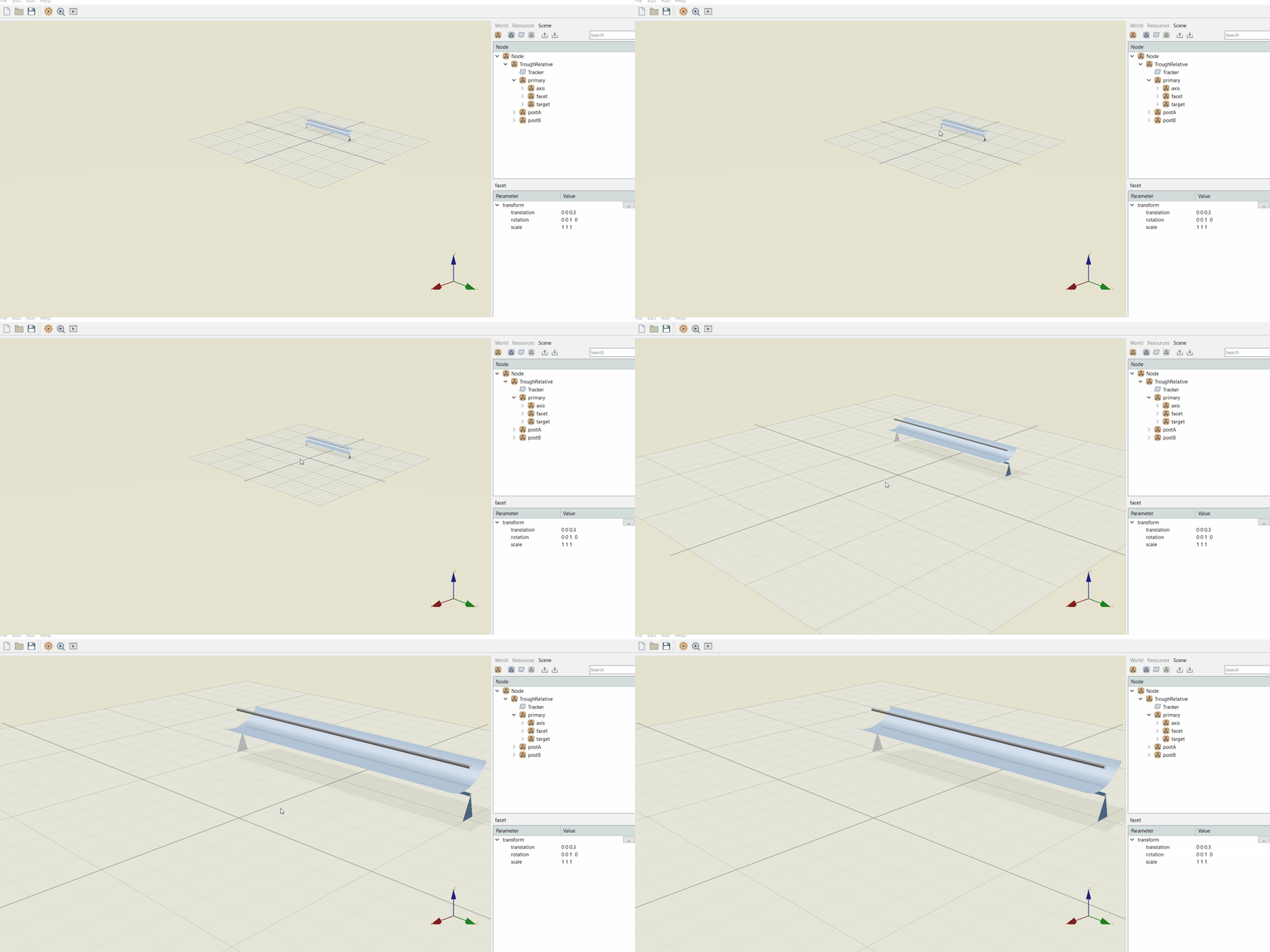
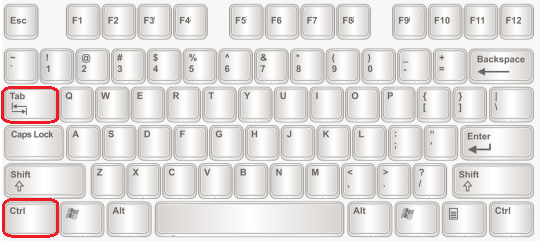
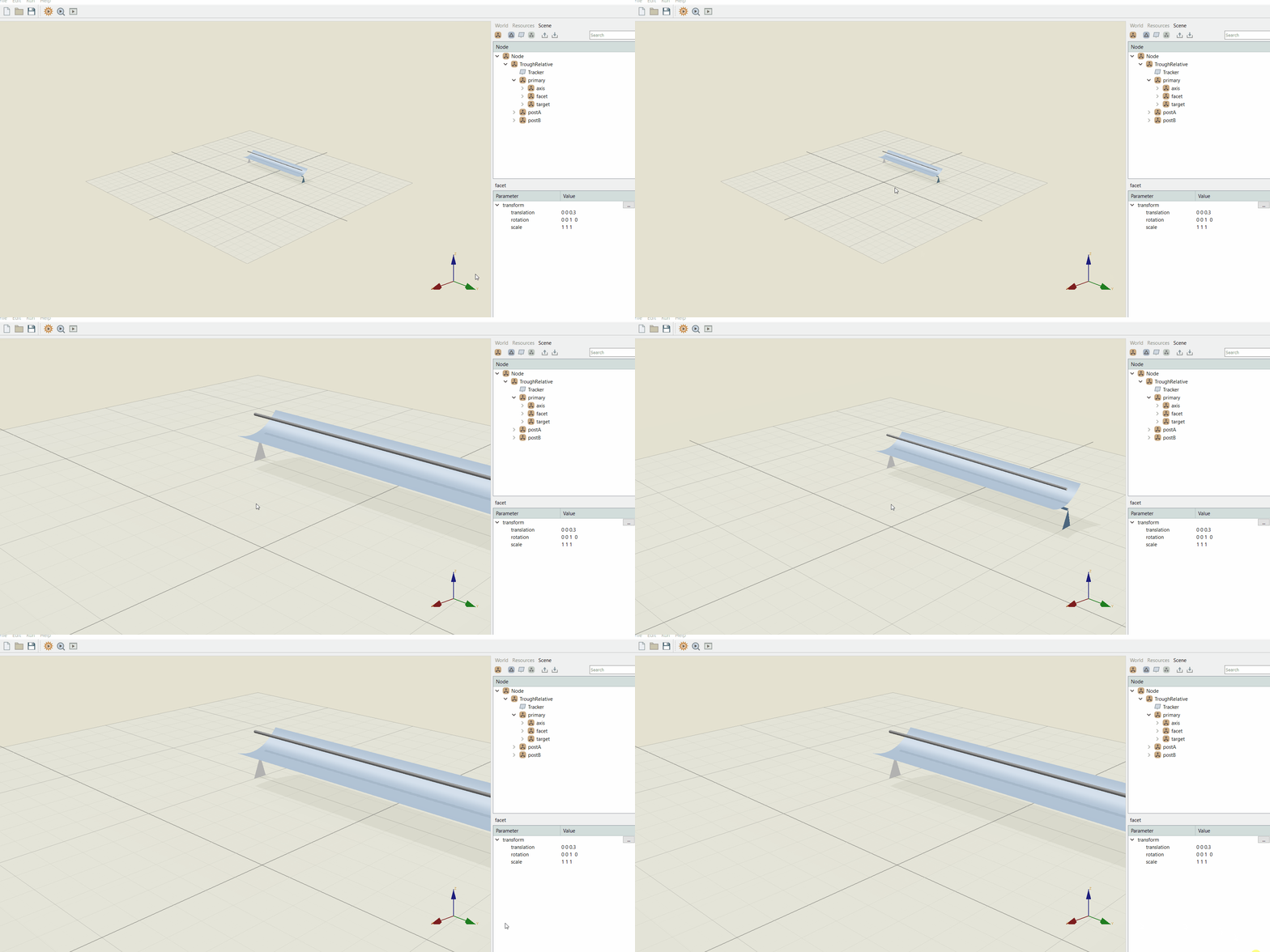
Zoom (around screen center): Mouse Wheel + Ctrl key
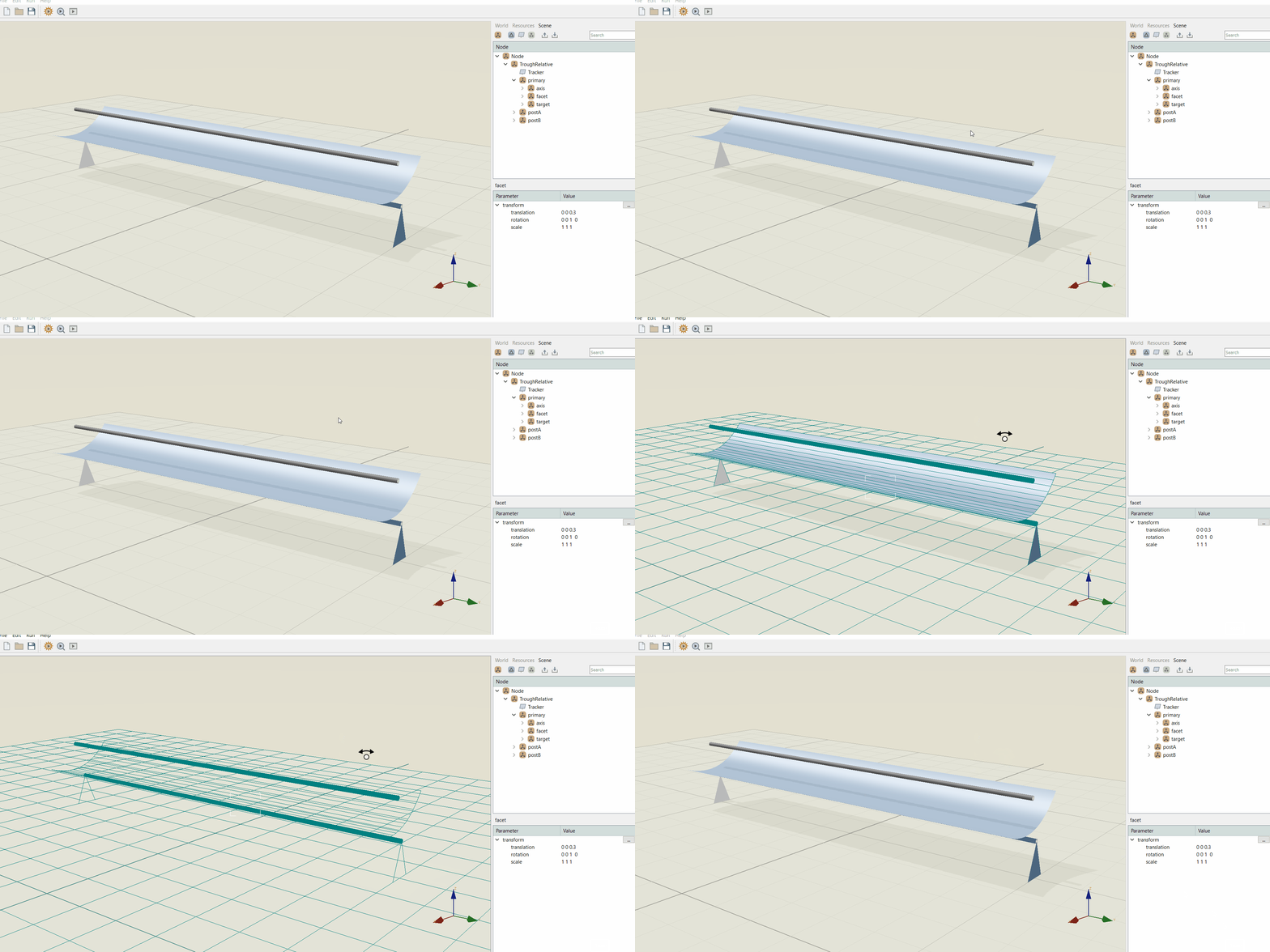
Switch rendering style (normal, meshed): Ctrl + Tab keys