Flux analysis
Similar to Tonatiuh, Tonatiuh++ has also a build in flux analysis tool as shown in the Figure below.
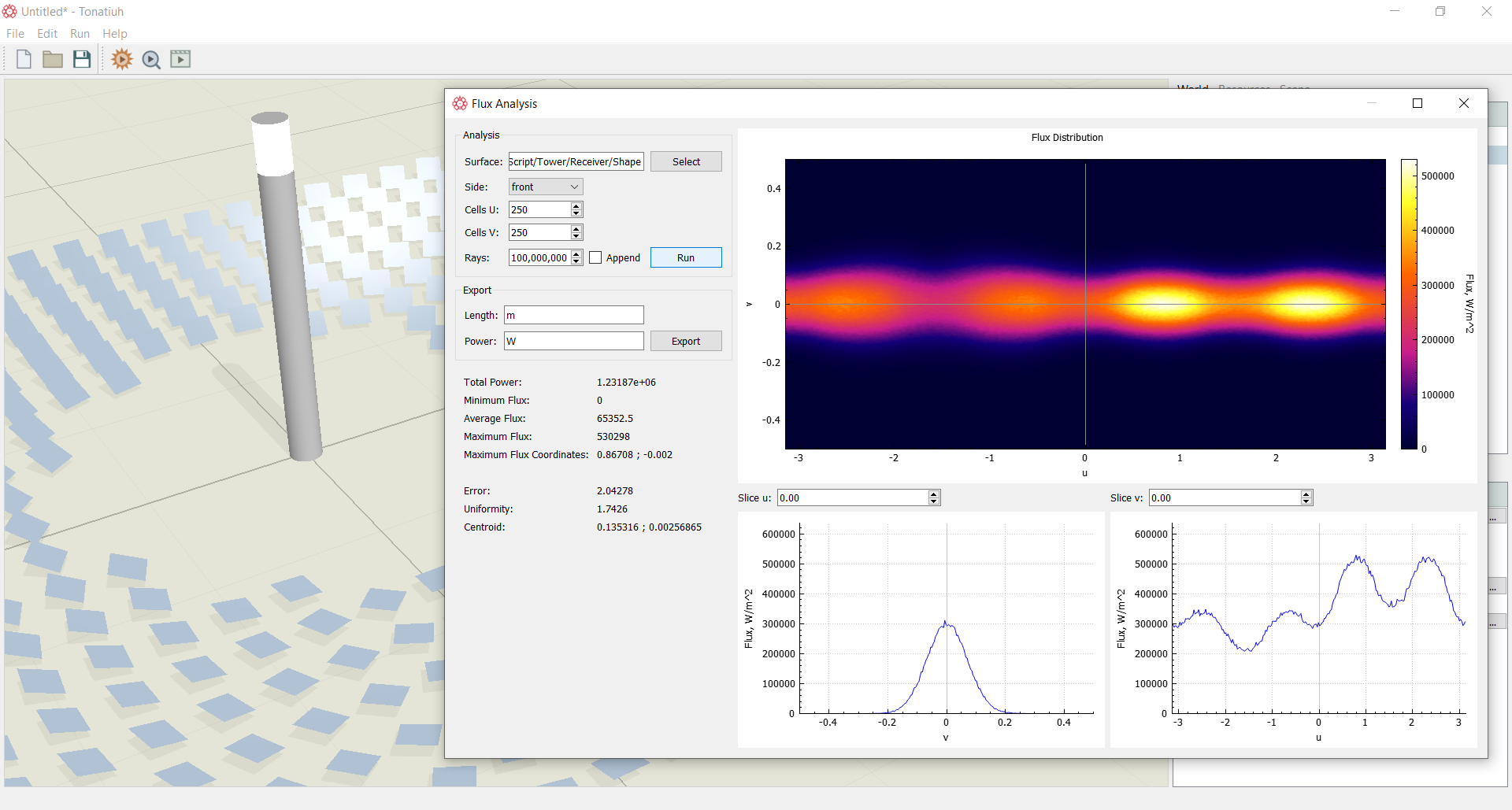
Currently, Tonatiuh++ can interactively show flux distribution plots on flat, cylindrical surfaces spheres, parabolas, etc. For more complex surfaces, the photon map hitting on the surface can be exported and post processed accordingly. The flux analysis tool can be reached by pressing the button located at the top left corner of the main graphics window. This will bring-up the Flux Analysis window in which the user can select the surface to analyze, the number of rays required for the simulation etc. The handling of the flux analysis tool is similar to the one from Tonatiuh. Pressing Run will start the simulation and at the end display the results on the screen.