Materials
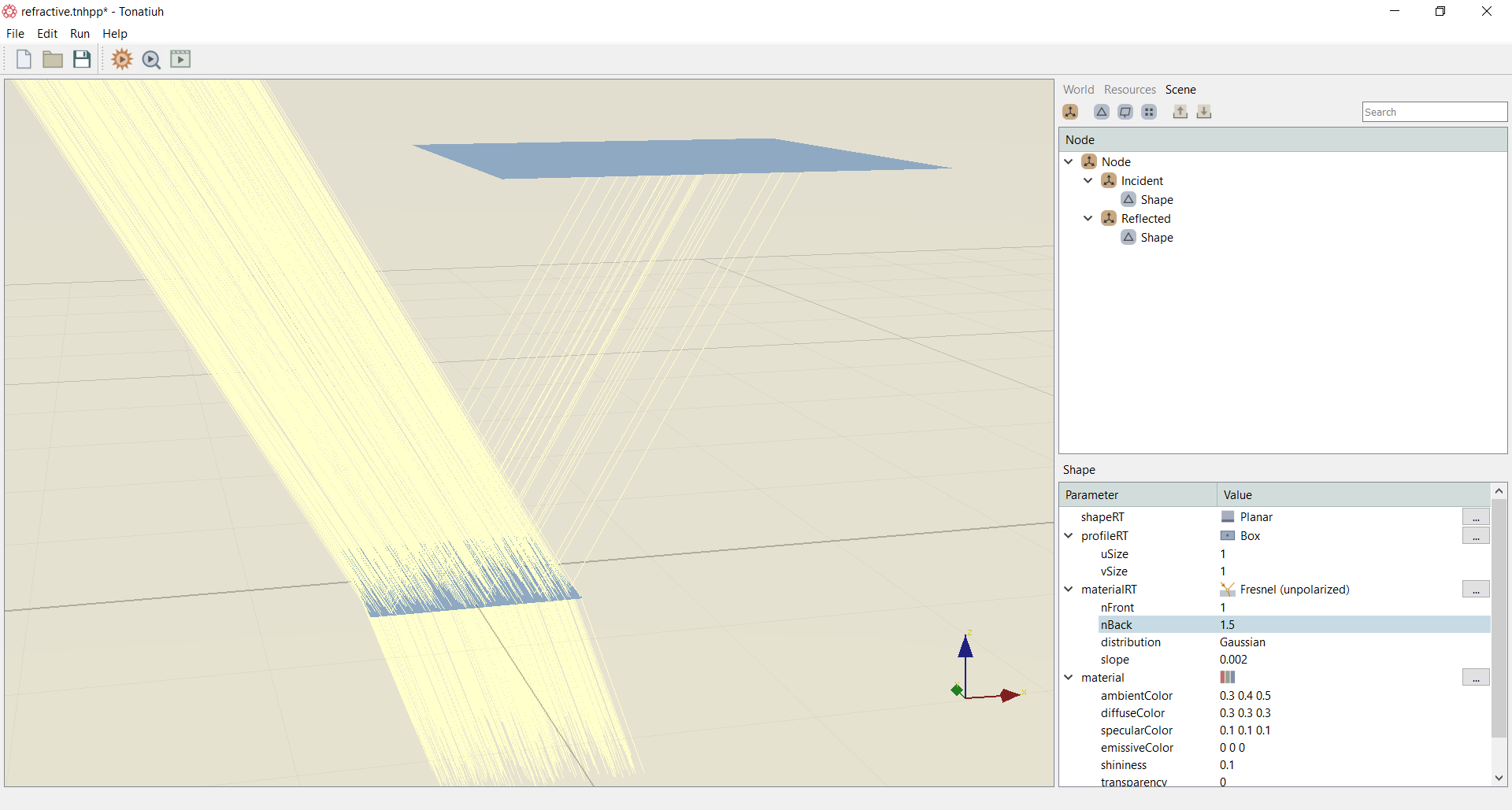
Currently, Tonatiuh++ has a list of five materials that the user can choose from, these are: Transparent, Virtual, Absorber, Specular, Fresnel (Unpolarized). Figure below shows an example of using the Fresnel (Unpolarized) as the material on a flat surface.
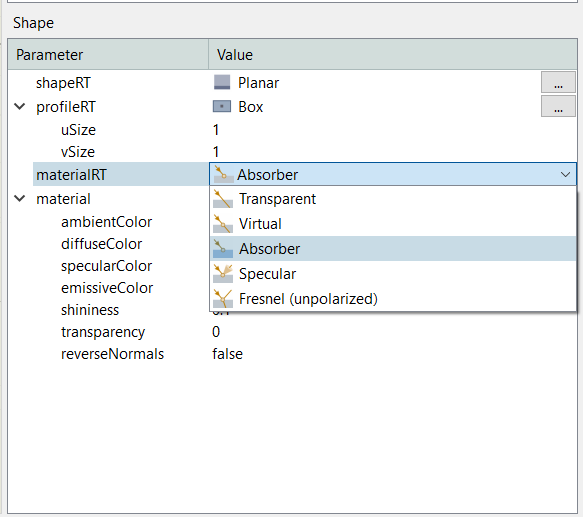
The materials drop down menu is shown below in the Figure below.
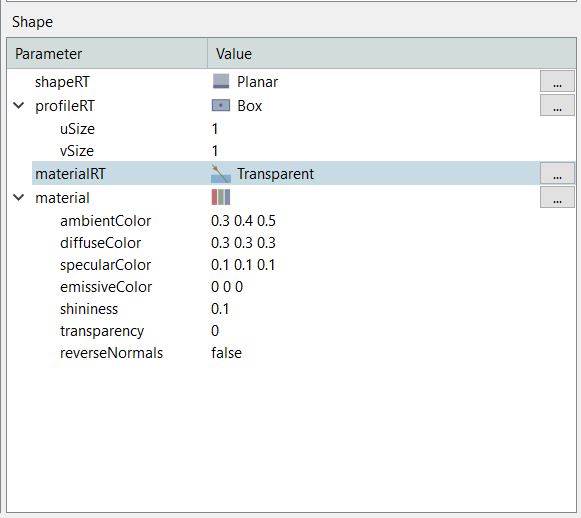
For each one of the materials the parameters to set are shown in the Figures that follow.
Transparent
Virtual
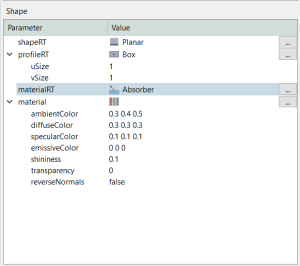
Absorber
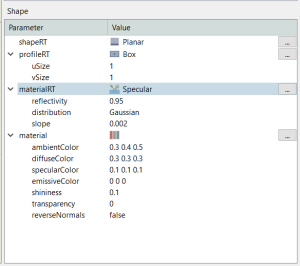
Specular
Unpolarised
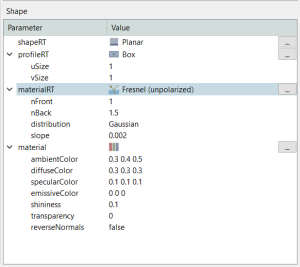
For the transparent, virtual and absorber materials the user does not have to enter any parameters. Absorber is considered as a perfect absorber material, Transparent is considered as a perfect transparent material and Virtual is considered as a material in which the rays can pass through (without changing any of their characteristics) from one side but cannot go through from the other side of the virtual surface. This can be considered as the light analogous of a mechanical one-way check valve. For the Specular material, the user can set the reflectivity of the material, the distribution (Gaussian or Pillbox) and the slope error radians. For the Fresnel (unpolarized) material the user needs to set the refractive index if the front (nFront) and the back (nBack) of the surface, the distribution (Gaussian or Pillbox) and the slope error radians.