Repository navigation
Home
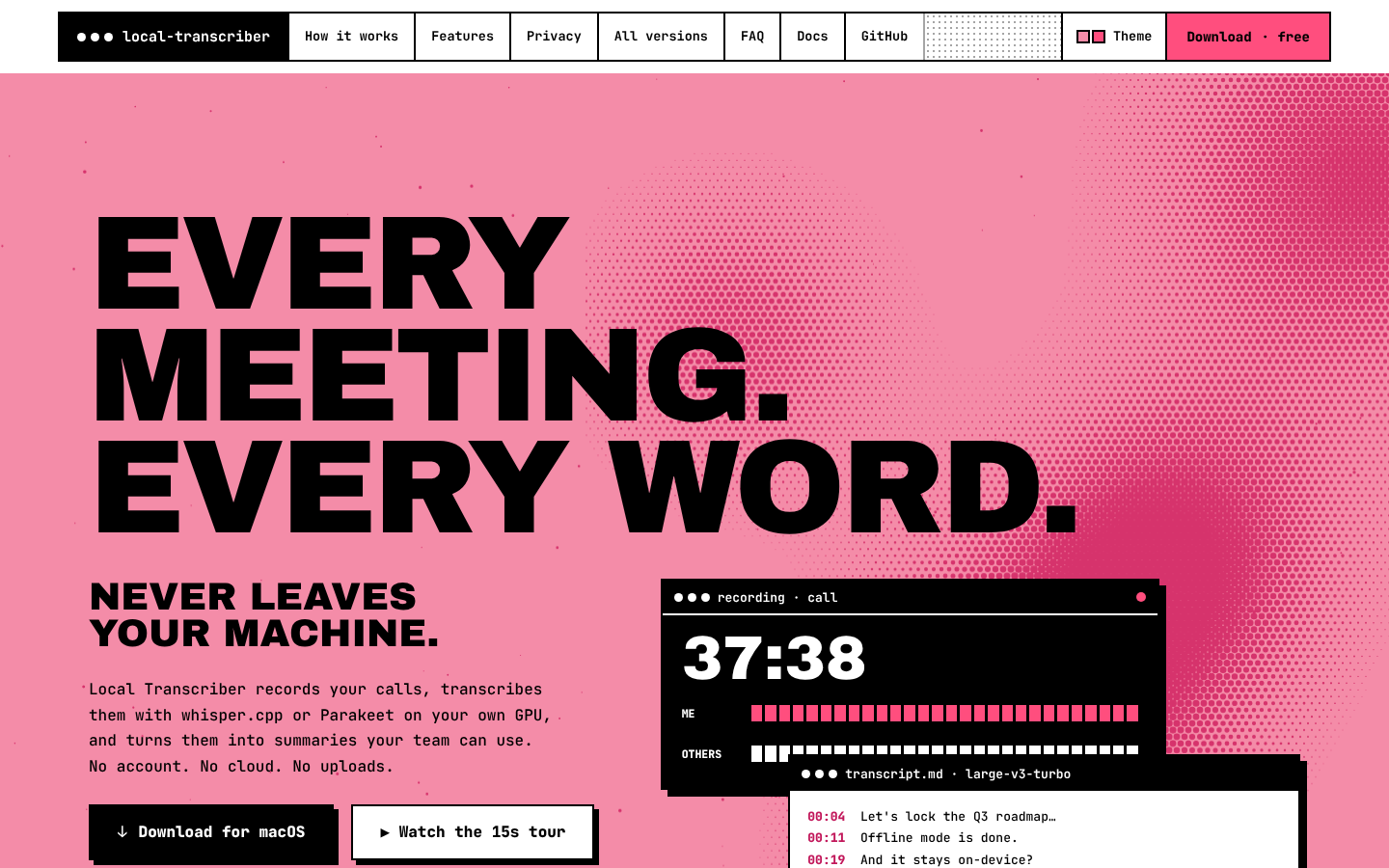
Local Transcriber is a free, open-source (MIT) desktop app for macOS, Windows and Linux. It records your meetings, transcribes them on your own computer with whisper.cpp or Parakeet, and can summarize them with a local AI. Your audio never leaves your machine. You don't need an account, and nothing goes to the cloud.
This wiki covers two things:
| Who it's for | Start here | |
|---|---|---|
| 📘 User manual | Anyone using the desktop app | Installation → Getting Started |
| 🌐 Website guide | Visitors and maintainers of the landing page (transcript.sierock.com, source in this repository) | Website Tour → Website Development |
The app's source code lives in GrzeskoByte/local-transcript. This repository holds only the static download/landing site.
- Installation: download the right installer and install it on macOS, Windows or Linux
- Getting Started: first launch, the main window, setting up transcription
- Recording a Meeting: recording modes, agenda, pause/stop, crash recovery, importing files
- Transcription: speech models, languages, GPU, live transcription
- Meeting Details: playback, transcript, summary, agenda, audio check, export, delete
- Meetings List and Search: the dashboard, filters, full-text search, rename/delete
- AI Summaries: Ollama, OpenAI-compatible APIs, OpenCode
- Calendar Integration: CalDAV, Microsoft 365, Exchange; follow-up events
- GitLab Sharing: publish transcripts and summaries to a wiki, issue or repository
- Settings: a reference for every Settings tab
- Updates: in-app updates and the update check
- Keyboard Shortcuts
- Privacy: exactly what can leave your computer, and when
- Troubleshooting
- FAQ
- Website Tour: every section of the landing page, explained with screenshots
- Website Development: run it locally, how it works, deploy
- Releases and Downloads: how GitHub Releases feed the download section
- Analytics and Download Counts
-
Design System: the "catalog-era 1996" visual language (
DESIGN.md) - Legal Pages: privacy policy and legal notice
- Contributing to the Wiki
Record first. Transcribe when you're ready. Recording and transcription are separate on purpose. Your audio is saved the moment it's captured, and AI is an optional second step that can never damage the original.