Repository navigation
GitLab Sharing
Share transcripts, summaries and agendas with your team through GitLab, with no backend of ours in between. Your team reads them with normal GitLab project membership.
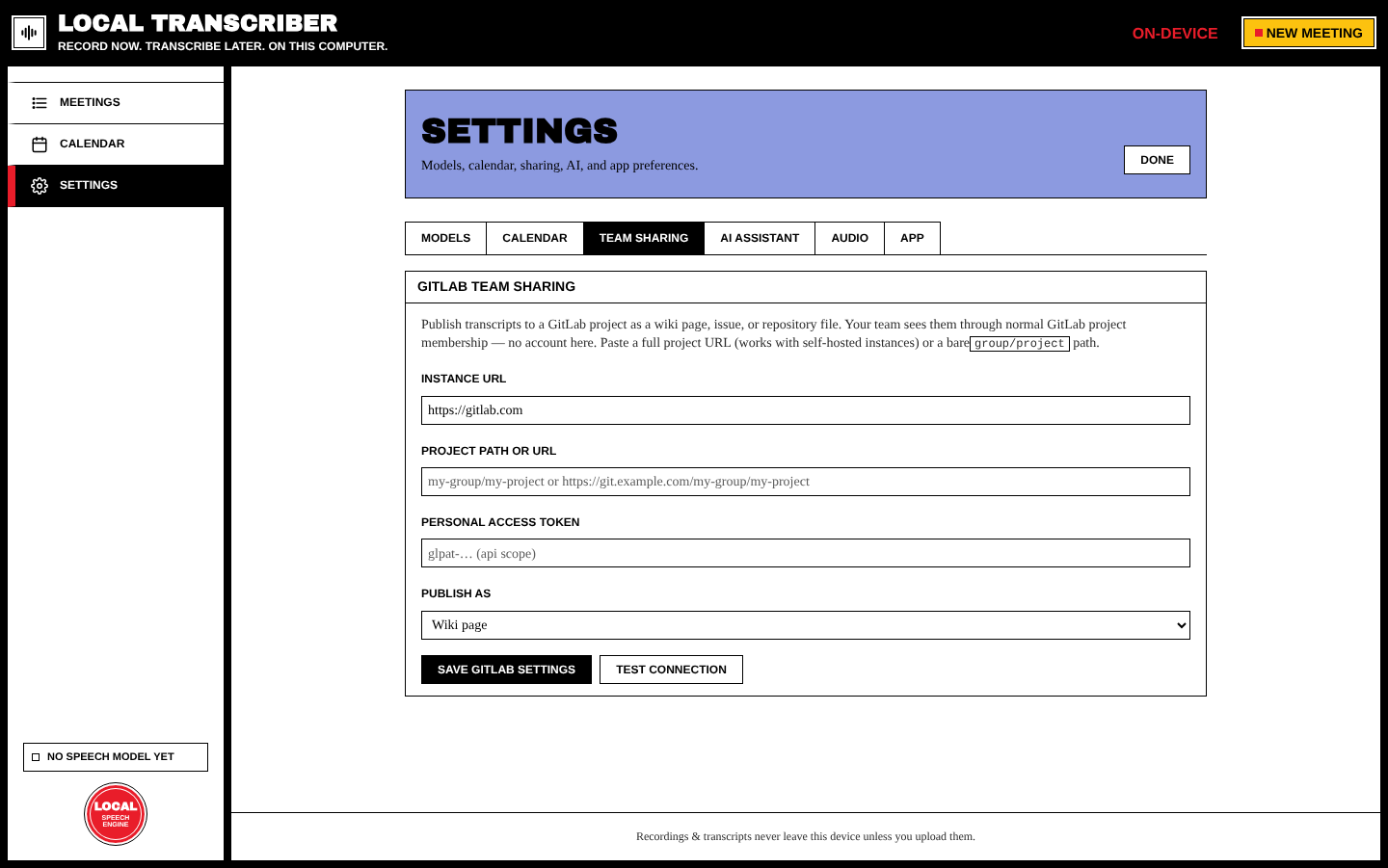
| Field | Notes |
|---|---|
| Instance URL |
https://gitlab.com by default. For self-hosted GitLab, use your server's URL. |
| Project path or URL |
group/project, or paste the full project URL. Pasting a URL fills in the instance for you. |
| Personal access token |
glpat-… with api scope. It's stored only on this device. |
| Publish as | Wiki page, Issue, or Repository file |
Press Save GitLab settings, then Test connection. This checks the token and the project.
On a meeting page, in Export & share → GitLab:
- Upload to GitLab publishes the transcript, then shows an Open in GitLab link.
-
Upload summary (once the meeting has a summary) publishes the summary:
- Wiki target: a companion wiki page
-
Repository target:
summary.mdnext to the transcript - Issue target: not supported
- The agenda can be uploaded too.
Repository uploads go into one folder per meeting:
meetings/<title>-<id>/transcript.md
meetings/<title>-<id>/summary.md
Uploading again updates the files.
After an AI summary, tick action items and choose GitLab issues. Each item becomes an editable draft (title, assignee…). Nothing is created until you approve. Created issues are linked on the meeting page.