Repository navigation
Settings
Open Settings from the sidebar. It has six tabs. Done takes you back to your meetings.
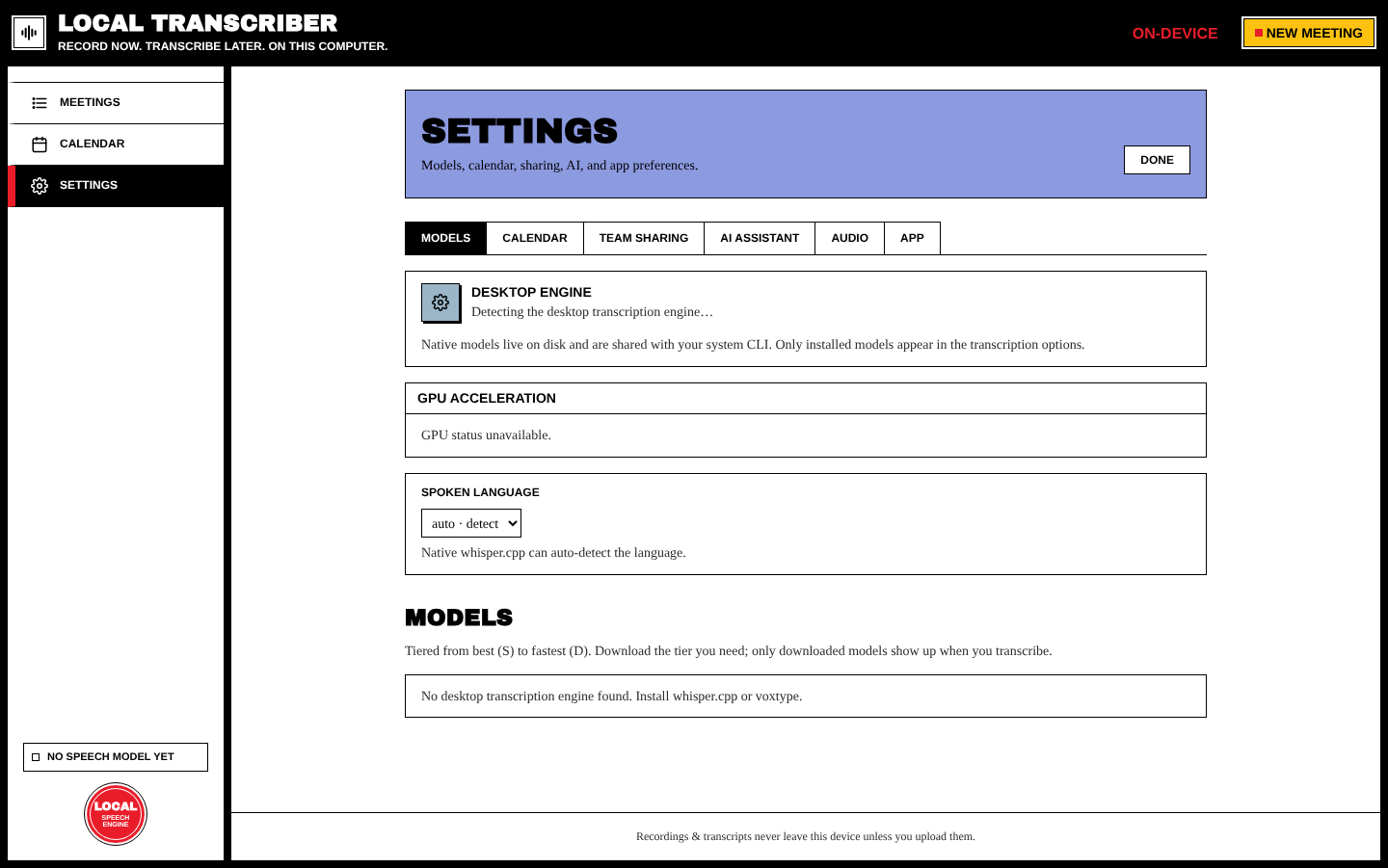
| Section | What it does |
|---|---|
| Desktop engine | Shows the transcription engine that was found (built-in whisper.cpp, voxtype or whisper-cli) and the acceleration in use |
| Transcribe after recording | Optional (desktop). Transcribes each recording as soon as it stops. |
| Live transcription | Shows text while you record, using a small on-device model |
| GPU acceleration | Linux / voxtype: one-click enable for Vulkan/CUDA (may ask for your password) |
| Spoken language | Auto-detect, or a fixed default language |
| Models | The S–D tiered catalog. Download, select or remove models. |
Details: Transcription.
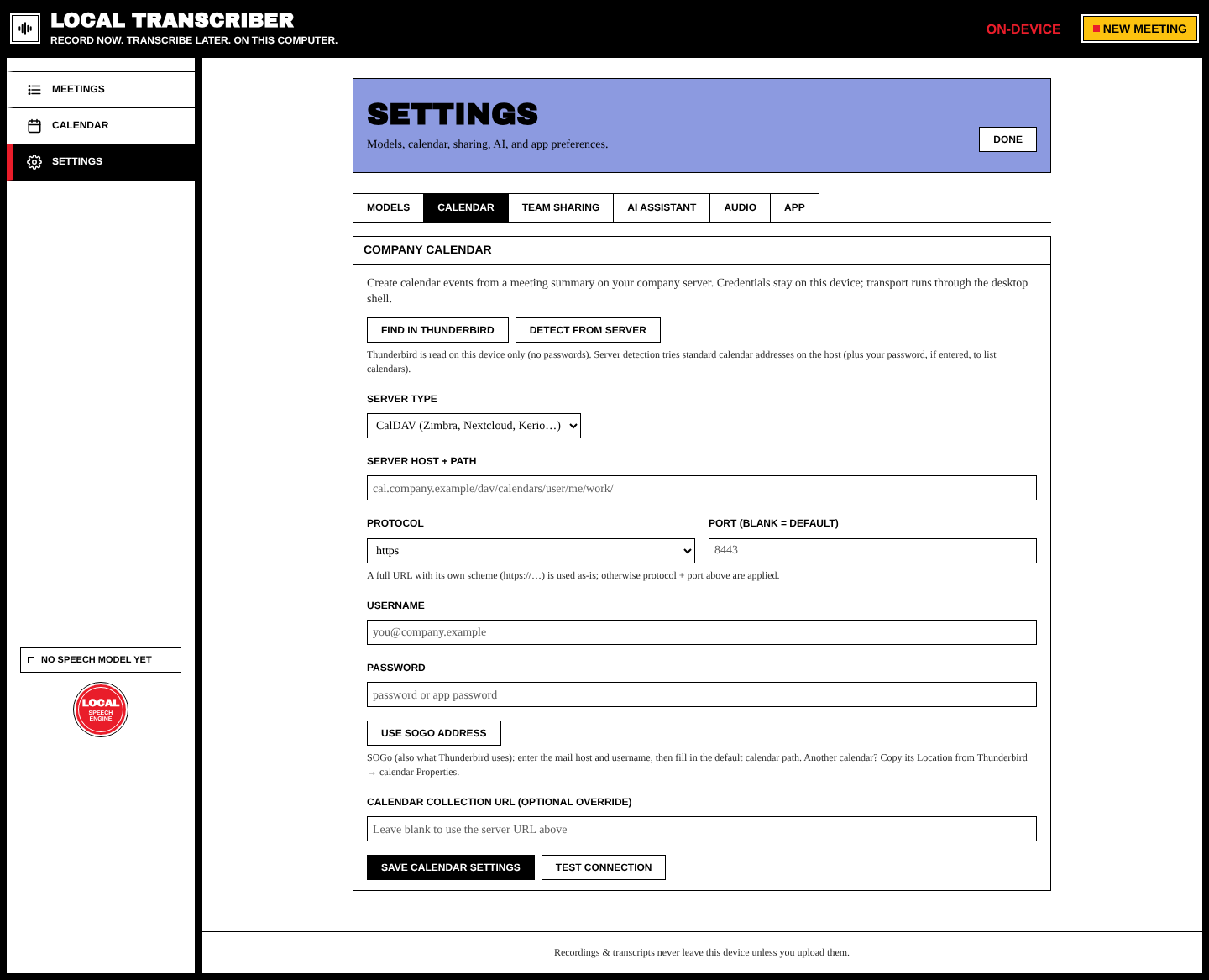
The company calendar connection (CalDAV / Microsoft Graph / Exchange EWS), with Find in Thunderbird, Detect from server and Use SOGo address. Details: Calendar Integration.
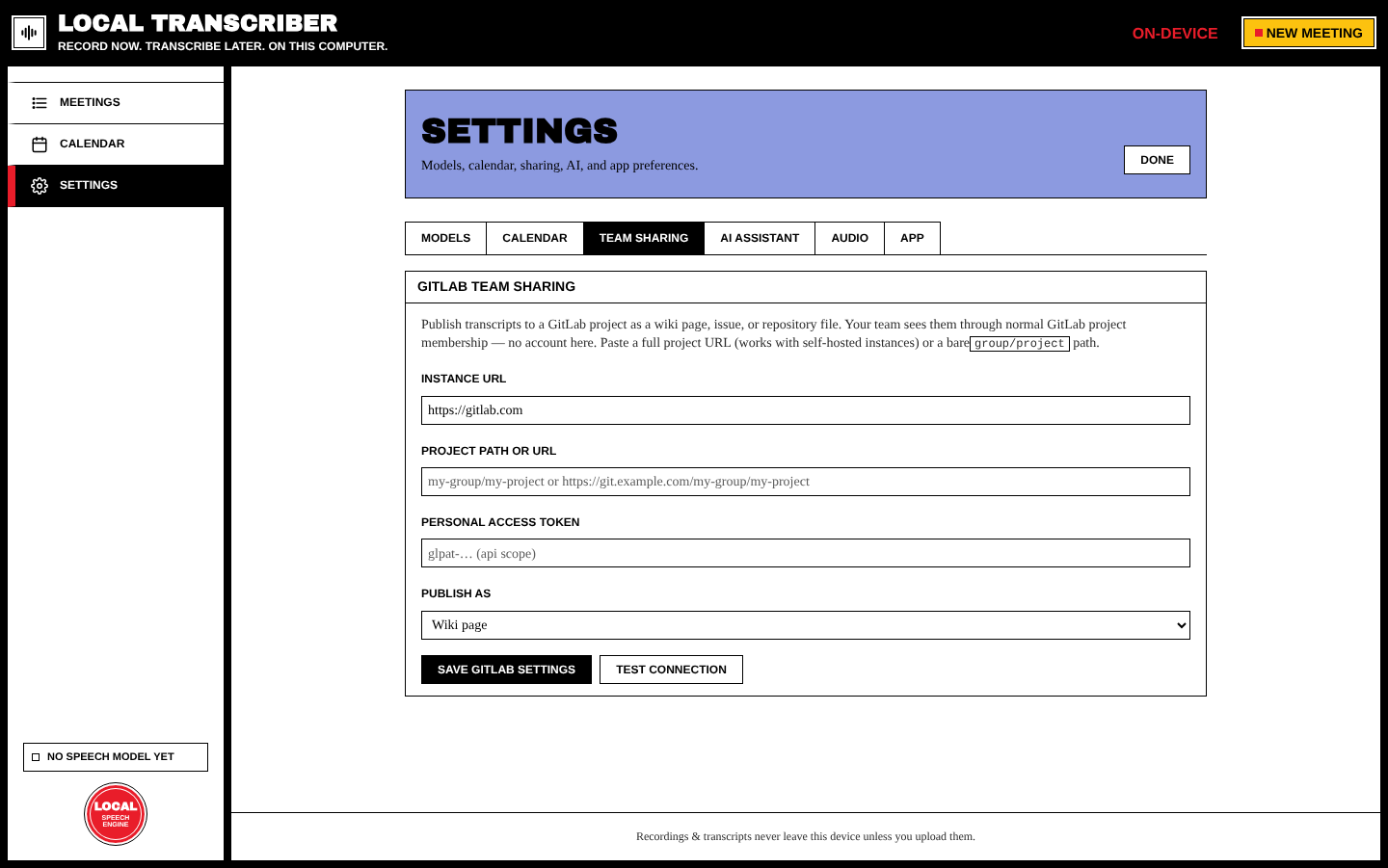
GitLab instance, project, token and target (wiki page / issue / repository file). Details: GitLab Sharing.
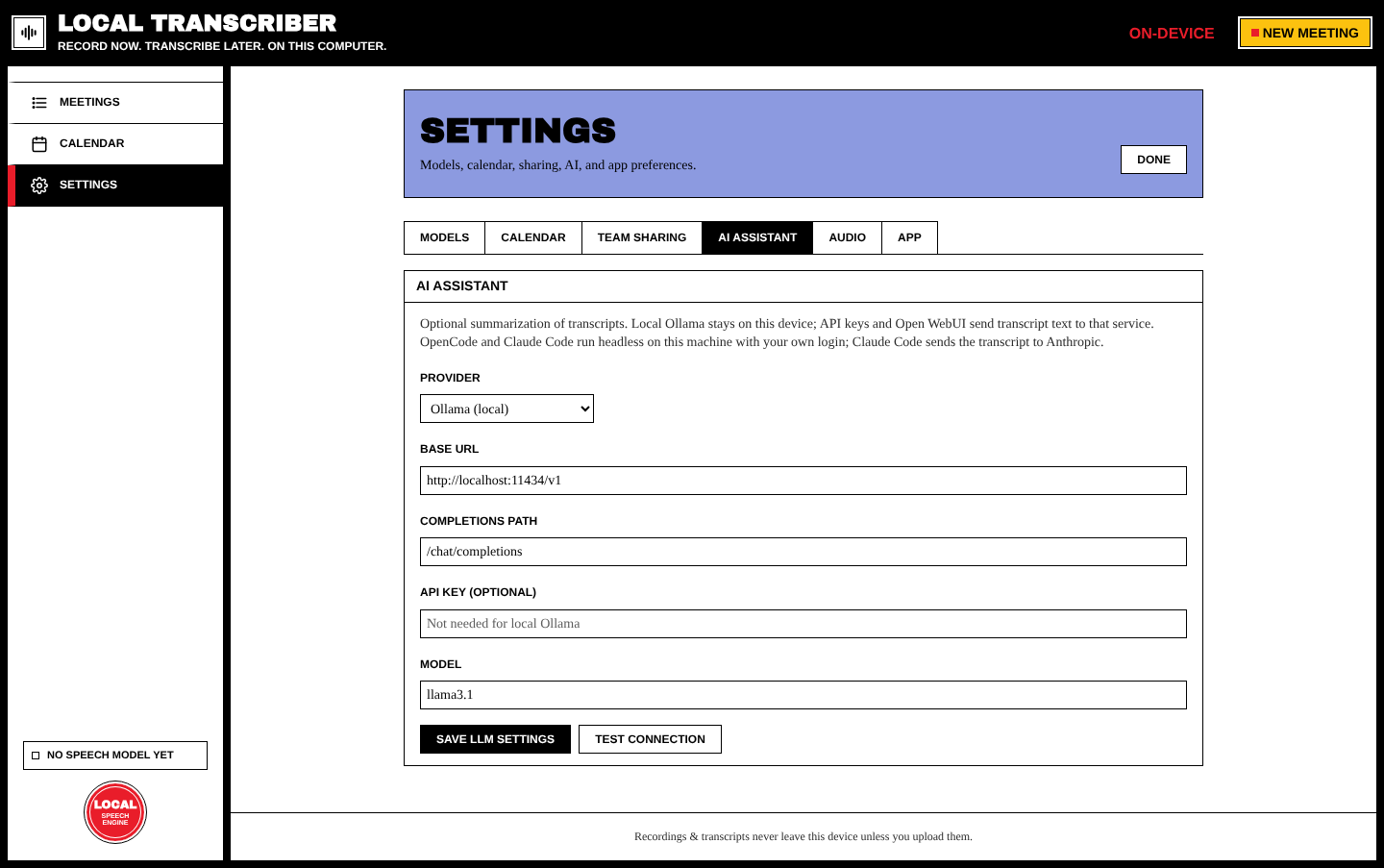
LLM provider (Ollama, OpenAI-compatible, Open WebUI, OpenCode, Claude Code, Custom), base URL, completions path, API key and model. Details: AI Summaries.
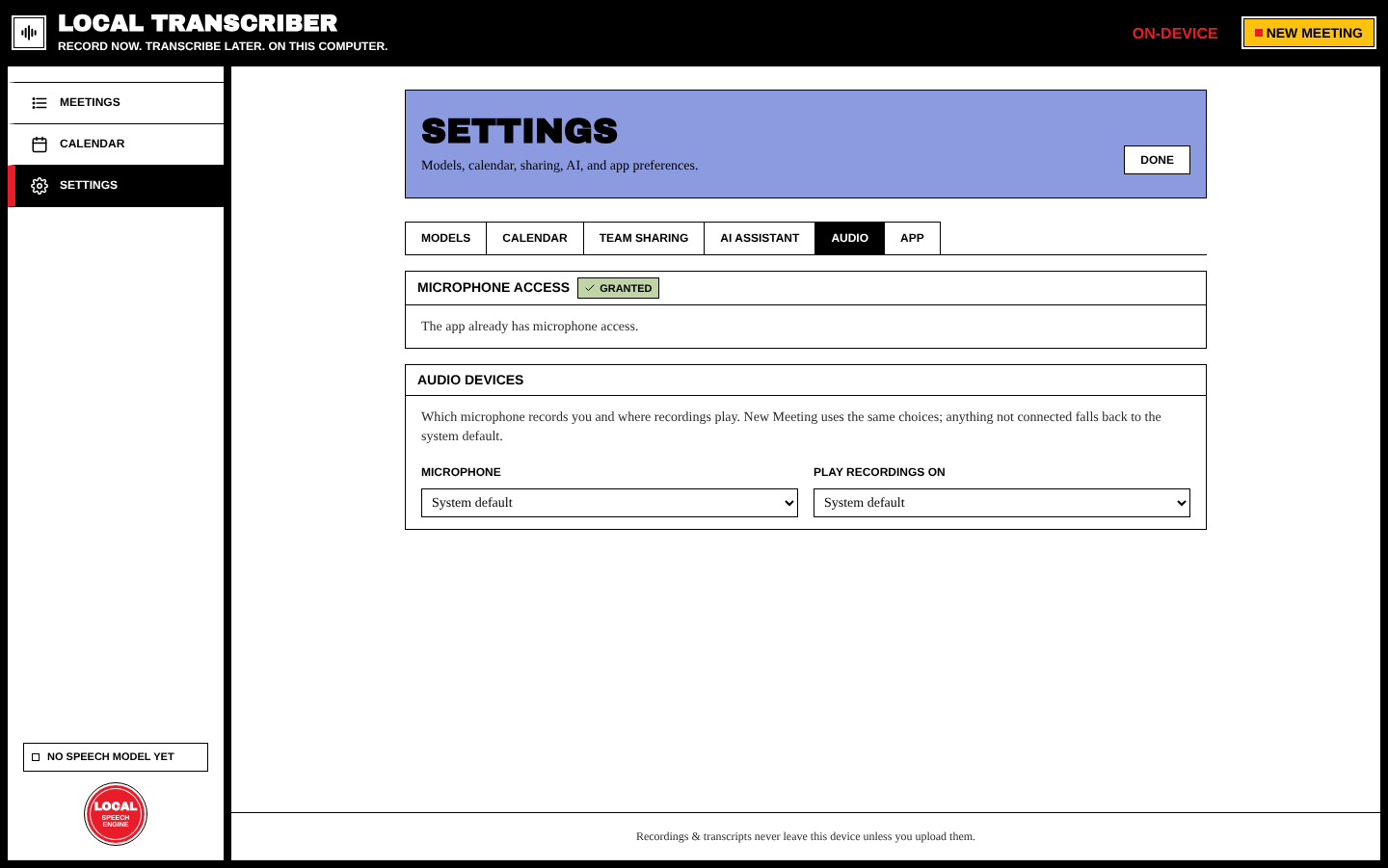
| Section | What it does |
|---|---|
| Microphone access | Shows the permission state and lets you grant it |
| Audio devices | The default microphone and output devices used for recording and playback |
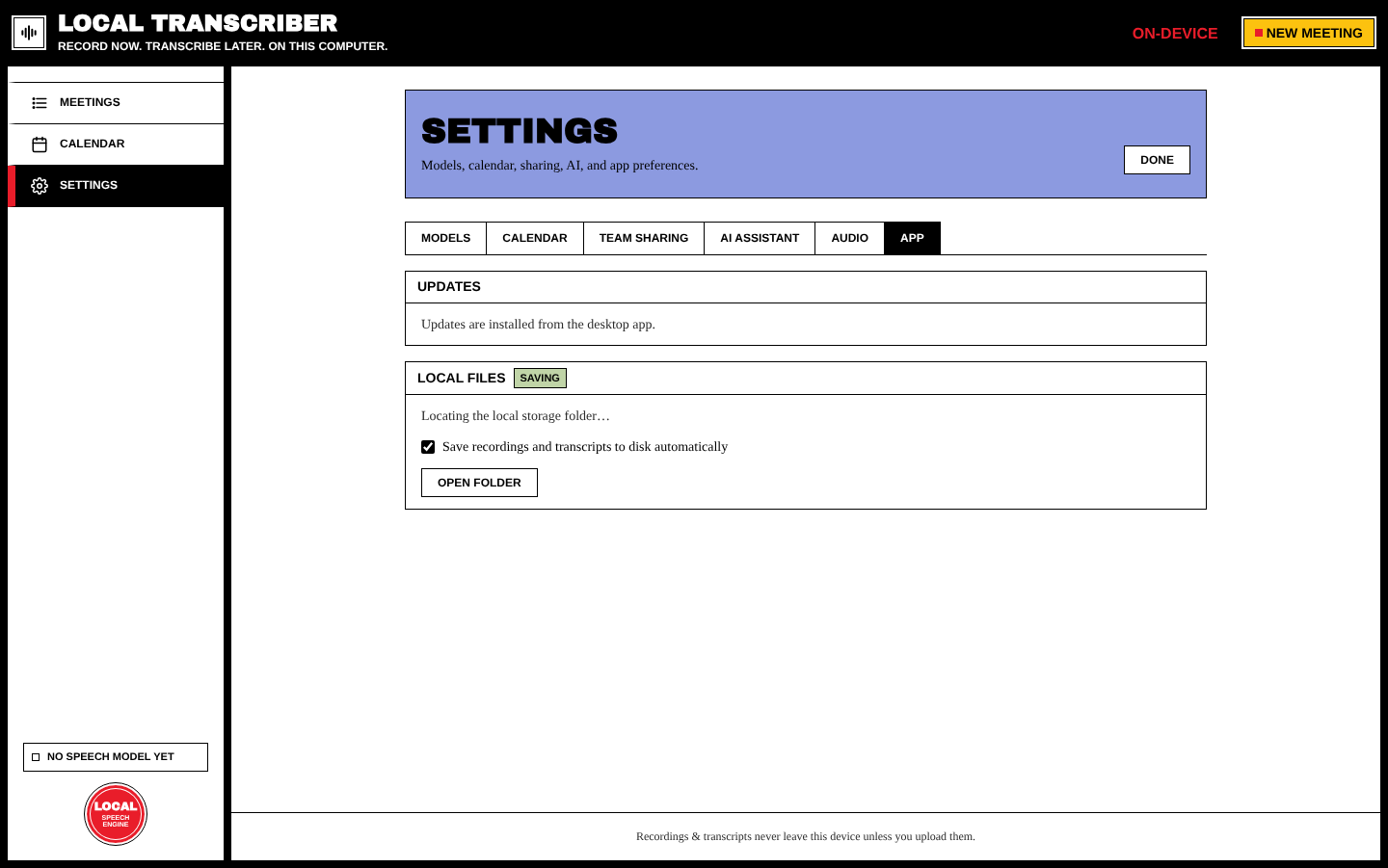
| Section | What it does |
|---|---|
| Updates | Check for updates, plus a switch: Check for updates when the app starts (contacts GitHub only). See Updates. In the browser preview it only says "Updates are installed from the desktop app." |
| Local files |
Save recordings and transcripts to disk automatically copies each finished meeting to <Documents>/Local Transcribe/<title-id>/. Open folder opens it. |
Settings screenshots were taken in the browser preview of the app. The desktop app shows the same tabs, plus engine, GPU and update details.