Repository navigation
FAQ
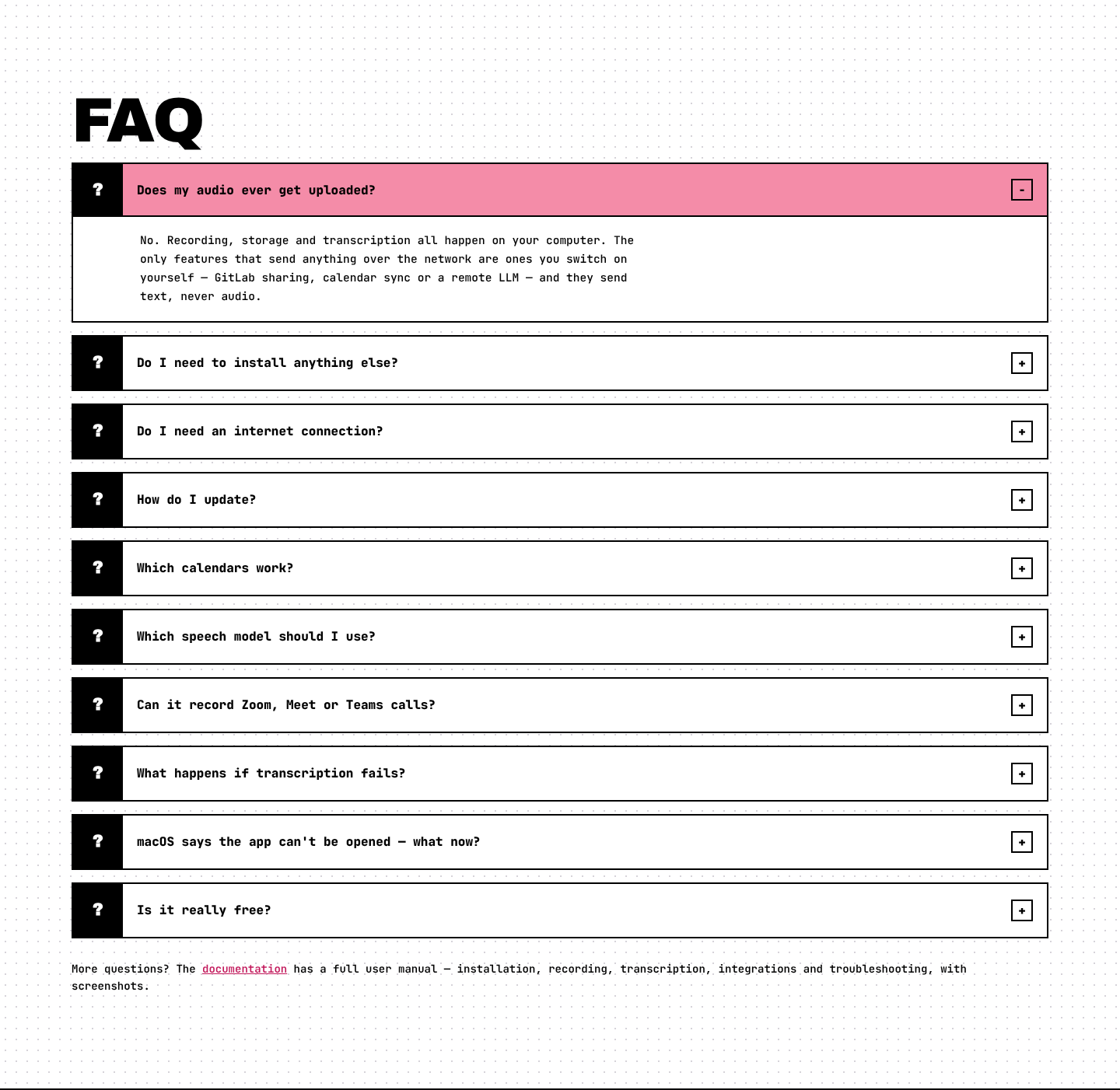
Does my audio ever get uploaded? No. Recording, storage and transcription all happen on your computer. The only features that use the network are ones you turn on yourself (GitLab sharing, calendar sync or a remote LLM), and they send text, never audio. See Privacy.
Do I need to install anything else? No. whisper.cpp ships inside the app. The first time you transcribe, it downloads a speech model once (about 550 MB). Power users can plug in their own GPU engine (voxtype or a whisper.cpp build).
Do I need an internet connection? Only to download the app and the speech model once. After that, recording, transcription and local summaries work fully offline. The calendar keeps each month on your device too.
How do I update? From inside the app: Update & restart. See Updates.
Which calendars work? CalDAV (SOGo, Nextcloud, Zimbra, Kerio…), Microsoft 365 (Graph) and on-premises Exchange (EWS). See Calendar Integration.
Which speech model should I use?
Start with large-v3-turbo. For the best accuracy, use parakeet-tdt-0.6b-v3 (S tier; on Linux it needs voxtype's ONNX variant). See Transcription#speech-models.
Can it record Zoom, Meet or Teams calls? Yes. Choose Mic + Device and wear headphones. See Recording a Meeting.
What happens if transcription fails? Nothing bad. The recording is never changed by transcription. You'll see "Your original recording is still safe." and a Retry button.
Is it really free? Yes. It's open source under the MIT license. No tiers, no trial, no account.
Can I use it on my phone? No. Local Transcriber is a desktop app for macOS, Windows and Linux. The website works on phones, so you can read about the app and find the download link there.