Repository navigation
Navigation and Directions
The Map tile: MapLibre with OpenFreeMap vector tiles (free, no key, no usage cap), dark and light, 3D buildings, search (Nominatim) and routes (Valhalla) with ETA. Your places (home, work…) are one tap away.
Turn-by-turn on the 3D map itself: Start now guides you on the dashboard's own map, no Google Maps needed: spoken instructions, rerouting when you leave the route, and the next turn in the map banner, the Directions tile, the Canvas card and the second screen's cluster. The small open in button next to Start still hands the route to Google Maps or Waze.
- One guidance at a time: sending a destination to Maps or Waze ends the 3D map's guidance. A tap on its directions offers to stop it, and a steering-wheel button can learn Stop the guidance. Guidance left running is dropped after the car was off for 2 hours.
- If the map can't guide a route, Start hands it to your navigation app.
Status: not yet driven in the car (a crash on Start was fixed on 2026-10-04).
Your own servers: Settings → System → Show all → Map and route servers takes your own map style, Valhalla routing server and Overpass server (asked first for speed limits, cameras and station names); one tap goes back to the free ones.
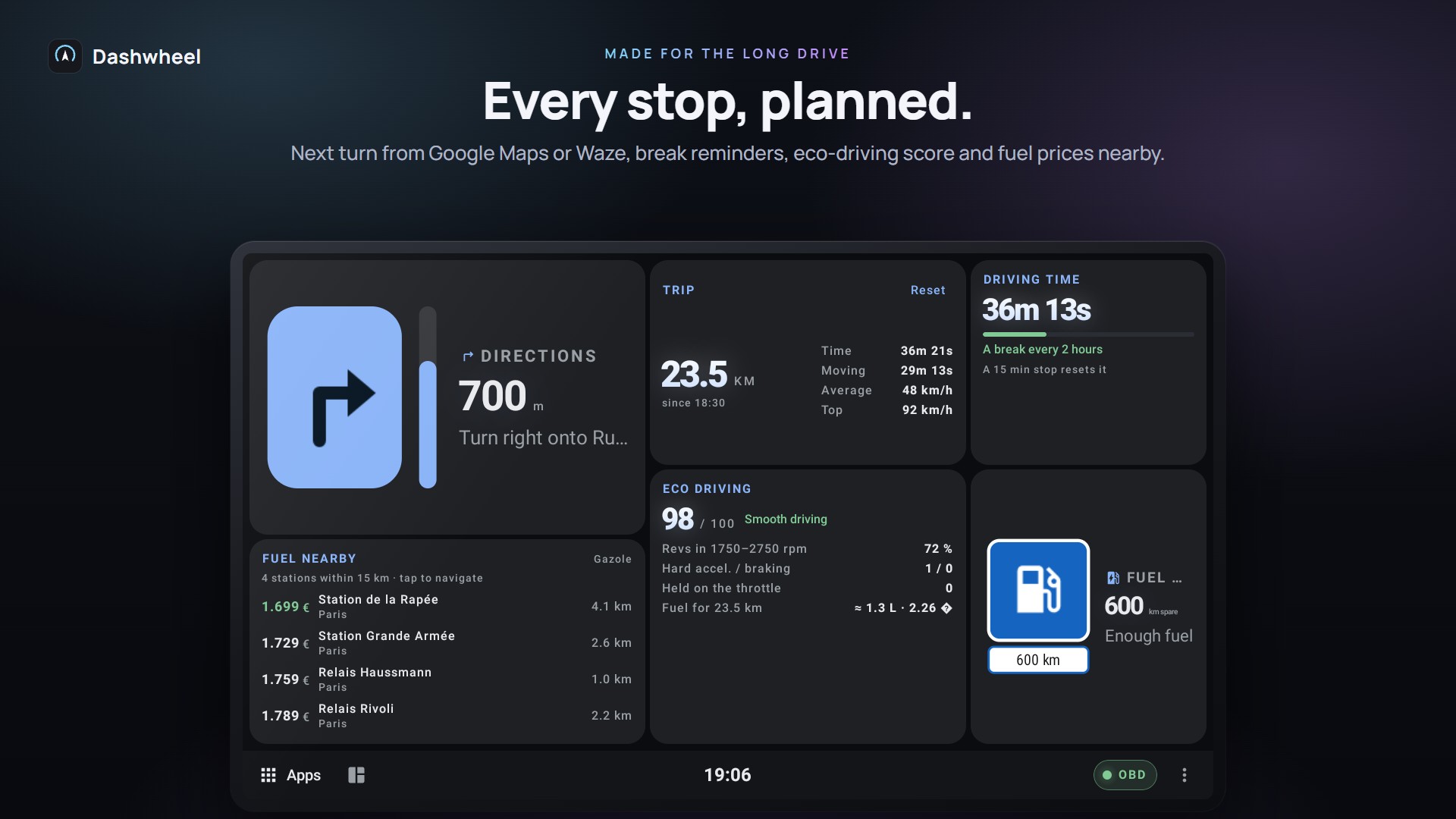
While Google Maps or Waze navigates (or the built-in map guides), Dashwheel reads its navigation notification and shows the next turn, distance and ETA as a tile, or as a banner over the map. Needs Notification access. Also feeds the Canvas journey strip and the second screen's Directions page.
- Waze: its notification carries no turn, so Dashwheel reads Waze's guidance banner through its accessibility service, only while Waze runs (GitHub edition). The tile names Waze while it runs, even before a turn can be read.
- Waze or Maps inside a tile: an app in a tile runs on a screen of its own that the accessibility service never sees, which is why Waze in a tile gave no turn on the K706. Dashwheel now reads the tile's own picture with on-device text recognition, every second and a half while there is something to read: Waze's next turn, its distance and the arrival line reach the Directions tile and the second screen. Status: Google Maps' turns show in the car; reading Waze's tile is new on 2026-10-10, not yet confirmed in the car. The unit log records what is read, to teach the reader a layout it gets wrong.
- The tile's button opens the navigation app running now, else the one set for the unit's NAVI key, not always Google Maps.
| Way | Needs |
|---|---|
| Maps window tile / Maps dock layouts (map on the left or right, dashboard beside) | Root shell |
| Google Maps inside a tile | Root + PMPatch3 |
| Under the Canvas dashboard | Root + PMPatch3 |
| On the second screen | Root shell + Raspberry Pi |
See Apps on the Dashboard and Root and PMPatch3.
Speed limit, speed cameras (warnings off by default), home and work drive times, commute, parking timer: see Widgets and Designs.
Speed limits and cameras come from OpenStreetMap's Overpass servers. When the main one is down, three others are tried and one that failed is left alone for five minutes; while none answers, the tiles say Map data server not answering instead of looking like a road with no limit or no camera.
Google Maps and Waze don't tell other apps their destination. Dashwheel still finds it, for the second screen's route line:
- Maps and Waze: the destination is read off their route preview, the screen that names both ends before Start (off the tile's picture, or the screen). The place is looked up near the car, so a shop's name finds the one down the road.
- Waze, with root: where Waze is going is read from Waze's own files, which is exact and wins over what the screen says.
Status: new on 2026-10-10, tested on screens read from the unit; not yet driven.
Share a place or address from the phone (Companion) and the car starts navigating to it.
- The phone's GPS can stand in for the unit's, in Maps, Waze and every tile: see Phone Link and Companion.
- A parked car no longer shows 1 or 2 km/h from GPS drift: below 3 km/h the GPS speed reads 0.
Getting started
Dashboard
Car
Road
Phone and screens
More
