Repository navigation
The Video screen
Shooting and video · Русский · Contents
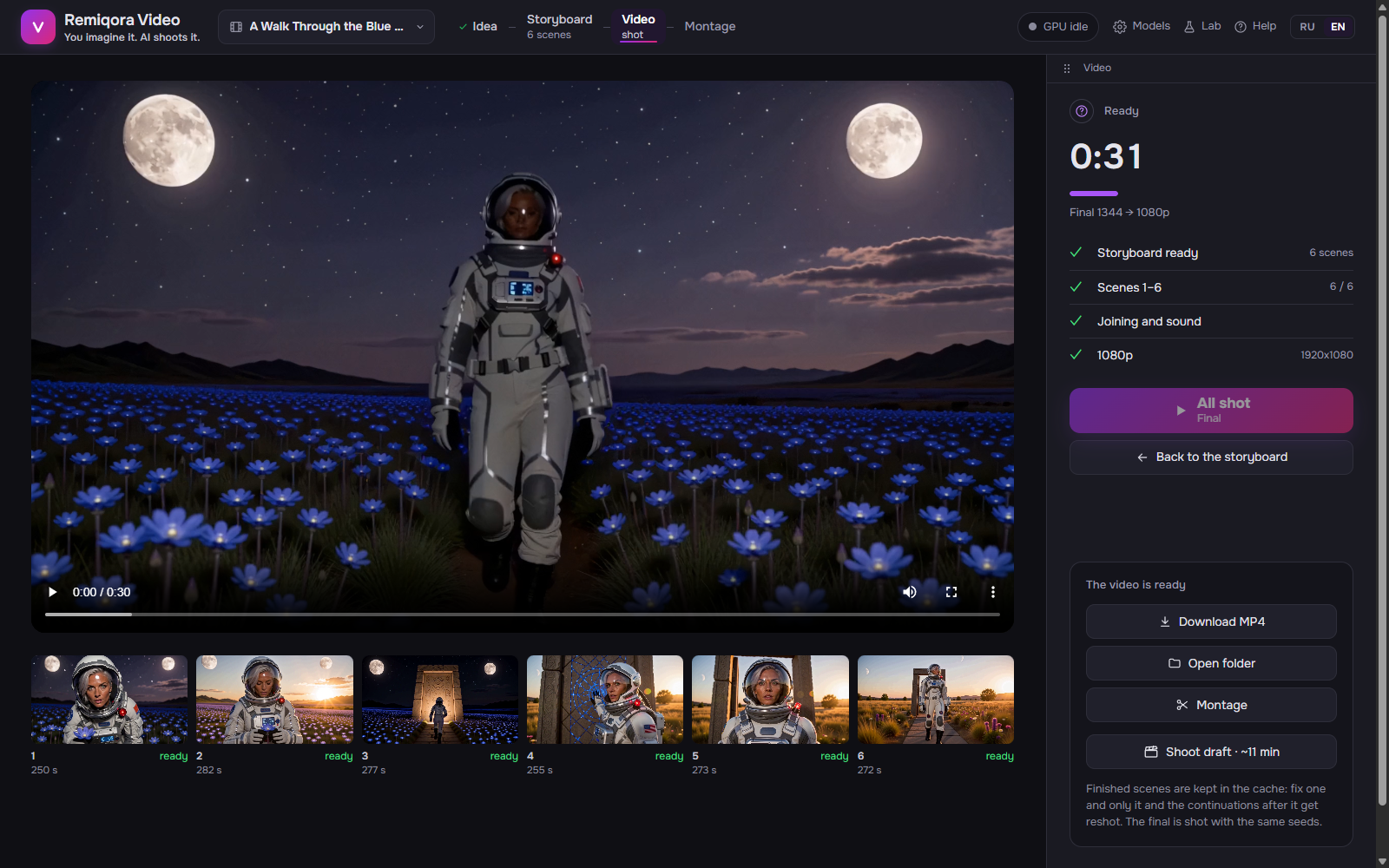 The film: the shot scenes, the output and the player
While shooting, the latest finished scene; afterwards, the whole video. Click a scene below to watch it.
«from cache»; «87 s», how long it took to shoot; «step 5/8» with a percentage; «waiting for frame», a continuation waits for the previous scene; «postponed», after a stop.
The current scene finishes and is saved; the rest wait for the next run.
Interrupts the shoot; the current scene is lost.
The finished video (the name carries the format, e.g. _4k_hdr_48fps) and the project folder.
The list above the buttons: «Model and encoder» (starting, loading or «in memory»), «Scenes 1–N» with the count shot, «Join and sound» (or «Join from the montage»), «Music: …» if there is a track, and the output if it isn’t «as shot».
Depending on the situation: «Shoot video», «Shoot what changed» (some scenes are already shot), «Build from the montage» (the montage changed), «Remix the music», «Rebuild: …» (the output changed) or «All shot». Under the label: the quality and the time estimate.
A button next to «Open folder»: trim scenes, reorder, transitions, sounds, and build again (the «Montage» section).
The same scenes with the same seeds in a different quality; the size differs per model and is in the button’s tooltip (on H3 the final is 1344×768). Next to it, the time estimate.