Repository navigation
gsheet_add_column
Adds the data from a Python list as a column to a tab in a Google sheet using the gspread package. Each list item will fill a cell in the first empty column of the chosen Google sheet tab.
Note
Google-sheet-related functions require a security token to be set up prior to use. Read the Google Sheets Setup for a guide on how to do this.
Arguments:
-
sheet_key(string, mandatory)- the unique key for identifying the google sheet
- can be found in the url of the sheet between
/d/and/edit?
-
tab_name(string, mandatory)- the name of the tab you want to update within the google sheet
- "tab" is an informal term, officially these are called "worksheets" within Google's documentation
-
col_data(list, mandatory)- a list of values that you want to append as a column to the end of the current data in the sheet
- be aware that large integers passed may sometimes be converted to scientific notation
- it's recommended to pass all data to the spreadsheet as strings if possible to avoid this
-
oauth(boolean, optional, default=False)- by default this function assumes you want to use a google service account for authentication
- setting this to
Trueattempts to use an OAuth token instead
Returns:
- adds the passed list to the first empty column of the specified tab of the chosen sheet
The following example uses this Google sheet.
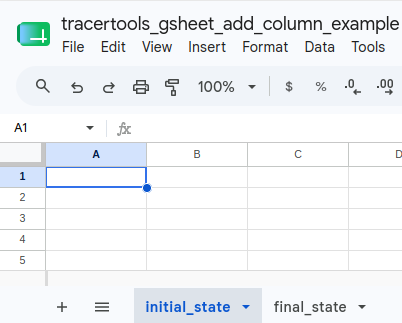
First, we start with a blank Google sheet.
Then you can run the following code to populate it with your list.
INPUT:
import tracertools as tt

# creates the list to be added as a column
column_info = [
    "segment",
    "720575941473274509",
    "720575941524660200",
    "720575941565377335",
]

tt.gsheet_add_column(
    sheet_key = "1AqIyrqSaEJFGD5Ff1fergwJ8-q0x2l0xCgO025C401c",
    tab_name = "final_state",
    col_data = column_info,
)
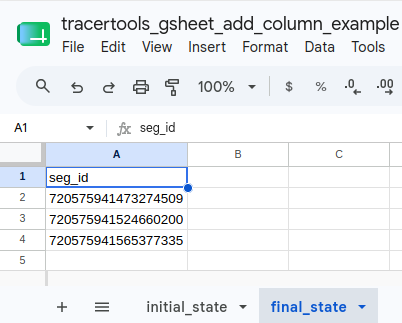
You should now have a filled in sheet: