Repository navigation
Setup Audio and Network
The sound and the network of the cabinet: Setup > Audio Setup and Setup > Network Setup.
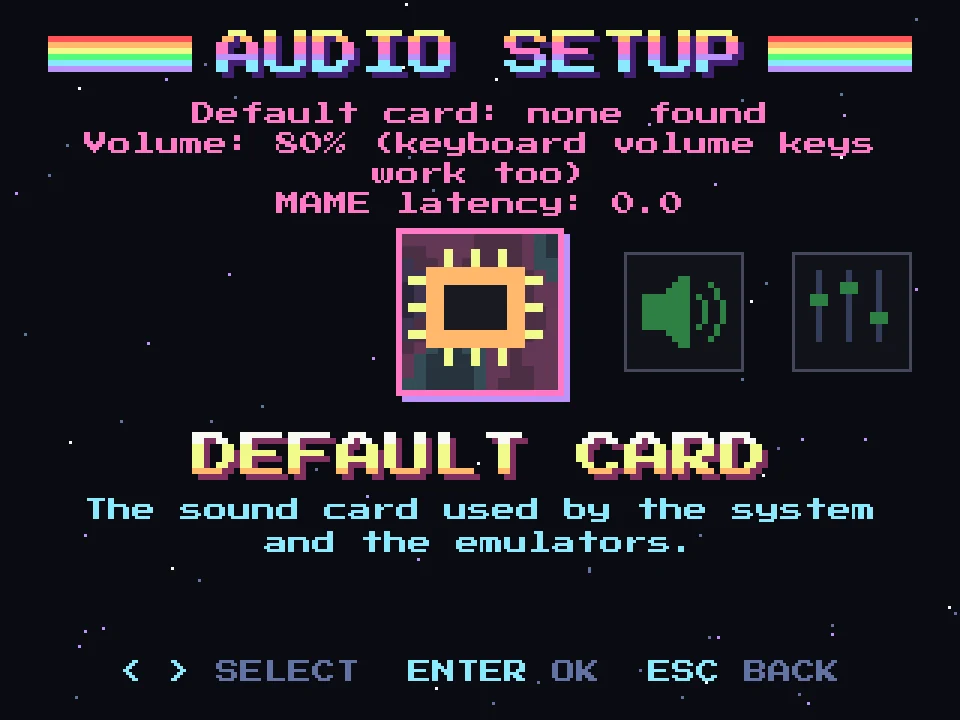
| Item | What it does |
|---|---|
| Default card | The sound card used by the system and every emulator |
| Volume | From 0 to 100. The volume keys of a keyboard or a panel work too (Power and volume buttons) |
| Stereo or mono |
Stereo keeps left and right apart; Mono mixes both channels (half of each) and plays the same sound on both outputs, for a cabinet with a single speaker. It is mono in fliperos.conf; the installer asks it right after the video step. Games opened after the change use it |
| AlsaMixer | Every control of the sound card, one by one |
| MAME audio latency | GroovyMAME's sound buffer, 0.0 to 50.0 (0 is MAME's default). Lower responds faster; raise it if the sound crackles |
| Test sound | Plays a sound to check the speakers |
| Menu sounds | The sound and the volume of each menu event: browsing, Enter, Back, a game opening and closing, and alerts |
There is no sound server: every emulator plays straight into ALSA, in KMS or in X, so this volume and this card count for all of them.
Like the select screen of a game. Menu sounds lists six events, each with its own sound file and its own volume:
| Event | Plays when |
|---|---|
| Browse | The cursor moves through a list |
| Enter | You go into something: Enter, a menu, a choice |
| Back | You go back: Esc, Return, a menu that closes |
| Open game | The menu opens the frontend, the desktop or a game |
| Close game | It closes and you are back in the menu |
| Alert dialog | A message or a question opens |
FliperOS comes with a set for all six, so the menu has sound from the start: retrowave sounds made of soft sine waves and a warm echo (a short tick for the cursor, two rising or falling notes for Enter and Back, an arpeggio that opens or closes for the games, a bell for the alert). To change an event, open it:
-
Sound file opens the file picker (the same one as the rest of the Setup), starting in
~/media/fliperos-sounds. Pick a WAV, OGG, MP3 or FLAC; it plays at once. - Volume is from 0 to 100, for this event only.
- Play plays it with that volume. Use the default brings the FliperOS sound back, and No sound keeps the event quiet.
The first item, Sounds, turns every menu sound off and on, and Sounds folder shows where the files are. The sounds FliperOS comes with are copied there the first time, so you can see them and replace them; a file you replace stays as you left it. Short sounds (under a second) work best: a longer file is cut after 10 seconds. A new sound cuts the one still playing.
The six sounds are shared with the FliperOS frontend: its Frontend sounds (Tab > FRONTEND SOUNDS) is this same list, so a file or a volume changed in one place is changed in the other. Only the music and the preview video's volume are the frontend's alone. The move.wav and select.wav that older versions read from /opt/fliperos/sounds/menu still stand in for Browse and Enter until you pick others.
- The default card is written to
/etc/asound.conf. The volume movesMaster,Front,SpeakerandHeadphoneand leavesPCMat its maximum, as on GroovyArcade; a card with onlyPCMusesPCM. It is saved at every change, because cabinets are usually switched off at the wall. - RetroArch uses
audio_driver = alsa, GroovyMAMEsound sdlon the ALSAdefault(throughlibfliperos-sdl-audio.so), and the SDL emulatorsSDL_AUDIODRIVER=alsa. - MAME audio latency is
audio_latencyinmame.ini(GroovyArcade's "Audio Latency MAME"). - The HDA codec stays always on (
options snd_hda_intel power_save=0). With the Ubuntu kernel's 1 s power saving it went silent and popped in the speakers each time it turned back on. - Menu sounds are
fliperos-setup/gui/fesound.py(the frontend uses it too). The six events, each with a file (off, or empty for the default) and a volume, are~/.config/fliperos/sounds.jsonof the cabinet's user, written by the Setup (as root, handing the file back to the user) and by the frontend, so they are one set;menu_sounds=offinfliperos.confsilences all of them. What older versions kept asmenu_sound_EVENTinfliperos.conf(and infrontend.json) is moved into that file the first time. The graphical menu (fliperos-gui) plays the six itself, through pygame's mixer, each at its volume. The text menu has only Gum's own two, through FliperOS's patchpatches/gum/0002-sons-do-menu.patch(GUM_SOUND_MOVEandGUM_SOUND_SELECT, played withaplay): the Setup hands it a copy of the file already at the event's volume, kept in~/.cache/fliperos/sounds. Open and close game are played byfliperos-tty1around what the menu opens. The default sounds arefliperos-setup/gui/sounds/*.wav, made bytools/make-default-sounds.py.
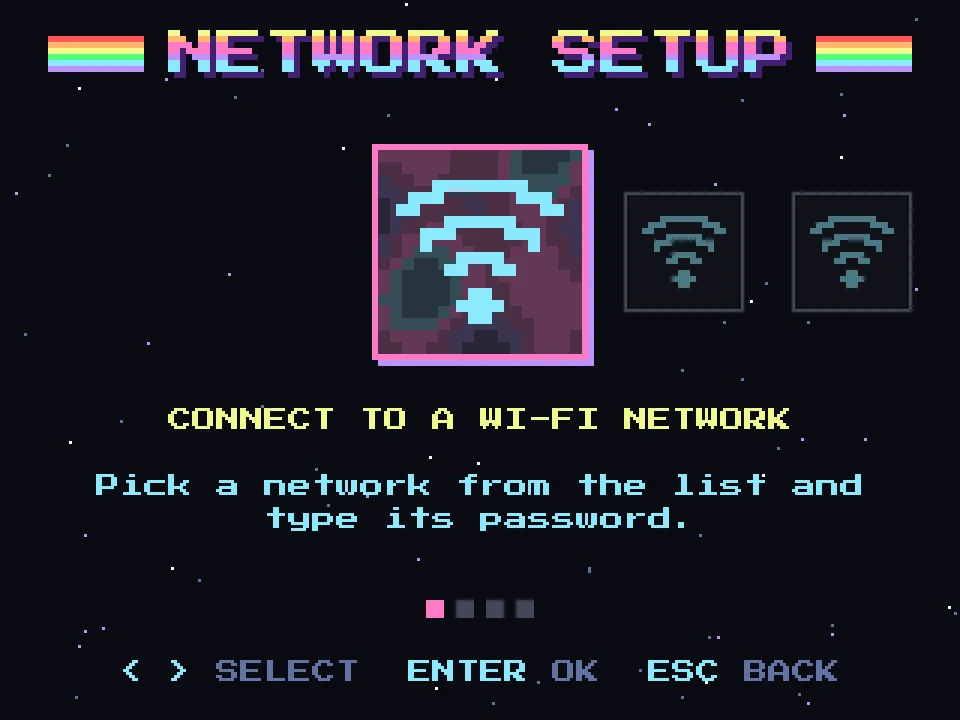
| Item | What it does |
|---|---|
| Connect to a Wi-Fi network | The networks in range, with their signal. Pick one and type its password |
| Connect to a hidden network | For a network that hides its name: type the SSID, then the password |
| Network status | The connections and the IP address of the cabinet |
Once connected, the IP shows in the FliperOS menu's title. Connecting to Wi-Fi also checks for a FliperOS update right away, without waiting for the next boot (Updates and versions).
The network cable needs nothing: it connects by itself.
Some USB adapters (the Realtek RTL8188GU and similar) plug in as a CD-ROM with their own drivers and only become Wi-Fi after a switch. FliperOS does it by itself when you plug them in (usb-modeswitch), and updates add it to cabinets installed before. If the adapter still shows as a CD-ROM, Network status says so: unplug it and plug it in again.
The Wi-Fi password, a hidden network's name and every other password in the Setup have an on-screen keyboard:
- the arrows pick a key and button 1 types it;
- SHIFT gives capitals and symbols;
- SHOW shows the password as you type it.
Everything in the Setup that downloads checks the internet first: the Downloader, the Scraper, System Update, installing an emulator, a frontend or an extra. Without internet:
- with a Wi-Fi adapter, it offers to connect to a Wi-Fi network, then carries on with what you asked;
- without one, it asks for the network cable.
- NetworkManager runs both the cable and the Wi-Fi (
nmcli). The Wi-Fi radio itself is a service you can turn off in Setup > System > Services (System Setup). - The switch of a USB adapter that shows as a CD-ROM is
usb-modeswitchwithusb-modeswitch-data(in the image;tools/cabinet-update.shinstalls them on older ones).net_hardwareinlib/network.shlists the adapters and warns about one still in CD-ROM mode. - The first boot offers Wi-Fi only when the cable brings no internet (Installed system).
See also: Remote access, Web panel.