Repository navigation
Wheels and quirks
The rest of the controls: calibrating a wheel, pedals or an analog stick, joysticks on the parallel port, fixes for USB devices that arrive wrong, and how the emulators see a controller through SDL.
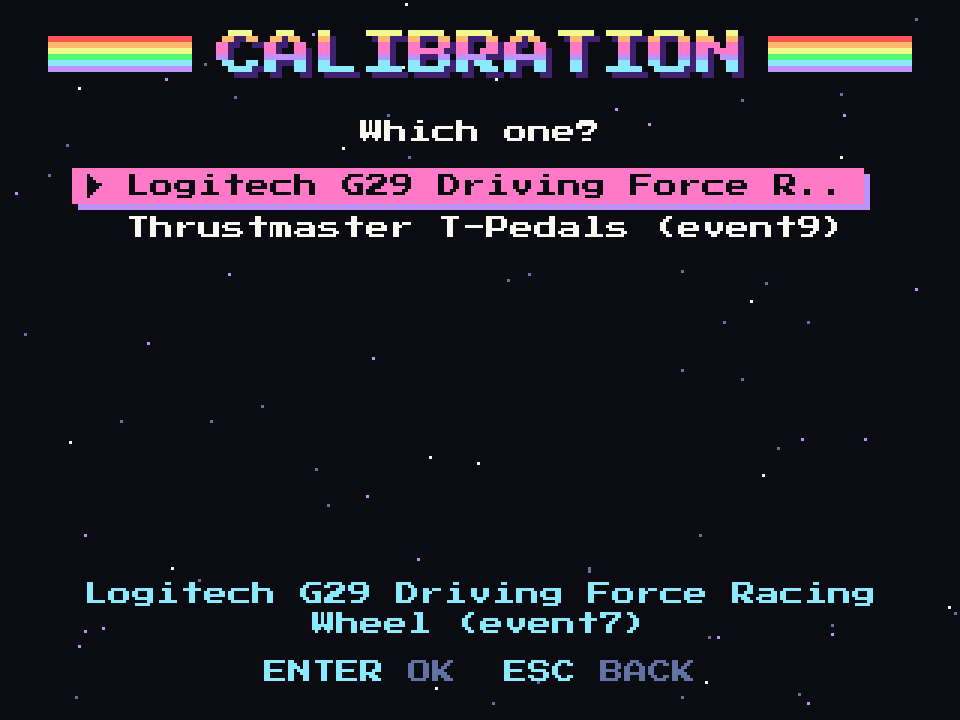
Setup > Joysticks > Calibrate wheel, pedals or analog stick. Pick the device. In the graphical Setup it is drawn over the menu's background: the wheel turns with yours (in degrees, when the driver says how far it turns), the pedals fill up, and a yellow mark shows how far each one has gone.
- Turn the wheel lock to lock and push each pedal all the way.
- Release the pedals.
- Hold a button to save.
- Press every button: each one lights up where it is on a drawing of the controller (the wheel, a joypad, or rows of buttons for a panel) and turns green once it worked.
- Force feedback: the wheel pulls to one side, then the other, then shakes (a joypad only vibrates). Tap a button to play it again.
Hold any button of the controller for one second to go on; a short tap only lights the button. Esc on the keyboard cancels.
- Wheel: the travel from lock to lock, centred in the middle of it, with no dead zone. A wheel without a centring spring stays wherever the hand leaves it, so its resting point is not used.
- Analog stick: a range centred on where it rests, so the centre gives 0 and both sides reach the end, with a 1% dead zone.
- Pedal: the range it showed.
- The calibration is reapplied every time the device is plugged in.
- While it runs, the controller stops working as a keyboard for the menus: turning the wheel used to send arrow keys, and the calibration took them as Esc and closed. In the menus a wheel moves only with its d-pad and buttons.
Setup > Joysticks > LPT joysticks: joysticks and pads on the parallel port, through the kernel's own drivers.
| Adapter | Driver | Controllers |
|---|---|---|
| Gamepad adapter | gamecon |
NES, SNES, N64, PlayStation, DDR mat, Multisystem; up to 5 per port (pins 10, 11, 12, 13 and 15) |
| DB9 adapter | db9 |
Atari, Amiga, Master System, 3/5/6-button Genesis, Saturn, CD32; the port must be in EPP or ECP mode in the BIOS |
| TurboGraFX interface | turbografx |
Up to 7 Multisystem joysticks |
The adapter can't be detected: say which one it is and what is connected to each input. The Setup loads the driver right away, shows the joysticks it created (Found now), and loads it at every boot; Turn off removes it.
The port is often disabled in the BIOS (Super I/O > Parallel Port); without one on the motherboard, use a PCI or PCIe parallel card. Parallel port joysticks also move the menus.
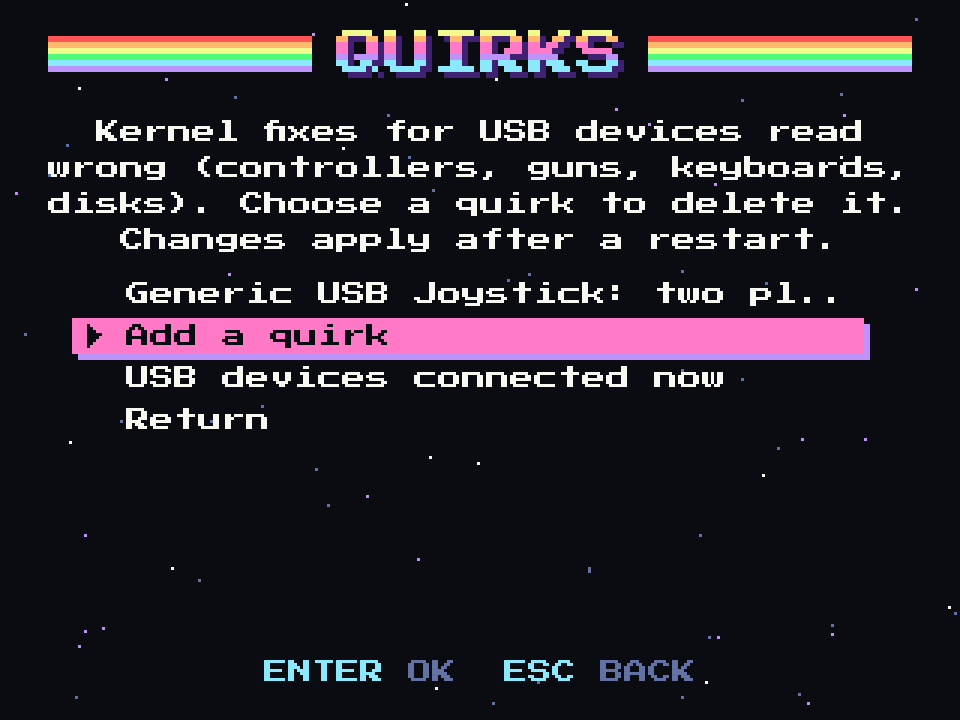
Setup > System > Quirks: kernel fixes for USB devices that arrive wrong, like a dual encoder that shows up as one player, or a SATA adapter that drops off. It is in System, because it is about any USB device.
- Add a quirk asks for a name and a code.
-
USB devices connected now shows the
vendor:productof each connected device. - Choosing a quirk in the list deletes it.
It applies after a reboot. Done on the installation media, it goes along to the disk.
| Device | Code | Example |
|---|---|---|
| Controllers, guns, keyboards | 0xVENDOR:0xPRODUCT:0xFLAGS |
0x16c0:0x05e1:0x40: a dual Xin-Mo encoder as two players |
| Disks and pen drives |
VENDOR:PRODUCT:LETTERS, without 0x
|
152d:0578:u: UAS off for a SATA adapter that hangs |
Useful flags for controllers: 0x40 one device per player (MULTI_INPUT, dual encoders), 0x8 no GET requests (NOGET, an encoder that hangs), 0x400 always poll (ALWAYS_POLL).
The kernel reads at most 4 controller quirks (disk quirks have no such limit).
AntiMicroX, PCSX2, DuckStation, Dolphin, Flycast and RetroArch read controllers through SDL2. For a controller outside its database, SDL makes a mapping by itself, often incomplete:
- buttons without a counterpart on a modern pad (
BTN_C,BTN_Z, extra buttons) are left out; - a digital D-pad sent as axes from −1 to +1 (common in arcade encoders and V-USB projects) goes on the analog stick, so a game that moves with the D-pad doesn't move.
FliperOS fixes that by itself, at boot and whenever a controller is connected: leftover buttons go to triggers and extra buttons, and digital axes become the D-pad. Controllers in SDL's database (Xbox, DualShock…) and real analog ones (a wheel, a flight stick) stay as they are.
SDL reads the mappings when a program opens: a controller connected for the first time with RetroArch open works correctly after reopening it.
RetroArch can use udev (the default, showing each button's real number in its menu) or sdl2 (Drivers > Input), where the same mappings as the other emulators apply. Its menu always names the buttons after the RetroPad's (A, B, X, Y…); with an arcade core open, Quick Menu > Controls shows the game's names.
-
Calibration:
config/fliperos-calibrate axes, saved to/etc/fliperos/calibration.conf(one line per axis) and reapplied by udev on every connection. -
LPT:
/etc/modprobe.d/fliperos-lpt.confhas the module options andblacklist lp(the printer driver would claim the port), and/etc/modules-load.d/fliperos-lpt.confloads it at boot. The kernel finds the port itself (parport_pc). The screen isscreens/lpt.sh. -
Quirks: controller quirks are the
usbhid.quirksparameter, disk quirksusb-storage.quirks. The list lives in/etc/fliperos/quirks.confand goes into the kernel line (/etc/default/fliperos-boot), since the kernel only reads them at boot. -
SDL:
fliperos-controllers(through udev) asks SDL itself how it sees each controller and completes the mapping of those with an automatic mapping, or no mapping and a digital D-pad. The result goes to/var/lib/fliperos/gamecontrollerdb.txt(cumulative), pointed to bySDL_GAMECONTROLLERCONFIG_FILEin/etc/environmentand in the launchers. -
RetroArch with
udev: arcade panels had no factory profile, sofliperos-controllerswrites one in/opt/fliperos/retroarch/autoconfig/udevfor every controller with a digital D-pad and no analog stick that no profile covers, with the buttons in panel order in the arcade cores' layout: 1 2 3 = Y X L (top row), 4 5 6 = B A R (bottom row). The MAME cores read the RetroPad in another order, so a core remap (config/retroarch-remaps, in~/.config/retroarch/config/remaps/<core>) takes the panel's button N to the game's button N. On a panel with up to 9 buttons the 7th is Start and the 8th Select (coin); with 10 or more, 7 and 8 are L2/R2 and Select/Start move to 9 and 10. A profile saved from RetroArch's menu stays.
See also: Controls, Button mapping.