Repository navigation
Windows games
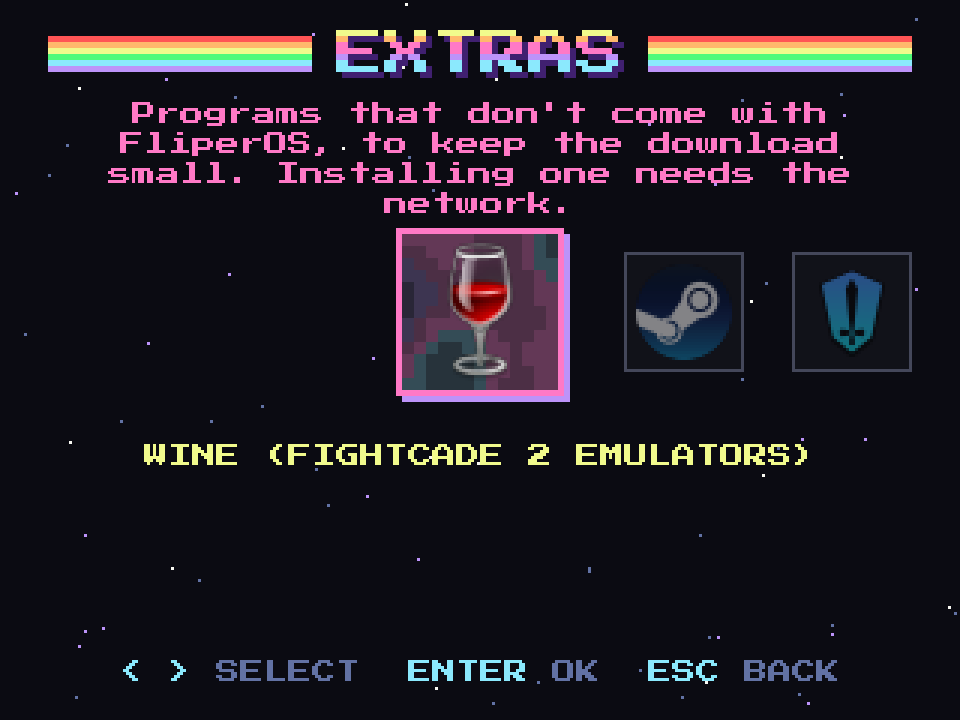
PC games for Windows on the cabinet: through Wine, PortProton, Steam or Heroic (GOG, Epic, Amazon). None of them is in the image: they come from Setup > Games > Extras (Games Setup), or by themselves with the first Windows game you add.
| Way | For | Opens |
|---|---|---|
| Custom games with PortProton | A Windows game you have as a folder or a package | On the tube, from the frontends, in its own video mode (Custom games) |
| Wine, Wine Staging | Fightcade 2's emulators, Hook Of The Reaper, custom games by command | On the tube |
| Steam | Your Steam library | Inside the LXDE desktop |
| Heroic | GOG, Epic and Amazon | Inside the LXDE desktop |
Wine is Ubuntu's (9.0 on noble), the stable one, and what Fightcade installs by itself. Wine Staging is the newest Wine from WineHQ: it has patches that aren't in Wine yet, so more Windows games run, and some run better. It is the development line, a new version every two weeks, so a game can also break with it.
Wine Staging takes the place of Ubuntu's Wine, so Fightcade, Hook Of The Reaper and the custom games use it without any change. A Wine prefix opened by a newer Wine is upgraded once and doesn't go back to the older one. Not yet tested on a cabinet.
On the tube: installing Wine also builds FliperOS's picture layers for 32 bits, so Windows games get the flicker filter and the on-screen menu, and DXVK (Vulkan) games too (Interlaced, colour and scanlines).
-
Steam: Ubuntu's
steam-installer; on first launch Valve downloads the client (hundreds of MB). - GOG: there is no official Linux client, so the Setup installs the Heroic Games Launcher (GOG, Epic and Amazon, the same as on the Steam Deck), which runs Windows games with the Wine/Proton it downloads itself.
Both open inside the desktop, from its Games menu. Their screens were made for larger monitors: on a 15 kHz tube at 640x480 they are cramped; on a 31 kHz monitor or an LCD they are much better.
- Wine Staging is
winehq-stagingfrom WineHQ's repository, with its key pinned inconfig/winehq-archive.asc. Its package replaceswineand provides/usr/bin/wine; with it installed, choosing Wine or Hook Of The Reaper in the Extras doesn't bring Ubuntu's Wine back. The apt fix of Updates and versions keeps a hand-added WineHQ source from blocking the updates. - The 32-bit layers are
/usr/local/lib/fliperos/i386/libfliperos-deflicker.soandlibfliperos-vkfps.so(built withgcc-multilibandlibdrm-dev:i386);fliperos-x11-clientloads them for awineor.execommand, or a custom game marked--wine. Fightcade's prefix is~/.local/share/fliperos/wine-fightcade. - PortProton is
config/fliperos-portproton(check,install,versions,edit-db,run). - Heroic is its official
.deb, with a pinned hash. Neither Steam nor Heroic is in the image, which would grow by over 500 MB.
See also: Custom games, Fightcade 2, Emulators.