Repository navigation
Installation
- Home Assistant 2025.1.0 or newer.
- HACS for the recommended installation (manual installation works too).
- An admin account for the editor. The card itself works for every user.
FNS Floorplan is not in the default HACS list, so you add it as a custom repository.
- Open HACS in the Home Assistant sidebar.
- Open the three-dot menu in the top right corner and choose Custom repositories.
- Enter
https://github.com/matata86/fns-floorplanas the repository and choose the category Integration. Click Add. - Search for FNS Floorplan in HACS and click Download.
- Restart Home Assistant (Settings, System, Restart).
Or open it in HACS directly with this button:
- Download the latest release from the releases page or clone the repository.
- Copy the folder
custom_components/fns_floorplaninto thecustom_componentsfolder of your Home Assistant configuration, so thatcustom_components/fns_floorplan/manifest.jsonexists. - Restart Home Assistant.
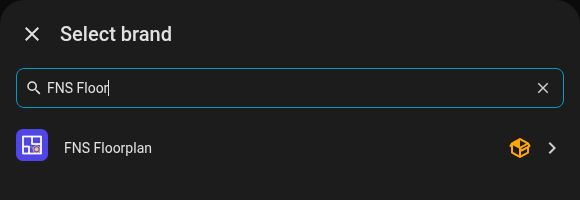
- Go to Settings, Devices & services, Add integration.
- Search for FNS Floorplan and add it. There is nothing to configure, only one instance can exist.
Or start it with this button:

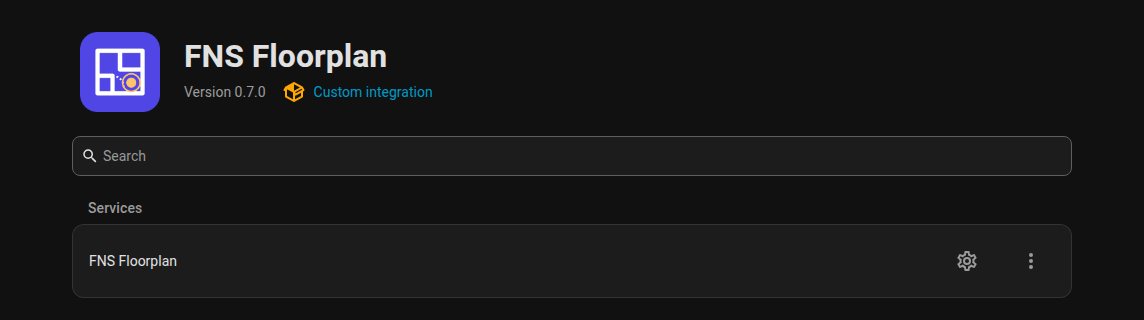
The integration registers the card, so you do not have to add a dashboard resource by hand.
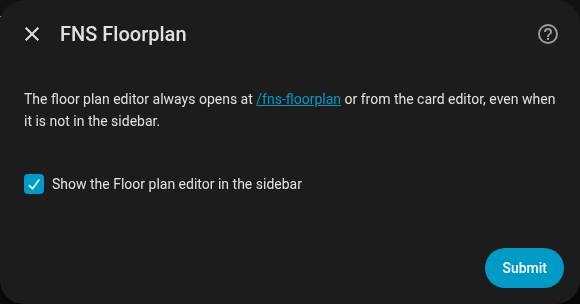
Click Configure on the integration card.
| Option | Default | Meaning |
|---|---|---|
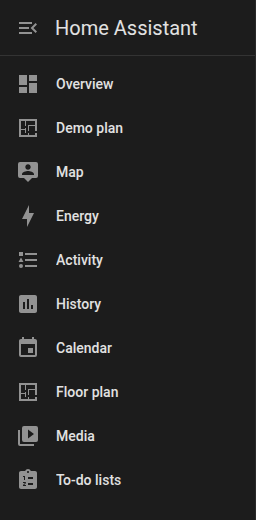
| Show the editor in the sidebar | on | Adds the Floor plan entry to the sidebar (admins only). |
The editor is always reachable at /fns-floorplan (for example http://homeassistant.local:8123/fns-floorplan), even with the sidebar entry hidden. The card editor in the dashboard has an Edit floor plan button that opens the same address.
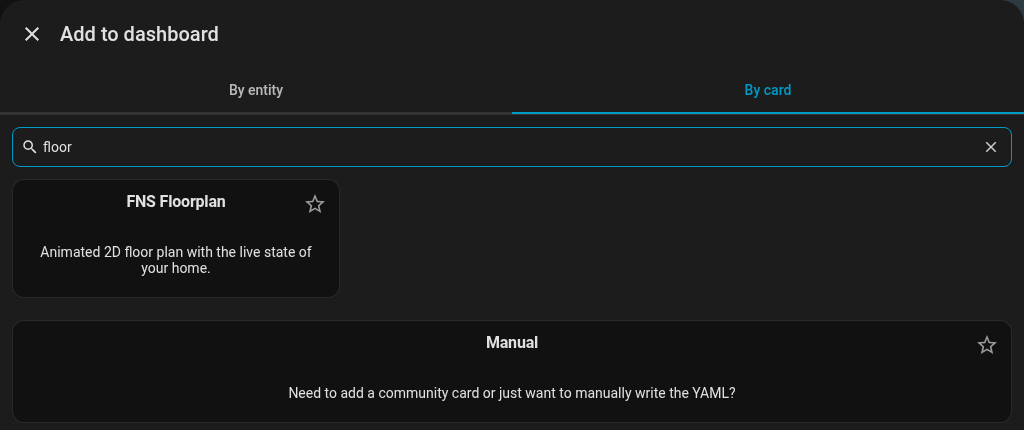
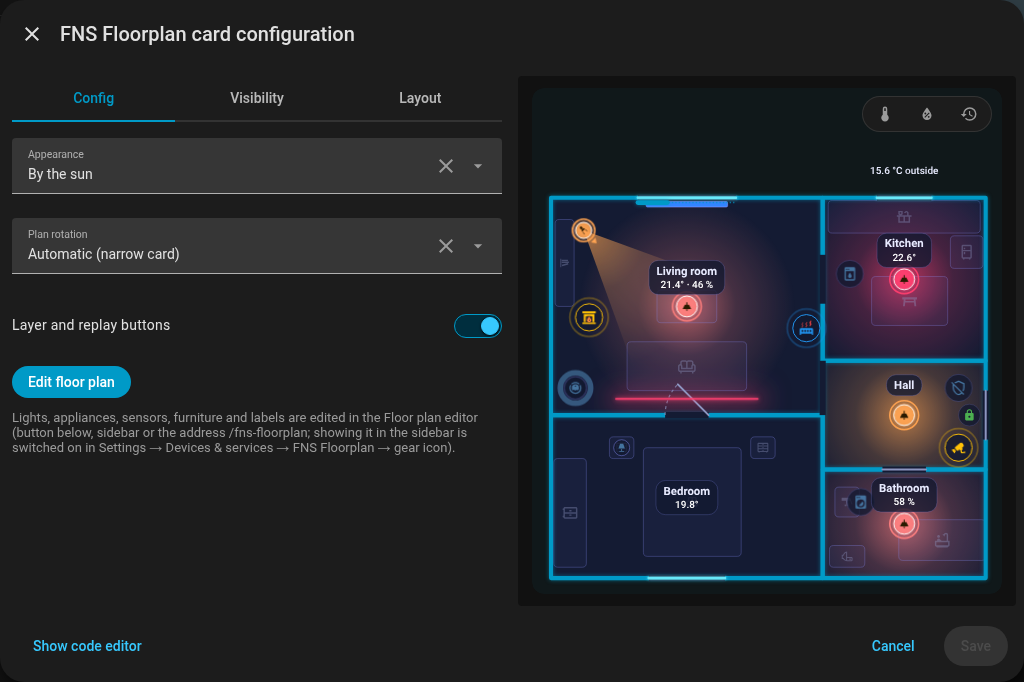
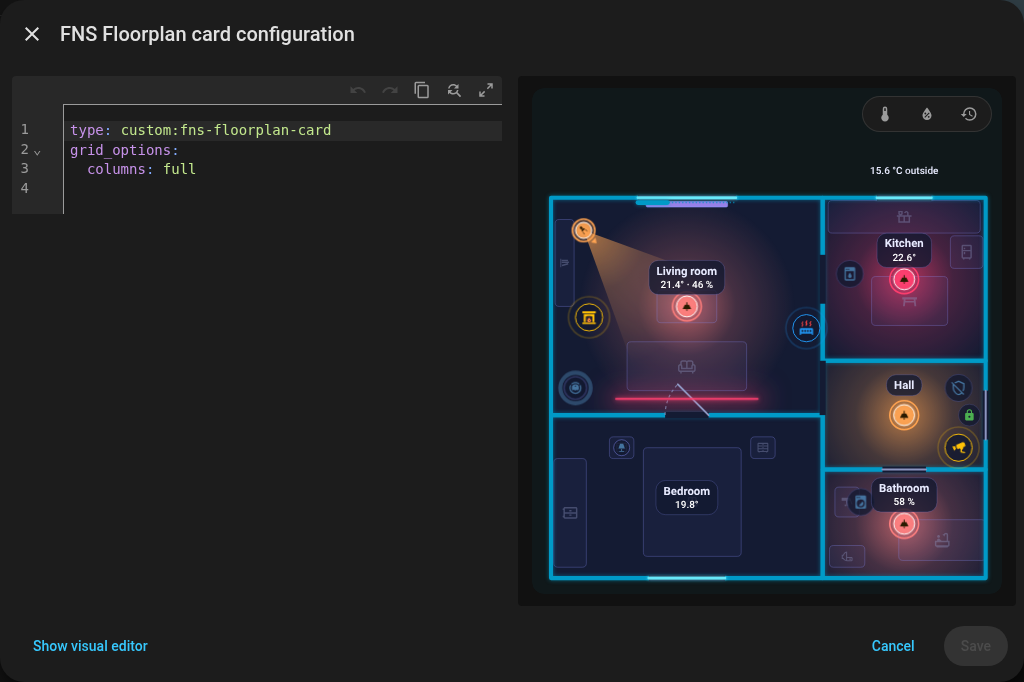
In dashboard edit mode choose Add card, search for "floor" and pick FNS Floorplan. The visual editor offers the options below and the Edit floor plan button; Show code editor switches to YAML.
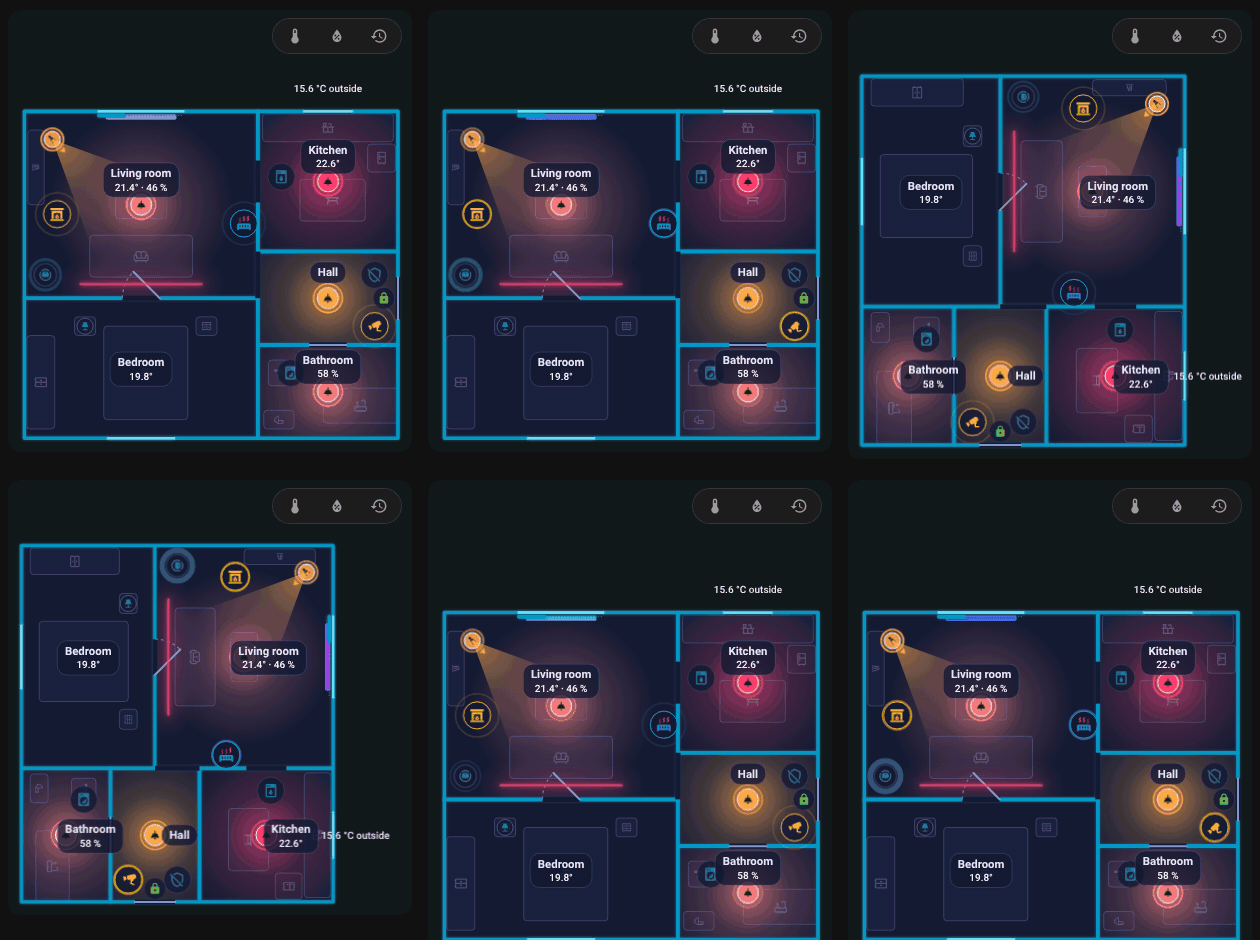
With rotate the plan turns by 90 degrees on a narrow card, shown here switching rotate between true and false.
Update through HACS like any other integration and restart Home Assistant. The card and the editor are loaded with the integration version in the URL, so your browser drops its cache by itself. If you still see the old version, see the FAQ.
Your plan is stored by Home Assistant (.storage/fns_floorplan) and is not touched by updates.
- Remove the card from your dashboards.
- Settings, Devices & services, FNS Floorplan, three-dot menu, Delete.
- Remove the repository in HACS (or delete the folder
custom_components/fns_floorplan) and restart. - Optional: delete the stored plan files
.storage/fns_floorplanand.storage/fns_floorplan.history, and the tracing images inwww/fns_floorplan/.
Next: Quick start.
Documentation site | Repository | Issues | Support: Ko-fi · PayPal · Bitcoin
English
- FNS Floorplan – help
- Installation
- Quick start
- Editor overview
- Rooms
- Doors and windows
- Items
- Rules
- Look
- Card
- Room panel
- Robot vacuum
- History and check
- Plan format
- Websocket API
- FAQ and troubleshooting
- Changelog
- The card is not found after the installation
- "Custom element doesn't exist" or a configuration error appears
- Icons are missing
- Some texts are not translated
- A light does not glow in the colour I expect
- The card shows the old version after an update
- The card is slow or choppy
- Saving says the plan changed meanwhile (conflict)
- The plan is empty
- A rule does not apply
- The sidebar entry is missing
- Something else does not work
- The card says it is waiting for the integration
- Support
Česky
- FNS Floorplan – nápověda
- Instalace
- Rychlý start
- Přehled editoru
- Místnosti
- Dveře a okna
- Položky
- Pravidla
- Vzhled
- Karta
- Panel místnosti
- Robotický vysavač
- Historie a kontrola
- Formát plánu
- Websocket API
- Časté otázky a řešení potíží
- Změny
- Po instalaci se karta nenajde
- Občas se objeví „Custom element doesn't exist“ nebo chyba konfigurace
- Chybí ikony
- Některé texty se nepřekládají
- Světlo nesvítí v barvě, kterou čekám
- Po aktualizaci karta zobrazuje starou verzi
- Karta se seká nebo je pomalá
- Při ukládání se hlásí, že se půdorys mezitím změnil (konflikt)
- Půdorys je prázdný
- Pravidlo se neuplatní
- V postranním menu chybí položka
- Něco jiného nefunguje
- Karta hlásí, že čeká na integraci
- Podpora
Deutsch
- FNS Floorplan – Hilfe
- Installation
- Schnellstart
- Editor-Übersicht
- Räume
- Türen und Fenster
- Elemente
- Regeln
- Aussehen
- Karte
- Raum-Panel
- Saugroboter
- Verlauf und Prüfung
- Planformat
- Websocket-API
- Häufige Fragen und Fehlerbehebung
- Änderungen
- Die Karte wird nach der Installation nicht gefunden
- „Custom element doesn't exist“ oder ein Konfigurationsfehler erscheint
- Symbole fehlen
- Einige Texte werden nicht übersetzt
- Ein Licht leuchtet nicht in der erwarteten Farbe
- Die Karte zeigt nach einem Update die alte Version
- Die Karte ruckelt oder ist langsam
- Beim Speichern heißt es, der Plan habe sich inzwischen geändert (Konflikt)
- Der Plan ist leer
- Eine Regel greift nicht
- Der Seitenleisten-Eintrag fehlt
- Etwas anderes funktioniert nicht
- Die Karte meldet, dass sie auf die Integration wartet
- Unterstützung
Polski
- FNS Floorplan – pomoc
- Instalacja
- Szybki start
- Przegląd edytora
- Pomieszczenia
- Drzwi i okna
- Elementy
- Reguły
- Wygląd
- Karta
- Panel pomieszczenia
- Odkurzacz
- Historia i kontrola
- Format planu
- Websocket API
- FAQ i rozwiązywanie problemów
- Lista zmian
- Karta nie jest znaleziona po instalacji
- Pojawia się „Custom element doesn't exist” lub błąd konfiguracji
- Brakuje ikon
- Niektóre teksty nie są przetłumaczone
- Światło nie świeci w kolorze, jakiego oczekuję
- Karta pokazuje starą wersję po aktualizacji
- Karta działa wolno lub się zacina
- Zapis zgłasza, że plan w międzyczasie się zmienił (konflikt)
- Plan jest pusty
- Reguła nie działa
- Brakuje pozycji w pasku bocznym
- Coś innego nie działa
- Karta pisze, że czeka na integrację
- Wsparcie